

Forma Grid Gallery
v1.1.0vlthemes · 2026年10月25日 上架
Portfolio and saved grid layouts: grid, masonry, metro, justified, freeform and slider, with AJAX filters, search, pagination and a lightbox.
- 正在使用
- 10 以下
- 评分
- 暂无
- 累计下载
- 344
- 最近更新
- 2026年11月4日
贡献者
 vlthemes
截图


📖 Documentation · 🧪 Try it in WordPress Playground · 💬 Ideas or bugs? Tell us
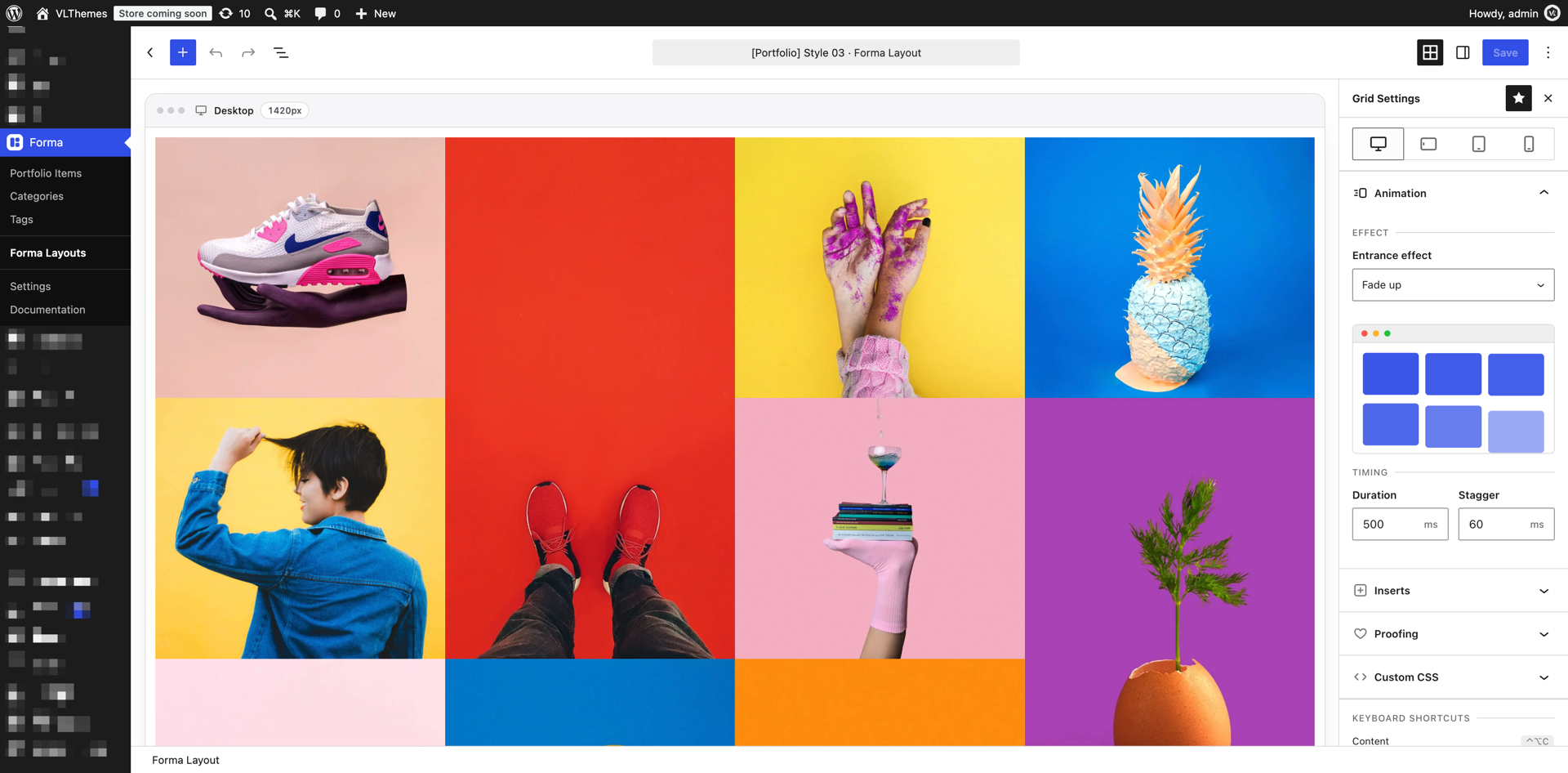
Forma builds portfolio and gallery grids for any WordPress site. You set a layout up once in a visual editor with a live preview, then place it with a block, an Elementor or WPBakery element, or a shortcode. It comes with a Portfolio of its own, and it shows posts, pages, products or Media Library images just as well.
🧱 Six layouts
- Grid, Masonry and Justified rows.
- Metro: repeating patterns of wide, tall and small tiles.
- Freeform: a scattered collage, arranged on its own for each device.
- Slider: slide, fade or coverflow, with autoplay and loop, and slides as wide as their content if you like.
🗂️ Any content
- Portfolio projects, posts, pages, WooCommerce products or any public post type.
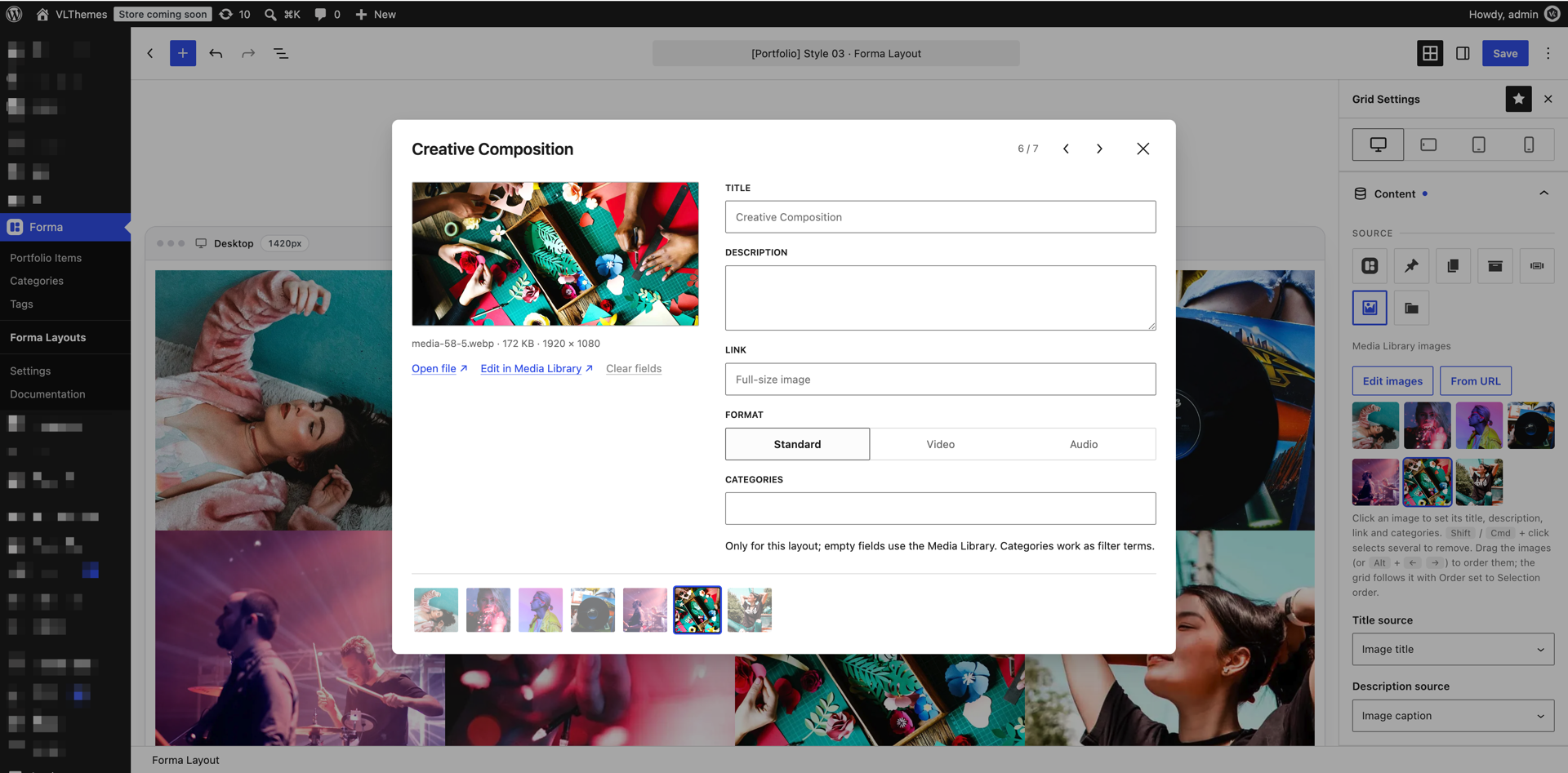
- Images picked from the Media Library, each with its own title, caption, link and categories for this grid.
- The categories and tags themselves, as a grid of terms.
- Narrow it down by categories, tags, post formats (Video, Gallery…) and authors, pick or leave out items, match words, or skip what a grid above on the page already shows.
🔎 Filters, search and sorting
- Filter by category or tag and search as you type, without reloading the page.
- Sorting for visitors: newest, A to Z, most viewed, most commented, random and more.
- Page numbers or a Load More button, both keeping the current filter and search.
- Filters and sorting as pills or a dropdown, placed by drag and drop on a toolbar of two rows.
- The chosen filter and order go into the page address, ready to share and bookmark. Filters and pages are real links that search engines follow, and Back and Forward step through them.
🎨 Eleven card styles
- For your work: Default, Fade, Overlay, Caption, Minimal, Polaroid, Glass and Mono.
- For blog posts: Magazine, Content Grid (date, categories and excerpt under the image) and Story Card (the image fills the card, the title and author over a blurred fade).
- Each has settings of its own, and all of them take your theme’s colors and fonts.
- Animated GIFs show their first frame and play on hover, or whenever they are on screen.
📱 Set per device
Columns, gaps, the image ratio, tile patterns and row heights for desktop, tablet landscape, tablet and phone, each seen in the live preview.
🖼️ Lightbox
A PhotoSwipe lightbox with swipe, zoom, captions and a share menu, for your grids and, if you like, for WordPress galleries and Image blocks too.
📁 A ready portfolio
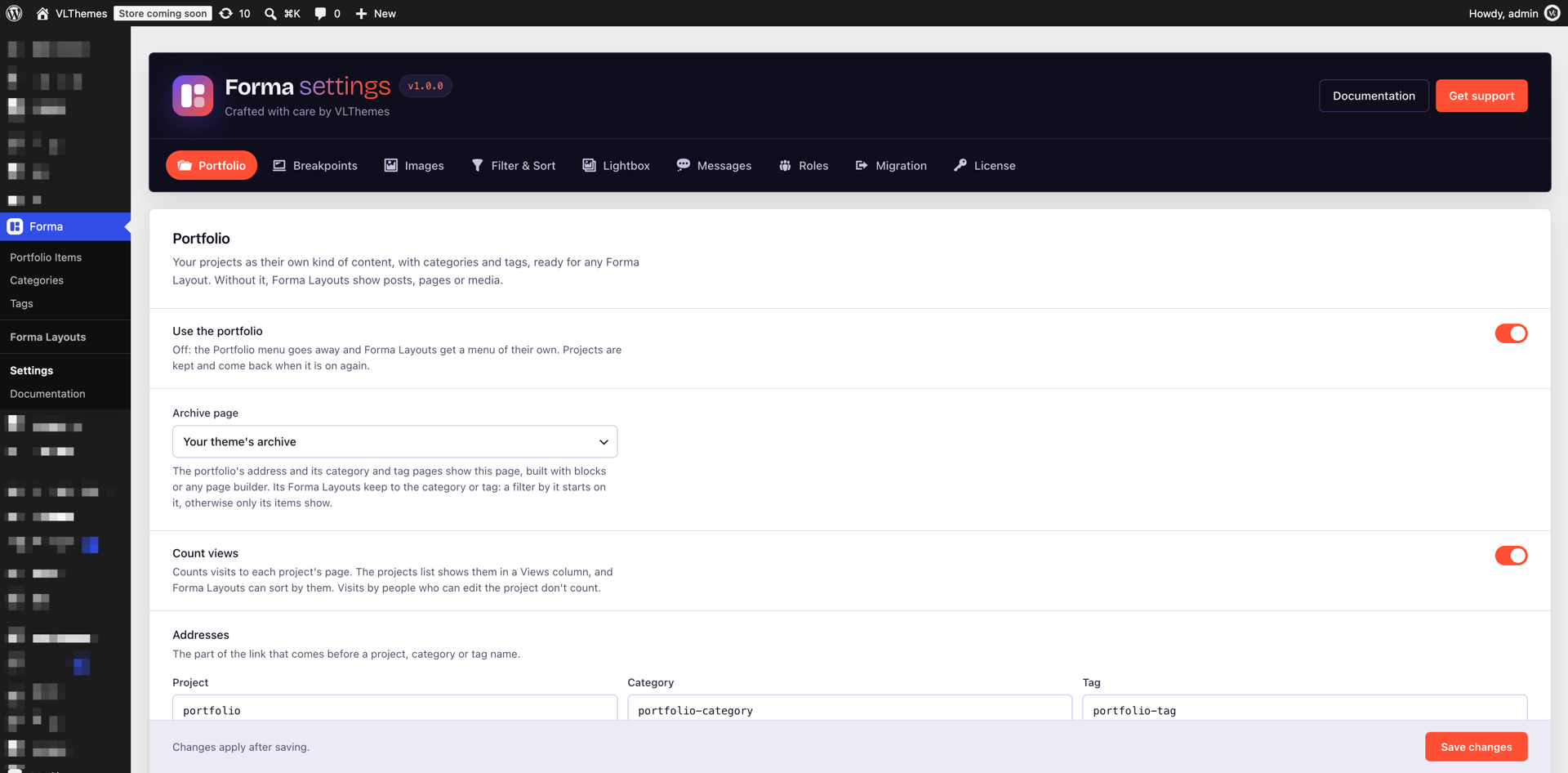
- Projects with categories, tags and an archive page you can build with blocks or any page builder.
- View counts: each project’s page counts its visits, a Views column shows them, and grids can sort by most viewed.
- The Migration tab moves projects from another portfolio plugin into Forma’s in one click. Their IDs, content, images and comments stay, and the move can be undone.
⚡ Small and fast
- Scripts and styles load only on pages that show a grid. A grid needs about 9 KB gzipped: its script, its styles and the card style.
- The slider’s script and the lightbox (about 23 KB) load only for grids that use them.
- The front end needs no jQuery or other framework, and filters, search and pages fetch only the new items’ HTML.
- Images are served at the size the layout needs, from the sizes WordPress already makes.
🔍 SEO-friendly
Filters and pages are real links. Portfolio category and tag pages get their own canonical address, title and description, with WordPress alone or with Yoast SEO, Rank Math or AIOSEO.
🧩 Works with your theme
Cards, filters, search and pagination are templates your theme can restyle or replace, and a theme can switch Forma’s own look off. Custom CSS can be added to one layout only.
🤖 Works with AI assistants
Forma’s actions are WordPress abilities: AI tools connected to your site can list, build and change Forma Layouts and projects, with the rights of your user.
🌍 Every language
Translation ready, and right-to-left languages are supported: layouts, the slider and the lightbox follow the page direction.
👥 Roles
Choose which roles add projects, build Forma Layouts or change the settings.
✨ Forma Pro
Forma Pro is a separate plugin that includes everything above, and adds:
- 🪄 Describe your grid: write a sentence about the grid you want, and the AI connected to your WordPress sets it up.
- 🌀 Six animated card styles: Tilt, Drift, Cursor, Brush, Cube and Glide.
- 🎞️ Marquee layout: items in a row that moves on by itself, turning round as the page scrolls up; visitors can drag and throw it.
- 📋 List layout: an index of your projects, each row’s image following the pointer.
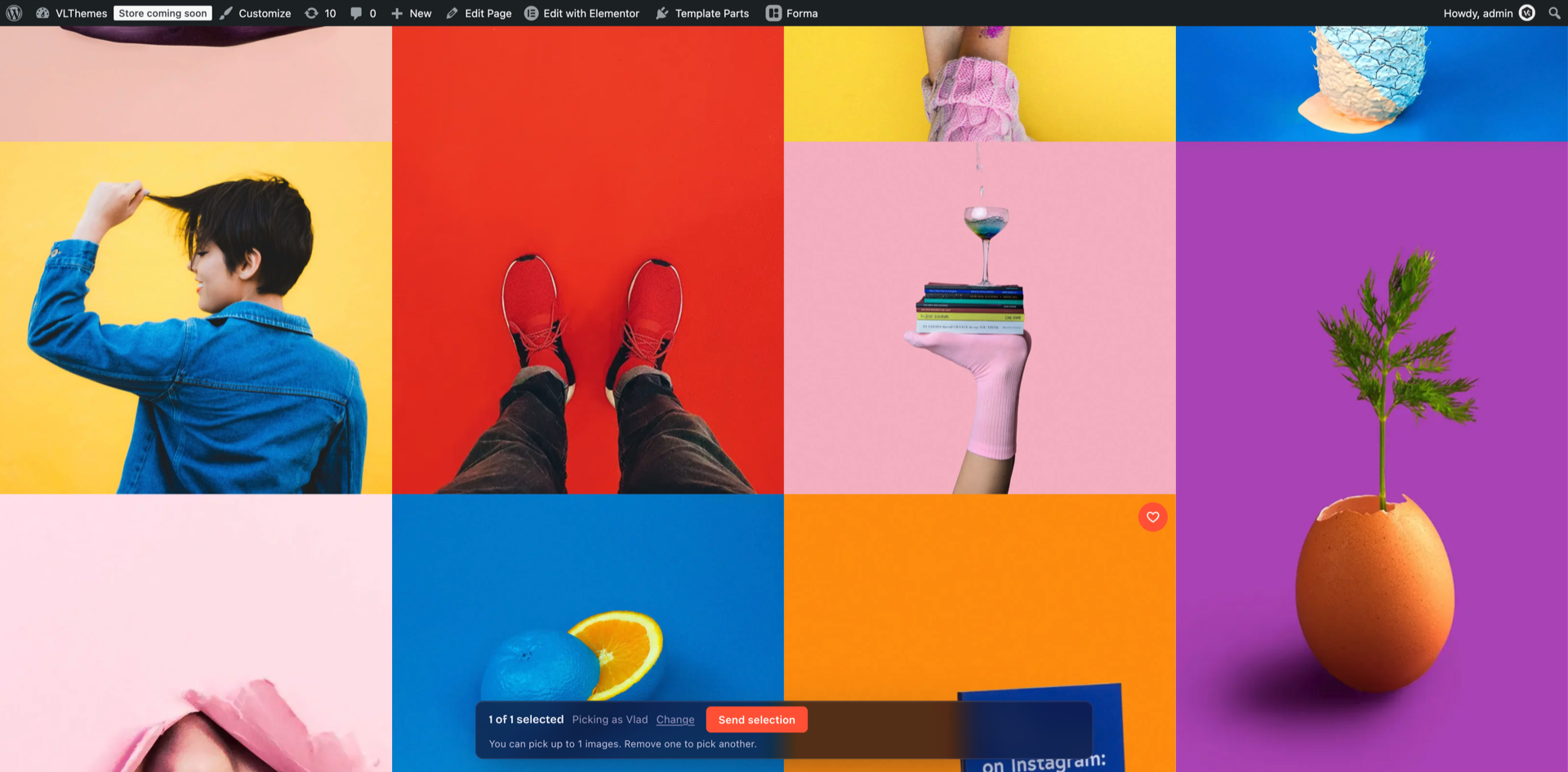
- 💖 Client proofing: clients pick their favorite photos from a link and send you the selection.
- 🎬 Video and audio: YouTube, Vimeo, TikTok, Instagram, Spotify, SoundCloud and more in the lightbox; your own video files play in the card.
- 🖼️ Image tools: add images by their address, crop one for a grid, set a featured image from a URL, and save the sizes WordPress makes of your uploads as WebP or AVIF.
- 📷 Camera details under each photo, and image protection per grid.
- 🔧 Also: more entrance animations, inserts (a banner or any shortcode between the items), custom image ratios, drag and drop ordering, several post types in one grid, date and custom field filters, infinite scroll and faster filtering.
Shortcodes
Each layout has its shortcode on the Forma Layouts screen. show=”filter”, “search”, “sort” or “pagination” places that control anywhere on the page:
[forma_grid id="a1b2c3d"]
[forma_grid id="a1b2c3d" show="filter"]
With the layout on the page more than once, instance=”2″ makes a control work on its second grid. By default “Output search, filter, sorting and pagination with the grid” is on and the grid prints them around itself; turn it off to place them yourself.
The Grid Layout block, the Elementor widget and the WPBakery element do the same, with the layout and the part picked from a list.
Theme templates
Copy any file from the plugin’s templates/ folder to your-theme/forma/ (same path) to change it. Skins live in your-theme/forma/skins/{name}/skin.php, with an optional style.css and script.js next to it.
Source code
Everything the plugin runs is readable in the plugin itself. The block editor scripts in assets/build are built with @wordpress/scripts (webpack) from the sources shipped next to them: assets/src and the editor.js of each layout type in src/Layouts. Each minified script in assets/js (.min.js) is the script of the same name next to it, minified with Terser; the readable one loads when SCRIPT_DEBUG is on. The minified stylesheets in assets/css are compiled from the Sass in assets/scss, and each card style’s style.css from the style.scss beside it in templates/. The third-party libraries below are included as their authors publish them.
External services
The plugin uses no external service: nothing is sent by it, and fonts and scripts are all served from your site.
Third-party libraries
- PhotoSwipe 5.4.4, https://photoswipe.com/, MIT License.
- Swiper 14.3.0, https://swiperjs.com/, MIT License (used only when the theme doesn’t load its own).