

Food Online – Restaurant Ordering for WooCommerce
v6.1.1Arosoft · 2018年6月29日 上架
Restaurant menu and online ordering for WooCommerce: a fast ordering page with product options, on your own site and with no commission.
- 正在使用
- 300+
- 评分
- 4.1 / 5
- 累计下载
- 7 万
- 最近更新
- 2026年11月24日
26 条评价需要 WordPress 6.6+已测试到 7.1.5PHP 7.4+
贡献者
 Arosoft
截图
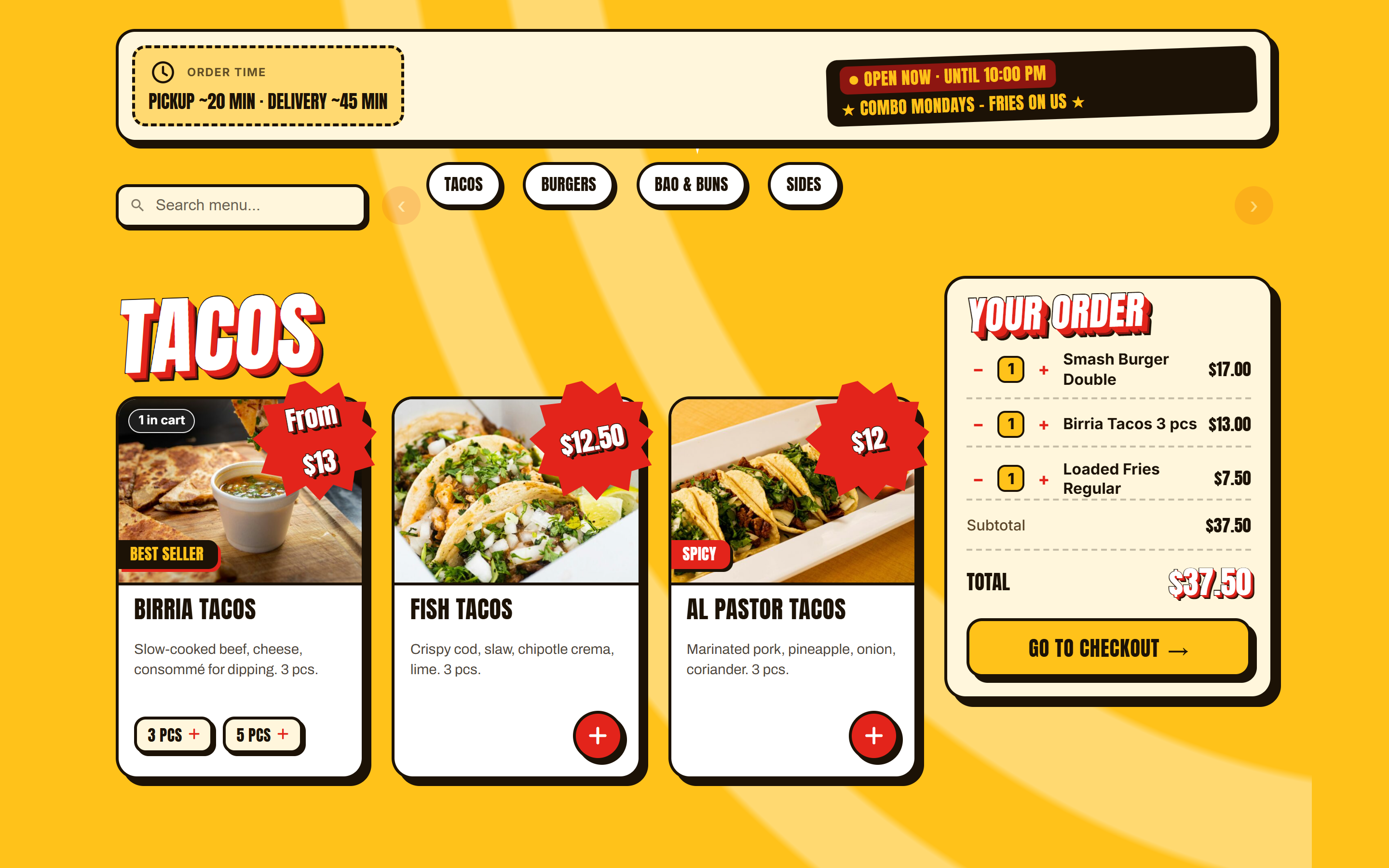
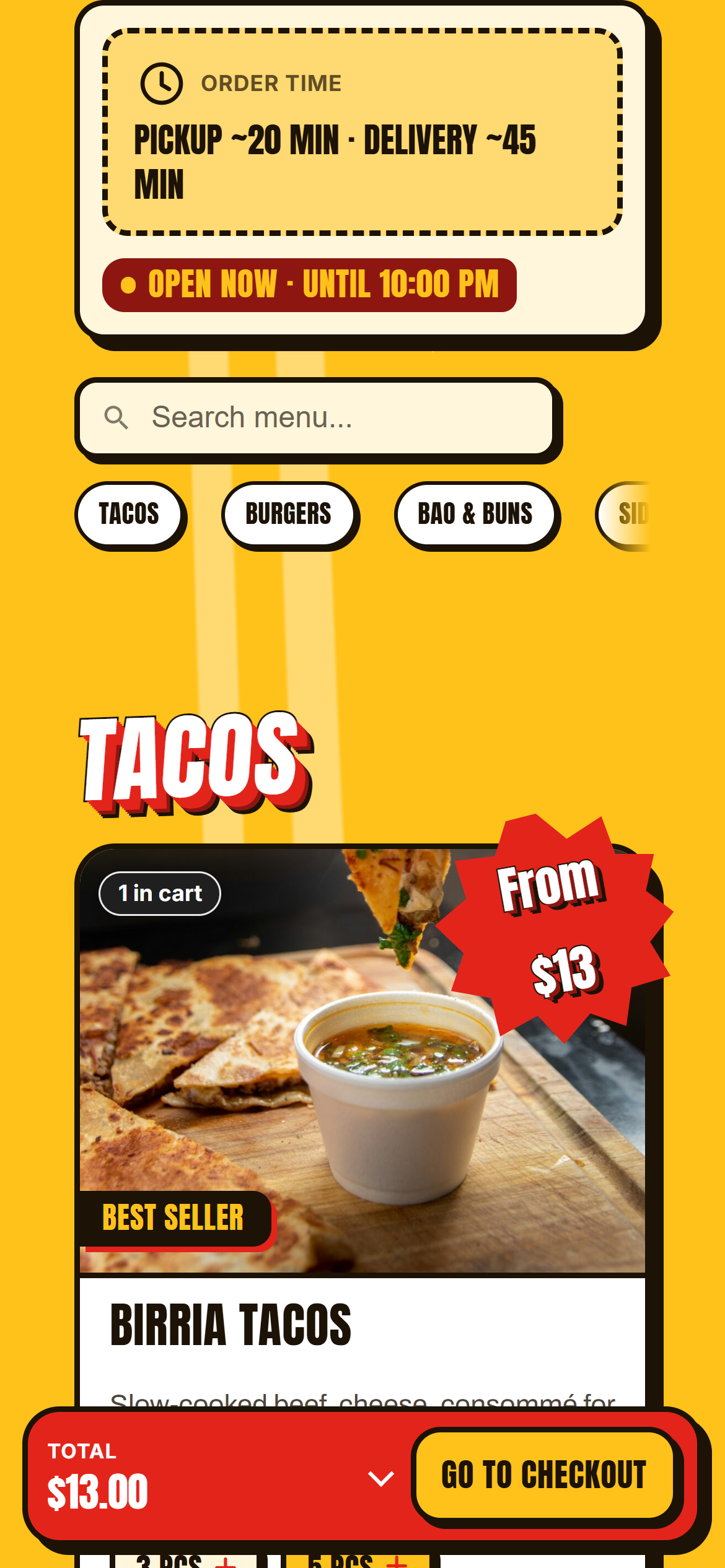
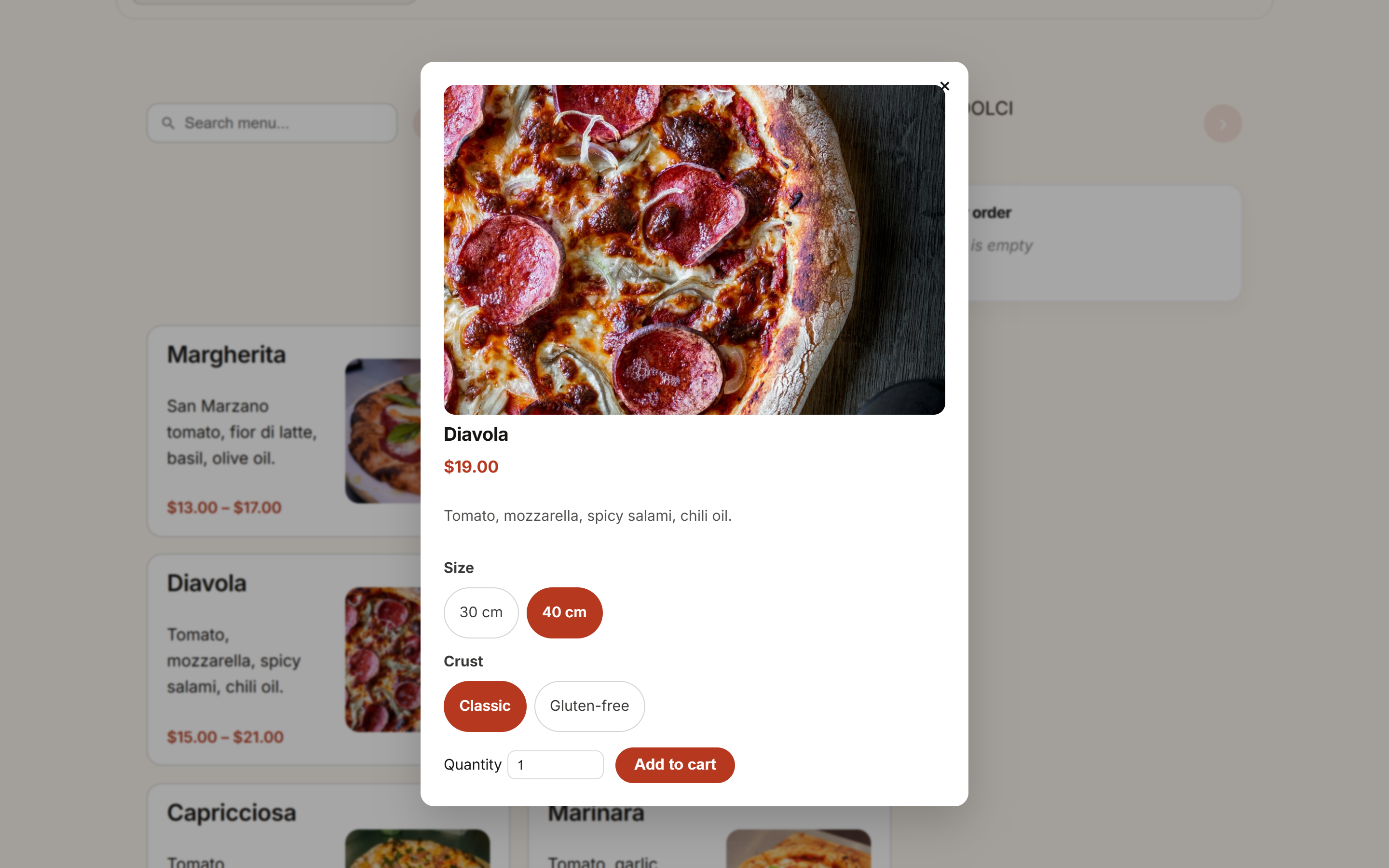
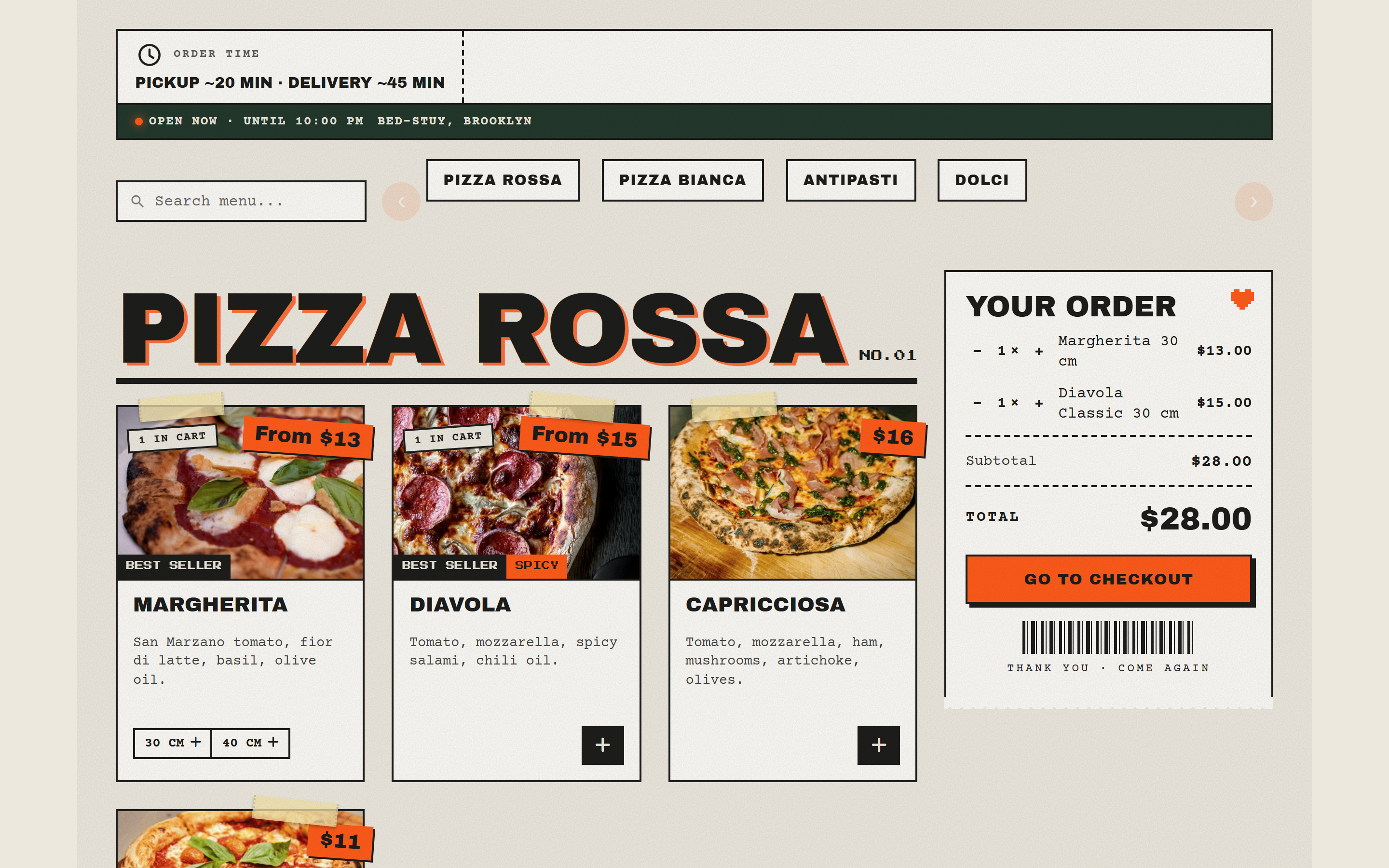
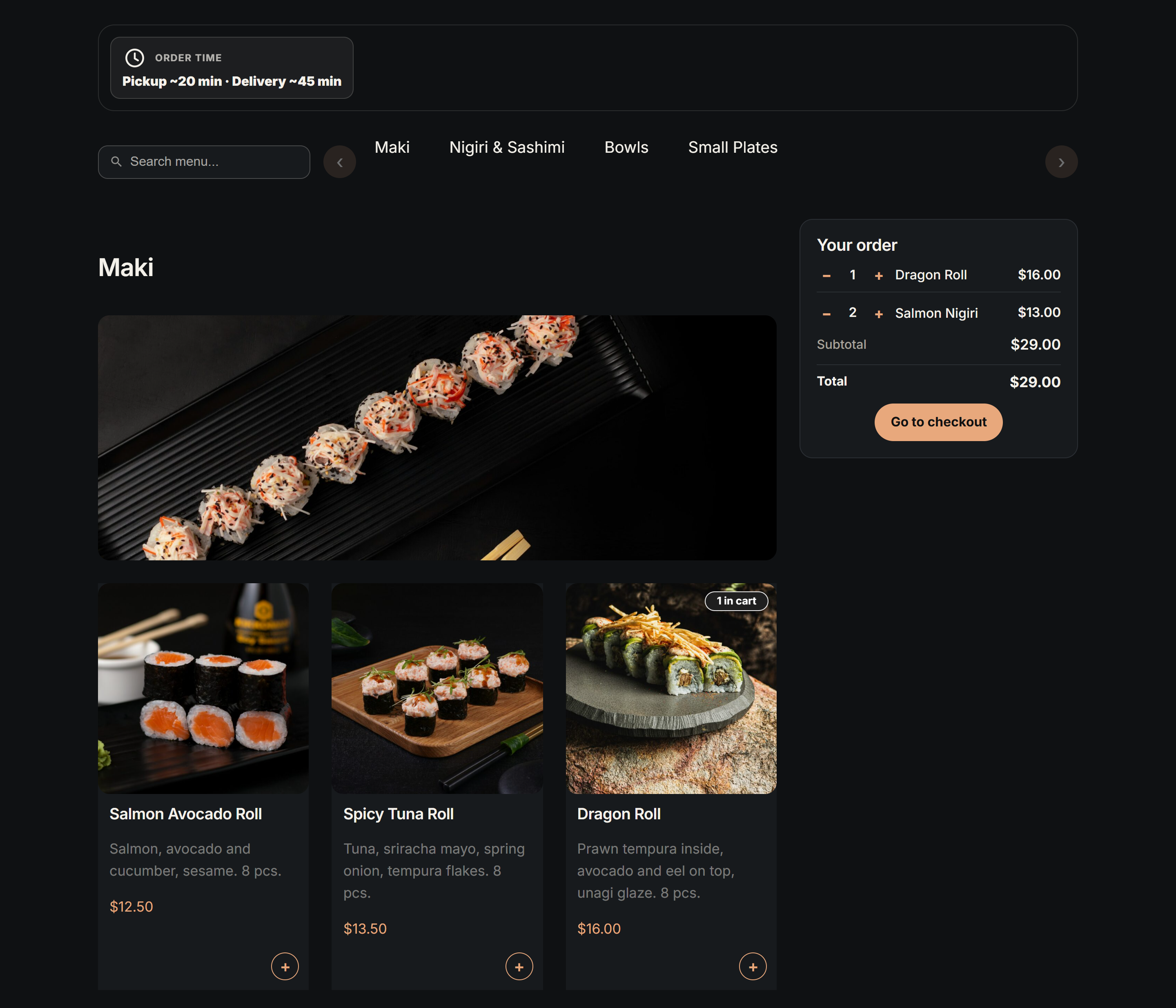
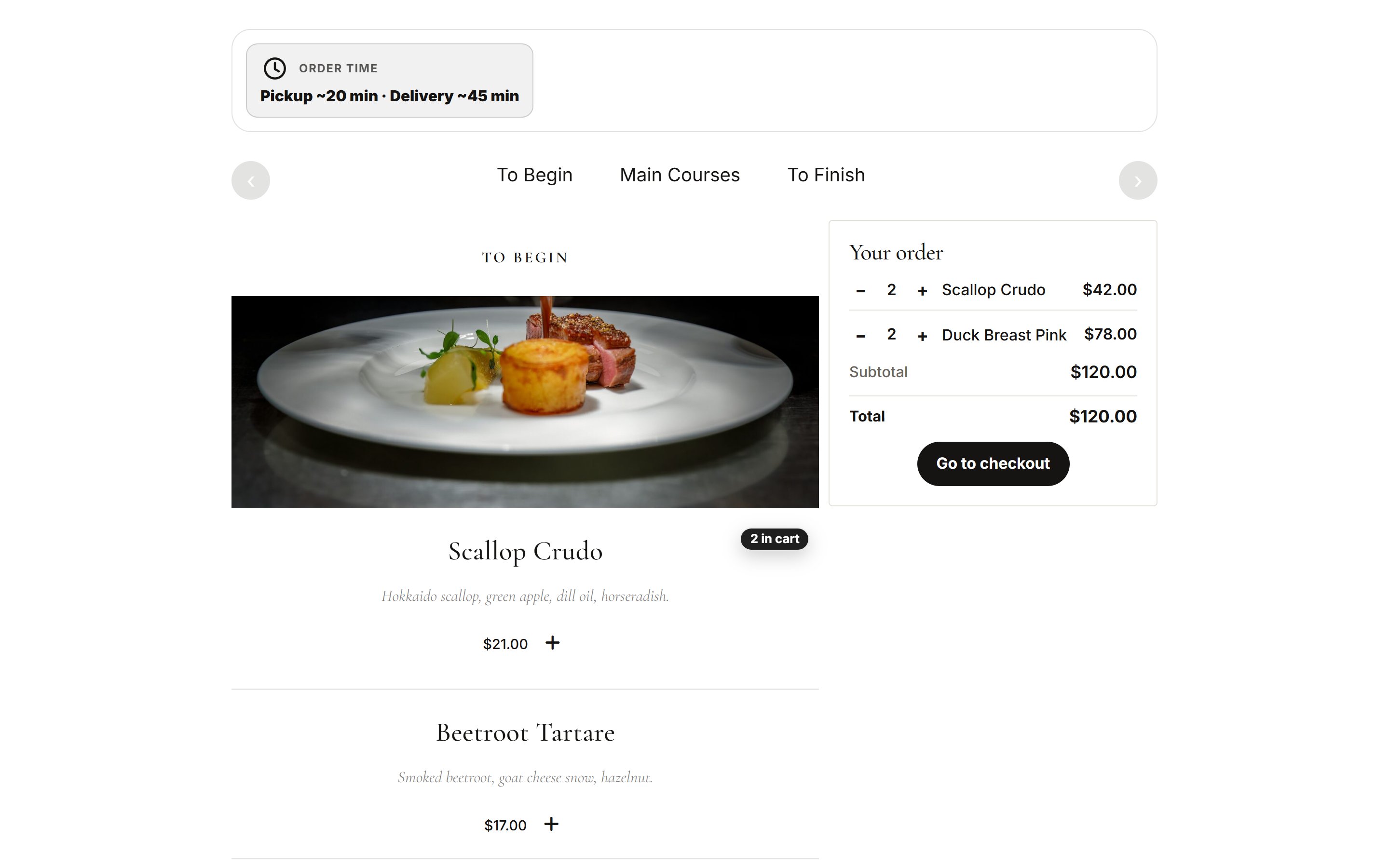
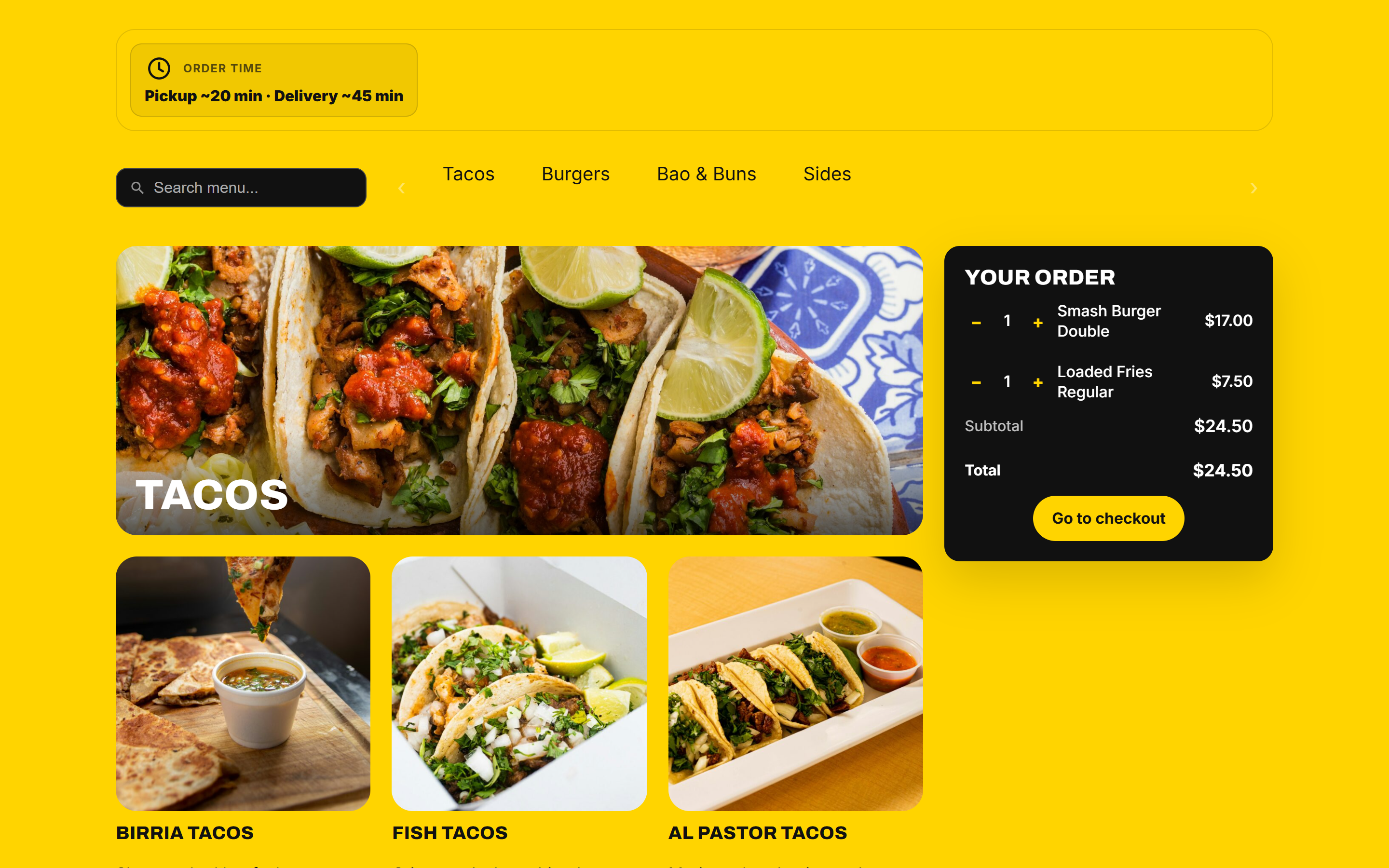
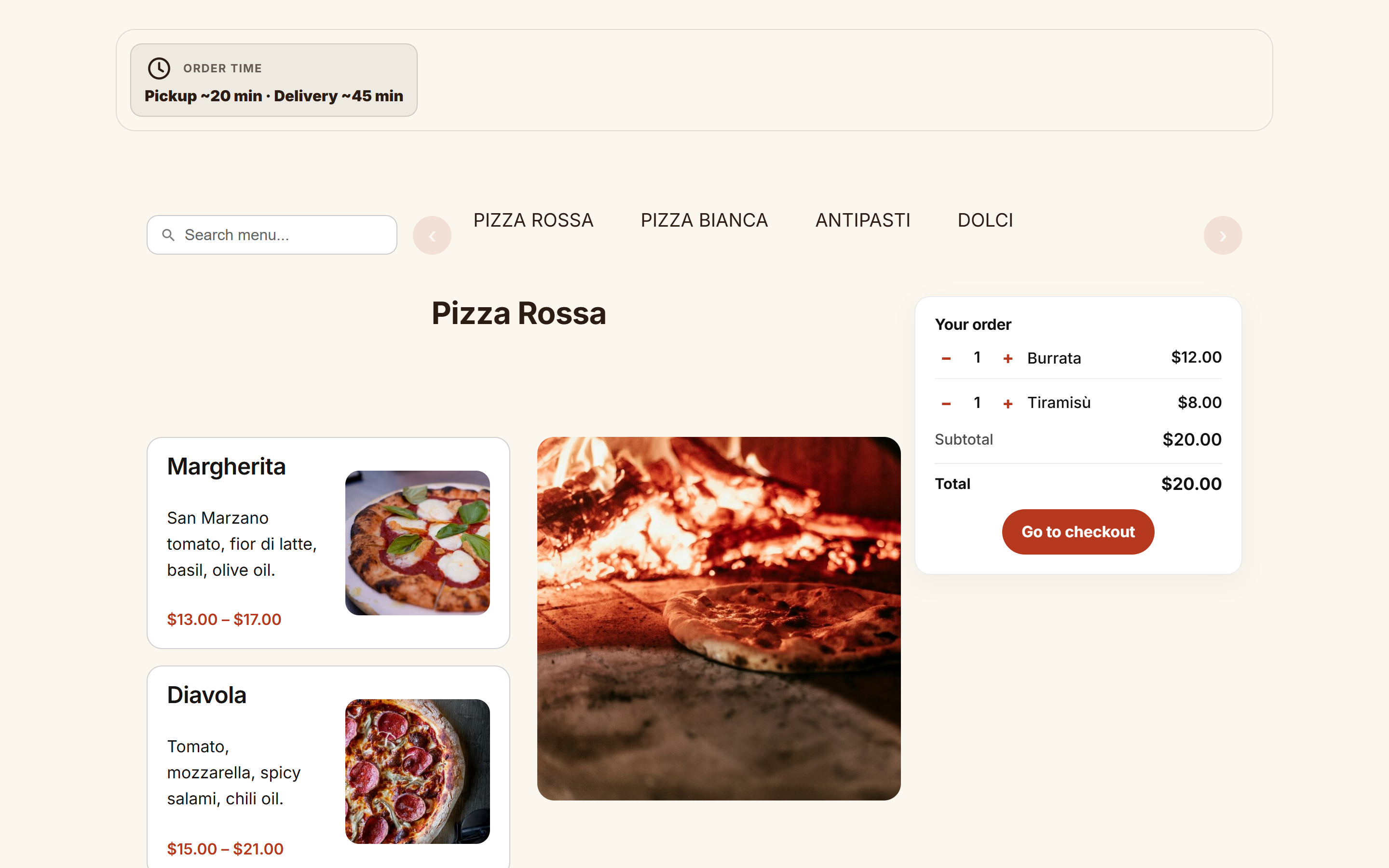
Food Online turns WooCommerce products into a restaurant menu for restaurants, takeaways, pizzerias and cafés where customers browse, choose options and order without leaving the page.
Build the menu page with the Food Online Menu block, or use the classic shortcodes on any page.
Food Online Menu block
- Add the menu in the block editor and style it in the block settings.
- Start from a ready-made template: Valdemar Dark, Ellen Noble, Einar’s Fusion, Arcade, Street or the 2026 Template.
- Product popup with options, mini cart and category navigation.
- Show opening hours and the estimated order time above the menu.
- Works with block themes and classic themes.
Classic shortcodes
- [foodonline] or [foodonline2] shows the full menu with categories, product popup and mini cart.
- [foodonline_menu] and [foodonline_minicart] place the menu and the cart separately, for example in a page builder layout.
- Choose categories, tags, products and order: [foodonline categories=”pizza,salad”].
- One column, two columns or the 2020 layout. Choose per page with layout=”twocols”.
- Give the classic menu the look of a block template with template=”arcade”, and show category images with category_image=”yes”.
- Settings for colors, icons, product images, popups, search, sticky category menu, accordion and the mobile bottom bar.
Products
- Use WooCommerce simple and variable products. Attributes give choices such as sizes, toppings and sides.
- Product options: sauces, sides, extra toppings, removing ingredients, comments and half and half, with required choices, extra prices, images and stock.
- Compatible with WooCommerce Product Add-Ons.
- Menu sections follow your WooCommerce product categories and their order.
Works with
- Shipping Zones by Drawing for delivery areas drawn on a map.
- Live Order Confirmation for incoming orders in real time and order approval.
- Food Online Premium, an optional separate plugin with delivery modes, address validation, pickup locations, time selection and checkout blocks.