

- 正在使用
- 1 万+
- 评分
- 4.8 / 5
- 累计下载
- 25 万
- 最近更新
- 2026年10月3日
20 条评价需要 WordPress 6.0+已测试到 7.1.5PHP 8.1+
贡献者
 nierdz
截图
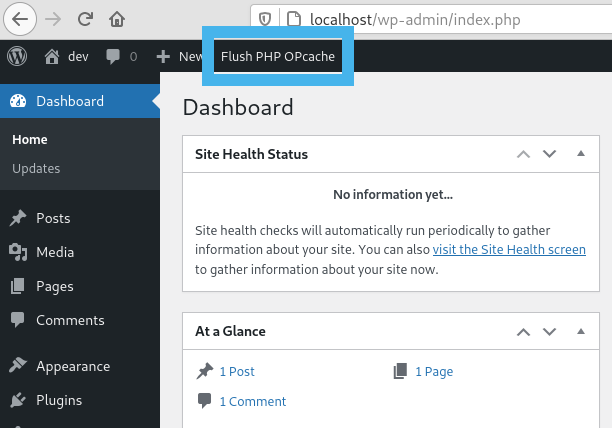

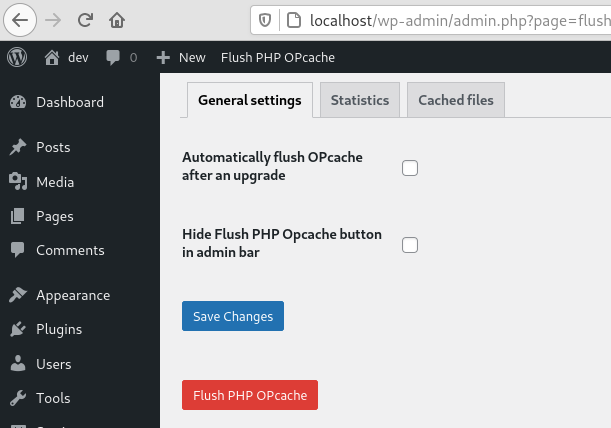
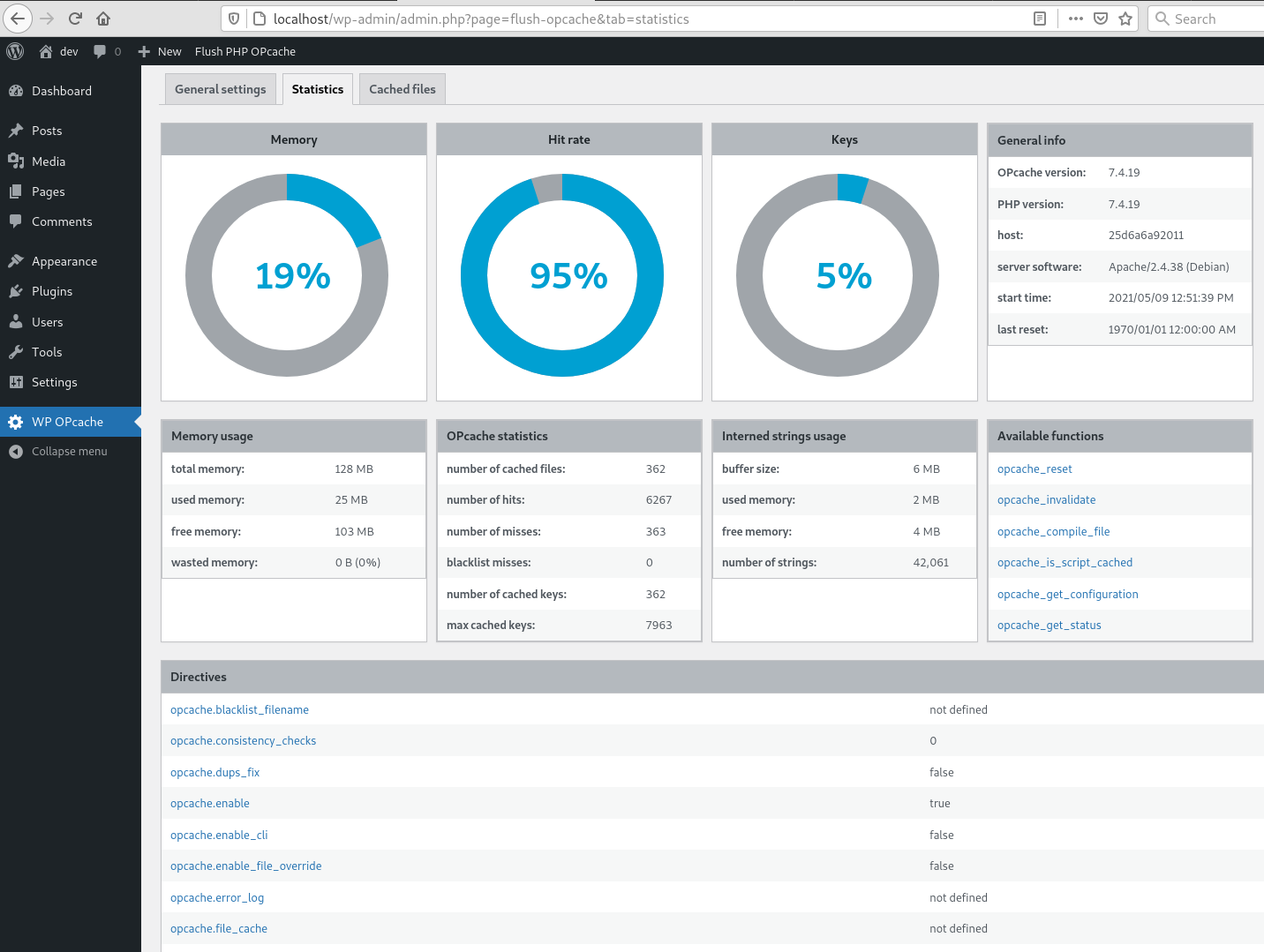


Flush OPcache
- creates a button in admin bar to flush OPcache
- flush only files in WordPress absolute path
- individual or bulk file invalidation
- support both memory and file caching
- support multisite
OPcache Statistics
- memory, hits, strings and keys statistics
- directives, functions and general informations
- list all files
- fully responsive
WP CLI ready
- add flush-opcache command to flush cache with cli:
wp flush-opcache flush - don’t forget to add
opcache.enable_cli=1to your PHP configuration
There are three tabs in admin page under Tools:
- General settings: plugin settings
- Statistics: responsive dashboard about OPcache statistics
- Cached files: list of cached files with the possibility of invalidating them