Floating Social Share Icons and Social Share buttons – Next Previous Post Links – FL
v3.6.9JWebSol · 2016年9月2日 上架
Displays social sharing icons along with fancy floating back to top and go to bottom links along with go to next post, previous post and random post l …
- 正在使用
- 200+
- 评分
- 4.7 / 5
- 累计下载
- 5.7 万
- 最近更新
- 2026年11月12日
 JWebSol
 Danish Ali Malik
截图


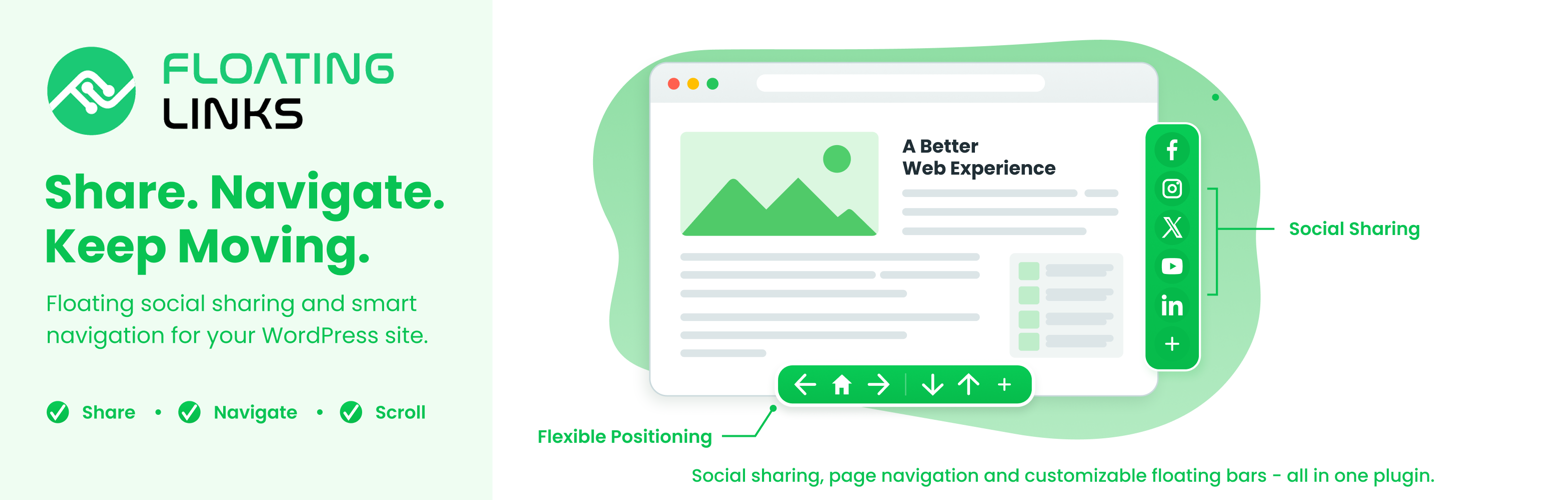
Displays social sharing icons along with fancy floating back to top and go to bottom links along with go to next post, previous post and random post links on post detail pages. Its tested and works with custom post types too.
Easy and free social media integration plugin to make your posts viral on the social network. It’s highly customisable, professional and responsive.
Engage your readers with style!
Features:
- Floating Social Sharing Icons or Buttons New.
- Floating Next Post/Page Link.
- Floating Previous Post/Page Link.
- Floating Random Post/Page Link.
- Floating Back to Top Link.
- Floating Go to Bottom Link.
- Floating Go to Home Link
- Primary and Secondary Bar
- Reorder the icons position
- Enable to navigate in same category
- Hide on load
- Show on % scroll from top
- Fixed/float bar
- Feature image on hover
- Change Position
- Minimizer and Maximizer
- Show Next and Previous Post Data On Hover
- Show Copy Current URL icon
- Easy settings to show hide selected buttons.
- Advanced design options.
- Change colors in customizer and see changes live.
- Select icons in customizer and see changes live.
- Change the font size of icons in customizer and see changes live.
- Dashicons and Fontawesome icons.
- Works with any theme.
- More to come…
WANT TO SEE IT IN ACTION?
Check out the demo here ->Demo
HOW TO USE THE PLUGIN
Literally, you don’t need to do anything. Just install and see the magic.
USERS REVIEWS
“Hands down best Navi that works for me. – Clean, Functional and Genius. Makes navigating any post, blog, etc. etc. a lot easier, especially for mobile use.” – darklight99
“Great Stuff – If you write continuous posts under the same category, this app is a godsend. It allows you to switch between posts of the same category.
Very great plugin for writing novels chapter by chapter” – eugenelim88
“**A simple and elegant way for viewers to “flip” through your site’s posts chronically, as if they are successive pages in a magazine. The Floating Links plug-in solved a huge problem for me — I have lots of old content (nearly 1,000 posts spanning several years) — some of which is still relevant — that people couldn’t easily browse. Now they can. Thank you!” – mfmfuller
WANT TO CUSTOMIZE?
Sure you can. It has a settings panel to show hide buttons. Advanced customizer support to change icons, colors and fonts to match the look and feel of your website.
Yeah WordPress customizer, no more guessing, see the design changes in real time.
WANT TO SHOW SELECTIVE FLOATING LINKS?
No problem at all. Simply Enable and Disable features from particular tab/section.
NEED HELP?
Yes, we stand firmly behind our plugins. Create a support ticket:
Support
Cool? So download and enjoy!
Installation
- Upload “floating-links” to the “/wp-content/plugins/” directory.
- Activate the plugin through the “Plugins” menu in WordPress.
- You are done! Nothing more needed to make it work. Just check your home page and post detail page to see it in action.
Language Translation Contributors
Harald Wenzel(German)
Alex Lion(Chinese (Taiwan))
Yui(Russian)
Jenny Dupuy(French)