
FlexiPick – Simple Extra Product Options for WooCommerce
v1.0.3add-ons.org · 2026年7月15日 上架
Add extra options, toppings, and customizations to your WooCommerce products with a seamless, user-friendly interface.
- 正在使用
- 10 以下
- 评分
- 暂无
- 累计下载
- 366
- 最近更新
- 2026年9月28日
贡献者
 add-ons.org
截图
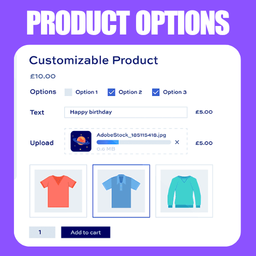
FlexiPick is a powerful yet simple extension for WooCommerce that allows you to add custom extra options and add-ons to your products. Perfect for restaurants, custom product builders, or any store that needs to offer personalized item variations.
Whether you need to let customers choose toppings for a pizza, pick a size for their drink, or add premium gift wrapping, FlexiPick makes it incredibly easy. It integrates natively into your WooCommerce Product Data tabs, providing an intuitive builder to set up your product extras.
Demo: https://demo.add-ons.org/extra-product-options/
Documentation: https://add-ons.org/documentation-simple-extra-product-options-for-woocommerce/;
Pro Version: https://add-ons.org/plugin/simple-extra-product-options-for-woocommerce/;
Key Features
- Unlimited Add-on Groups: Create as many option groups as you need per product (e.g., “Choose Toppings”, “Select Size”).
- Multiple Input Types: Support for Radio buttons (choose one) and Checkboxes (choose multiple).
- Flexible Pricing: Add a custom flat price to any individual option.
- Size Variations: Add sub-sizes with specific pricing to any option (e.g., Option: Coke -> Sizes: Small +$1, Large +$2).
- Required Options: Force customers to select an option before they can add the product to their cart.
- Native WooCommerce Integration: Add-on prices are automatically calculated into the cart total. Selected options are neatly displayed in the cart, checkout page, and backend order details.
- Beautiful Frontend UI: Clean, modern, and responsive design that looks great on any theme.
How it Works
- Go to your WordPress Admin -> Products and edit a product.
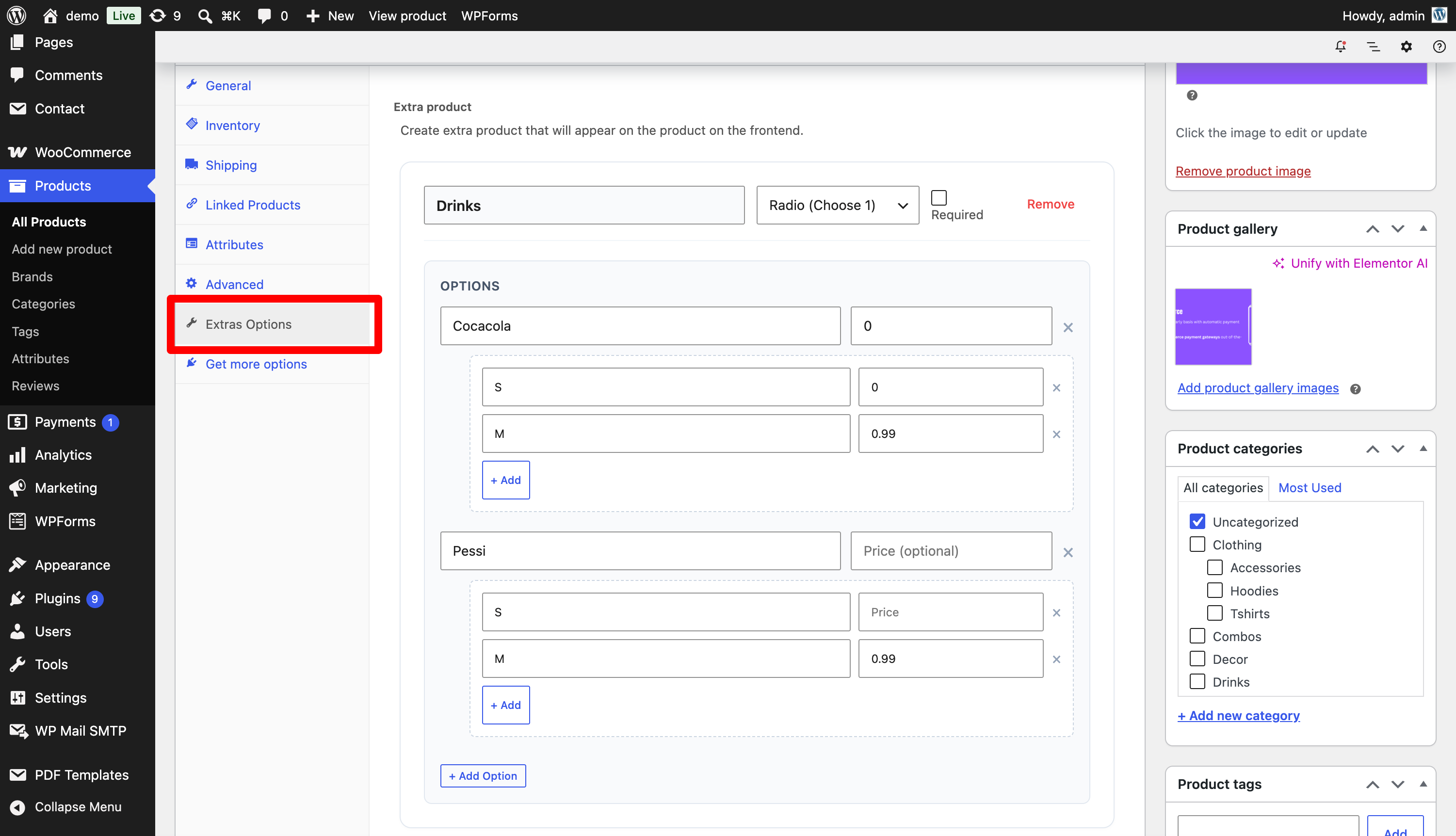
- Scroll down to the Product Data section and click on the new Extras Options tab.
- Click “+ Add extra product” to create a new group.
- Define your options, set prices, and save the product.
- The options will now beautifully display on your frontend product page!