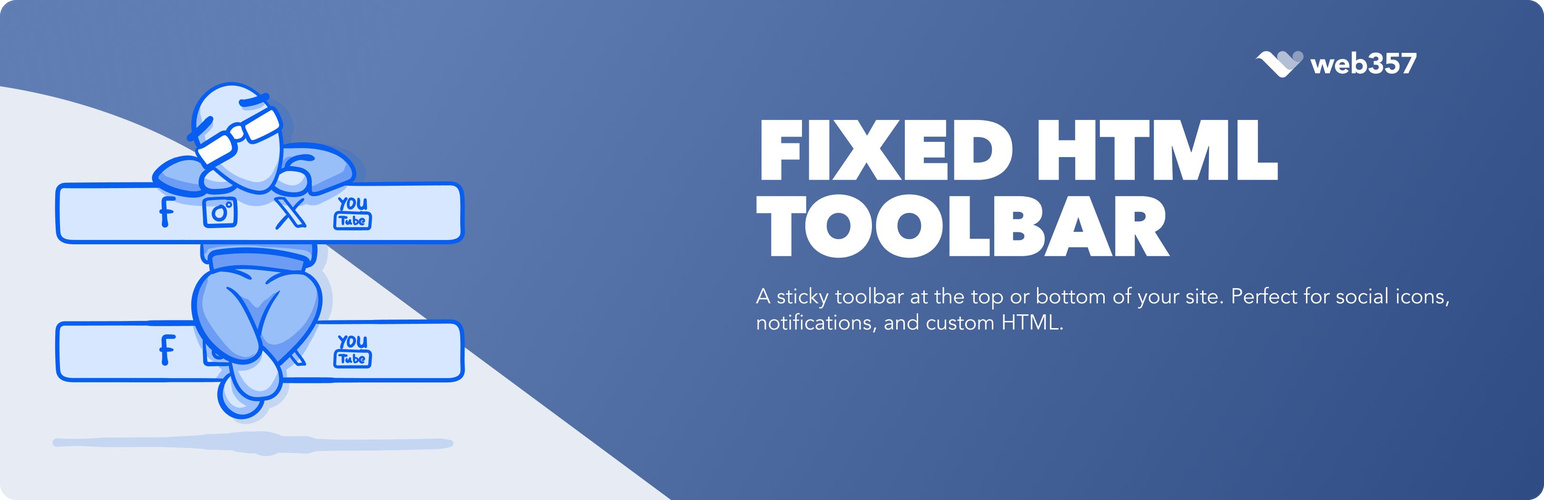

Fixed HTML Toolbar
v1.1.2Web357 · 2019年4月23日 上架
A fixed bar at the top or bottom of your site with your own HTML or up to 5 linked icons. Ideal for social icons and notices.
- 正在使用
- 50+
- 评分
- 5.0 / 5
- 累计下载
- 4,312
- 最近更新
- 2026年11月4日
 Yiannis Christodoulou
 Web357
截图


The Fixed HTML Toolbar WordPress plugin keeps a bar with your own content fixed to the top or bottom of the screen while visitors scroll.
You want a sale notice, a phone number or your social icons to stay in view, without editing the theme. Write the content with the WordPress editor or pick up to 5 linked icons, choose the pages where the bar shows, and match the colours to your site.
Every setting is explained in the official documentation.
How it works
- Go to Settings Fixed HTML Toolbar.
- Set Status to Published, choose Top or Bottom, and tick the parts of the site where the bar should show.
- Add HTML or up to 5 icons with links, set the colours, and save.
Features
Fixed HTML Toolbar is free. There is no PRO version.
- Top or bottom: the bar is fixed to the edge of the screen and stays in view while visitors scroll. Base settings »
- Choose where it shows: homepage, pages, posts, archives, categories and search results, in any combination. Location »
- HTML or icons: write any HTML with the WordPress editor, or add up to 5 images from the Media Library, each with its own link. Toolbar content »
- Styling: background and border colours, border thickness, vertical padding, text alignment, link target and the space between icons. Styling options »
- Custom CSS: a CSS field for anything the options do not cover.
- Light: the CSS and JavaScript load only on pages where the bar is shown, and the bar is hidden when a visitor prints the page.
Use cases
- Social media links: keep your profiles one click away.
- Notices: a sale, opening hours, shipping times or a phone number.
- Custom HTML: a short form, a banner or a call to action.
Documentation
Source Code
All PHP, JavaScript and CSS in this plugin ship as readable source. The files named .min.js and .min.css are not minified.
External Services
This plugin does not connect to any external service. Your settings are stored in the WordPress database, and the icons are images from your own Media Library.