

FileOrganizer – WordPress File Manager
v1.2.2Softaculous · 2023年3月14日 上架
FileOrganizer is an intuitive file manager to easily edit, delete, upload, download, and manage all your WordPress files and folders right from the da …
- 正在使用
- 20 万+
- 评分
- 4.8 / 5
- 累计下载
- 259 万
- 最近更新
- 2026年9月23日
50 条评价需要 WordPress 5.5+已测试到 7.1.5PHP 5.5+
贡献者
 Softaculous
截图
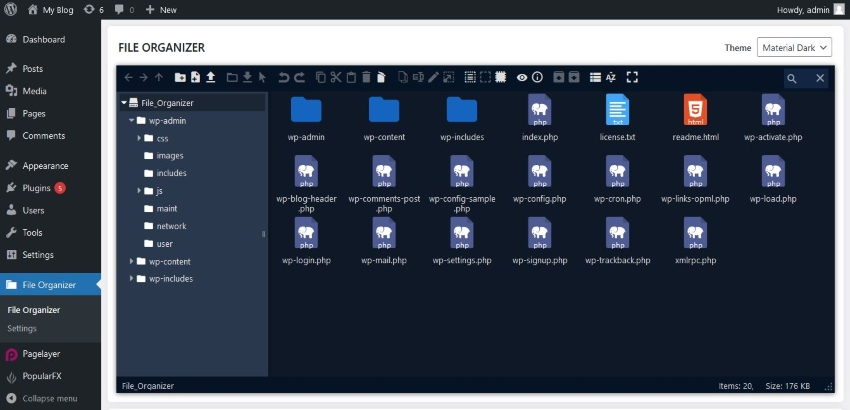
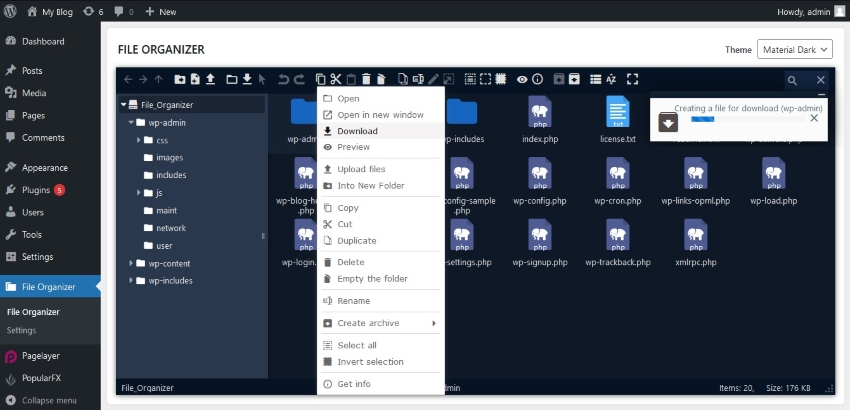
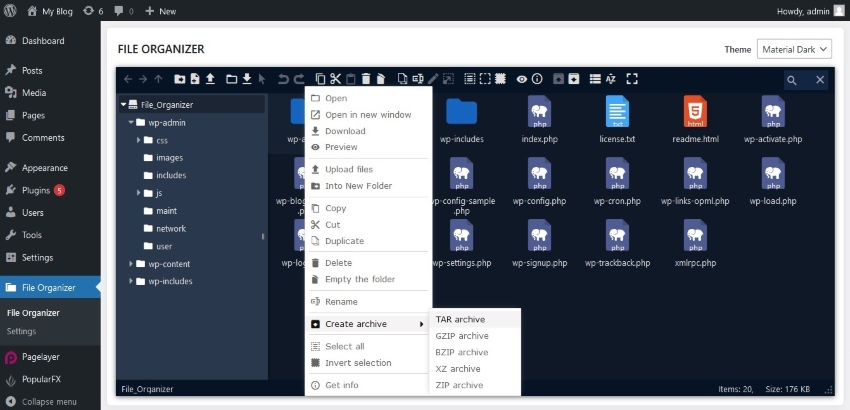
FileOrganizer is a lightweight and easy-to-use WordPress file manager. Organize and manage your WordPress files with FileOrganizer without any control panel or FTP access. You can access, upload, download, edit, delete, zip, cut, copy, and paste files even outside the WordPress root directory.
Free Features
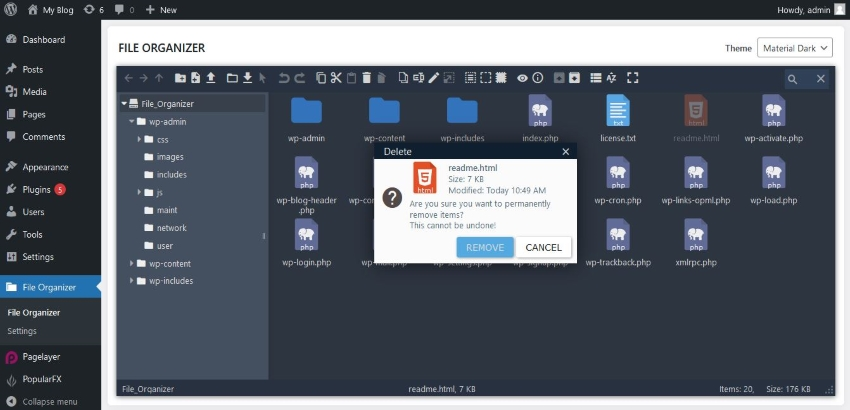
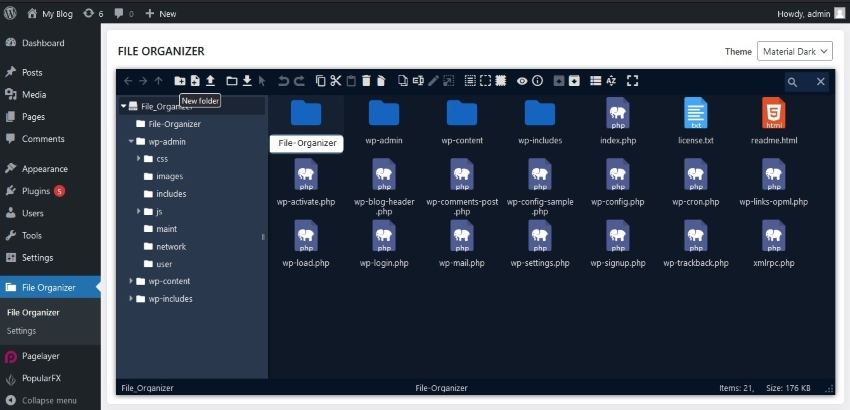
- Files and directory Management: Supports all file operations on a remote server such as create files or directory, upload, download, rename, copy, etc.
- Drag & drop: Easy drag-and-drop file transfer for uploading and moving files.
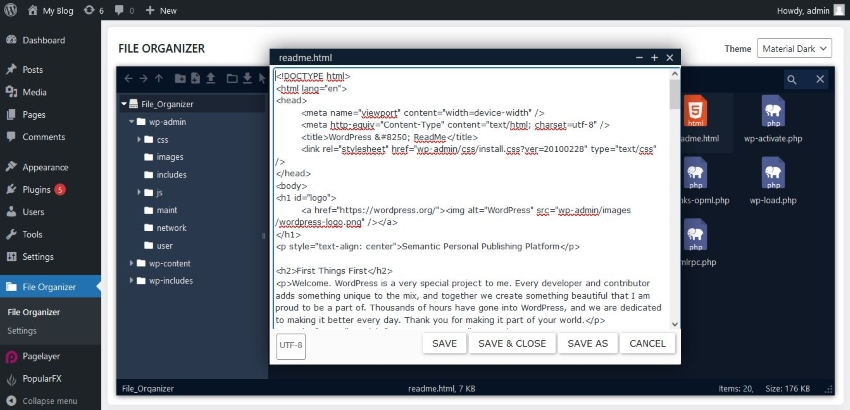
- Built-in editor: FileOrganizer has a built-in editor for editing code and files.
- Archive creation / extraction: Create or extract archives with one click(.zip, .tar)
- File Previews: Supports previews for common file types including PDFs, pictures, videos, audio, and thumbnails.
- Responsive: FileOrganizer is compatible with tablets and smartphones.
- Search: The built-in search feature makes it simple to find your files.
- File View: Offers both icons and list views for easy navigation.
- Image Thumbnails: Display thumbnails for image files.
- Support Shortcuts: Common keyboard shortcuts such as cut, copy, paste, etc. are available.
- Toolbar: Rich Toolbar and context menu are available.
- Directory Size: Calculates size of the directory.
- File/Directory Info: File or directory information can retrived by simply right-clicking a file and choosing Get Info.
Info
Do you have questions related to FileOrganizer ? Use the following links :