
Field block for ACF PRO
v1.3.1bobbingwide · 2024年3月14日 上架
No code solution to display ACF fields using the ACF field block.
- 正在使用
- 20+
- 评分
- 暂无
- 累计下载
- 2,256
- 最近更新
- 2024年3月18日
贡献者
 bobbingwide
截图


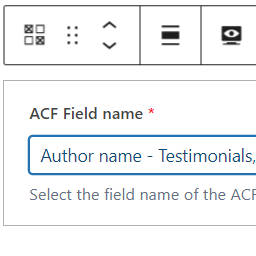
The ACF field block displays individual fields registered using ACF.
It supports the following field types:
- Basic: Text, Text Area, Number, Range, Email, URL, Password
- Content: Image, File, WYSIWYG Editor, oEmbed, Gallery
- Choice: Select, Checkbox, Radio Button, Button Group, True / False
- Relational: Link, Post Object, Page Link, Relationship, Taxonomy, User
- Advanced: Google Map, Date Picker, Date Time Picker, Time Picker, Color Picker
- Layout: Group, Clone, Repeater, Flexible Content
Features
- Uses a single block – ACF field
- The block can be used within the Query Loop
- Most field types are rendered in the block editor.
- Supports display of the field’s label, if required.
This plugin depends on Advanced Custom Fields PRO; it uses the plugin’s server side rendering block logic.
If ACF PRO is not activated then the ACF field block will not be registered.
For PHP developers
The extensible architecture allows:
– overrides to rendering logic by field type,
– rendering for custom field types,
– rendering for custom field names
If you want to alter the output from the acf-field-block/acf-field block
then you can either hook into the render_block_acf-field-block/acf-field filter to
modify the generated HTML,
or the acf_field_block_get_renderer filter to set your own callback function/method
for a field type or specific field.
Google Map fields use JavaScript from maps.googleapis.com.
The Google Map field requires an API key which you can obtain from
https://developers.google.com/maps/documentation/javascript/get-api-key