
FC Login Customizer
v2.0.0Codifigata · 2021年9月14日 上架
Automatically brand the login screen with your site logo, a link to your homepage, and your site title as the hidden H1. Zero configuration.
- 正在使用
- 40+
- 评分
- 暂无
- 累计下载
- 3,680
- 最近更新
- 2026年10月28日
贡献者
 Codifigata
截图
Tired of manually customizing every wp-login.php page on every website?
Install and activate FC Login Customizer and let the plugin handle a few nice customizations for you, automatically.
Core features
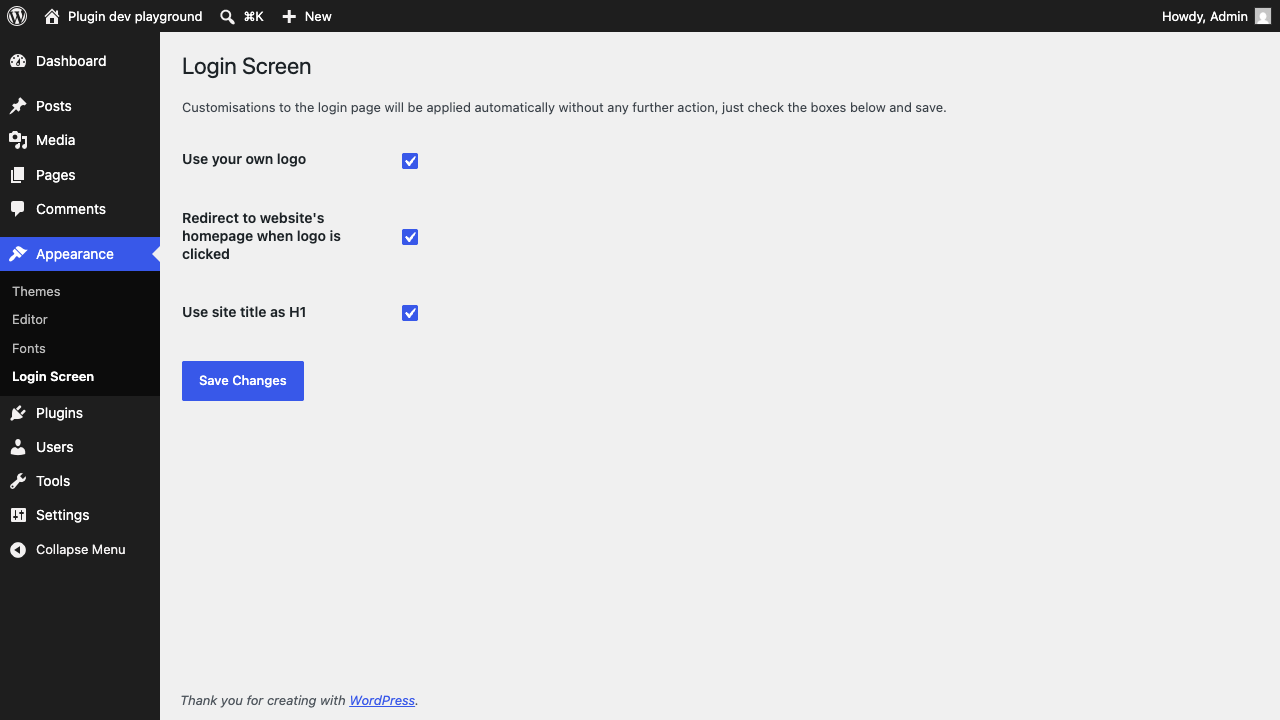
- Automatically display your site’s logo (the one set in the Customizer) on the login page, resized to fit if it is wider than 300px.
- Automatically link the logo to the site’s homepage instead of WordPress.org.
- Automatically change the hidden H1 title to the site’s name.
- Adds the “Logo” field under Site Identity even on themes that don’t declare native support for it, so the login logo works regardless of the active theme.
Most people don’t want the login screen to show the WordPress logo with a link to WordPress.org. Clients keep asking to change the logo, SEOs keep asking to change the hidden H1 title, UX designers keep asking to change the link that wraps the login logo. This plugin fixes all of that with one click, with no external requests, no files written to disk, no bundled fonts, and no tracking of any kind.
FC Login Customizer is developed and maintained by Codifigata.
Developer filters
cdfg_flc_logo_max_width (int $max_width)
Filters the maximum width (in px) applied to the logo on the login page. Default: 300. The height is always scaled proportionally. Return 0 to disable resizing.
Example:
add_filter( 'cdfg_flc_logo_max_width', function( $max_width ) {
    return 200;
} );