

FALA — AI Customer Service Agent
v1.0.0elav8 · 2026年8月18日 上架
Add your Fala AI customer-service agent to WordPress. Paste your agent key — no theme edits.
- 正在使用
- 10 以下
- 评分
- 5.0 / 5
- 累计下载
- 440
- 最近更新
- 2026年9月18日
贡献者
 elav8
截图
Fala (by ELAV8) is a voice-first AI customer-service agent for your website.
This plugin connects your WordPress site to the Fala service (hosted at fala.elav8.ai). After you activate it and paste your agent key:
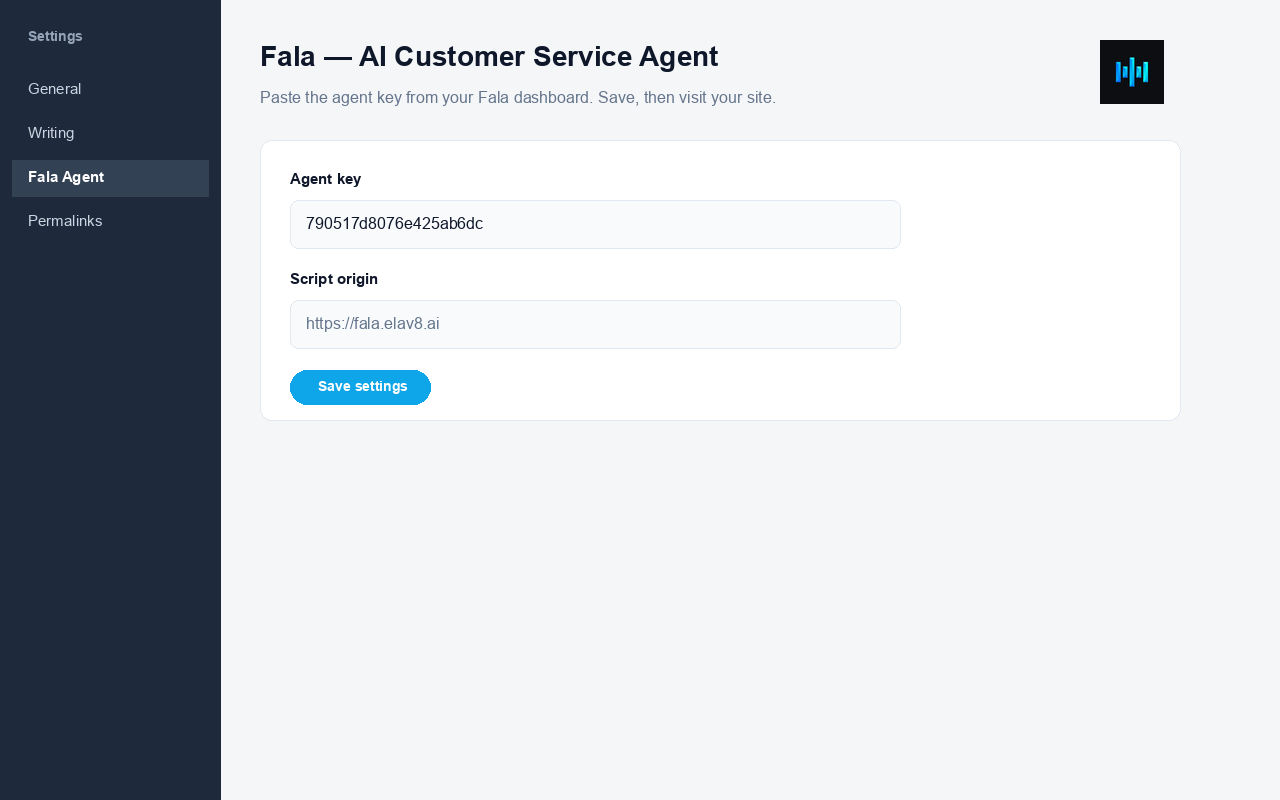
- Open Settings Fala Agent
- Paste the agent key from your Fala dashboard (Build Widgets, or the install guide)
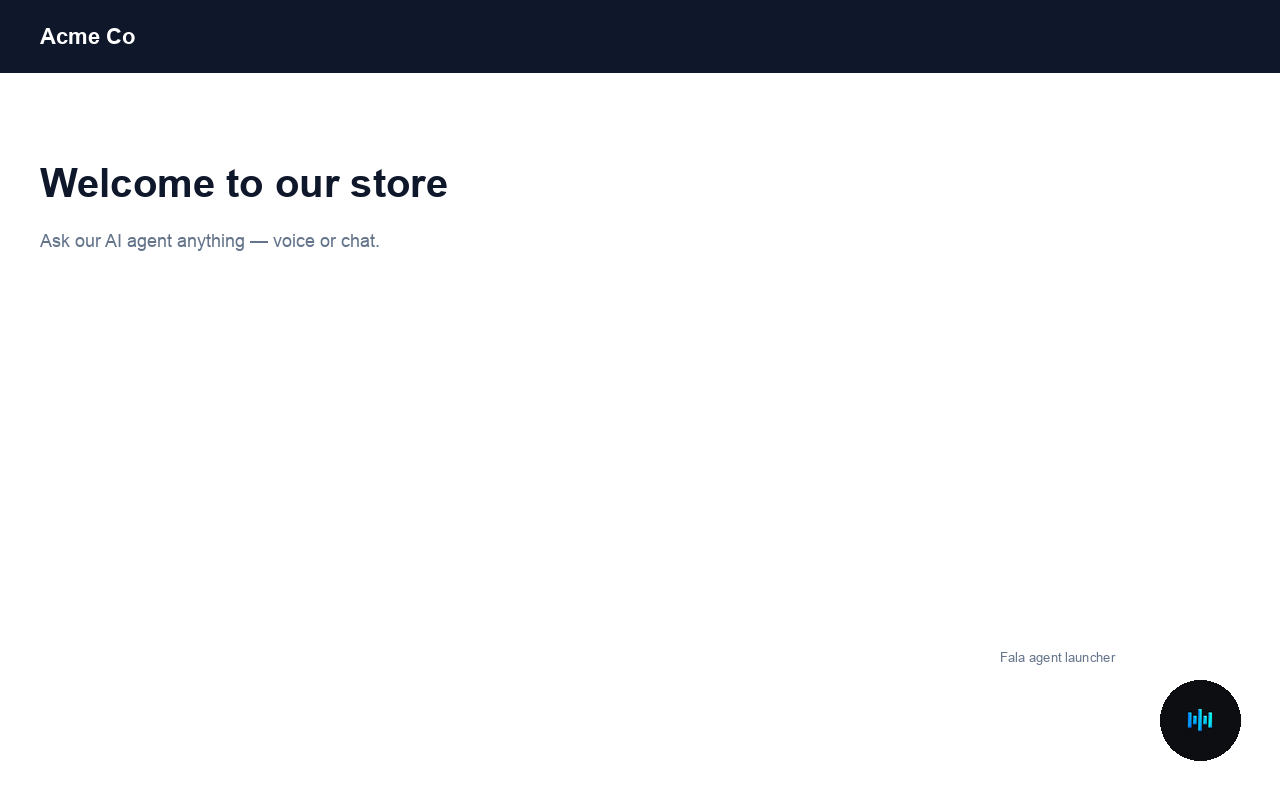
- Save — your agent appears on every public page
No theme file edits. Survives theme updates. Works with most caching plugins (purge cache after install if the agent does not appear immediately).
Requirements
- A free or paid Fala workspace
- Your widget agent key (public embed key)
External service
This is a SaaS connector. When an agent key is saved, the plugin loads Fala’s official loader script from your configured script origin (default https://fala.elav8.ai/widget.js) and visitor chat/voice traffic is handled by Fala’s servers according to your plan and settings.
Saving an agent key under Settings Fala Agent is your explicit consent to load that service on the public site. No script is injected until a key is present. The plugin does not inject “powered by” credit links.