

Extendons Request a Quote for Price
v1.0.0extendons · 2026年7月9日 上架
Replace the standard buy-now flow with a flexible quoting system built for B2B stores, wholesalers, and custom product sellers.
- 正在使用
- 10 以下
- 评分
- 暂无
- 累计下载
- 322
- 最近更新
- 2026年7月9日
贡献者
 extendons
截图
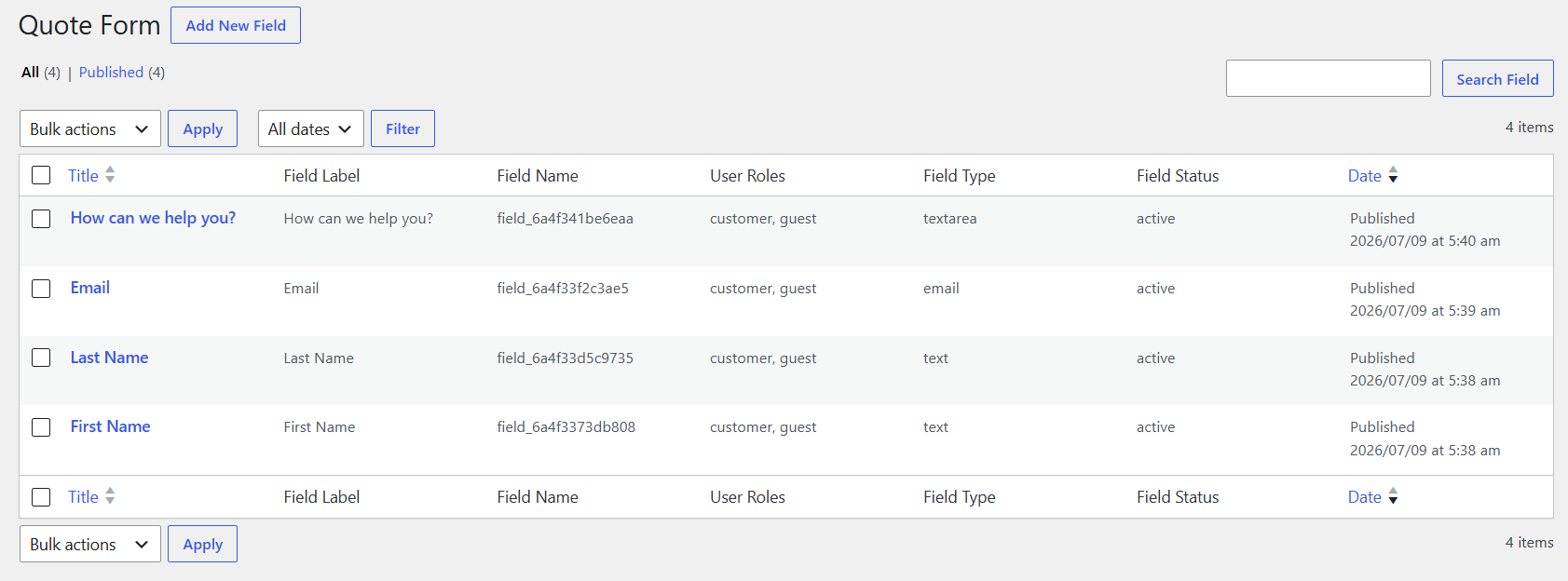
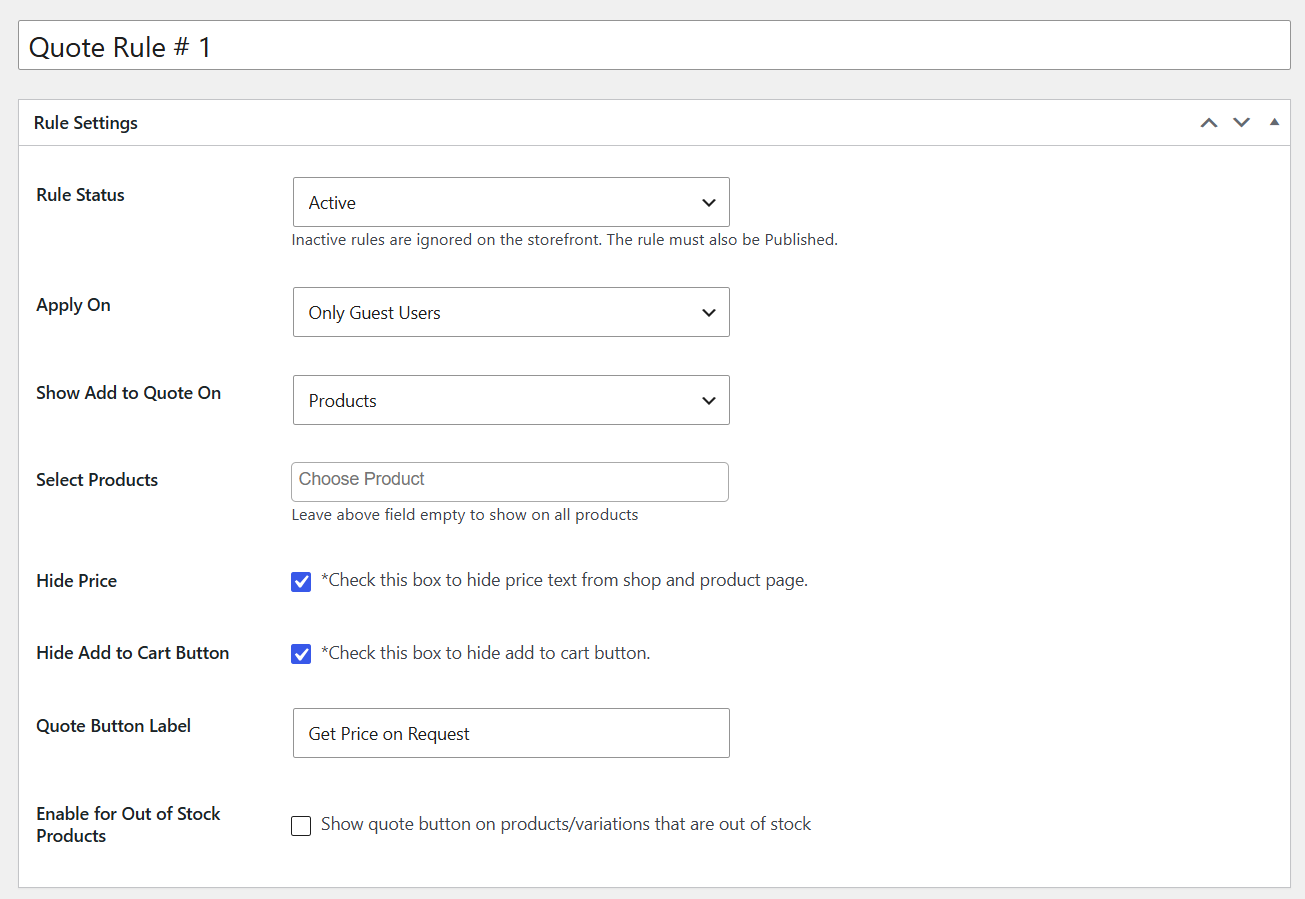
Request a Quote for WooCommerce by Extendons replaces the standard buy-now flow with a flexible quoting system that works for wholesale stores, B2B businesses, custom product sellers, and any store where pricing needs a conversation. Customers can add products to a quote basket, submit a request with their details, and receive a response directly from the admin.
Whether you need to hide prices from the public, negotiate with bulk buyers, or simply offer a professional quote experience, this plugin gives you the tools to manage the entire quote lifecycle from submission to order conversion.
Pro Version Available
Unlock guest quoting, custom form fields, reCAPTCHA, PDF quotes, quote expiration, customer-level order conversion, and more.
Free Version Features
- Add an Add to Quote button on product and shop pages.
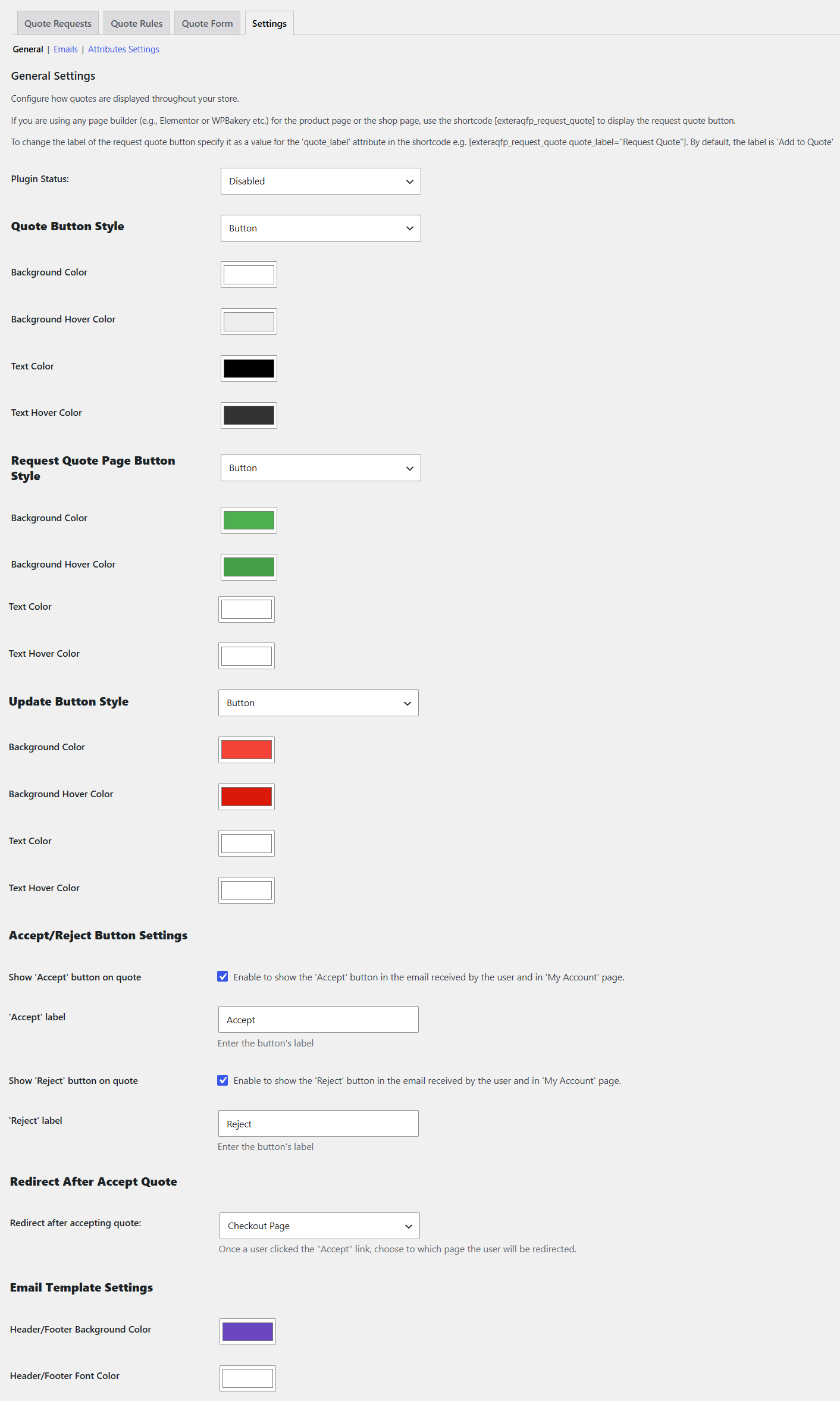
- Display the quote button for all users, specific roles, or only logged-in users.
- Enable the quote button for specific products, categories, or out-of-stock products.
- Customize the quote button text, style, and colors, including background, hover, text, and text hover.
- Use a shortcode to place the quote button anywhere with page builders like Elementor or WPBakery.
- Hide product prices and the Add to Cart button on shop and product pages, per product or category.
- Collect quote requests through a basic submission form with text and email fields.
- Allow customers to add multiple products to a quote basket in a single request.
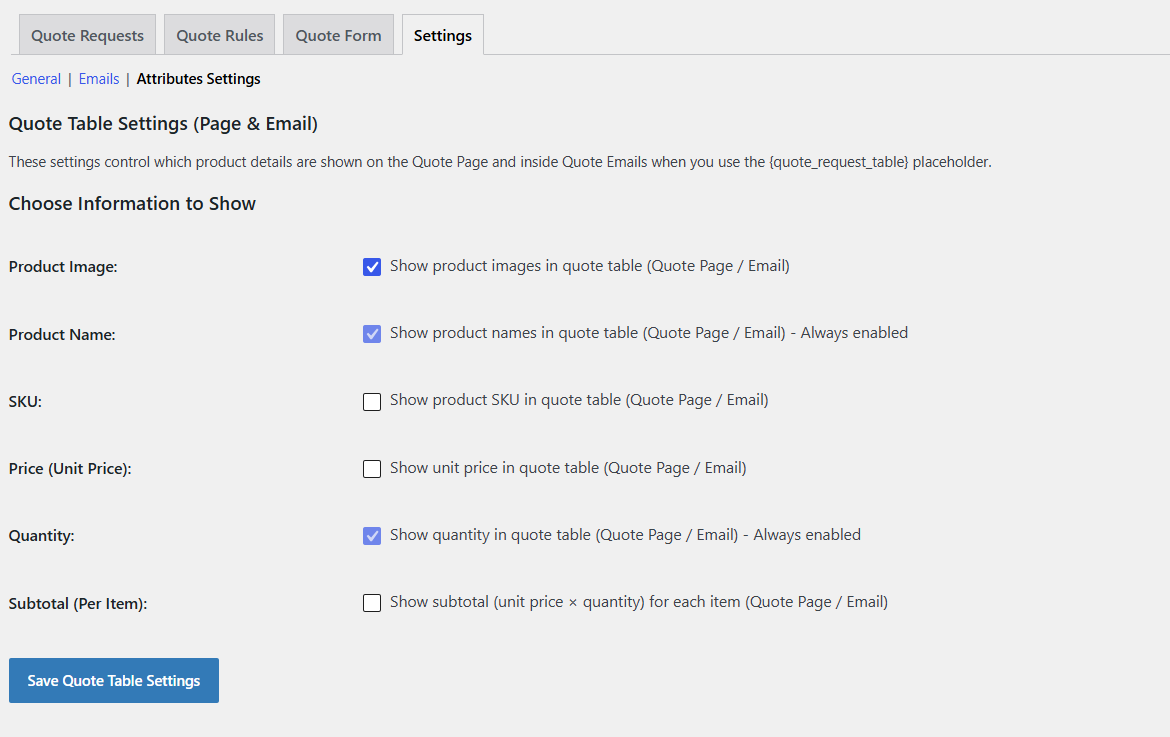
- Show or hide product image, SKU, unit price, quantity, and subtotal in the quote table.
- Allow customers to enter their offered price directly on the quote form.
- View and manage all incoming quote requests from the admin panel.
- Update quote status to pending, in process, accepted, or declined.
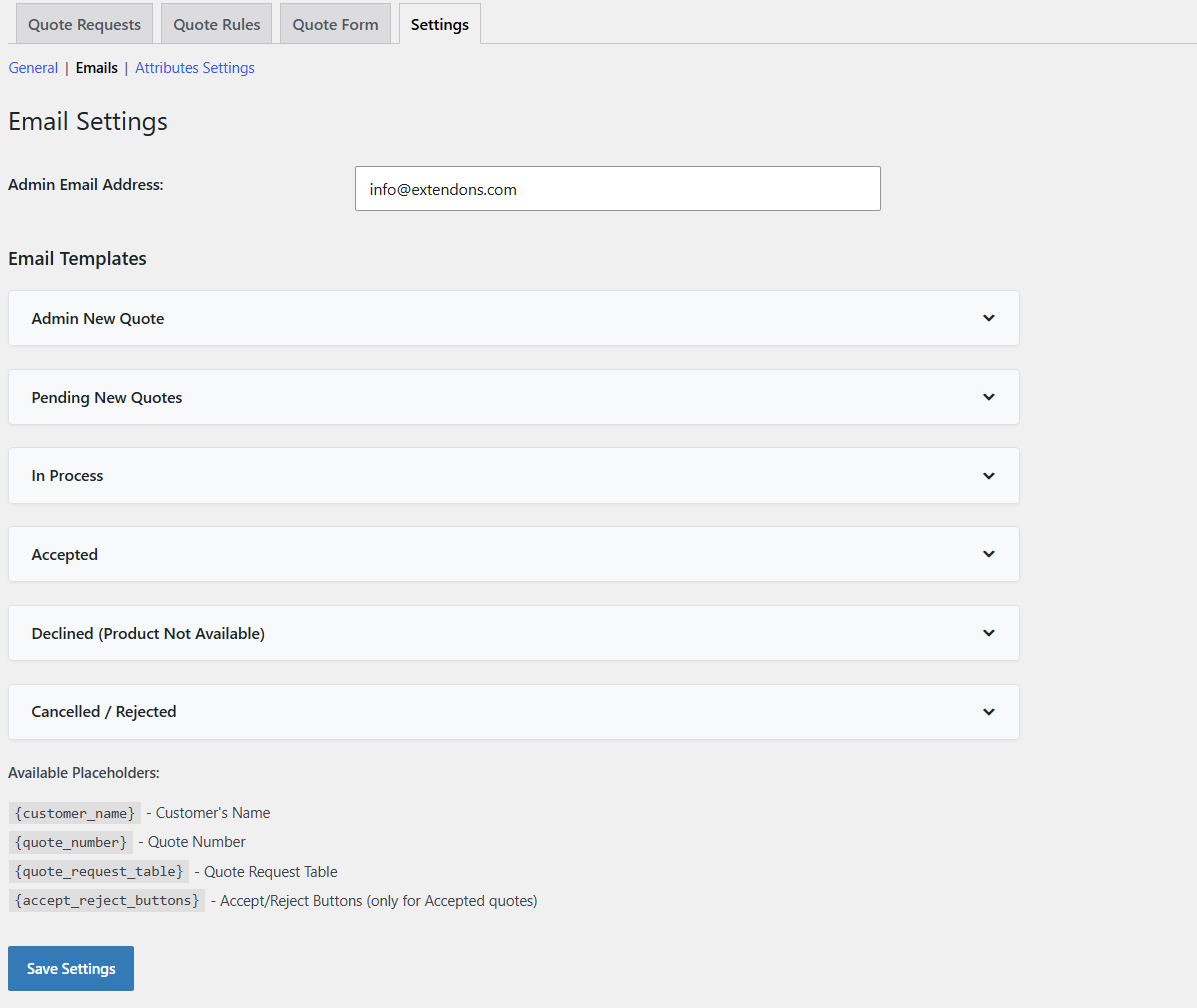
- Send basic email notifications to the admin and confirmation emails to customers.
- Use customizable email templates with status-based notifications for pending, accepted, declined, and converted statuses.
- Use shortcode placeholders to personalize confirmation messages.
Pro Version Features
- Display the quote button for guest users on the Cart and Checkout pages.
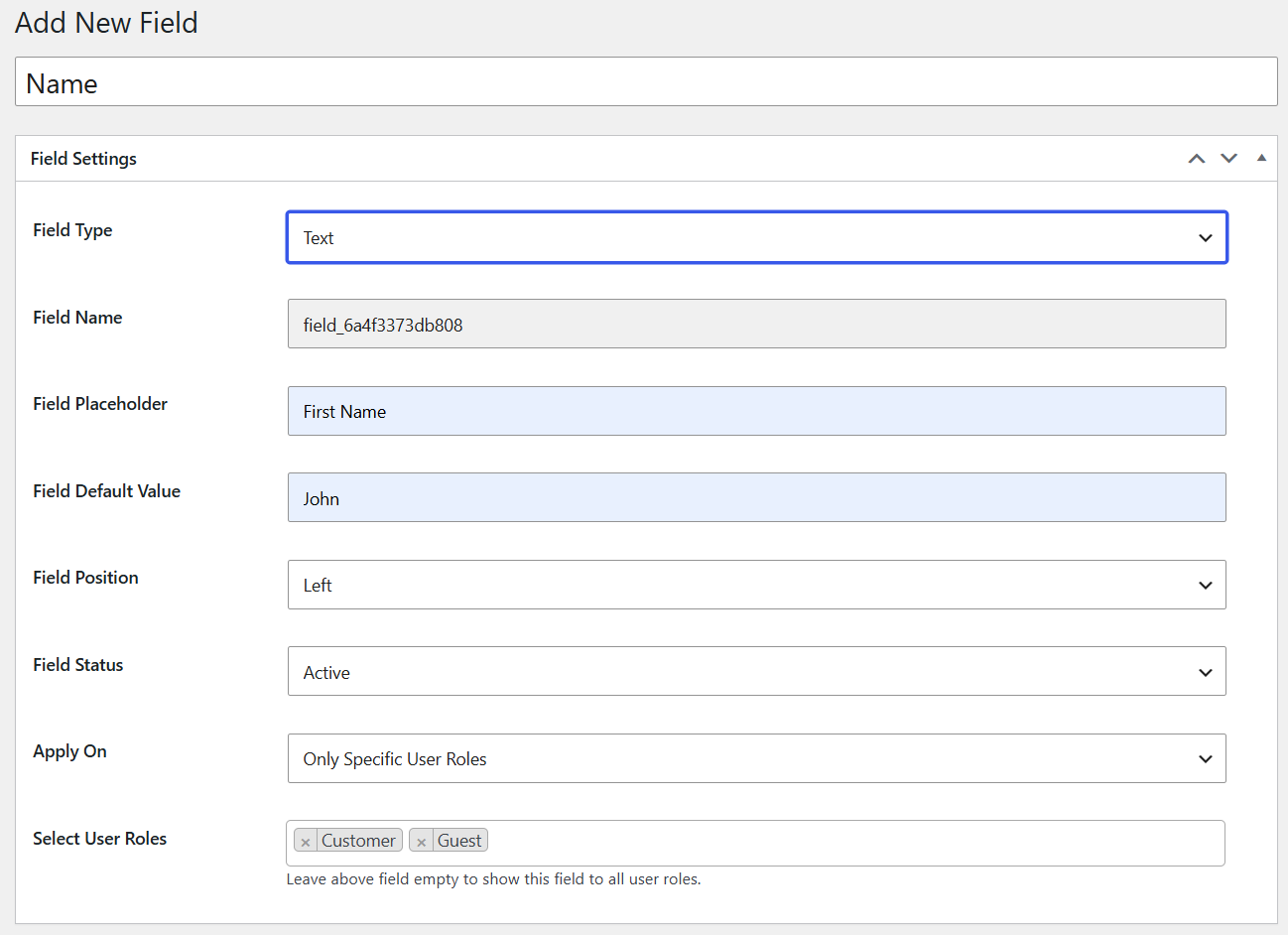
- Add unlimited custom fields to the quote form with 13 available field types.
- Mark fields as mandatory and apply them to specific user roles or guest users.
- Choose between single-column and two-column form layouts.
- Enable Google reCAPTCHA on the quote form to prevent spam submissions.
- Show product attributes such as size and color in the quote table.
- Enable or disable price and total display in the quote basket.
- Create new quotes from the backend and send them to customers.
- Set quote expiration dates to expire quotes after a specified number of days automatically.
- Convert accepted quotes into orders from the admin panel or the customer’s My Account page.
- Attach a branded PDF quote to email notifications with company logo, name, address, and custom layout.
- Allow customers to download PDF quotes directly from their account page.
- Display custom messages after quote submission using dynamic shortcode placeholders.
Request a quote for WooCommerce is built for B2B stores, wholesalers, and custom product sellers who need more than a simple checkout. It covers the full quote journey, from Add to Quote through admin review, status updates, and final order conversion without any complex setup.