Export Import For WooCommerce
v1.3.1Fahad Mahmood · 2020年10月2日 上架
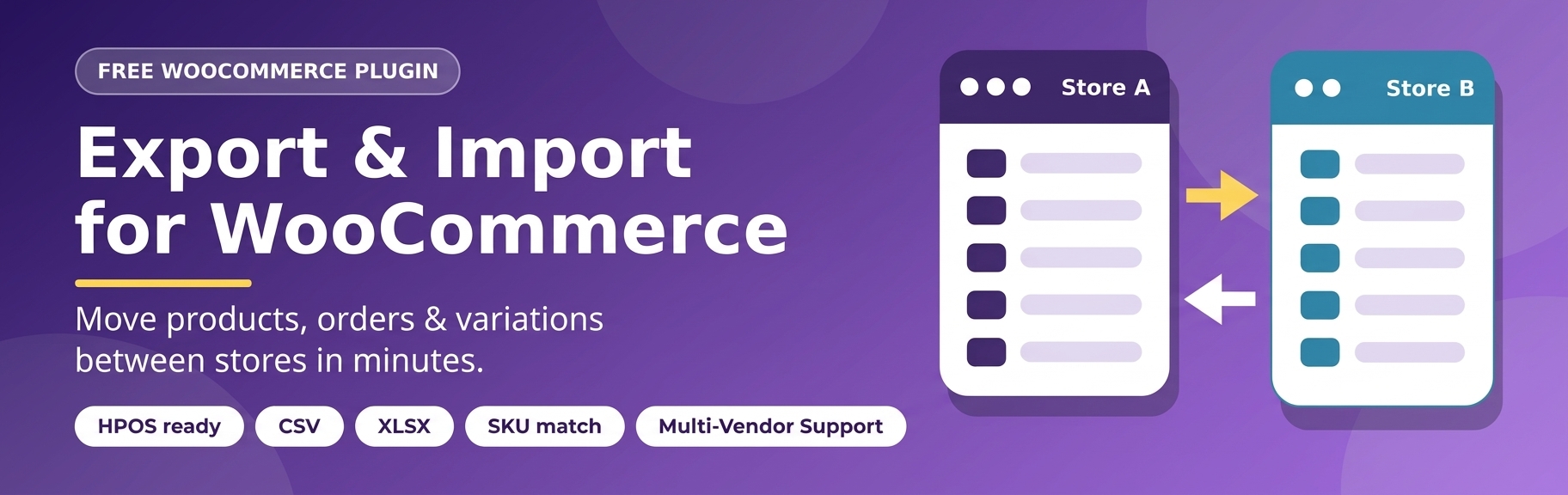
Export and import WooCommerce products, orders, pages and posts as text or files, and export orders to Excel.
- 正在使用
- 10+
- 评分
- 暂无
- 累计下载
- 2,359
- 最近更新
- 2026年11月25日
需要 WordPress 5.8+已测试到 7.1.5PHP 7.0+
 Fahad Mahmood
 InvoicePress
截图


Export Import For WooCommerce helps you move or back up WooCommerce content quickly, without a bloated interface.
- Choose a post type (product, shop_order, page, post or any custom post type) and a post status (published, draft, private, pending and more).
- Export everything, or only specific IDs.
- Export as an encoded string (copy/paste) or as a file, and import it again on another site in either form.
- Posts, post meta and taxonomy terms travel together; items that already exist are skipped, so imports are safe to repeat.
- Export WooCommerce orders to Excel (.xlsx) with selectable columns, order meta keys, ACF fields and line items.
- Add custom meta-key filters to the WooCommerce orders list.
- Compatible with HPOS (High-Performance Order Storage) and the classic post-based order storage.
- Smart product import: matches existing products by SKU, re-links variations to their new parent product and remaps upsells, cross-sells and grouped children.
Security first
Since version 1.2.8, every action checks user permissions and verifies a nonce, export files are kept in a protected, randomly named location, and imports no longer unserialize arbitrary PHP objects.