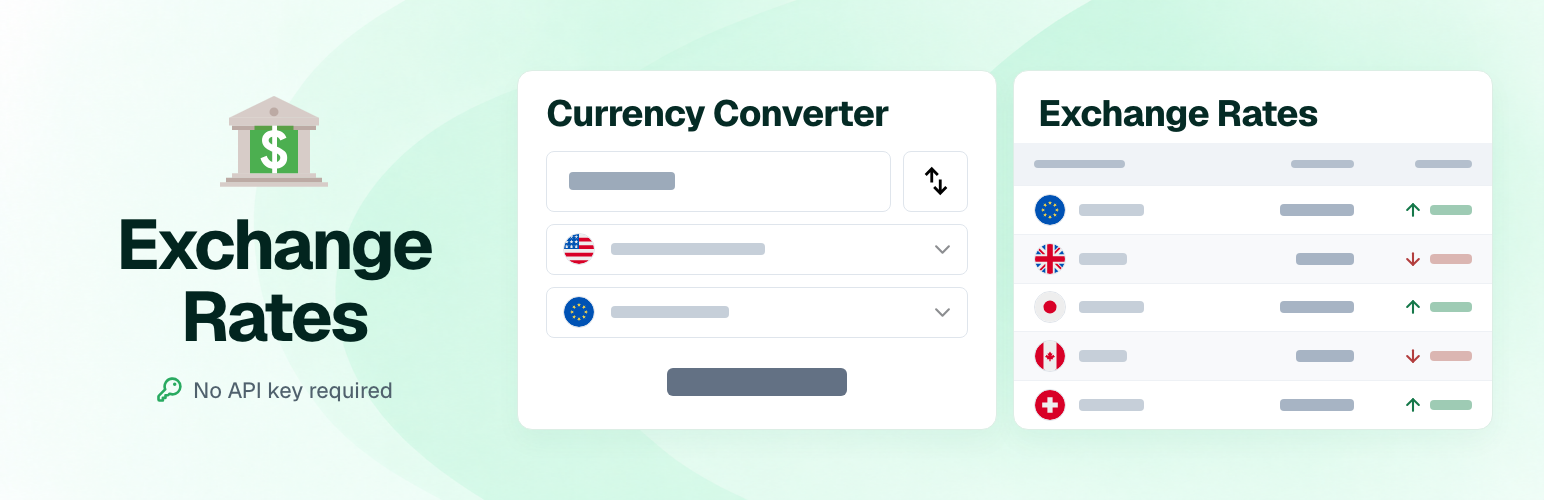

Exchange Rates
v1.4.2falselight · 2022年7月13日 上架
Help visitors convert currencies and compare prices. Converters, tables, and badges, with 80+ data sources to choose from. No API key required.
- 正在使用
- 800+
- 评分
- 4.2 / 5
- 累计下载
- 15 万
- 最近更新
- 2026年10月27日
贡献者
 falselight
截图


Exchange Rates adds currency converters, exchange-rate tables, and compact price badges to WordPress. Help visitors understand prices and calculate amounts without leaving your website.
Choose from a catalog of 80+ exchange-rate sources, including central banks, commercial banks, currency exchange services, and alternative market sources. Scheduled updates retrieve rates through CurrencyRate.today using the source you select.
No API key or account is required.
See the converter, table, and badges in action, or watch the video walkthrough.
Three ways to bring currencies into your content
Currency Converter
Let visitors enter an amount, choose currencies, and swap the conversion direction. A practical addition to travel guides, property listings, and websites with an international audience.
Available as a widget and a shortcode.
Exchange Rate Table
Display selected currencies together in a configurable table. Choose the base currency, adjust the columns, and optionally let visitors enter an amount to recalculate the table.
Show previous-close values and changes when your selected source supplies them.
Available as a widget and a shortcode.
Currency Badges
Place compact currency equivalents alongside a price or amount in your content. Useful for accommodation costs, travel budgets, product descriptions, and service prices.
Create badges with the shortcode generator on the plugin settings page.
Choose the data source that fits your audience
Different websites need different rates.
Choose a central bank for its published reference rates, a commercial bank or exchange service for its quoted rates, or an alternative market source where available.
Converters, tables, and badges share the same source selection. Currency coverage, availability, and publication schedules depend on that source.
Source captions include a rate date and links to currency-rate information, helping visitors understand where the displayed rates come from.
The complete source catalog is available in the FAQ below.
Make the display your own
- Currencies and amounts: select the currencies and starting amounts relevant to your content.
- Number formatting: choose decimal precision and separator styles.
- Table layout: customize columns, headings, borders, and display options.
- Currency icons: choose rectangular, square, circular, or emoji flags, or hide flags where supported.
- Badge appearance: configure colors and currency labels.
- Flexible placement: use widgets in your theme’s widget areas or shortcodes in posts and pages.
Common use cases
- Travel websites and blogs: help readers compare budgets and local costs.
- News websites and financial portals: publish a selected exchange-rate table.
- Property and accommodation websites: show reference amounts for international visitors.
- Product and service pages: display currency equivalents alongside a quoted price.
Getting started
Open Settings Exchange Rates to choose your data source and review its available currencies.
Add a Currency Converter or Currency Table widget under Appearance Widgets, or insert a shortcode into a post or page. In the block editor, use a Shortcode block.
The plugin settings page also includes a generator for currency badges.
Support and development
Need help choosing a source or configuring a display? Visit the support forum.
Exchange Rates is free and open source. Follow development, report bugs, or contribute through the GitHub repository.
If the plugin is useful to you, please consider leaving a review.