

Escuder Maintenance
v1.0.0escuder · 2026年11月7日 上架
Show a maintenance or coming soon page while administrators and visitors from authorized IP addresses can preview your WordPress site.
- 正在使用
- 10 以下
- 评分
- 暂无
- 累计下载
- 245
- 最近更新
- 2026年11月8日
贡献者
 escuder
截图

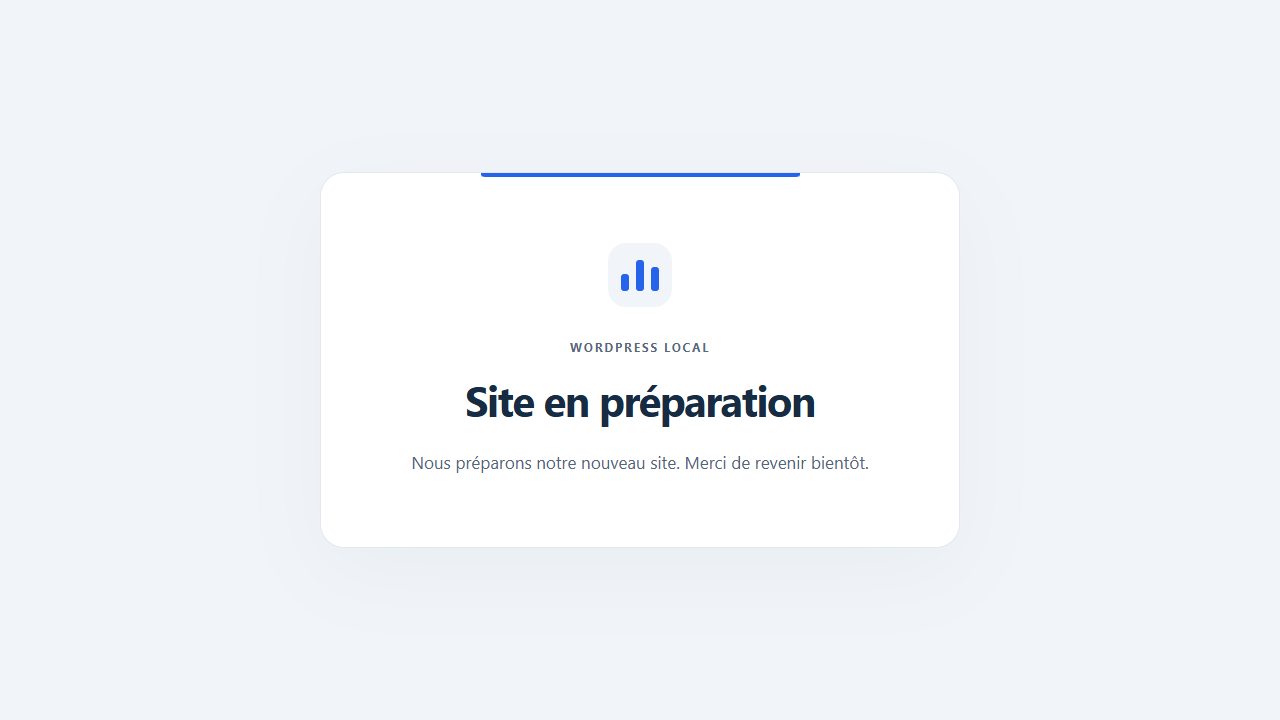

Escuder Maintenance lets you prepare a WordPress site without editing your theme. Turn maintenance on from Settings > Escuder Maintenance, add trusted IPv4 or IPv6 addresses and customize the public page.
Administrators with manage_options can always sign in and view the site. Visitors sharing an allowed IP can view it without an account. Everyone else receives a standalone maintenance page with HTTP 503, Retry-After and noindex headers.
Features:
- Maintenance is off when first activated or reactivated.
- Up to 200 exact IPv4 or IPv6 addresses; equivalent IPv6 notations are normalized.
- Add the address WordPress sees with one click.
- Custom title, plain-text message, Media Library logo, accent and background colors.
- Administrator-only preview of saved settings, without enabling maintenance.
- Administration notice and toolbar indicator while maintenance is active.
- English interface with bundled French and Spanish translations.
- No external services, trackers, remote fonts, paid features or public author credits.
- No changes to themes, server rules, media files or WordPress indexing preferences.
Important scope
The plugin gates requests reaching its early WordPress init hook: public pages, feeds, REST, XML-RPC, Ajax and admin-post handlers. The real WordPress login page, ordinary administration, cron and WP-CLI keep their normal authentication and permissions. An allowed IP only bypasses maintenance; it never grants WordPress permissions.
Images, PDFs and other files served directly by Apache, Nginx or a CDN are not protected. A page cache or another plugin responding before this plugin runs can also bypass it. Use hosting-level access control when the entire site must be private.
Disable and purge full-page caching before enabling maintenance, and purge again after changes to maintenance or allowed IPs. Cache-control headers and DONOTCACHEPAGE cannot erase a page already cached upstream. The plugin does not automatically purge arbitrary hosting, plugin or CDN caches.
Payment notifications, public Ajax, XML-RPC and other integrations may be blocked during maintenance. Check your integrations before enabling maintenance on a live store. There are no automatic webhook exceptions.