
EnMigrate Pro
v1.2.3Enwebs Estudios · 2026年10月27日 上架
Back up, move and restore a complete WordPress site (database, plugins, themes and media) with no size limits.
- 正在使用
- 10 以下
- 评分
- 暂无
- 累计下载
- 451
- 最近更新
- 2026年11月13日
贡献者
 Enwebs Estudios
截图
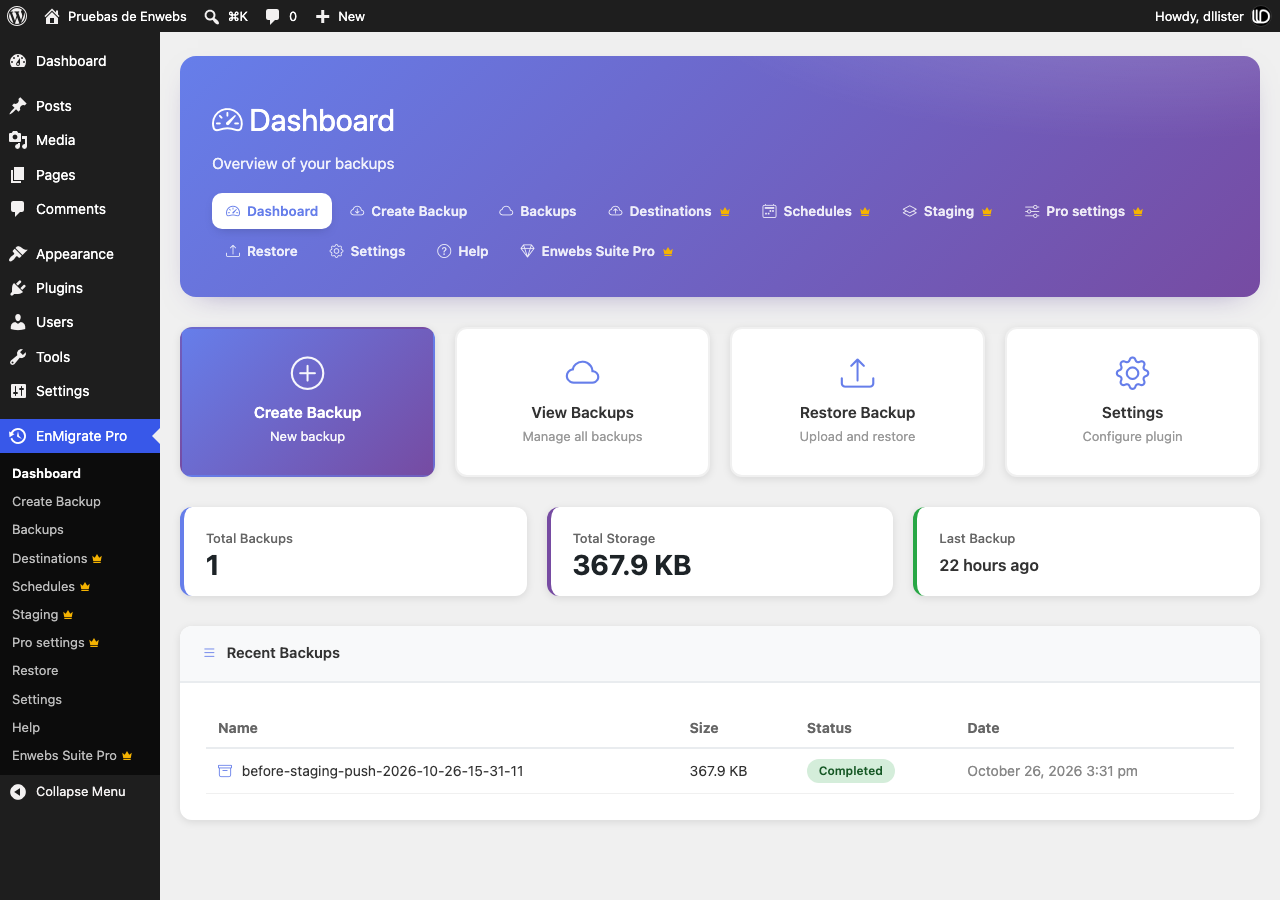
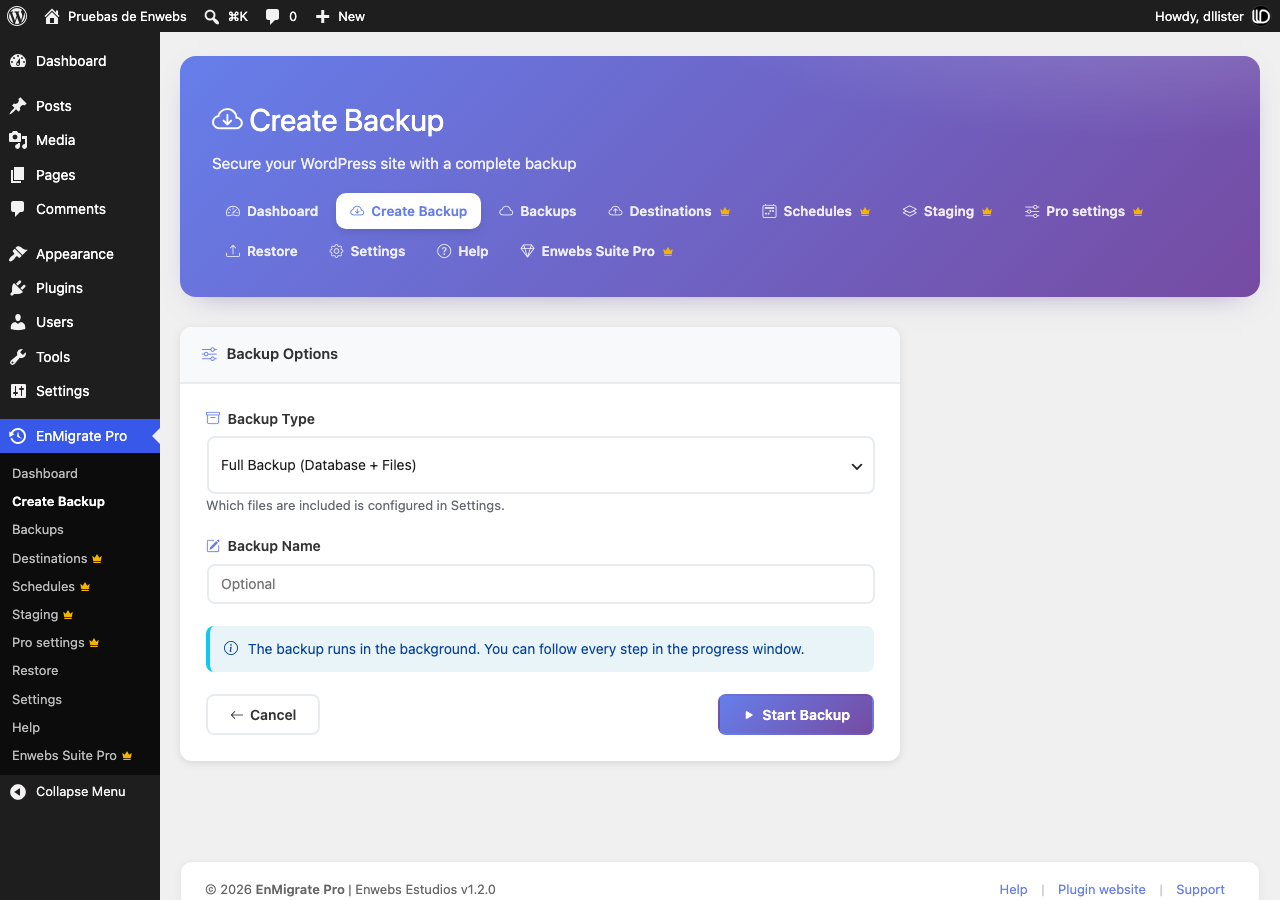
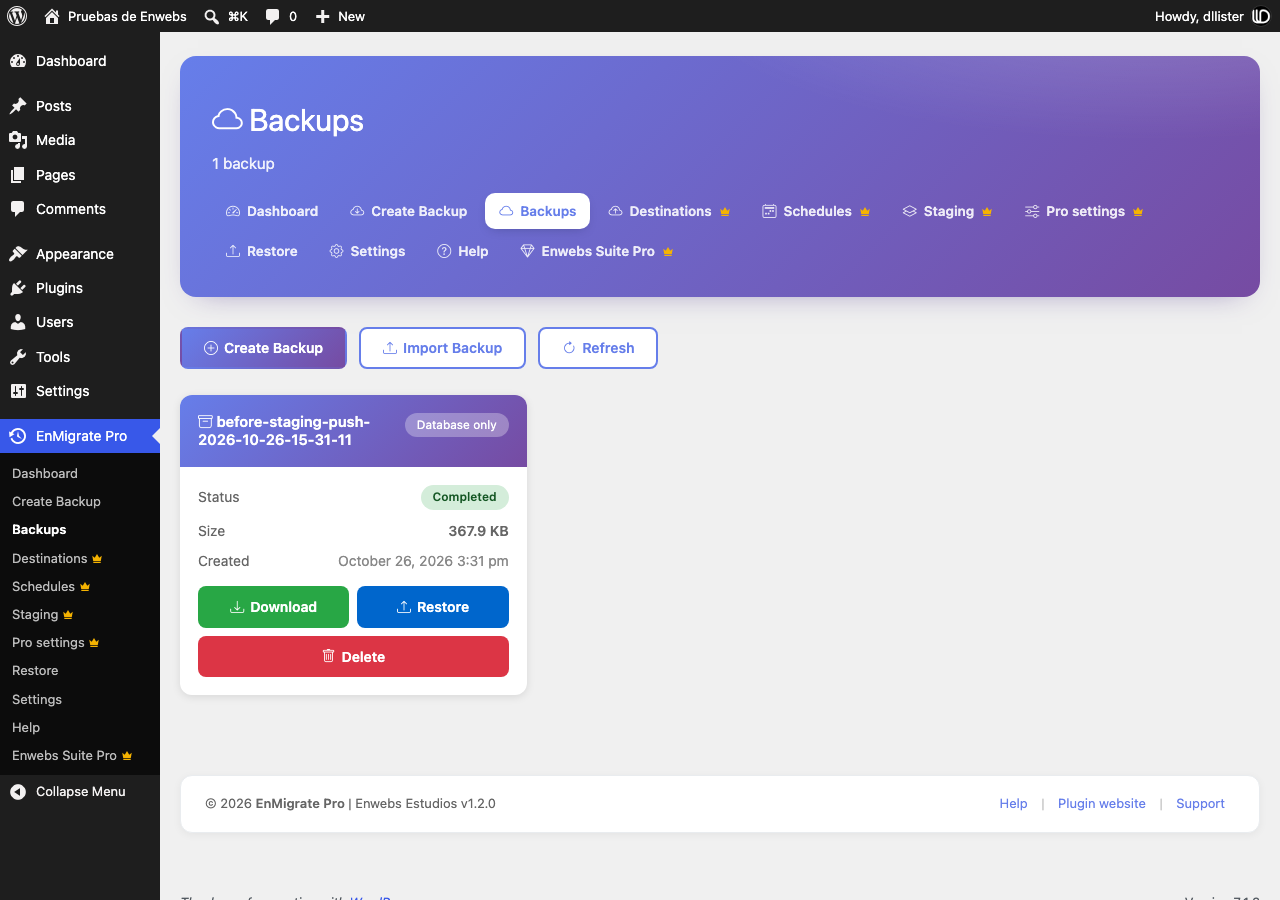
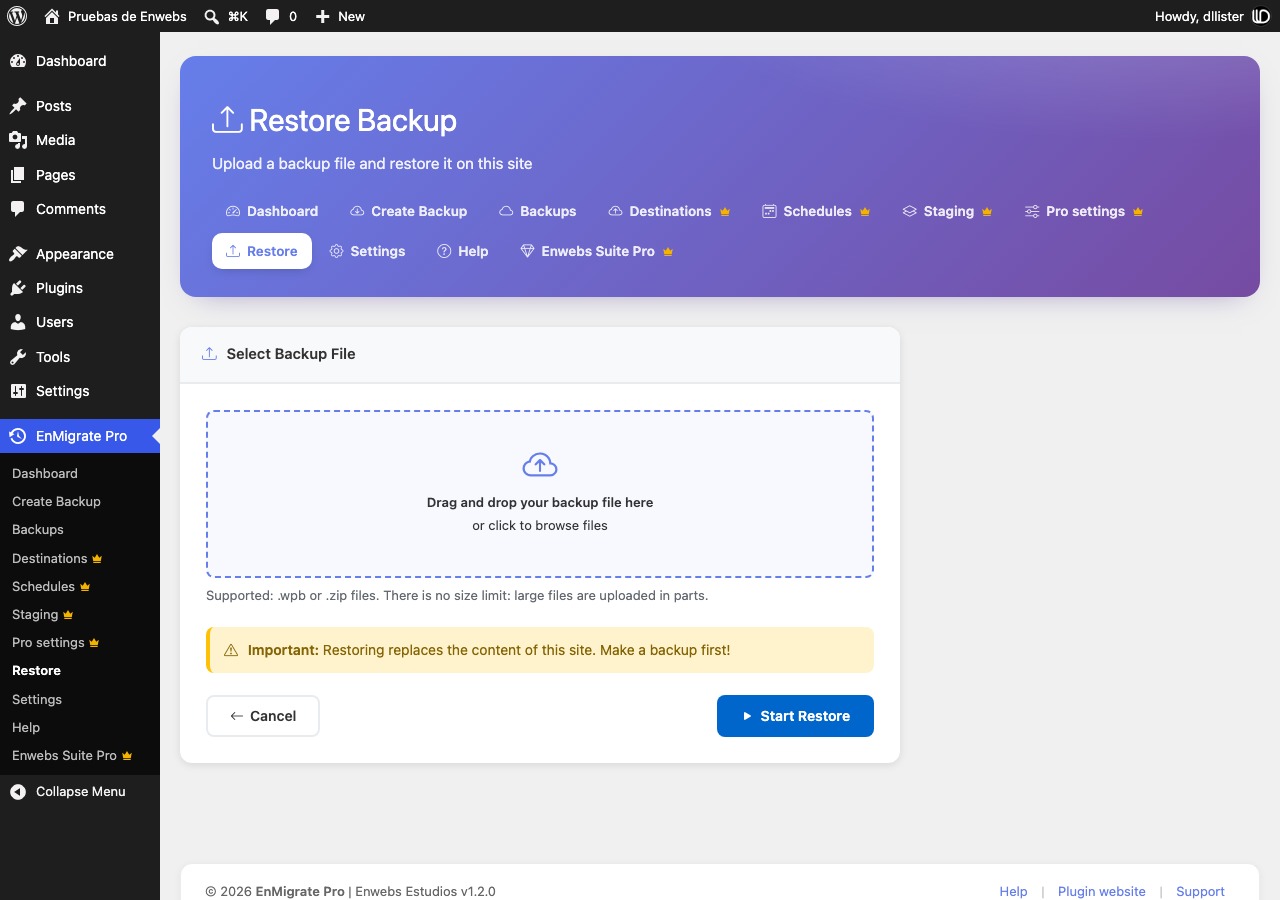
EnMigrate Pro creates a single backup file of your whole site and restores it on the same server or on a different one, with a different domain or table prefix.
Features
- Full site backups: database, plugins, themes, uploads, mu-plugins and languages in one
.wpbfile. - No size limit: large backups are uploaded in small parts, so
upload_max_filesizeand server timeouts are not a problem. - One-click restore with a live log that shows every step: tables imported, URLs replaced, folders restored.
- Safe migrations between domains: URLs and paths are replaced everywhere, including serialized data (theme customizer settings, widgets, menus) and JSON data used by page builders.
- Different table prefix on the destination? Handled automatically, including user roles and capabilities.
- The database is imported into temporary tables and swapped in at the end, so an error during the import never leaves your site half restored.
- Restores run in short steps that resume automatically, so they work on shared hosting with strict time limits.
- Database-only and files-only backups.
- Daily automatic backups, keeping only the last N backups.
- Backups are stored in a protected folder and can only be downloaded by administrators.
- Built-in help page with step-by-step guides and a server requirements check.
- Translation ready: translate it on translate.wordpress.org or with Loco Translate.
Requirements
- PHP ZipArchive extension.
- Enough free disk space for the backup file.
External services
EnMigrate Pro does not connect to any external service by itself: backups are made, kept and restored on your own server, and no data is sent anywhere.
Links to the developer’s websites
The admin screens show links to enwebs.net (the plugin website and the other free Enwebs plugins), docs.xcodevs.com (the user guide) and dev.xcodevs.com (support and the optional Enwebs Suite Pro add-on). Nothing is sent when these screens load; a website opens only when you click its link.
- enwebs.net – Terms of service: https://enwebs.net/legal/terms-of-service – Privacy policy: https://enwebs.net/legal/privacy-policy
- docs.xcodevs.com and dev.xcodevs.com – Terms of use: https://dev.xcodevs.com/p/terms-of-use – Privacy policy: https://dev.xcodevs.com/p/privacy-policy