

EnConvert HEIC to SVG
v1.0.0enconvert · 2026年7月16日 上架
Add a HEIC-to-SVG image converter to any WordPress page or post via shortcode. Powered by the EnConvert API.
- 正在使用
- 10 以下
- 评分
- 暂无
- 累计下载
- 271
- 最近更新
- 2026年8月22日
贡献者
 enconvert
截图
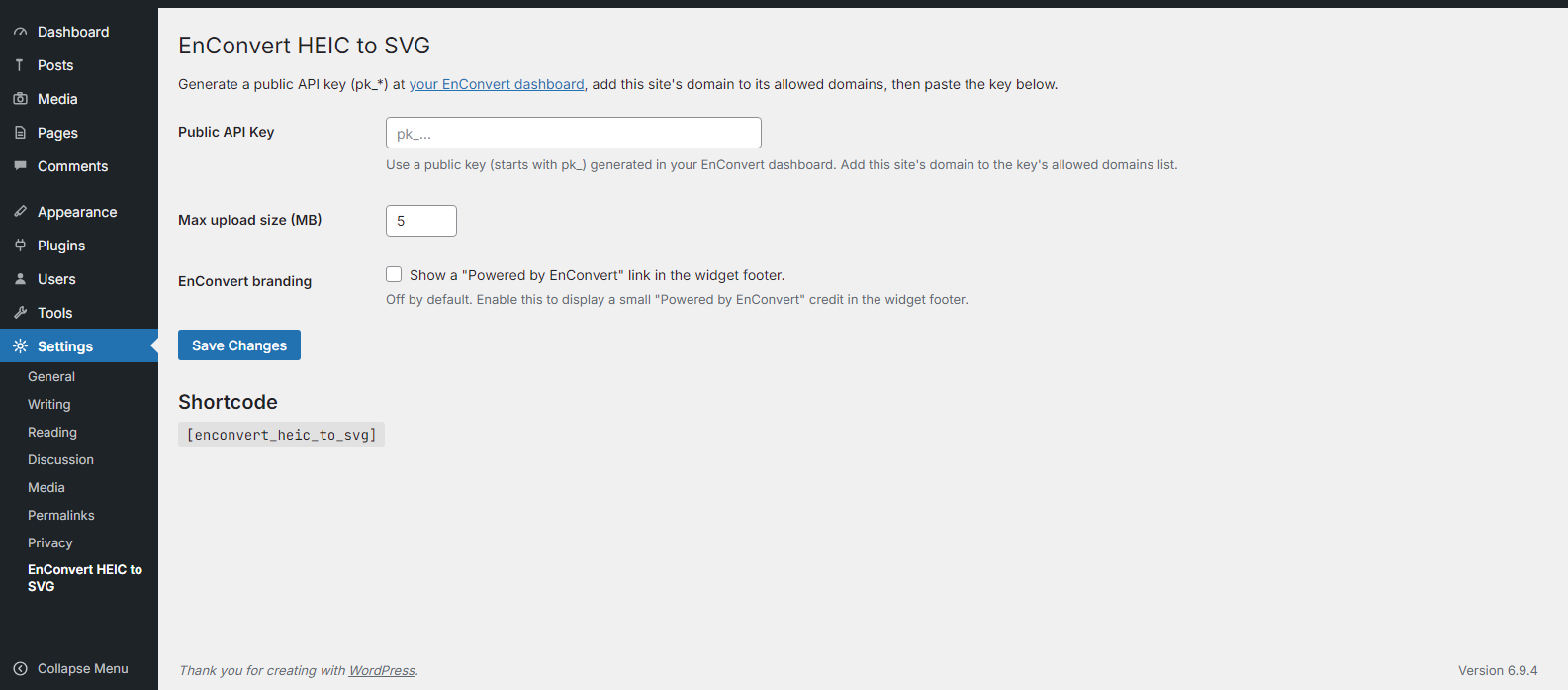
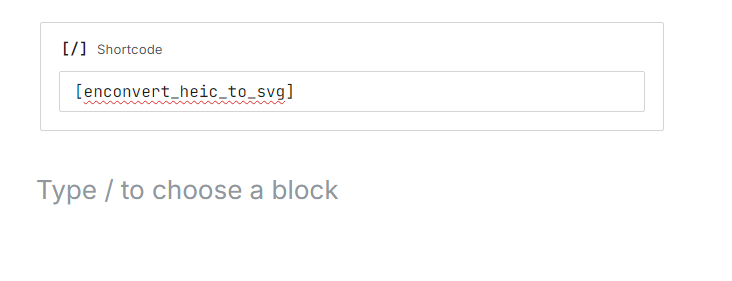
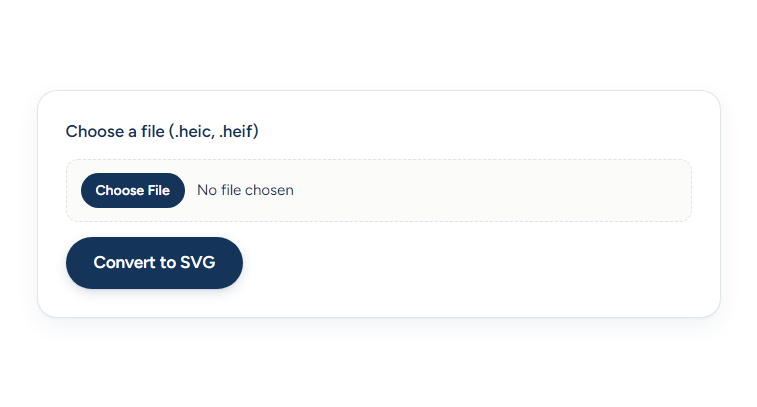
Let visitors upload a HEIC file and download the converted SVG, right from any WordPress page. The plugin renders a native form on your site and sends the file directly to the EnConvert API for conversion. No iframe, no extra tracking — just a clean form on your page.
How it works:
- Create a free EnConvert account.
- Generate a public API key (
pk_*) on your EnConvert API keys page. - Add your WordPress site’s domain to the key’s allowed-domains list.
- Paste the key into the plugin settings.
- Drop
[enconvert_heic_to_svg]into any page, post, or shortcode block.
New to EnConvert? Visit the EnConvert homepage, or try this conversion online at enconvert.com/convert/heic-to-svg.
Free tier available — 100 monthly conversions, no credit card. Paid tiers raise the limit and increase the max file size.
Third-Party Service
This plugin sends visitor-uploaded files directly from the visitor’s browser to the EnConvert API:
https://api.enconvert.com— receives the uploaded file and returns a presigned URL for the SVG download.
The visitor’s browser sends an X-API-Key header containing the public API key configured in plugin settings. The API validates the key and the requesting domain (the page’s origin) before accepting the conversion. Your WordPress server is not involved in the conversion request.
- Service: EnConvert — https://enconvert.com
- Terms of Service: https://enconvert.com/terms
- Privacy Policy: https://enconvert.com/privacy
By using this plugin, you and your visitors agree to EnConvert’s Terms of Service and Privacy Policy.