

Enable Classic Editor & Widgets
v3.2Ayon M · 2019年11月20日 上架
A simple & lightweight plugin to enable the classic editor on WordPress with advanced configuration options.
- 正在使用
- 2,000+
- 评分
- 5.0 / 5
- 累计下载
- 8 万
- 最近更新
- 2025年11月8日
5 条评价需要 WordPress 4.9+已测试到 6.8.13PHP 5.6+
贡献者
 Ayon M
截图
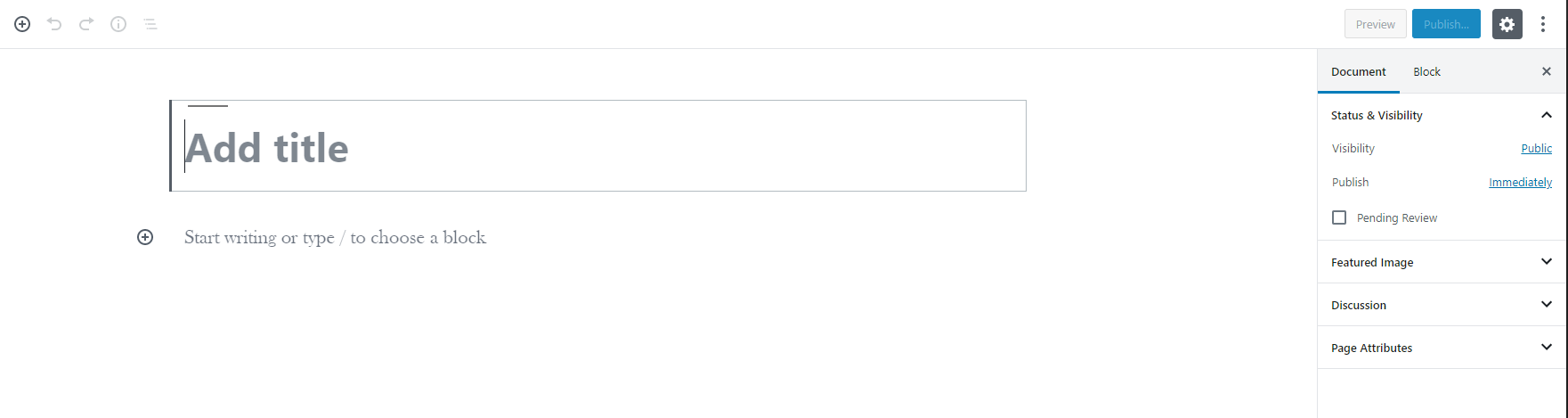
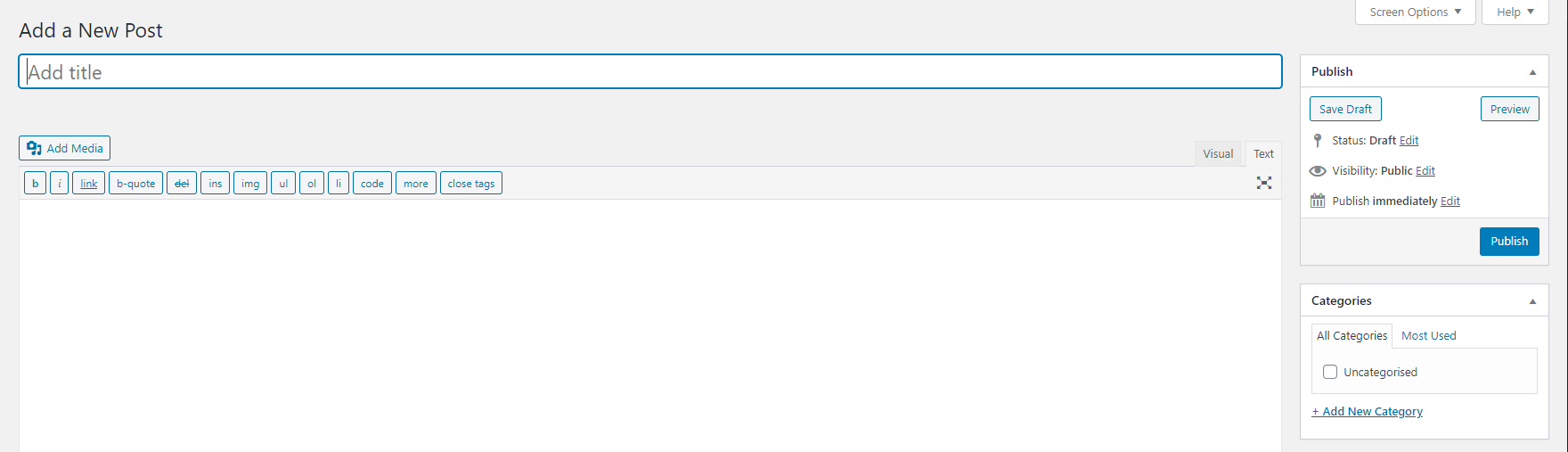
This is a lightweight Classic Editor plugin that gives you complete control over when to use the Classic Editor vs the Block Editor (Gutenberg). Despite the introduction of Gutenberg, a brand new block editor with WordPress 5.x, many users still prefer the Classic Editor due to its compatibility and ease of use.
What does this plugin do?
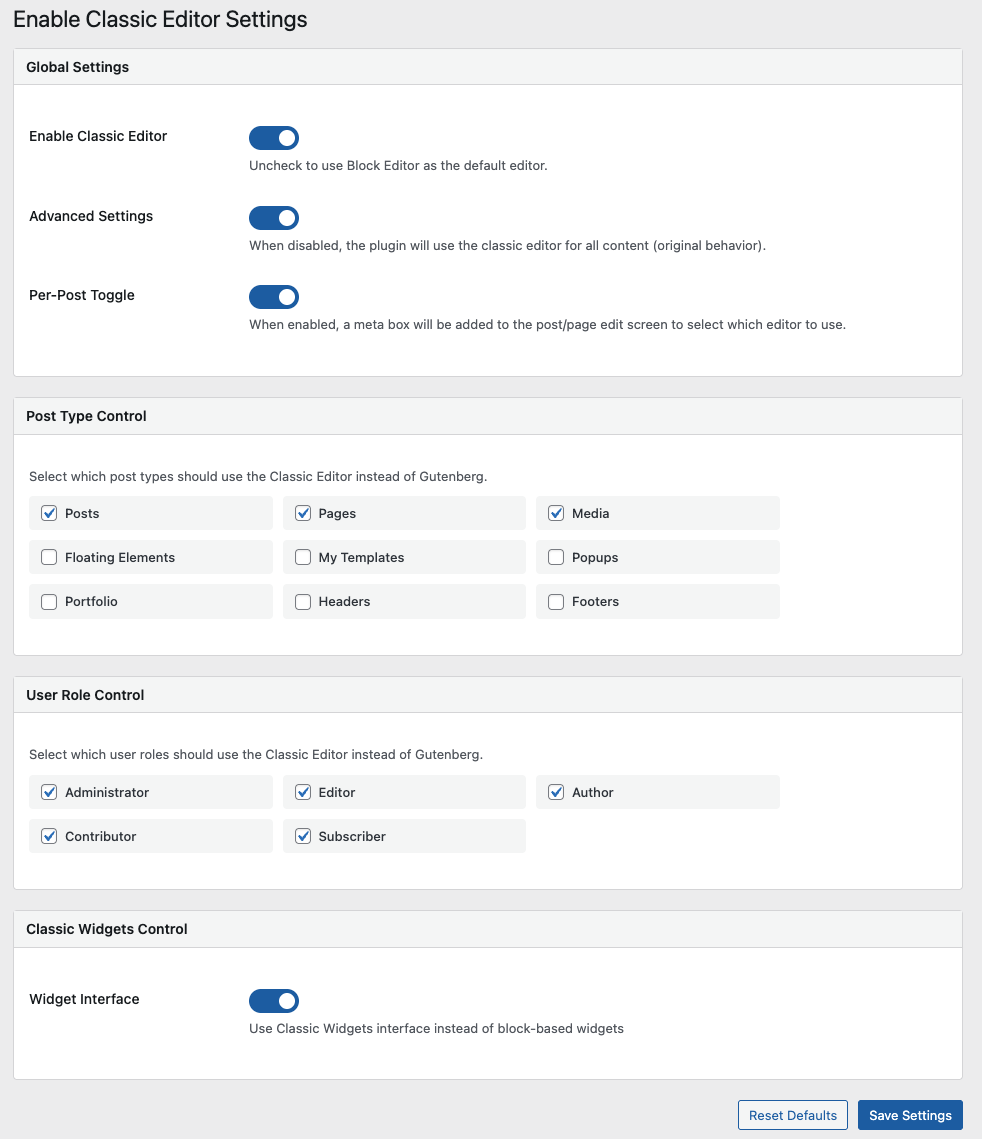
- Disables the Gutenberg Block Editor (with granular control)
- Reverts back to the Classic WordPress Editor
- Reverts to Classic Widgets section
- Configure which post types use Classic Editor
- Configure which user roles use Classic Editor
- Simple mode for quick setup or Advanced mode for granular control
- Modern, user-friendly settings interface
How to use this plugin?
- Simple Mode: Just activate the plugin and it works immediately (default)
- Advanced Mode: Enable “Advanced Settings” to configure per post type and user role