

EmojiCal comment with emoji
v1.3EmojiCal.Net · 2023年8月23日 上架
This plugin provides a Lighweight Emoji box to the Comments form of your site, and your users will be able to add these emojis inside their comments w …
- 正在使用
- 20+
- 评分
- 5.0 / 5
- 累计下载
- 1,905
- 最近更新
- 2024年1月5日
贡献者
 EmojiCal.Net
截图

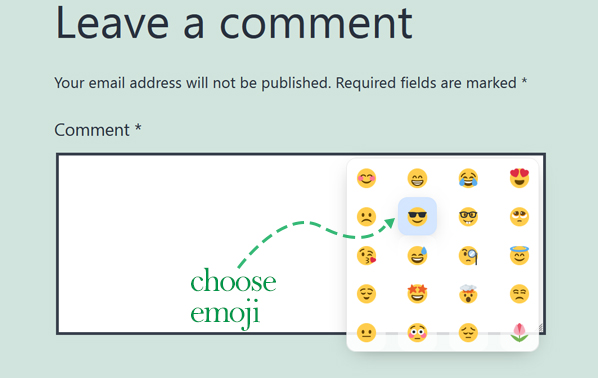

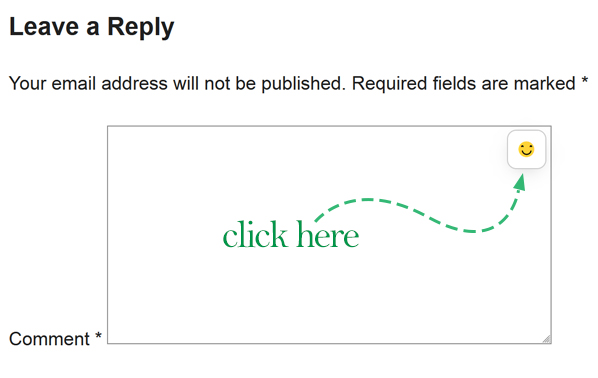
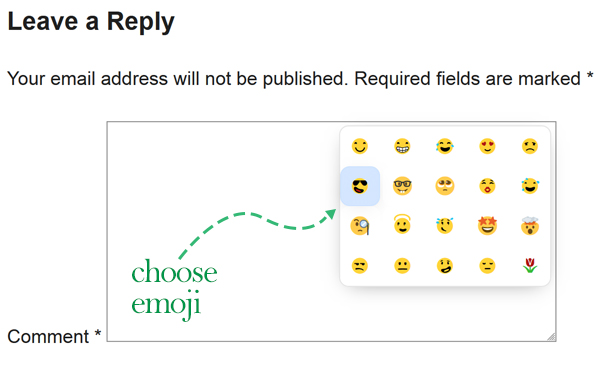
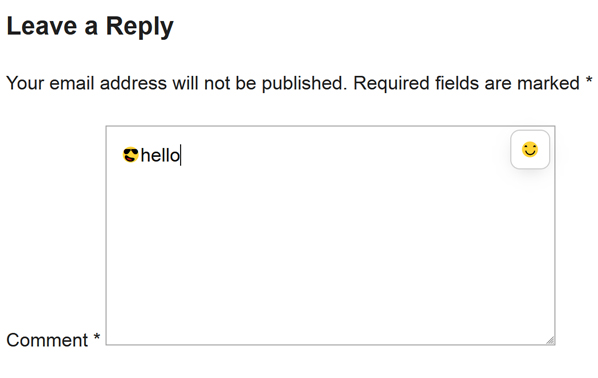
With this plugin your visitors will be able to easily add Emoji in their comments, and they will do this by just one click. This tool is lightweight and fast, so it has no effect on your pages load time and SEO.
How to use
- First Install and activate the plugin.
- Now your Users are able to see the emoji icon on the top-right corner of the textarea in the comments form.
- You can Click the emoji icon and choose any emoji you want to put inside your comment.
Compatibility
-
This plugin uses pure javascript and css for it’s job, So this plugin is fully stand-alone and does NOT need any third-party js/css framework or library.
-
All css and js codes are inline and no extra files needed to load in your pages.
-
This plugin is compatilbe with the twEmoji js library.
How to edit css and js
- Inside the functions file you will be able to find all css and js codes used for this plugin.
if you need more help contact us here.
Live demo
For an online live demo of this plugin you can visit any post inside our website, for example:
Emojical
Happy users
Here you can see a list of satisfied websites which are installed this plugin:
If you also have installed this plugin and want to be on this list, feel free to contact us.