

- 正在使用
- 100+
- 评分
- 暂无
- 累计下载
- 2,767
- 最近更新
- 2026年9月15日
需要 WordPress 6.6+已测试到 7.1.5PHP 7.4+
 10up
 Darin Kotter
 Jeffrey Paul
截图
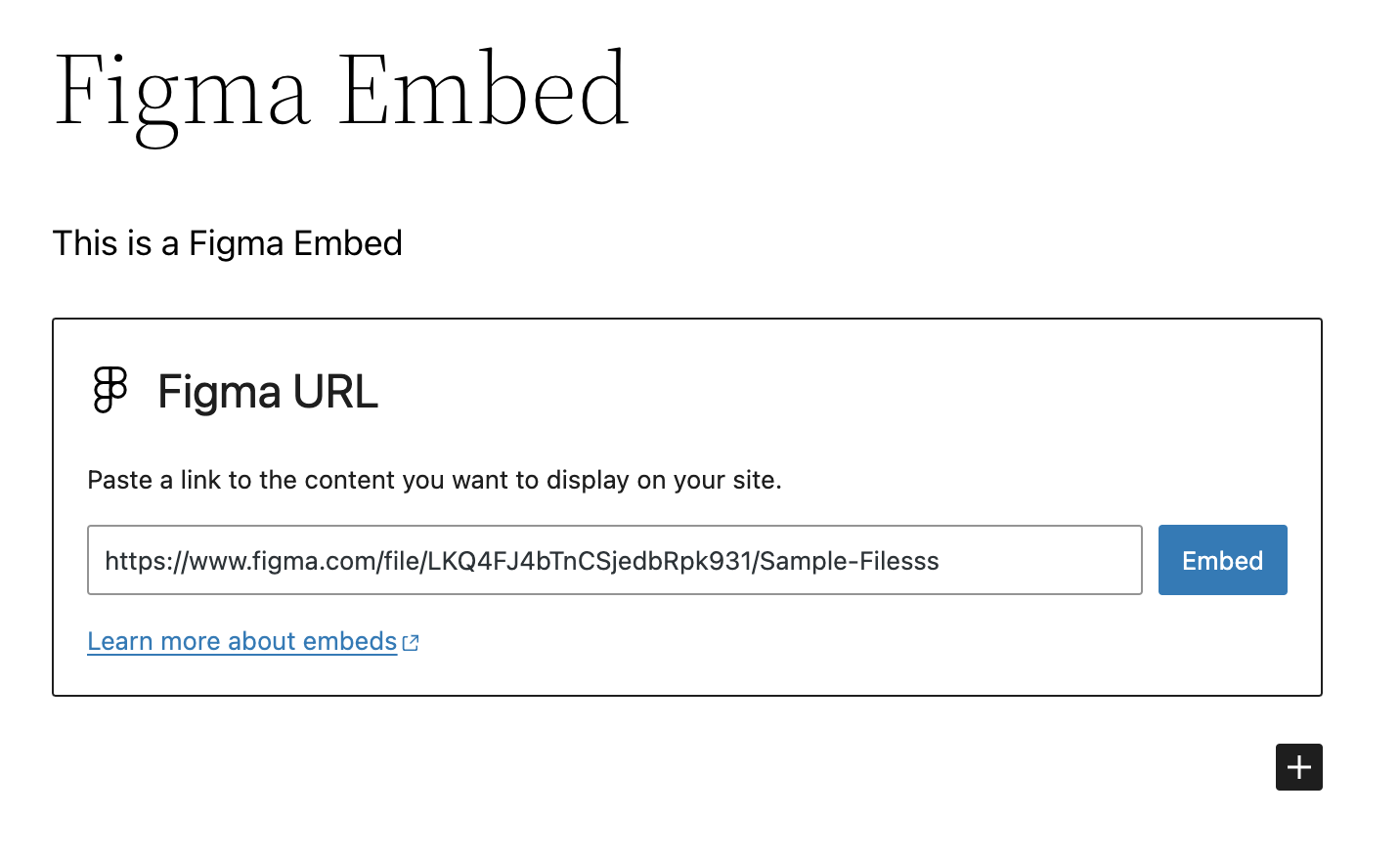

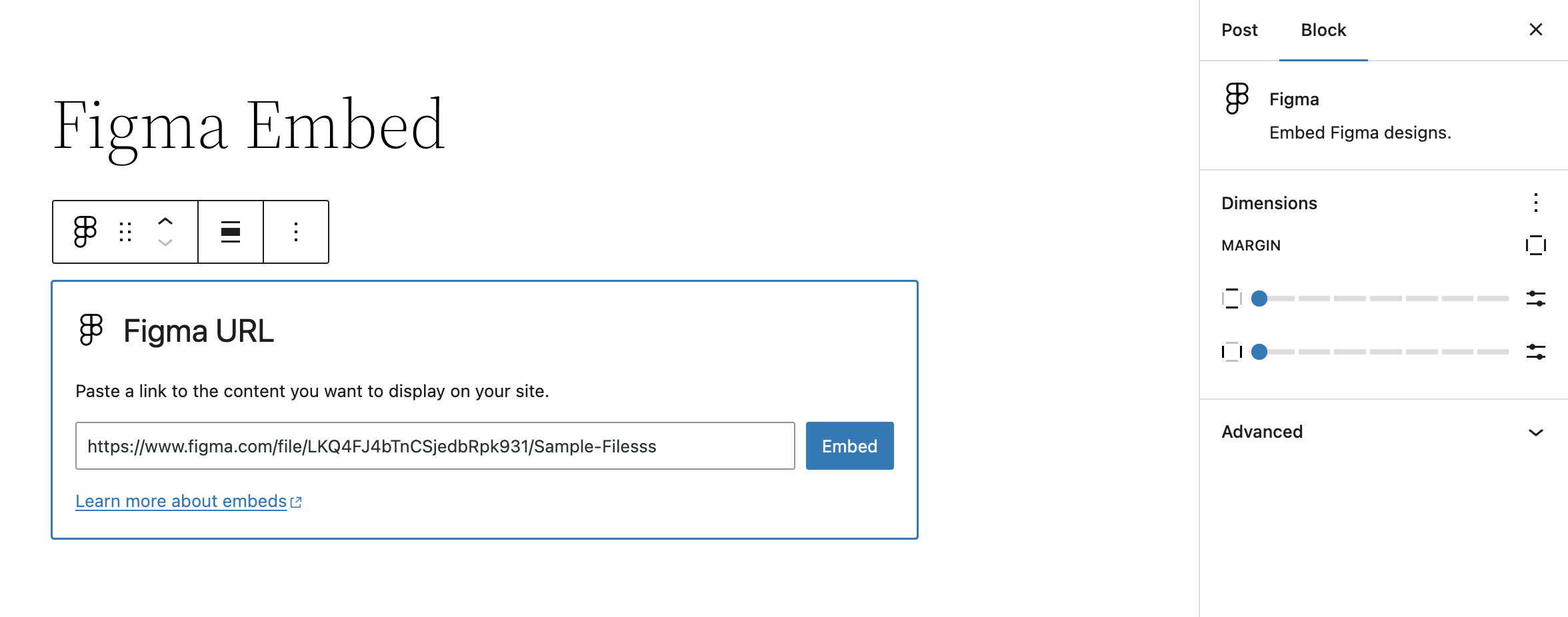

- Embed a Figma file using a block in the WordPress editor.
- Paste a Figma URL on a new line in the Block Editor to automatically convert it to a Figma Embed block.
- Block settings allow for altering margins of rendered Figma file embed
Getting Started
Once the plugin is installed and activated, you should see a new Figma Embed block. Insert this block into your content and enter the URL of the Figma file you want to embed.
Assuming it’s a valid URL, the block will automatically fetch the Figma file and display it in the editor. Once saved, this will also display on the front-end.