
Email Subscription Popup — Newsletter & GDPR Consent
v1.2.29Nks · 2015年3月16日 上架
Add a newsletter signup popup to WordPress with a native Gutenberg block, GDPR consent checkbox, and free Mailchimp sync — no coding, set up in minute …
- 正在使用
- 1,000+
- 评分
- 3.8 / 5
- 累计下载
- 14 万
- 最近更新
- 2026年10月5日
贡献者
 Nks
截图


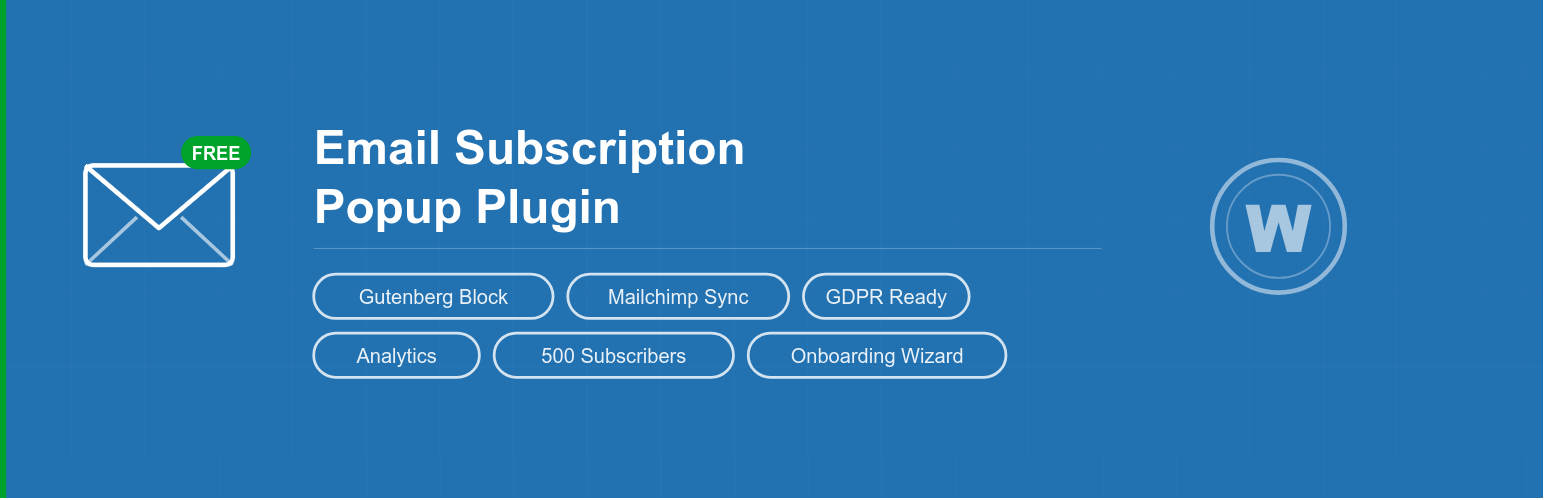
Email Subscription Popup is the easiest way to grow your email list in WordPress. Show a beautiful newsletter signup popup, embed a subscription form anywhere with the Gutenberg block or widget, and automatically sync new subscribers to Mailchimp — all for free.
Want more? Email Subscribe PRO adds 6 stunning popup styles, ESP integrations (Mailchimp, Brevo, Kit, Klaviyo), full analytics dashboard, exit-intent trigger, unlimited subscribers and more.
Why use Email Subscription Popup?
- Zero setup — install, activate, done. Popup works immediately.
- Gutenberg block — drag and drop the subscription form anywhere in your pages, posts or templates.
- Mailchimp sync — automatically sync new subscribers to your Mailchimp audience (free: 100 syncs/month).
- GDPR ready — optional consent checkbox with customizable text and links.
- Fully translatable — all labels and messages are customizable.
- Lightweight — no bloat, fast loading.
Free Features
- 📧 Newsletter popup modal with customizable heading, subheading and button text
- 🧩 Gutenberg block — add subscription form to any page or post
- 🔌 Mailchimp integration — sync new subscribers automatically (100/month free)
- 🔒 GDPR compliance — optional agreement checkbox with custom text
- 📊 Basic analytics — subscriber count and growth overview
- 👥 Manage subscribers — view, search, delete, export
- 📨 Send mass email to all subscribers
- 🔇 Unsubscriber list management
- 🎨 Show/hide name field
- ⚙️ Flexible display — show on homepage only or all pages
- 🍪 Cookie control — set how long to wait before showing popup again
- 📱 Responsive design — works on all screen sizes
- 🌍 Translation ready (WPML compatible)
- 🔗 Custom link trigger — open popup on any button/link click
- 📦 WordPress widget support
- 🔐 WordPress user capabilities and roles support
PRO Version Features
Upgrade to Email Subscribe PRO for:
- 🎨 9 popup styles — Dark/Night, Minimal, Bold/Vibrant, Split Layout with image, Coupon Reveal, Slide-in Bar + 3 classic styles
- 📧 4 ESP integrations — Mailchimp, Brevo, Kit (ConvertKit), Klaviyo — unlimited syncs, double opt-in
- 📊 Full analytics dashboard — subscriber growth charts, date range picker, best day tracker, unsubscribe rate
- 🚀 Exit-intent trigger — show popup when visitor is about to leave
- ♾️ Unlimited subscribers — no monthly limits
- 📥 Unlimited CSV import — import thousands of subscribers at once
- 🎟️ Coupon reveal popup — show discount code after subscription
- 🖼️ Split layout popup — image on left, form on right with color bar
- 📢 Slide-in notification bar — bottom or top bar, less intrusive than a popup
- 📋 Newsletter templates — create reusable email templates
- ⏰ Cron-based mass email — send newsletters via WordPress cron
- 🔔 Admin notifications — get notified when someone subscribes
- ✅ Activation email — verify subscribers via email confirmation
- 🔍 Advanced subscriber search — filter by status, date, name
- 🗑️ Mass delete — bulk remove subscribers
How to use the Gutenberg Block
- Edit any page or post in the block editor
- Click the + button to add a block
- Search for “Email Subscribe”
- Add the block — the subscription form appears instantly
- Customize heading, labels, messages and GDPR checkbox in the block sidebar
Mailchimp Setup
- Go to Email Subscription Mailchimp Sync
- Enter your Mailchimp API key and Audience List ID
- Click Test Connection to verify
- Enable sync — new subscribers will be automatically added to your Mailchimp audience
Shortcode
You can also embed the form using a shortcode:
[print_email_subscribe_form]
With custom parameters:
[print_email_subscribe_form heading=”Join our newsletter” shownamefield=”1″ show_agreement=”1″]