
Email Log
v2.64WebFactory · 2009年10月10日 上架
Log and view all outgoing emails from WordPress. Very useful if you have to debug email related problems or have to store sent emails for auditing.
- 正在使用
- 8 万+
- 评分
- 4.2 / 5
- 累计下载
- 121 万
- 最近更新
- 2026年9月22日
贡献者
 WebFactory
截图
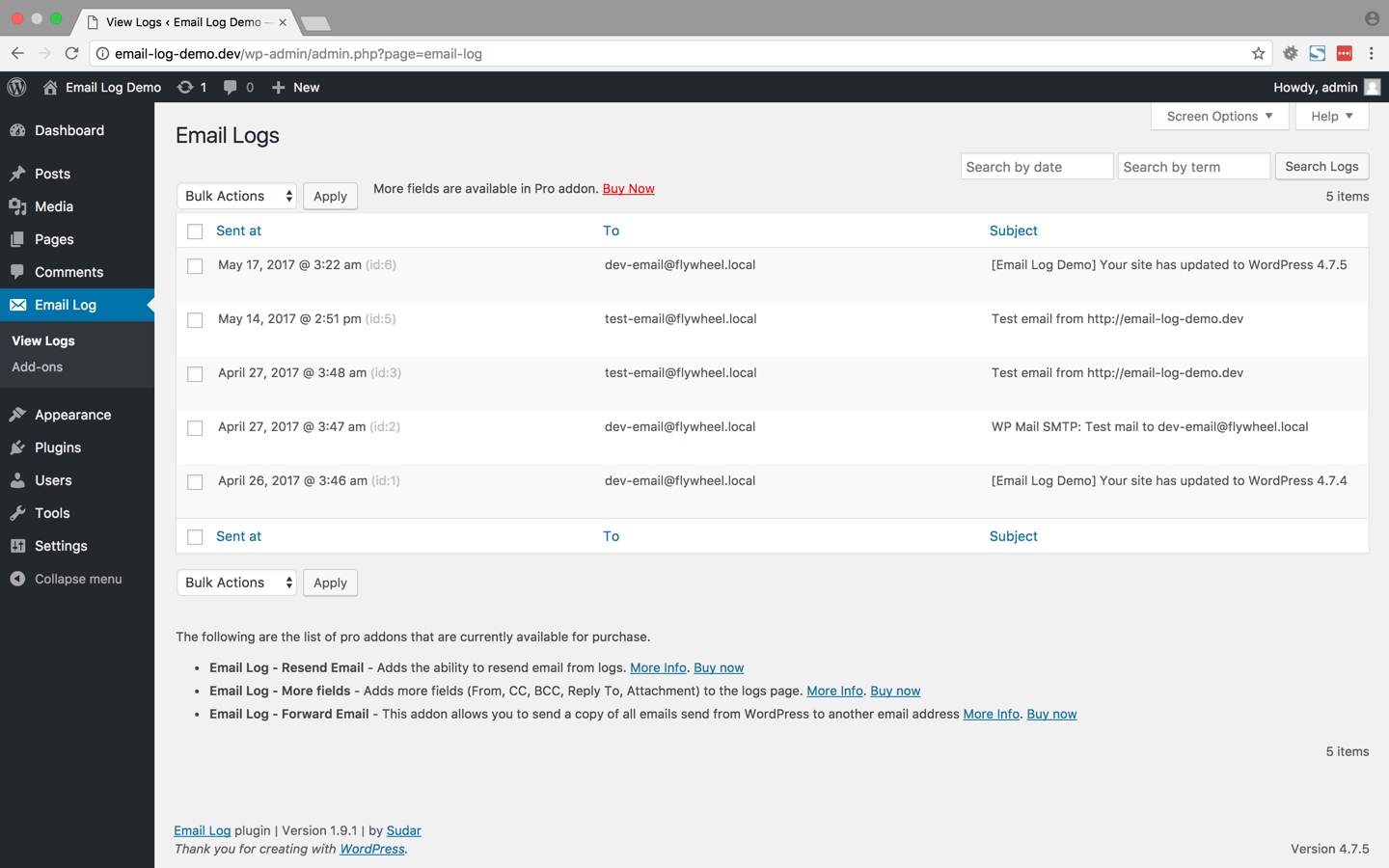
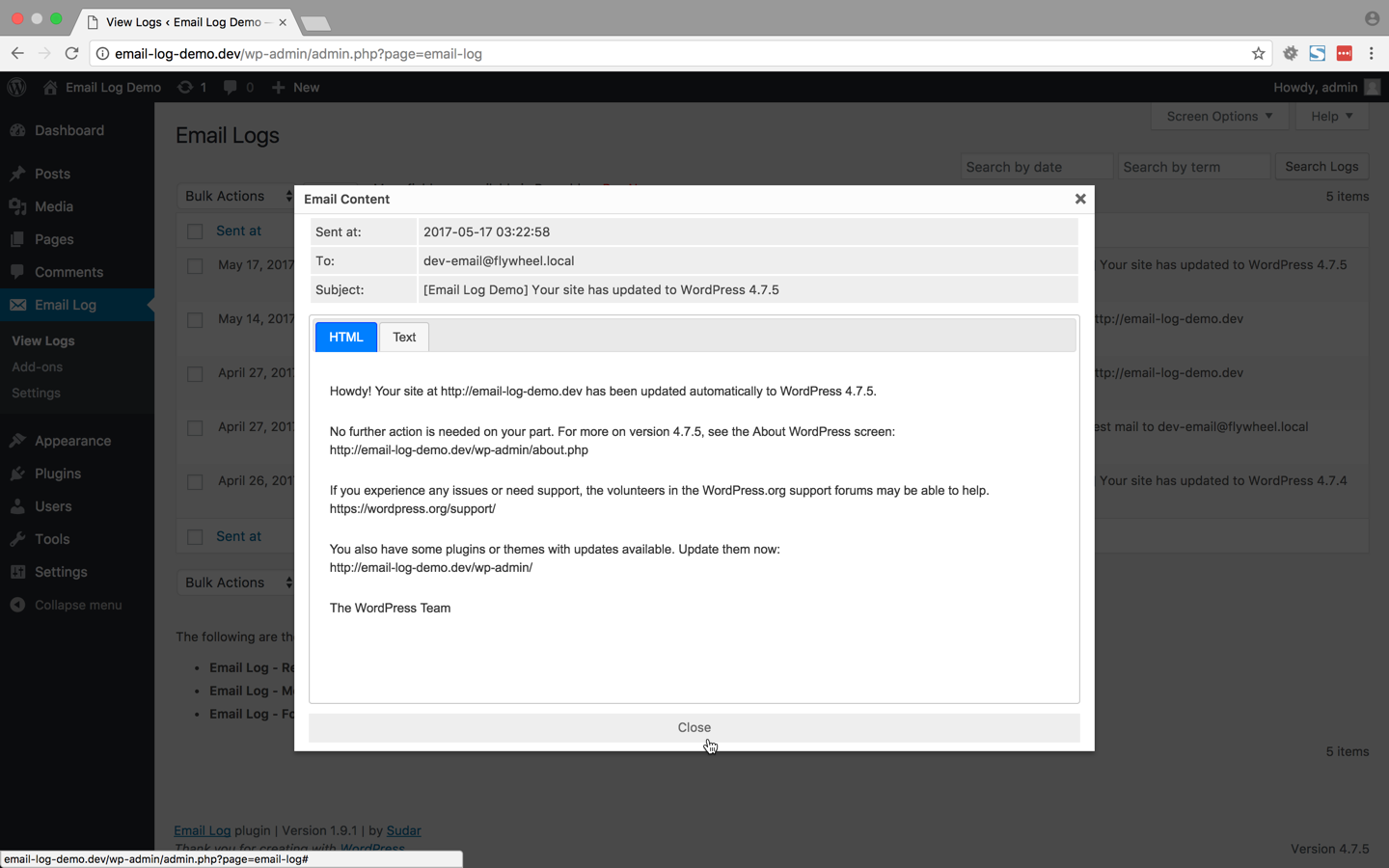
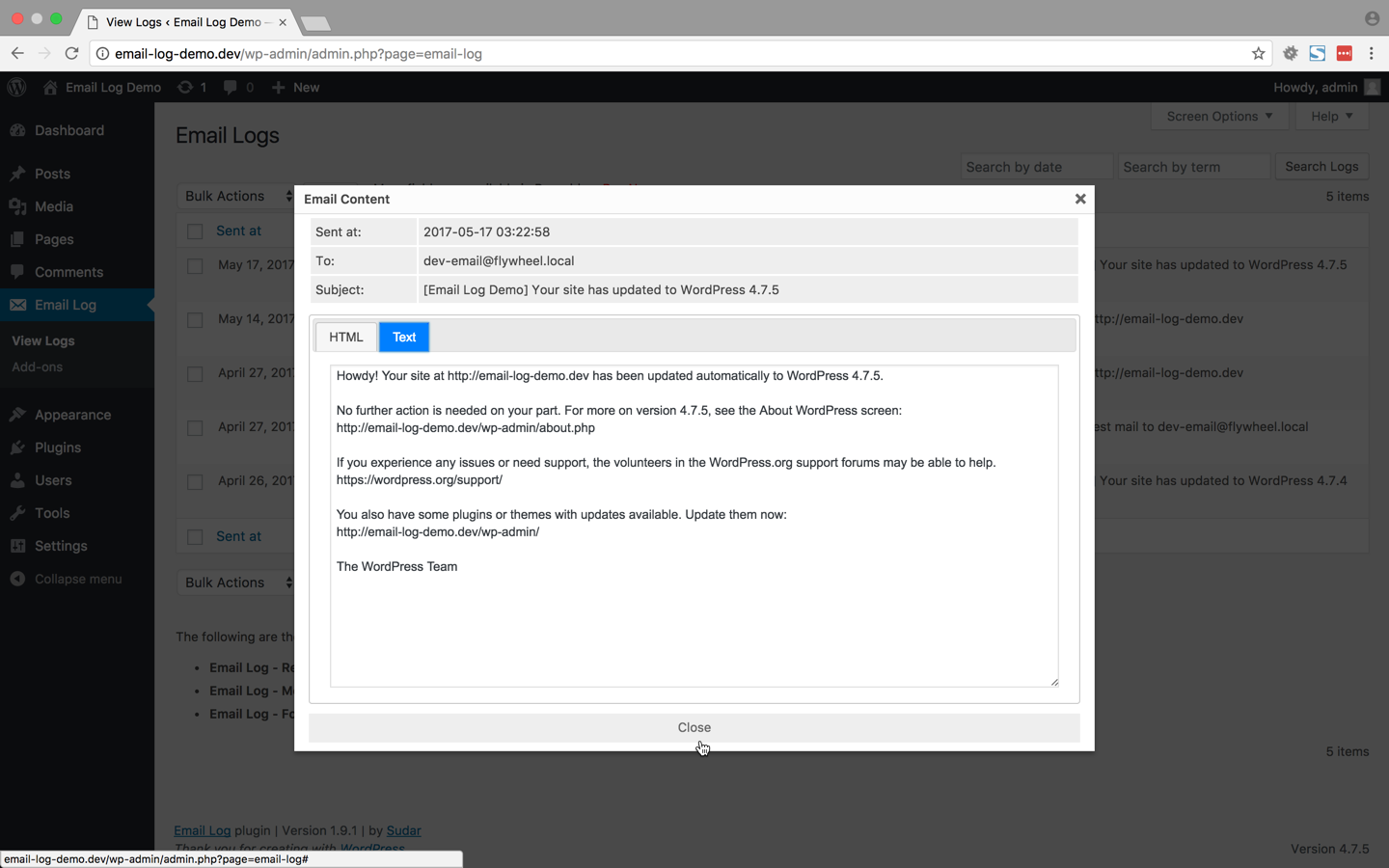
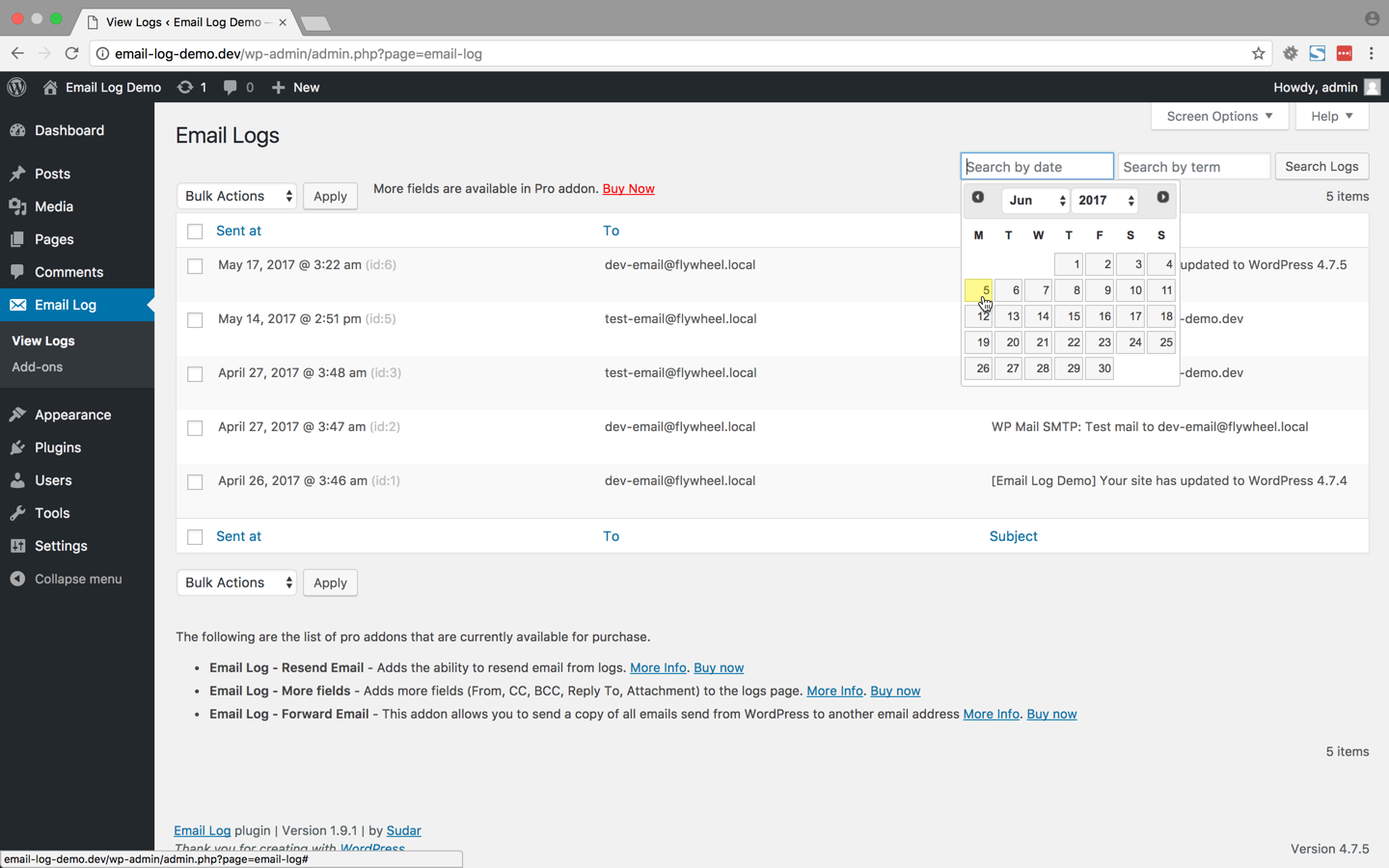
Email Log is a WordPress plugin that allows you to easily log and view all emails that were sent from WordPress.
This would be very useful for debugging email related problems in your WordPress site or for storing sent emails for auditing purposes, especially on ecommerce sites that are setup with either WooCommerce or Easy Digital Downloads.
You can perform advanced actions like re-sending email, automatically forwarding emails, export logs and automatically monitor email deliverability with the PRO version.
Works with WordPress Multisite as well.
Viewing logged emails
The logged emails will be stored in a separate table and can be viewed from the admin interface.
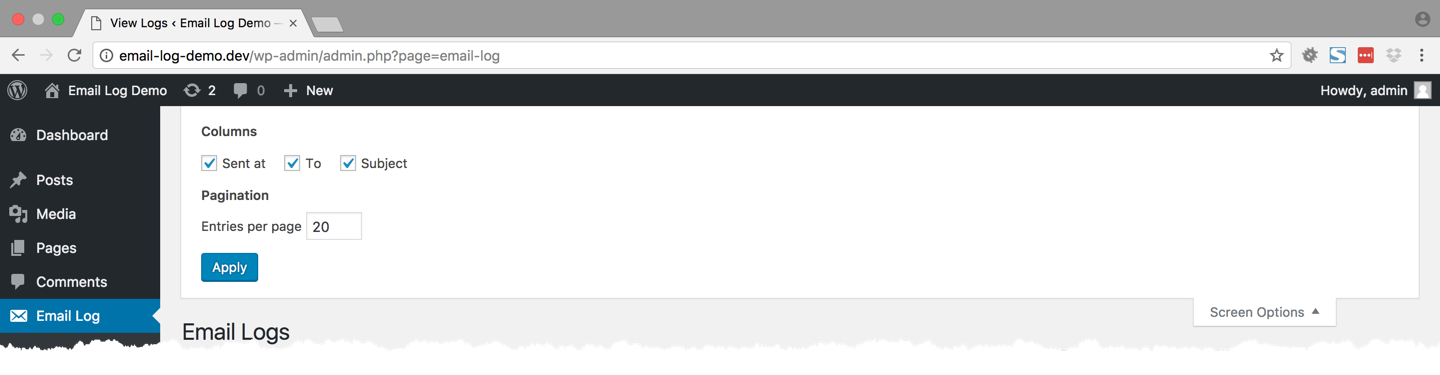
While viewing the logs, the emails can be filtered or sorted based on the date, email, subject etc.
Deleting logged emails
In the admin interface, all the logged emails can be delete in bulk or can also be selectively deleted based on date, email and subject.
If you want to automatically delete the email logs after some days upgrade to the PRO version.
Resend email (PRO version)
Resend the email directly from the email log. You can modify the different fields of the email before resending it.
More Fields (PRO version)
Get access to additional fields in the email log page. The following are the additional fields that are added in the pro version.
- From
- CC
- BCC
- Reply To
- Attachment
Forward email (PRO version)
Pro version allows you to send a copy of all the emails send from WordPress to another email address.
You can choose whether you want to forward through to, cc or bcc fields.
This can be extremely useful when you want to debug by analyzing the emails that are sent from WordPress.
Export email logs (PRO version)
Export the email logs as a CSV file for further processing or record keeping.
Documentation
You can find fully searchable documentation in the doc section of the Email Log website.