
ElIoT Pro Passwordless Login
v1.0piotrwolski1 · 2023年3月30日 上架
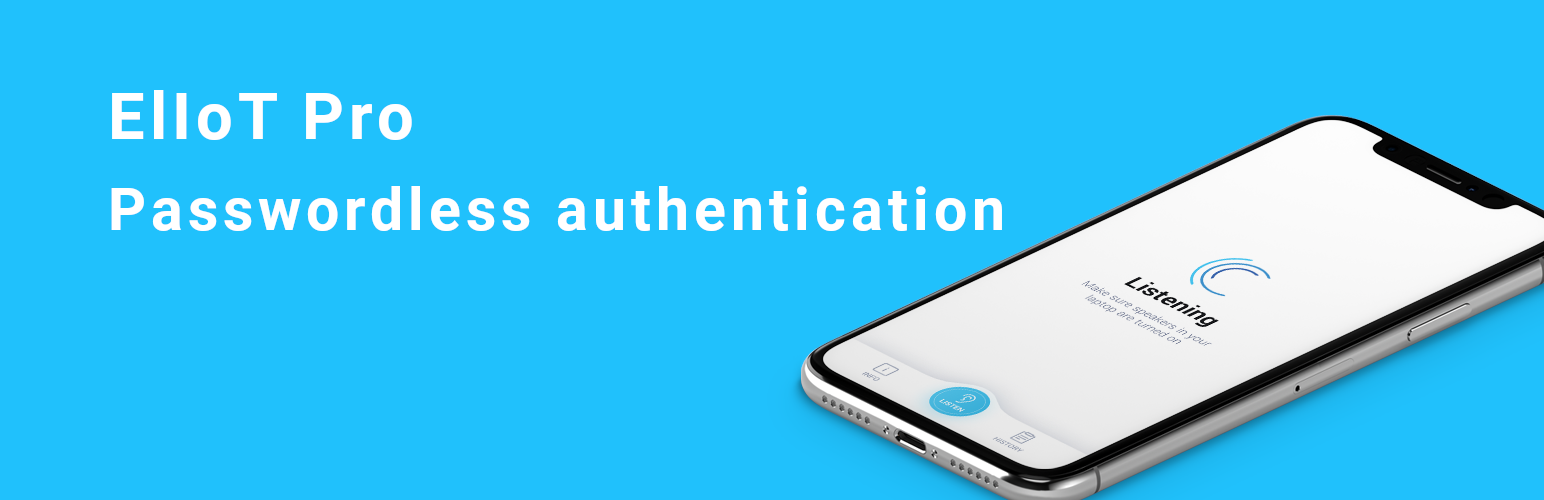
ElIoT Pro eliminates passwords using one-time tokens delivered via ultrasounds.
- 正在使用
- 10 以下
- 评分
- 暂无
- 累计下载
- 2,426
- 最近更新
- 2023年3月31日
需要 WordPress 5.4.1+已测试到 6.1.17PHP 7.0+
贡献者
 piotrwolski1
截图


OVERVIEW
ElIoT Pro solves one of the biggest problems of any online-based human activity responsible for 80% of data breaches – the risk of stolen credentials.
We offer a one-touch, 2-factor authentication system for user identification and transaction confirmation. ElIoT Pro’s multi-layer, smartphone-based authentication platform offers password-free login that enables businesses and online users to conduct streamlined yet highly secure web-based transactions.
ElIoT Pro’s unique approach results in a frictionless user experience, streamlined customer acquisition, higher levels of security, the end of passwords.
HOW DOES IT WORK?
User perspective
- Download our Android or iOS application and register.
- Remember to use the same email address as you do on your wordpress website.
- On your wordpress site login page (/wp-login.php), instead of the traditional login/password, click the “Login with ElIoT Pro” widget.
- The One-Time token is transmitted to mobile app via sound, no need to type anything!
- You are authenticated on the website and logged in.
SYSTEM OWNER PERSPECTIVE – INTEGRATION STEPS
- Download our Android or iOS mobile application and register.
- Follow steps presented on our integration form [here][https://loginwithoutpasswords.com/integration/]
- On the Integration tab on our website create a redirection: YOUR_SITE_URL +’/wp-json/api/login’ e.g. https://example.com/wp-json/api/login
- Copy Client Id and Client Secret for later usage
- Once you download and activate this plugin, go to settings and paste Client Id and Secret into appropriate fields.
- Done. You can change to Users perspective to see how it works.
- For additional information about the logins performed on your website visit cyberuskey.com