

ECS – Ele Custom Skin for Elementor
v4.3.15dudaster · 2018年4月18日 上架
Seven free modules for Elementor: dark mode, container layouts, mobile menu, editorial text, style presets, JSON editor — all modular, all free.
- 正在使用
- 10 万+
- 评分
- 4.6 / 5
- 累计下载
- 223 万
- 最近更新
- 2026年11月24日
贡献者
 dudaster
截图
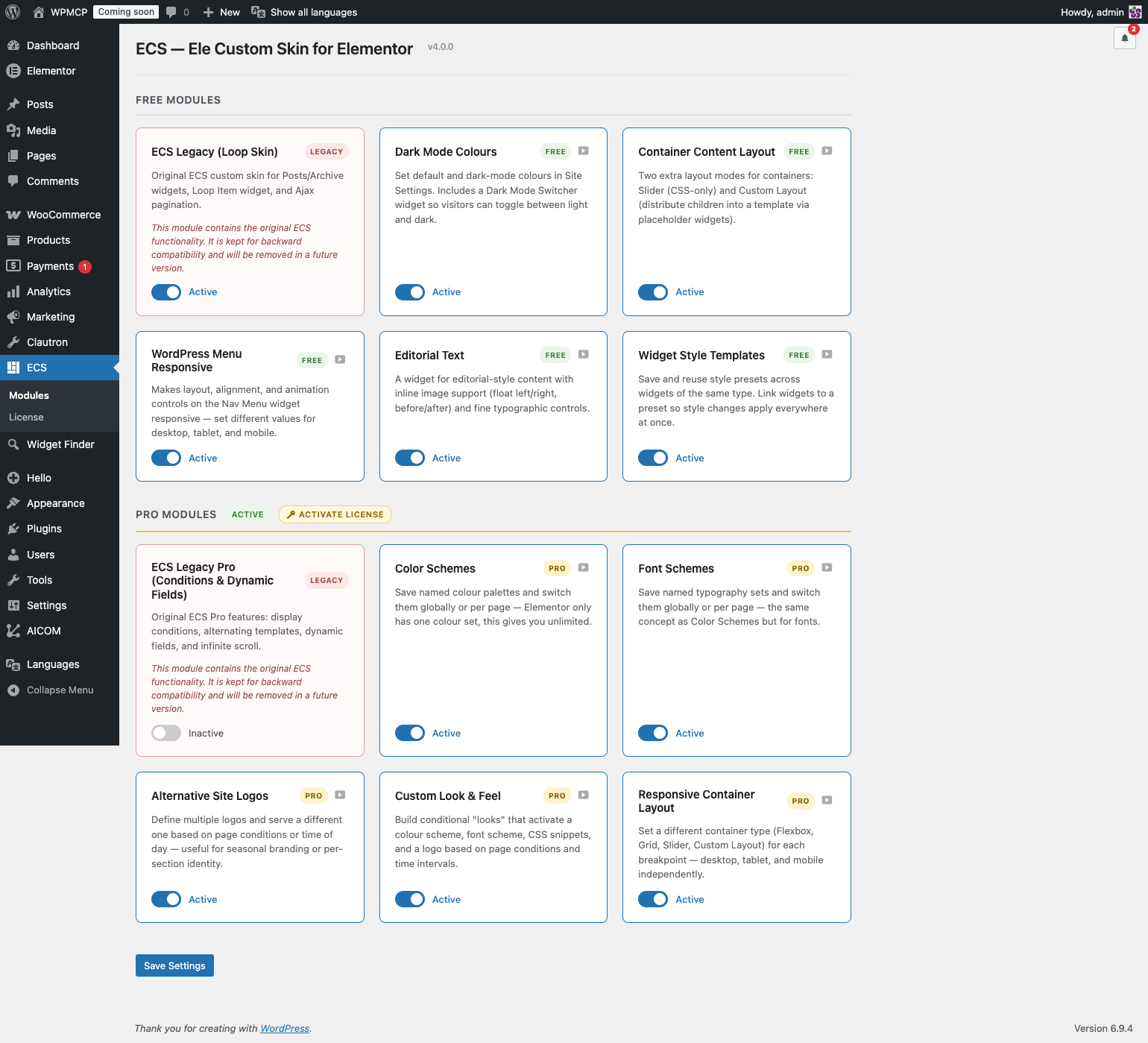

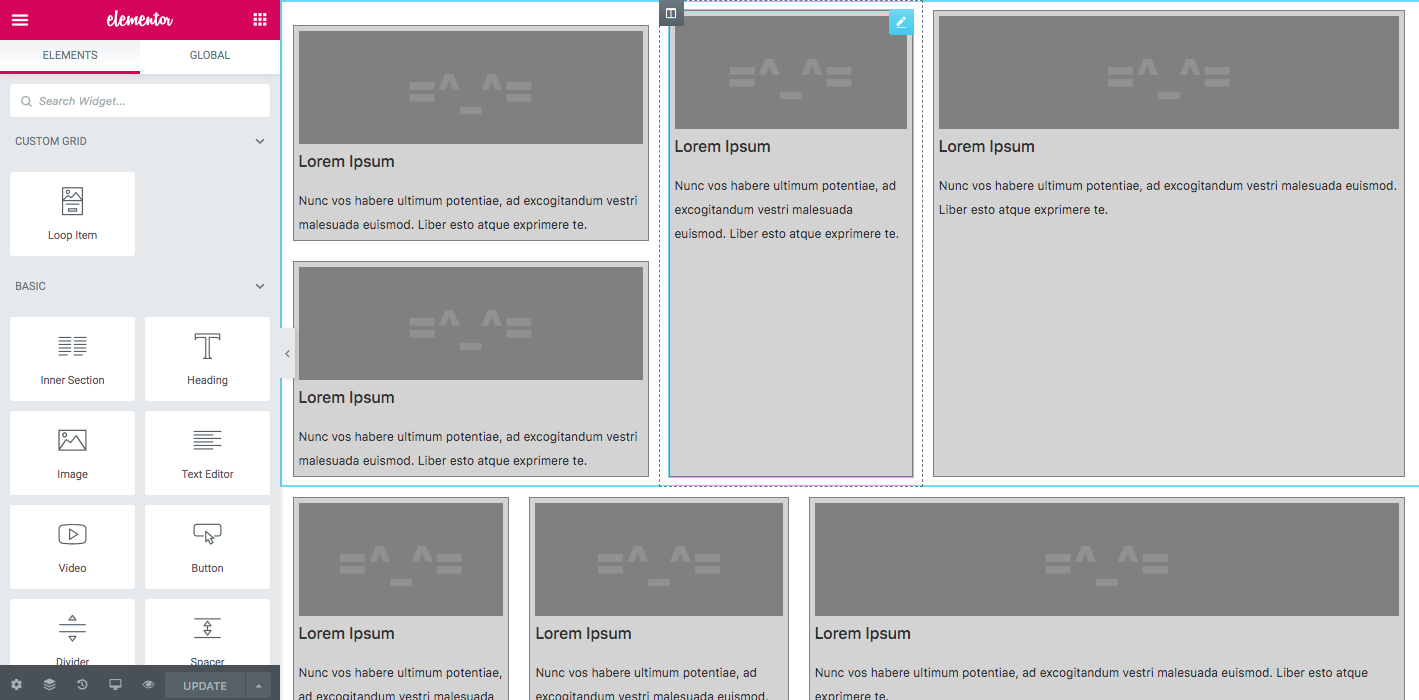
ECS adds what Elementor doesn’t have — without replacing what it does well.
Every feature is a standalone module. Enable only what you need from ECS Modules in the WordPress admin. Unused modules load zero CSS, zero JS, and register no hooks.
🎨 Dark Mode Colours
A Default Colours tab appears inside Elementor’s Site Settings, right next to Global Colors.
- Set a Default and a Dark Mode colour for every global colour slot.
- Dark mode colours are written as CSS variables — no JavaScript swapping, pure CSS, zero flash.
- A fallback swatch shows the default colour when the dark slot is empty.
- The Dark Mode Switcher widget lets visitors toggle between light and dark with full style controls.
📐 Container Layout
Two additional layout modes for Elementor Flex Containers:
Slider Mode — Turn any container into a CSS-only slider. No JS library, no dependencies.
Custom Layout — Pick a Theme Builder template as the layout frame. Place ECS Placeholder widgets inside the template; ECS distributes the container’s children into those slots automatically. Supports cycling and graceful fallback. Works live in the Elementor editor.
🔁 Loop Custom Layout
Arrange Loop Grid items inside a Custom Layout template using ECS Placeholder widgets — powered by Elementor’s native Loop Grid query. Full editorial control over the item grid without leaving Elementor.
📱 Menu Responsive
Turn any Elementor Nav Menu widget into a responsive hamburger menu. Layout, alignment, animation, and breakpoint controls — all from the Elementor panel.
✍️ Editorial Text
Wrap images inside text blocks with float controls and captions. Magazine-style editorial layouts built entirely in Elementor.
🎨 Style Templates
Save any widget’s Style tab settings as a named preset and apply them to other widgets of the same type in one click — across pages, templates, and sites. Export and import your full style library as JSON.
🛠 JSON PowerEdit
Edit any Elementor widget’s raw settings JSON directly from the panel. Raw textarea for paste-and-replace, interactive tree view for surgical edits. Keyboard shortcut: Ctrl/Cmd + Enter to apply.
✅ Legacy (ECS 3.x — backward compatibility)
The original loop skin functionality is preserved in the Legacy module for existing sites built with ECS 3.x. If you’re updating from ECS 3.x, this module activates automatically. For new projects, use Elementor’s native Loop Builder.
Note: This plugin requires Elementor (free). Container Layout (Custom Layout mode) and Style Templates require Elementor Pro.