

Elastic Email Sender
v1.2.22Elastic Email · 2017年6月16日 上架
Reconfigures wp_mail() to send email using Elastic Email API instead of SMTP.
- 正在使用
- 1 万+
- 评分
- 4.8 / 5
- 累计下载
- 30 万
- 最近更新
- 2025年12月3日
贡献者
 Elastic Email
 rafkwa
截图
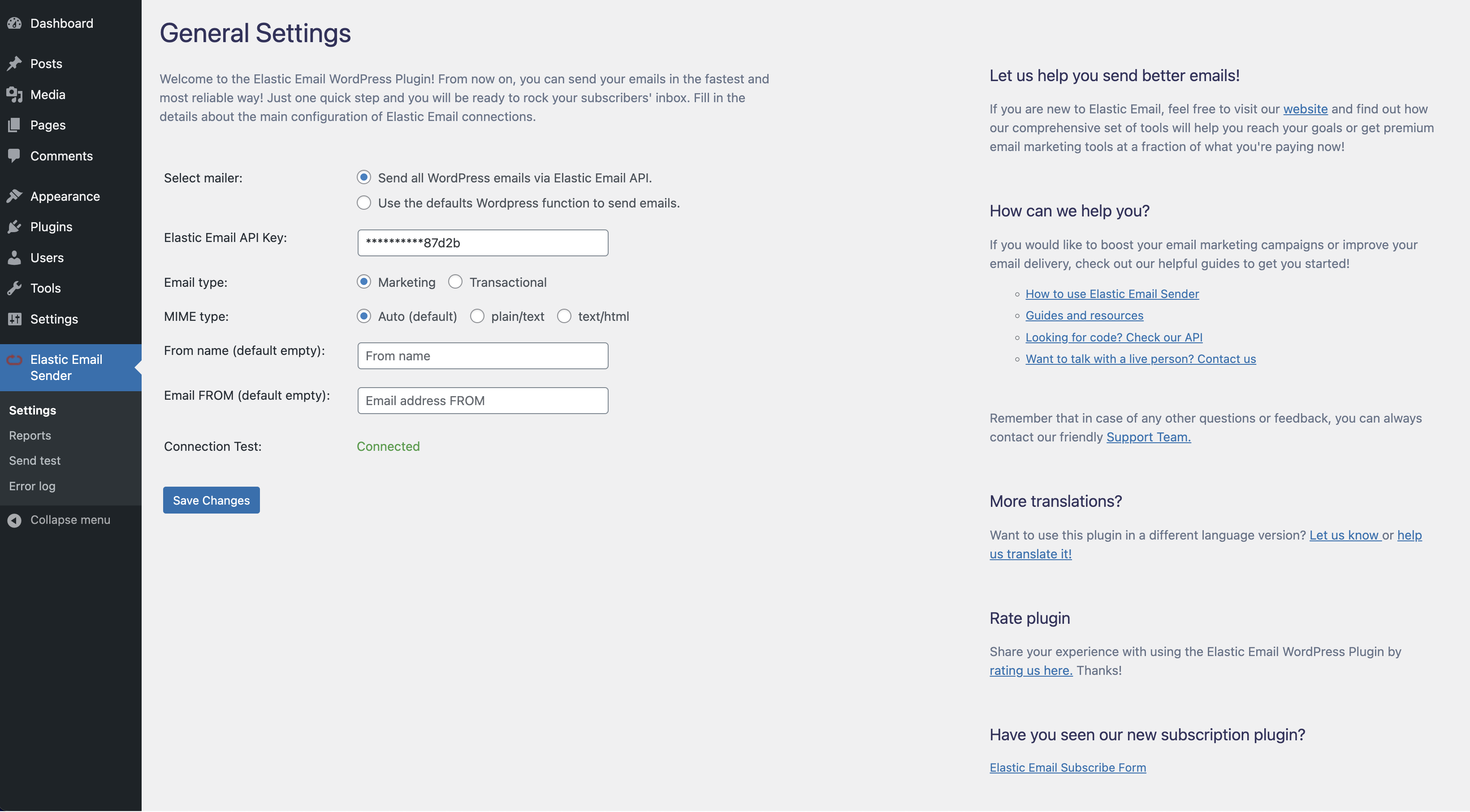
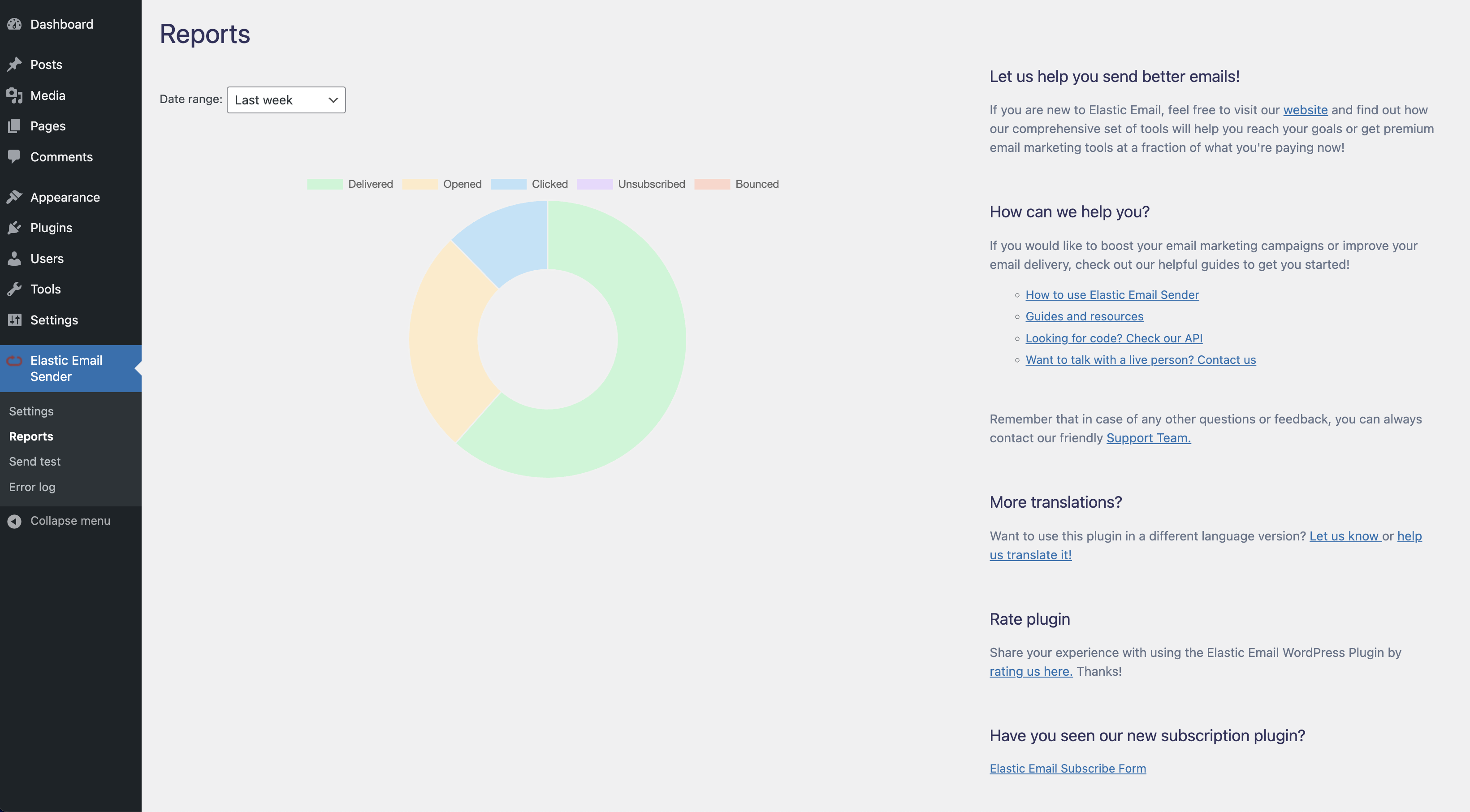

Elastic Email Sender allows you to connect your WordPress with our powerful, low-cost Elastic Email API and start sending marketing or transactional emails!
Please follow the information below and find out more about how we can help you send your emails in a more efficient way.
In case of any questions or concerns, feel free to contact us anytime.
What is the Elastic Email Sender plugin?
The Elastic Email Sender plugin is an easy way to maintain all the aspects related to your email campaigns. From creating and sending your emails to monitoring and managing campaign stats.
Elastic Email Sender replaces the WordPress default wp_mail() function by using API integration with Elastic Email to send an outgoing email from your WordPress installation.
Thanks to this, you can track all the parameters of your delivery, use Private IP addresses to get full control over your sending, maintain reputation and delivery and secure your data better than ever. You can also use your own domain and analyze your data with ease.
Elastic Email Sender is compatible with almost every solution available on the market including WooCommerce, Contact Form 7, Ninja Forms, Flamingo, Caldera Forms, bbPress
How to get started?
Just sign into your Elastic Email account, copy the API Key. Next, please login to your WordPress dashboard, add the Elastic Email Sender plugin and paste there the API Key from your Elastic Email account.
Translations
You can translate Elastic Email Sender on translate.wordpress.org.