
eCheckpoint
v3.2.2eCheckpoint · 2024年10月15日 上架
Compliance screening for firearms, ammunition, magazine and knife stores on WooCommerce, based on federal, state and local sales laws.
- 正在使用
- 10 以下
- 评分
- 暂无
- 累计下载
- 2,328
- 最近更新
- 2026年11月19日
需要 WordPress 6.6+已测试到 7.1.5PHP 8.1+
 eCheckpoint
 echeckpoint
截图
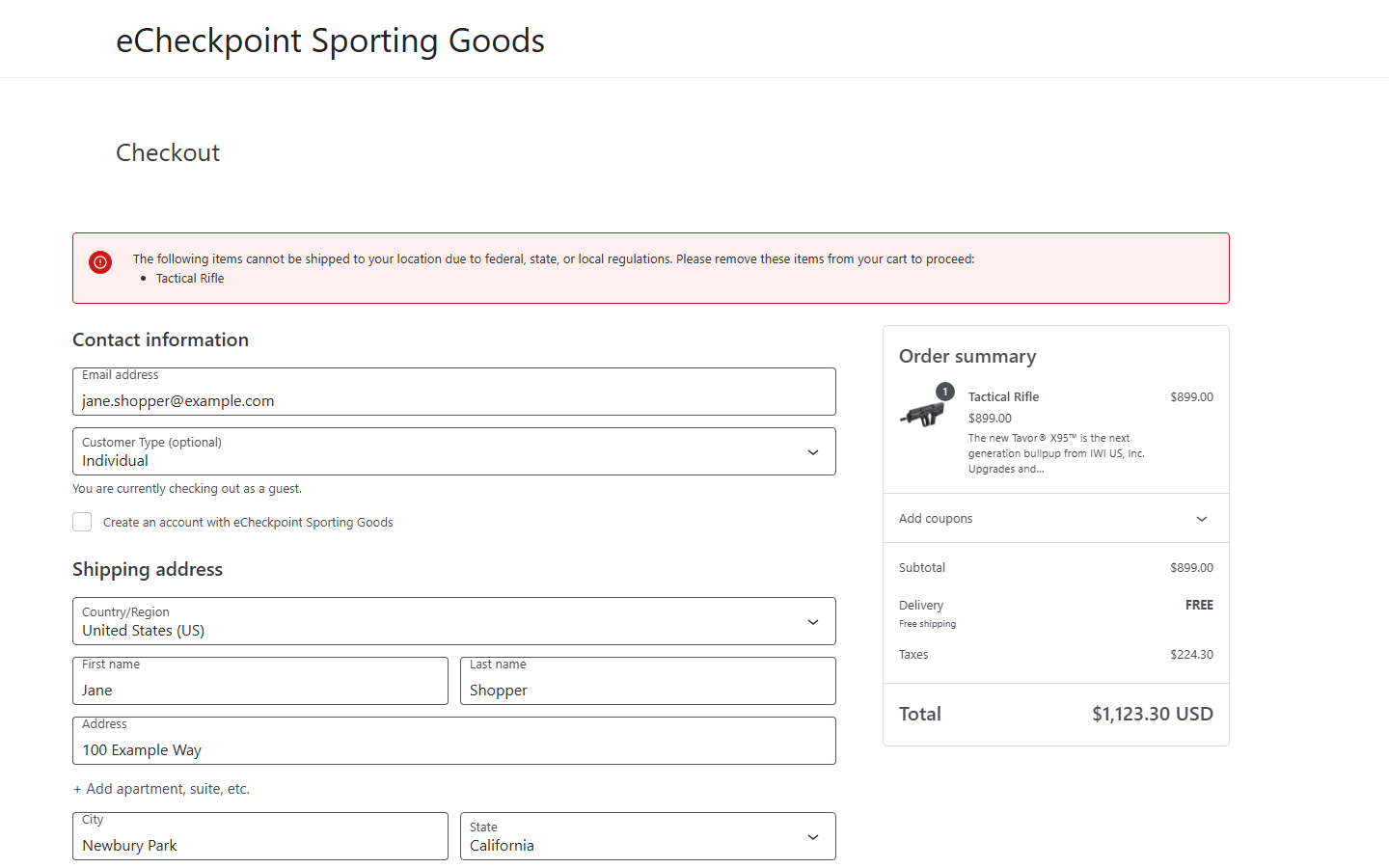
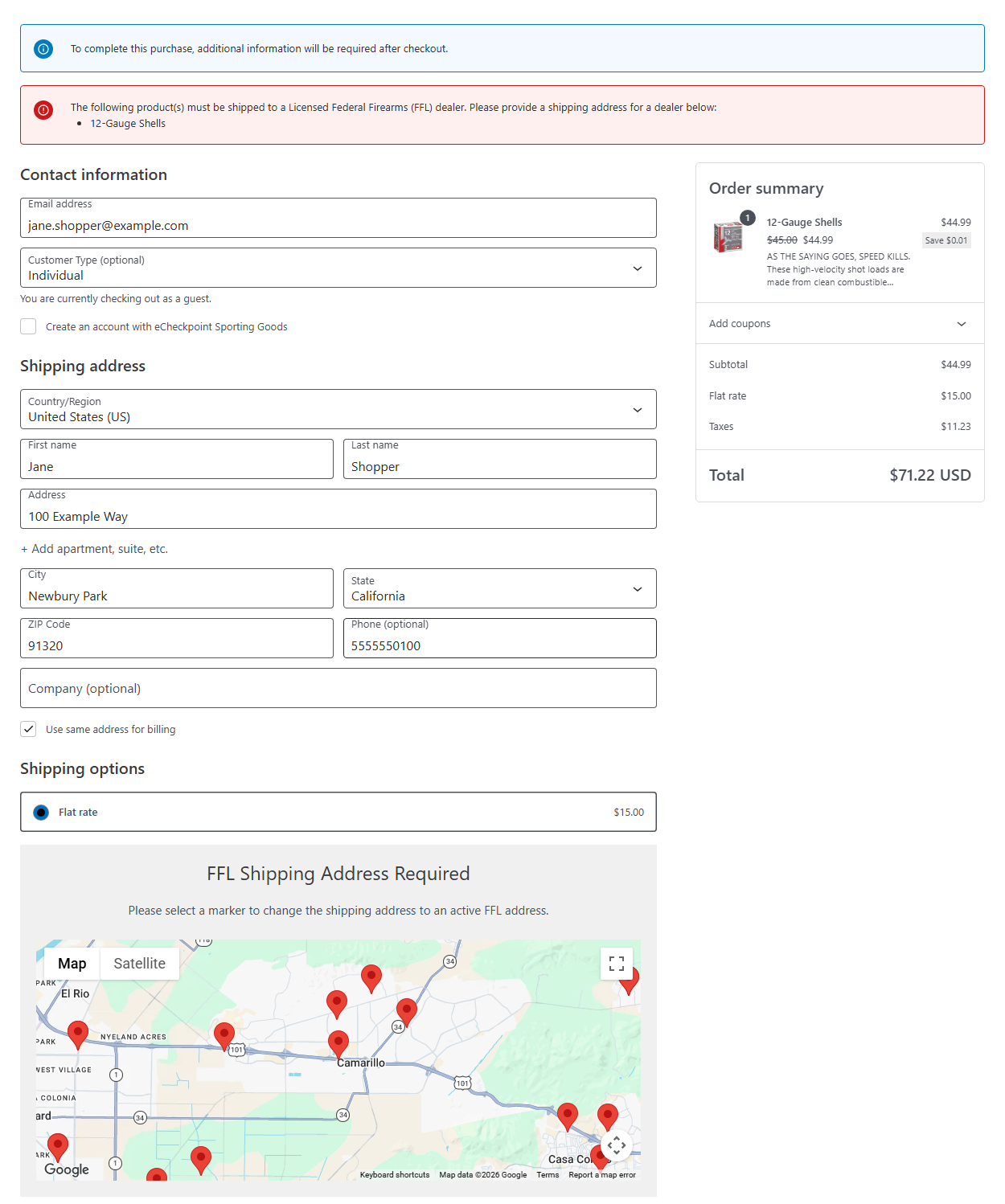
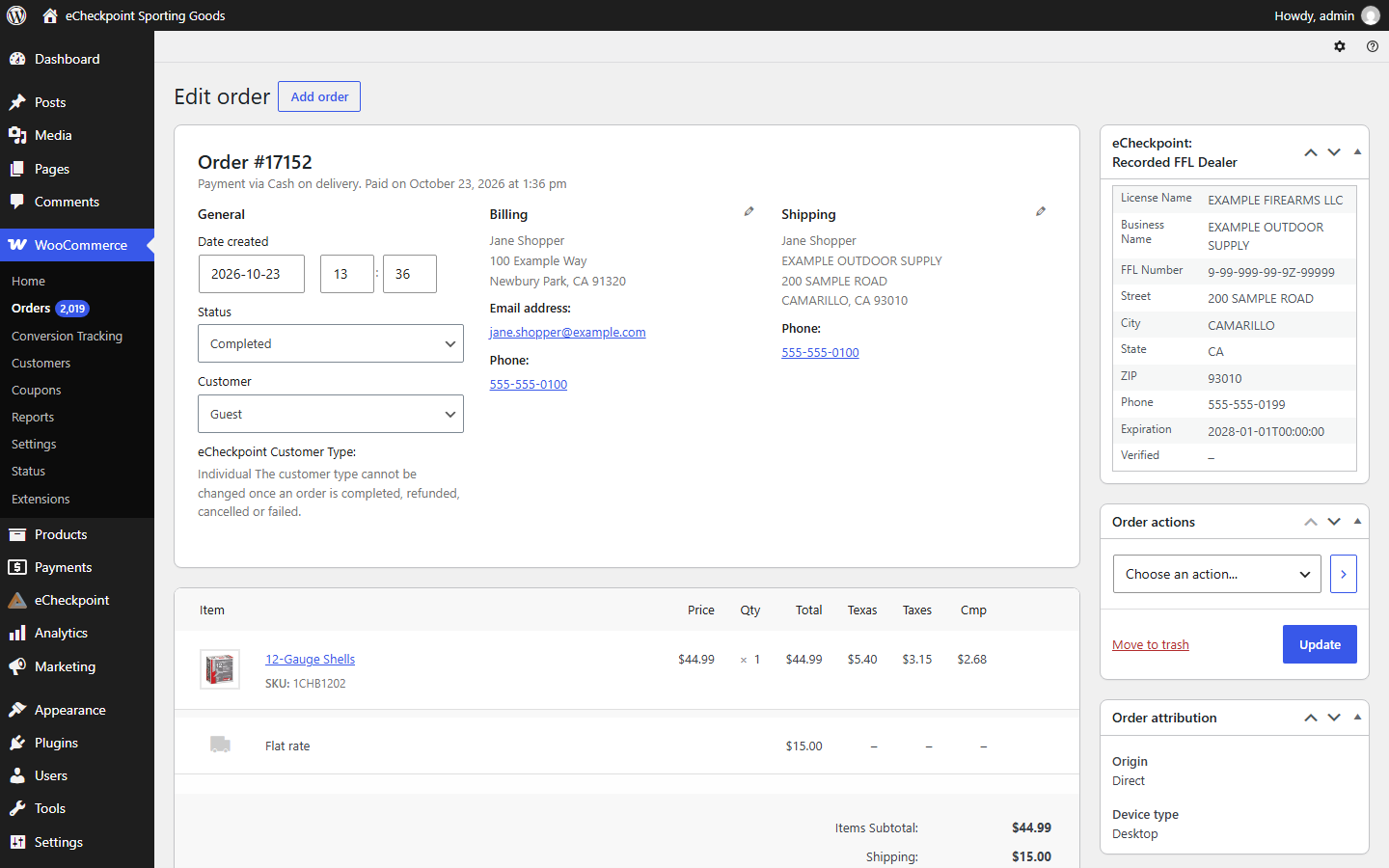
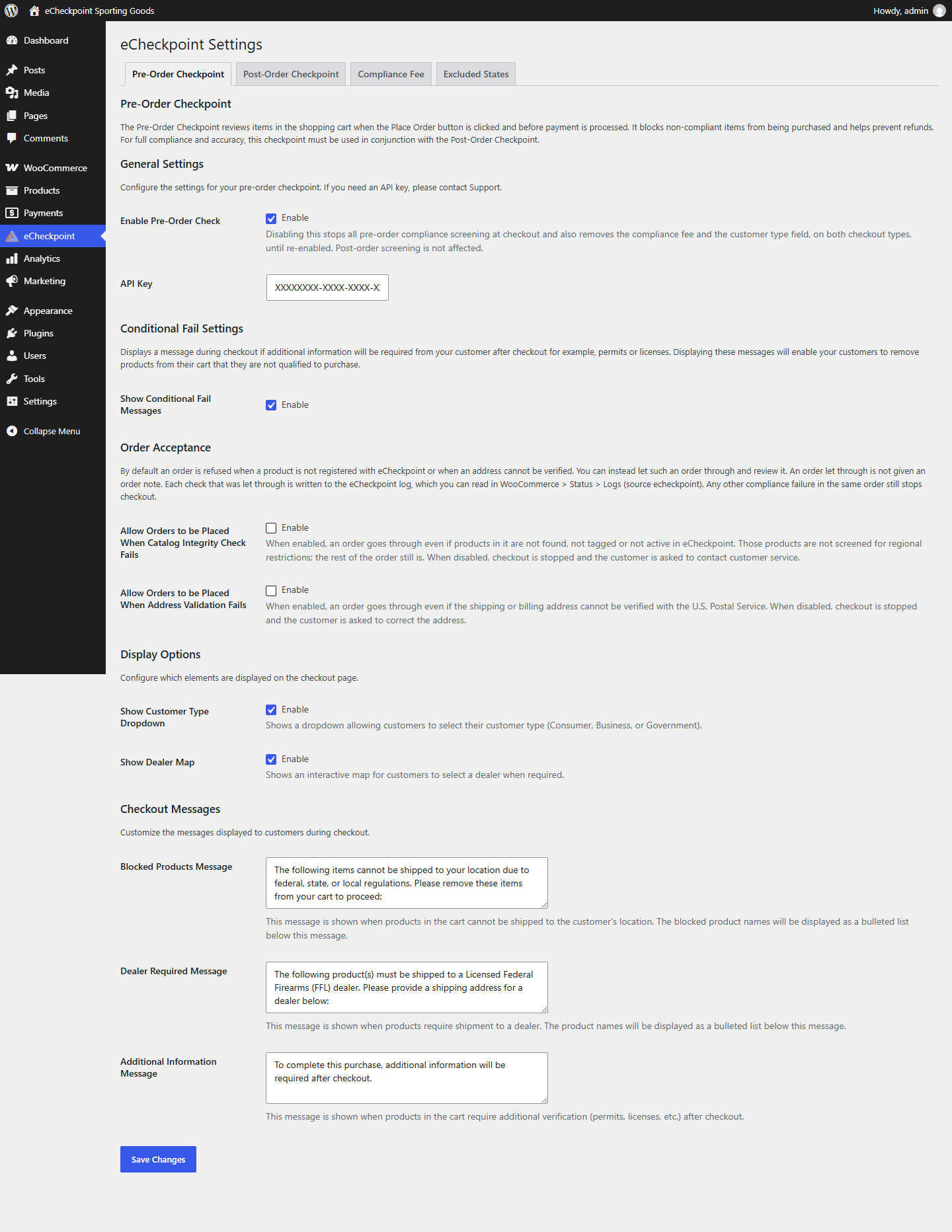

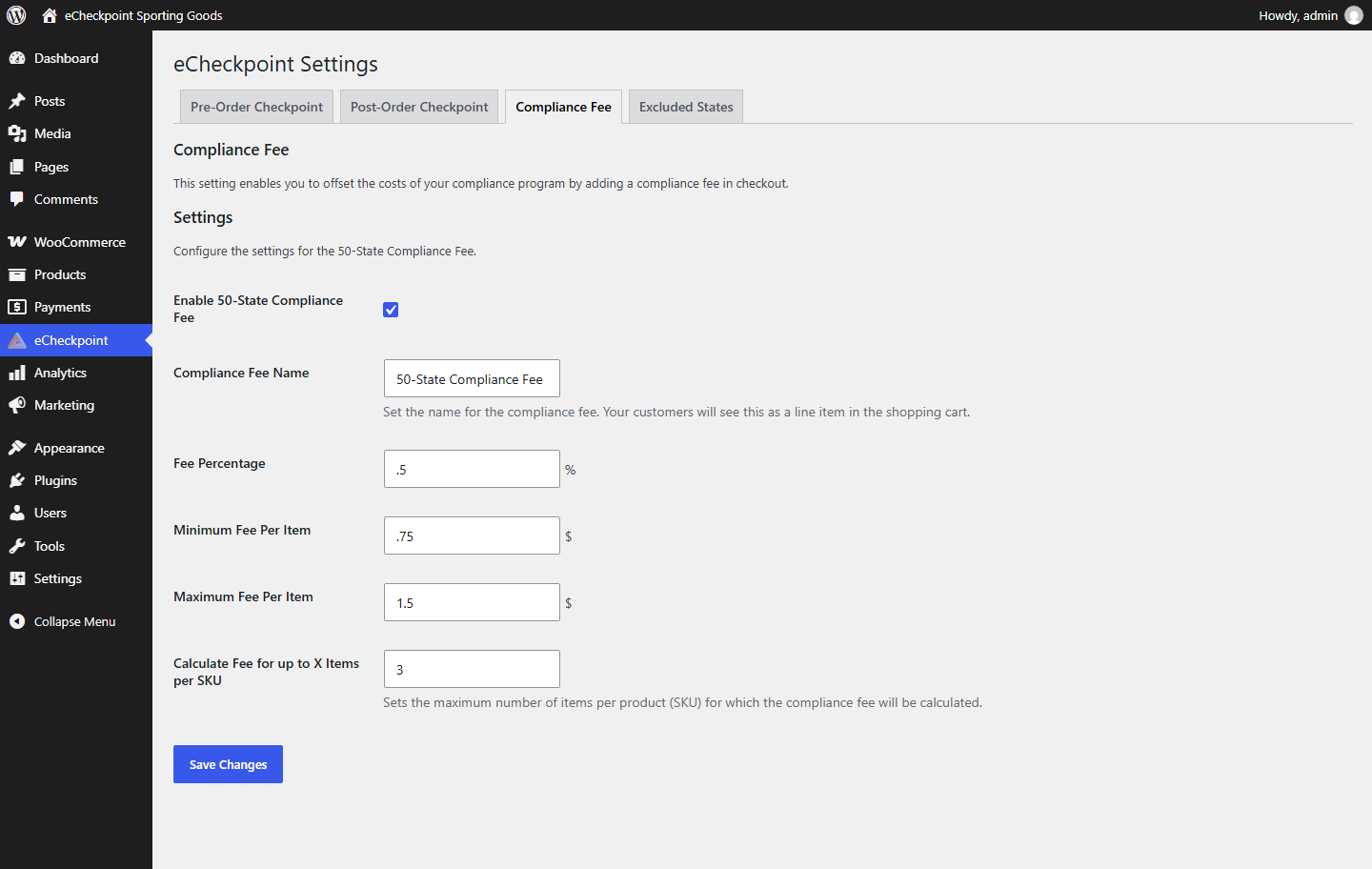
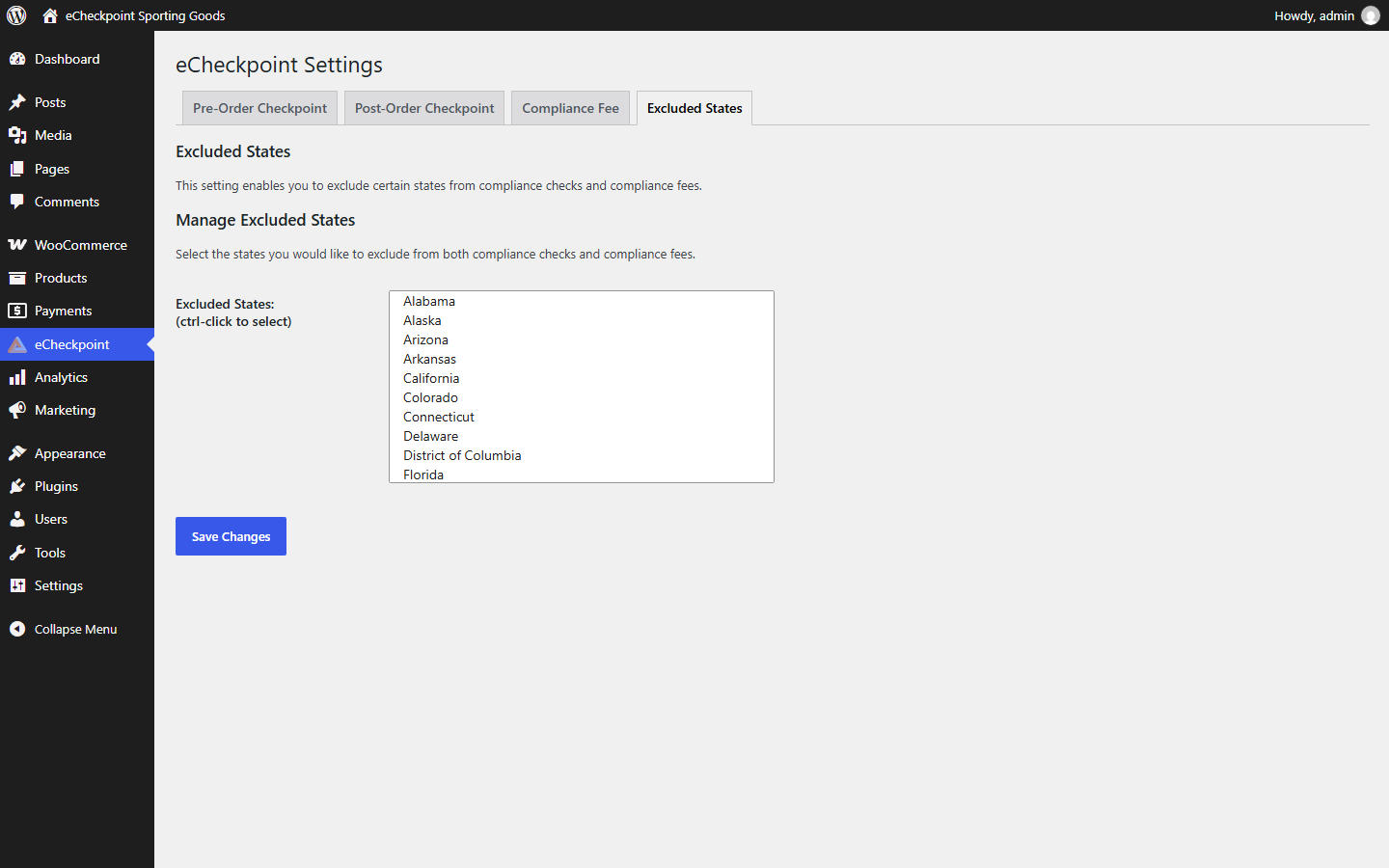
eCheckpoint screens every order against federal, state and local sales laws for firearms, ammunition, magazines, knives and related products. It checks the cart at checkout, checks the order again after it is placed, and records the result on the order.
An active eCheckpoint subscription and API key are required. To get started, visit echeckpoint.com or contact support@echeckpoint.com.
What it does
- Pre-Order Checkpoint – Screens the cart at checkout and tells the shopper which products cannot ship to their address, need a licensed dealer, or need additional information after checkout.
- Post-Order Checkpoint – Screens each order after it is placed, adds the result to the order notes, shows it on the order screen and in the orders list, can place orders that need review on hold in the status you choose, and can re-check held orders automatically.
- FFL Dealer Selection – Shoppers choose a licensed dealer from a map at checkout. The dealer becomes the shipping address, and the order screen shows the dealer’s license name, FFL number, premise address, phone and license expiration.
- Customer Type – Shoppers identify as an individual, an authorized retailer, or government, law enforcement or military, and the matching rules apply.
- Excluded States – Choose states your store does not screen after purchase. On the classic checkout, orders to these states are also not checked at checkout.
- Order Acceptance – Optionally let orders through checkout when a product is not registered with eCheckpoint or an address cannot be verified.
- 50-State Compliance Fee – Optionally add a compliance fee to United States orders placed through the classic checkout, as a percentage with a per-item minimum and maximum.
- Custom Messages – Set the wording shoppers see for blocked products, dealer requirements and additional information.
- Classic and Block Checkout – Works with both the classic (shortcode) checkout and the block-based checkout.
- High-Performance Order Storage – Works with WooCommerce’s High-Performance Order Storage and with posts storage.
Order history, product setup, credential review and reporting are in the eCheckpoint Portal.