

Easy Share Solution
v2.0.5Noor Alam · 2016年2月25日 上架
A powerful, easy-to-use WordPress social sharing plugin with modern share buttons, built-in analytics, and smooth dashboard integration.
- 正在使用
- 900+
- 评分
- 5.0 / 5
- 累计下载
- 4.6 万
- 最近更新
- 2026年11月23日
贡献者
 Noor Alam
截图

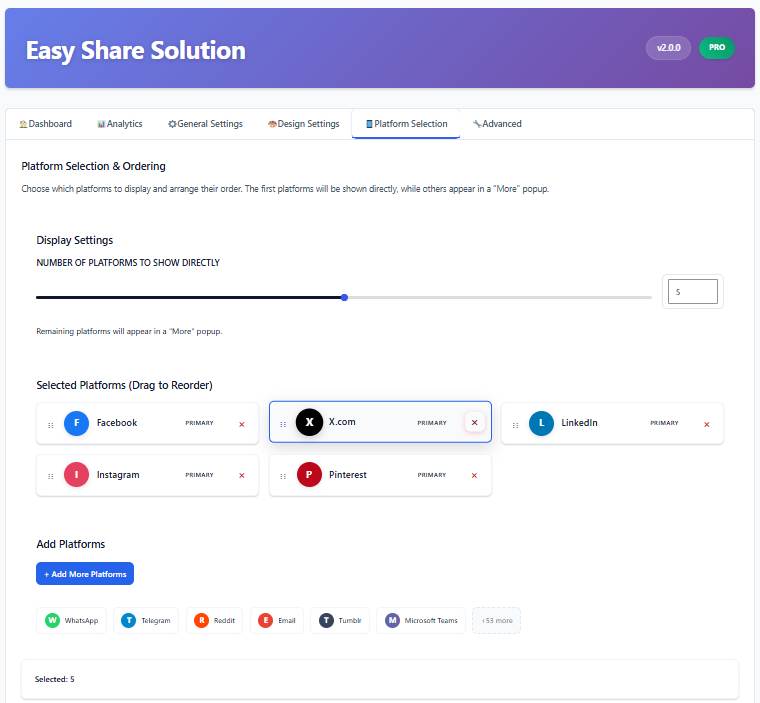

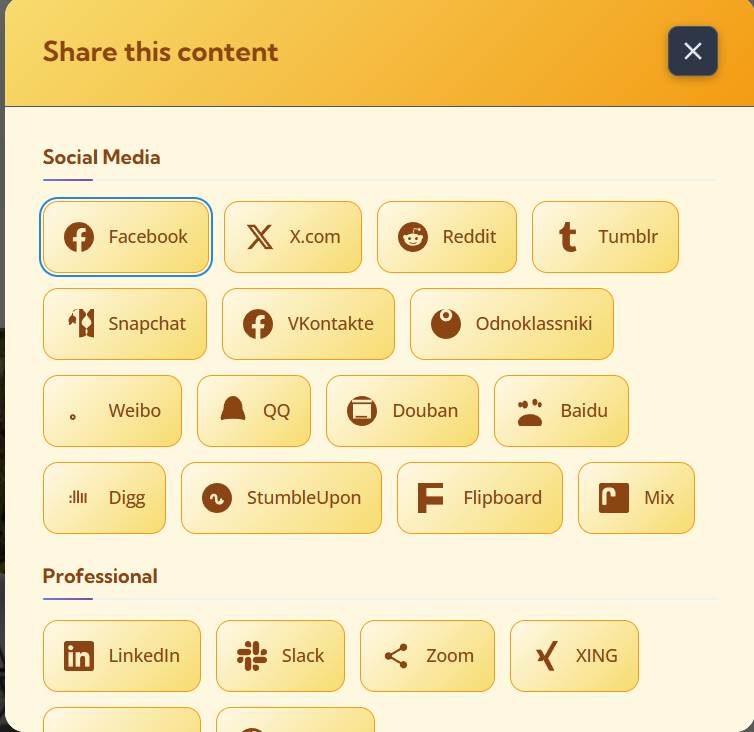
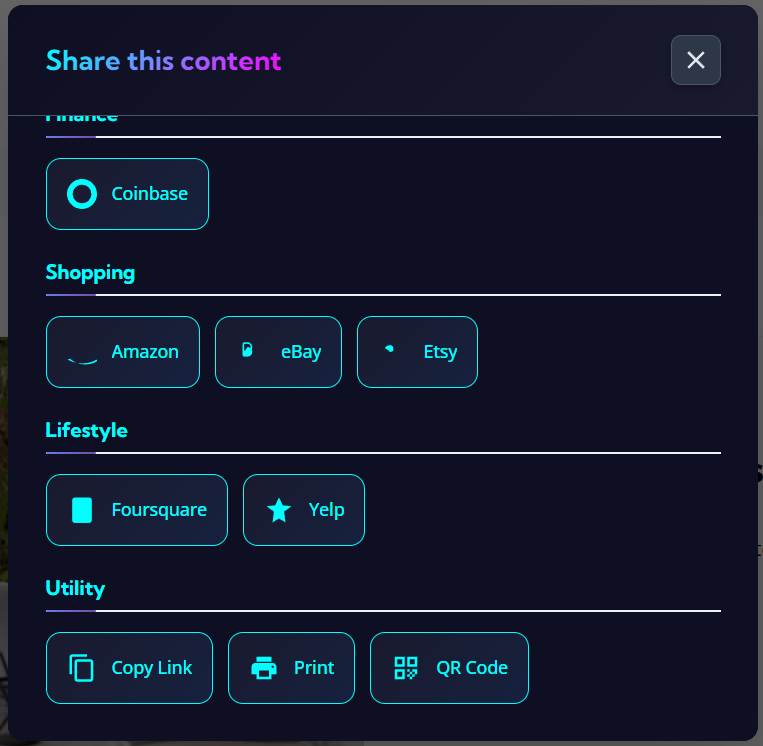
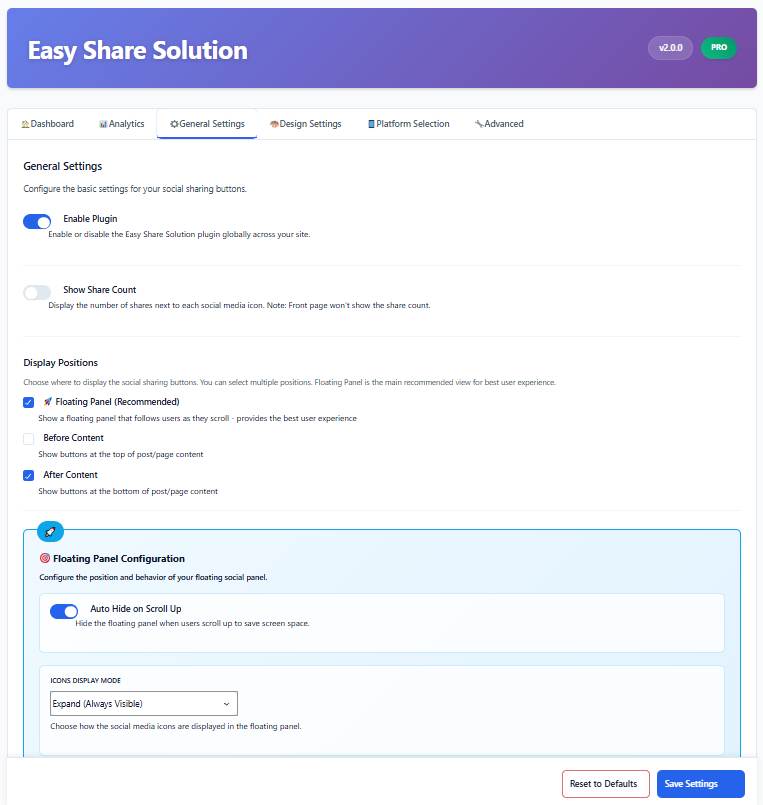
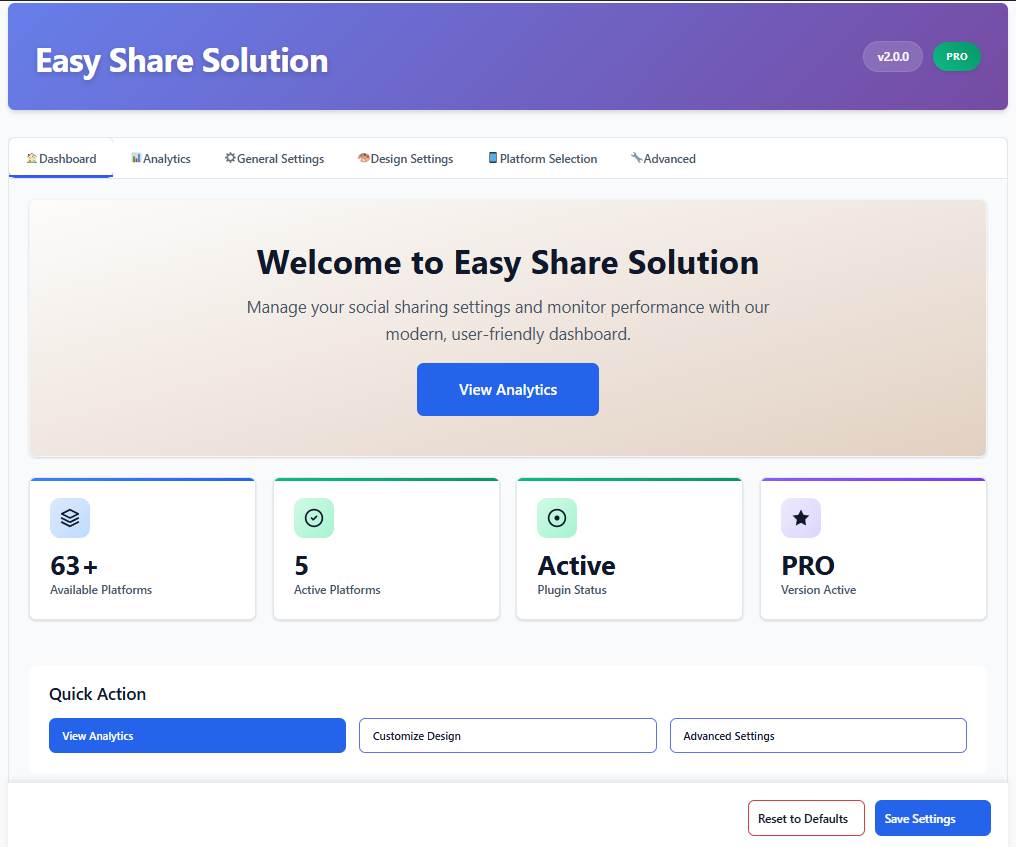
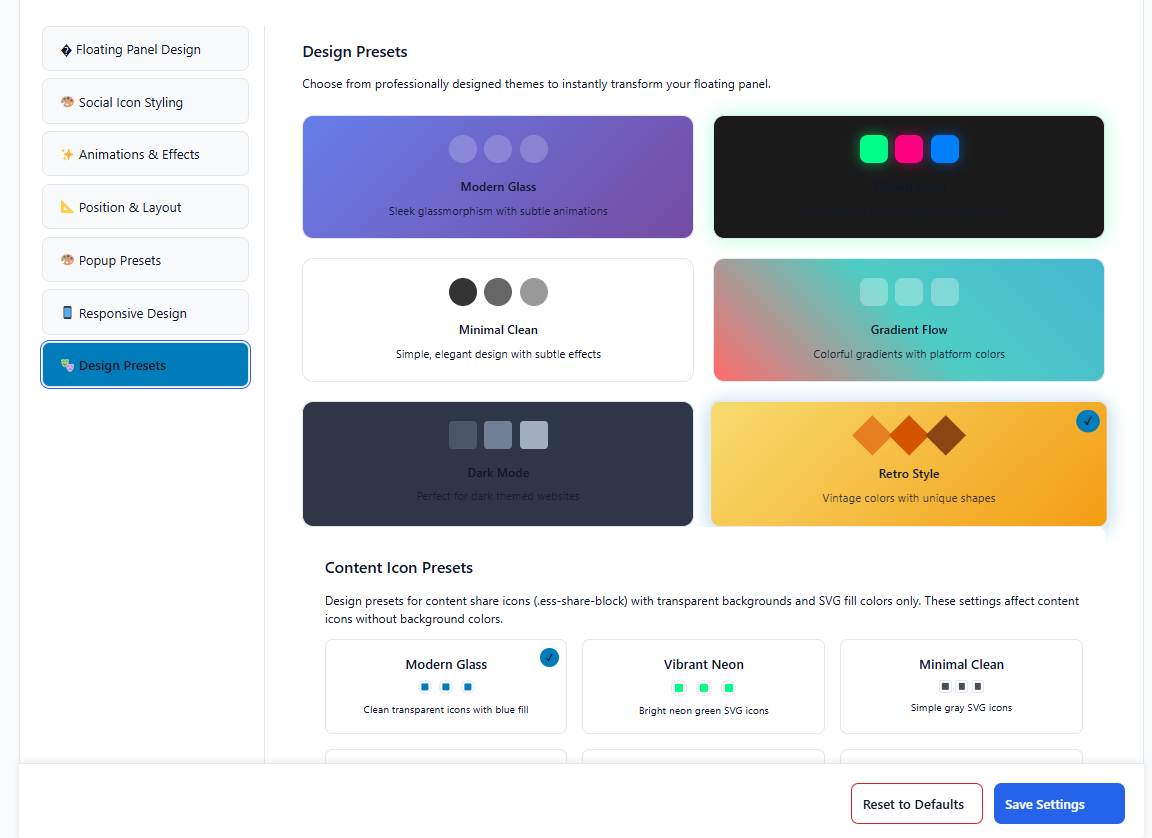
Transform your WordPress site into a social sharing powerhouse with Easy Share Solution! Our plugin makes it incredibly easy for visitors to share your content across all major social networks, helping you reach more people and grow your audience naturally.
🚀 What Makes Easy Share Solution Special?
We’ve built this plugin with both beginners and advanced users in mind. Whether you’re running a personal blog or managing a business website, Easy Share Solution provides everything you need to maximize your content’s reach through social sharing.
✨ Key Features:
🌟 63+ Social Media Platforms – Share to Facebook, Twitter/X.com, LinkedIn, Pinterest, WhatsApp, Instagram, Reddit, Telegram, Tiktok, youtube, email, messenger, viber, snapchat, wechat, evernote, github, discord, baidu, behance and many more popular platforms.
📊 Advanced Analytics Dashboard – Track your sharing performance with detailed insights. See which content gets shared most, which platforms drive the most traffic, and optimize your social strategy.
🎨 Beautiful Design Options – Choose from multiple button styles including floating buttons, inline buttons, popup sharing windows, and customizable icon sets.
📱 Mobile-First Design – Fully responsive and touch-friendly interface that looks perfect on all devices, from smartphones to desktop computers.
⚡ Lightning Fast Performance – Optimized code that won’t slow down your website. Clean, efficient loading that maintains your site’s speed.
🛠️ Easy Customization – Drag-and-drop interface, color customization, size adjustments, and position controls. No coding required!
💬 Text-to-Tweet Feature – Let visitors highlight text on your page and share it directly to Twitter/X with one click.
🔧 Developer Friendly – Hooks, filters, and API for developers who want to extend functionality.
🎯 Perfect For:
– E-commerce stores sharing products
– Bloggers who want to increase their content reach
– Businesses looking to boost social media engagement
– News sites and magazines
– Portfolio sites showcasing work
– Any website wanting more social shares!
🏆 Why Users Love Easy Share Solution:
“Finally, a sharing plugin that actually works and looks great!” – The intuitive interface and reliable performance make it a favorite among WordPress users.
🔗 See It In Action:
Check out our live demo to see Easy Share Solution in action before you install!
External services
This plugin connects to or redirects visitors to third-party services only when a site visitor explicitly clicks a corresponding share or action button on the frontend. No visitor data is sent automatically in the background on page load.
-
QR Code Generator API (goQR.me / QR Server by Foundata GmbH)
- What it is used for: Generates a scannable QR code image for the current post or page URL when a visitor clicks the “QR Code” share button.
- Endpoint used:
https://api.qrserver.com/v1/create-qr-code/ - What data is sent and when: Only when a visitor clicks the QR Code button on the frontend, the visitor’s browser requests a QR code image directly from
api.qrserver.com, transmitting the current page URL (dataparameter) and image size (sizeparameter) along with standard browser HTTP metadata (IP address and User-Agent). - Terms of Service: https://goqr.me/legal/tos-api.html
- Privacy Policy / Legal Notice: https://goqr.me/legal/
-
Social Media & Messaging Share Endpoints
- What they are used for: Allow visitors to share the current post or page URL and title to their chosen social media or messaging platform.
- What data is sent and when: No data is transmitted to any external platform until a visitor clicks that platform’s share button. Clicking a button opens the platform’s official share URL in a new tab/window and passes the current page URL and post title as URL query parameters.
- Key external share endpoints & policies:
- WhatsApp (
https://api.whatsapp.com/send) — Terms of Service | Privacy Policy - WeChat (
https://api.wechat.com/cgi-bin/share) — Terms of Service | Privacy Policy - Telegram (
https://t.me/share/url) — Terms of Service | Privacy Policy - DEV Community (
https://dev.to/new) — Terms of Use | Privacy Policy - Hacker News / Y Combinator (
https://news.ycombinator.com/submitlink) — Terms of Use | Privacy Policy - Facebook & Messenger (
https://www.facebook.com/sharer/sharer.php,https://www.facebook.com/dialog/send) — Terms of Service | Privacy Policy - X / Twitter (
https://x.com/intent/tweet) — Terms of Service | Privacy Policy - LinkedIn (
https://www.linkedin.com/sharing/share-offsite/) — User Agreement | Privacy Policy - Pinterest (
https://www.pinterest.com/pin/create/button/) — Terms of Service | Privacy Policy - Reddit (
https://www.reddit.com/submit) — User Agreement | Privacy Policy
- WhatsApp (
Source Code & Build Instructions
In compliance with the WordPress.org human-readable code guidelines, the complete, non-compiled JavaScript and CSS source files for all compiled bundles (build/admin.js, build/share-block/index.js, assets/js/frontend.min.js, and assets/css/frontend.min.css) are included directly inside this plugin under the /src/ and /assets/ directories:
- Admin React Dashboard Source:
/src/admin/(entry point:/src/admin/index.js) - Gutenberg Share Block Source:
/src/share-block/(entry point:/src/share-block/index.js) - Platform Definitions & Utilities:
/src/utils/platforms.js - Frontend & Admin Assets:
/assets/js/frontend.js,/assets/js/admin-notices.js,/assets/css/frontend.css,/assets/css/admin.css,/assets/css/admin-notices.css - Build Configuration Files:
/package.jsonand/webpack.config.js
How to Rebuild the Compiled Assets:
1. Ensure Node.js (v18+) and npm are installed.
2. In the plugin root directory (easy-share-solution/), install dependencies:
npm install
3. Build the production bundles into /build/:
npm run build
4. For local development with watch mode:
npm run start
Copyright & Third-Party Code
This plugin bundles or utilizes the following open-source third-party resources:
-
Chart.js
- Source: https://github.com/chartjs/Chart.js
- License: MIT License (https://opensource.org/license/MIT)
- Copyright: (c) 2014-2024 Chart.js Contributors
- Description: Used for rendering analytics charts in the admin dashboard.
-
react-chartjs-2
- Source: https://github.com/reactchartjs/react-chartjs-2
- License: MIT License (https://opensource.org/license/MIT)
- Copyright: (c) 2020 Jeremy Kelly
- Description: React components for Chart.js.
-
Social Platform Brand SVG Icons
- Source: Simple Icons (https://github.com/simple-icons/simple-icons)
- License: CC0 1.0 Universal (https://creativecommons.org/publicdomain/zero/1.0/) / MIT
- Description: Vector SVG paths for social media and messaging brand icons.