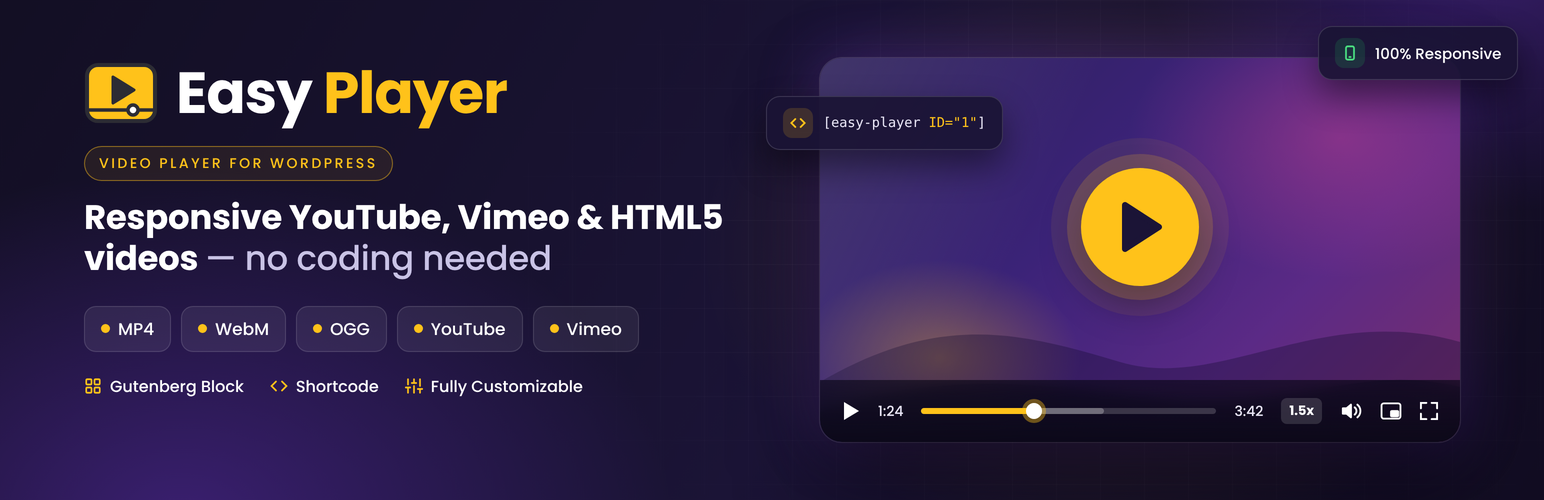

Easy Player – YouTube, Vimeo & HTML5 Video Player
v1.6.3WP Easy Soft · 2024年1月18日 上架
Add a responsive HTML5, YouTube & Vimeo video player to WordPress posts and pages using a Gutenberg block or shortcode.
- 正在使用
- 20+
- 评分
- 暂无
- 累计下载
- 4,419
- 最近更新
- 2026年11月1日
贡献者
 WP Easy Soft
截图


Easy Player is a simple and flexible WordPress video player plugin for adding responsive videos to your website.
Create and display HTML5 videos, MP4 videos, WebM videos, OGG videos, YouTube videos, and Vimeo videos with the Video.js media player.
Easy Player works with both the Gutenberg block editor and shortcodes, making it easy to add a video player to posts, pages, and other WordPress content.
Whether you need a WordPress HTML5 video player, MP4 video player, YouTube video player, Vimeo video player, or Video.js player, Easy Player provides a lightweight way to add video playback to your website.
Supported Video Types
- HTML5 video
- MP4 video
- WebM video
- OGG video
- YouTube video
- Vimeo video
How to use Easy Player – Video Tutorial
Gutenberg Video Player
Add a video player directly from the WordPress Gutenberg block editor.
The Easy Player block allows you to insert a configured video player without manually writing shortcode code.
WordPress Video Player Shortcode
Easy Player supports automatically generated shortcodes as well as manually configured shortcodes.
Use a saved video player:
[easy-player ID="1"]
Or add a video directly:
[easy-player src="video-url" type="mp4"]
You can also use supported video sources such as YouTube:
[easy-player src="youtube-video-url" type="youtube"]
Video.js HTML5 Video Player
Easy Player uses Video.js to provide the video player interface and supports HTML5 video playback along with YouTube and Vimeo.
The player includes controls and settings designed for a smooth viewing experience across desktop and mobile devices.
Key Features
- Multiple video player management
- Video player preview
- Preload option
- Autoplay option
- Muted playback
- Loop video
- Reset video on end
- Playback speed control
- Smooth seeking
- Playsinline support
- Big play button
- Progress control
- Current time display
- Remaining time display
- Negative time display
- Volume control
- Fullscreen control
- Picture-in-Picture control
- Poster image support
- Aspect ratio option
- Player theme option
- Lightweight and responsive interface
Responsive Video Player
Easy Player is designed to work across different screen sizes, helping you display videos on desktop, tablet, and mobile devices.
The Playsinline option can also be used to improve video playback behavior on mobile devices.
YouTube Video Player
Add YouTube videos to your WordPress website using Easy Player and display them through the Video.js-powered player interface.
Vimeo Video Player
Easy Player also supports Vimeo videos, allowing you to add Vimeo content to WordPress posts and pages using the video player.
HTML5 Self-Hosted Video
Display your own video files using supported HTML5 formats such as:
- MP4
- WebM
- OGG
This makes Easy Player useful for websites that need to display self-hosted video content without relying exclusively on external video platforms.
Use Cases
Easy Player can be used for:
- Website video content
- Video tutorials
- Online courses
- Product demonstration videos
- Training videos
- Video presentations
- YouTube videos
- Vimeo videos
- Self-hosted HTML5 videos
- MP4 video content
- Video portfolios
- Blog post videos
Why Easy Player?
- Simple WordPress video player
- Supports HTML5, YouTube, and Vimeo
- Uses the popular Video.js player
- Gutenberg block support
- Shortcode support
- Responsive video playback
- Multiple player controls
- Easy video player management
- No complicated setup required
Support
For support, feature request, or any inquiries, please email at nashirbabu@gmail.com