

Easy Image Collage
v2.0.1Brecht · 2015年1月28日 上架
Create beautiful responsive image collages for all your posts and pages
- 正在使用
- 3,000+
- 评分
- 4.7 / 5
- 累计下载
- 12 万
- 最近更新
- 2026年8月19日
22 条评价需要 WordPress 3.5+已测试到 7.1.5
贡献者
 Brecht
截图
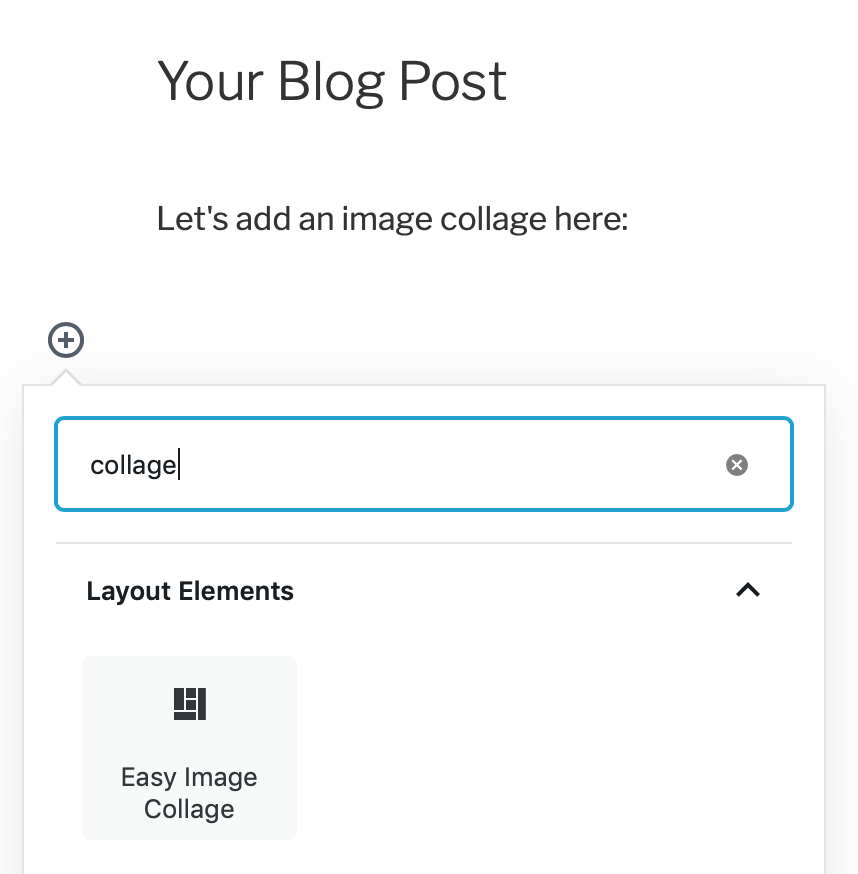


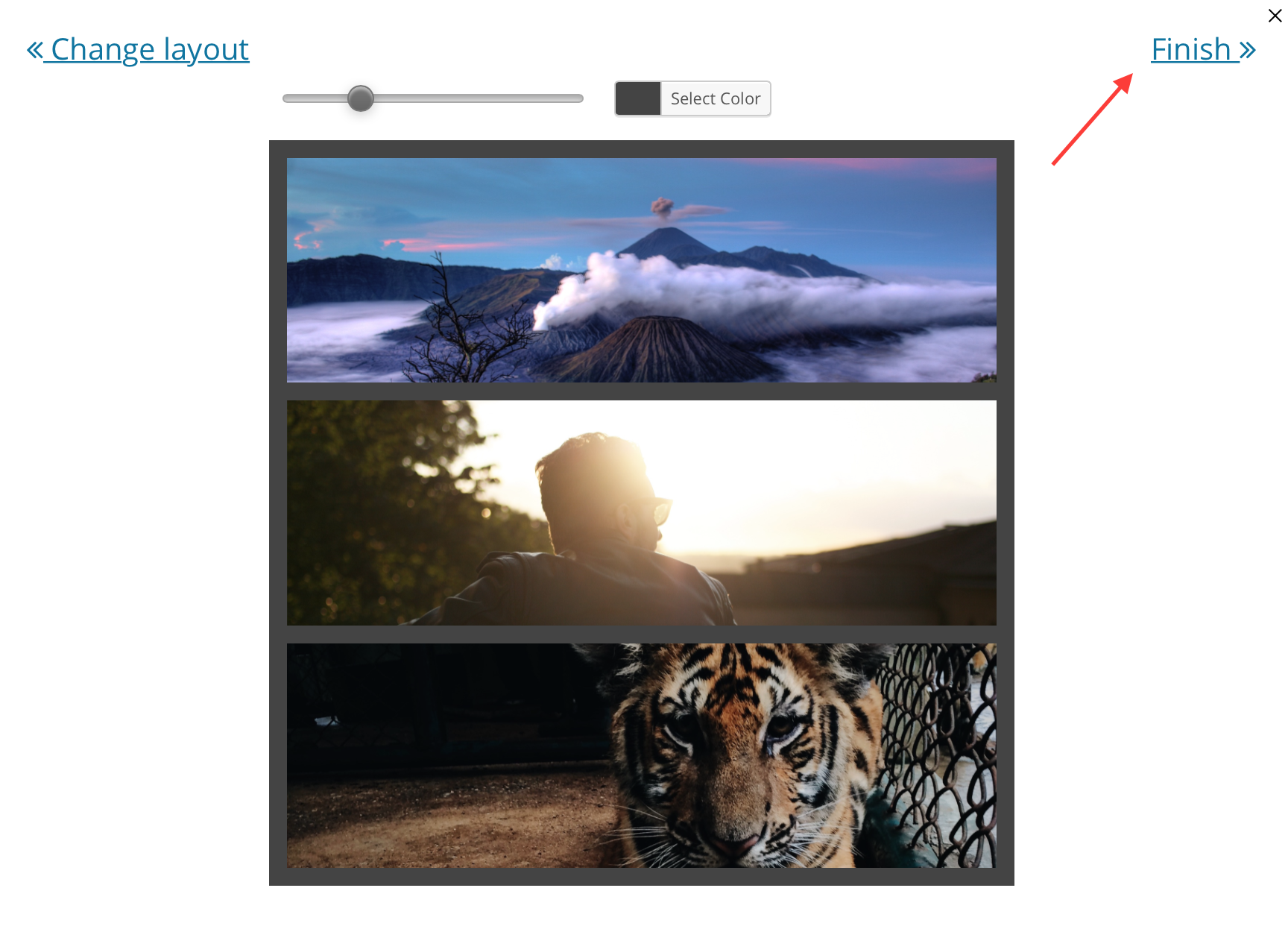
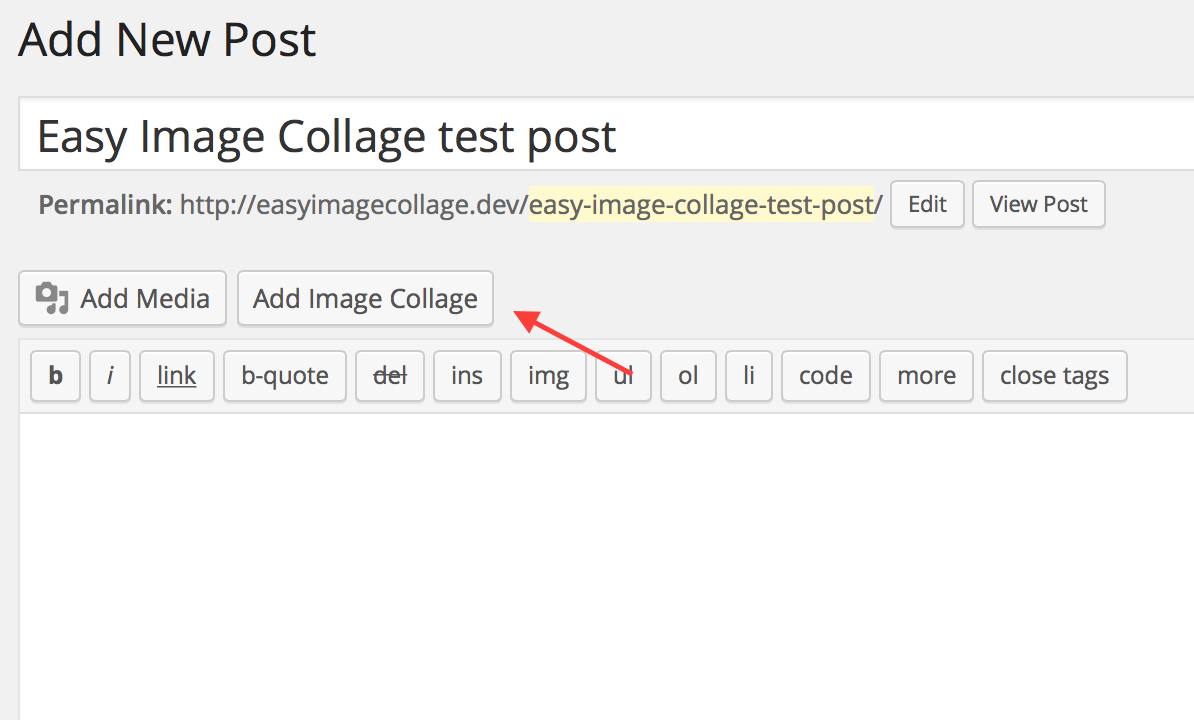
Use Easy Image Collage to easily add responsive image collages to your posts, pages or any custom post type. Similar to apps like Diptic, Pic Jointer and Instagram Layouts.
Go to our website for documentation and video lessons on all our features.
An overview of the Easy Image Collage features:
- Compatible with both the Classic Editor and new Gutenberg editor
- Multiple responsive layouts for your collages
- Optionally switch to regular images on mobile
- Easily change the size of the layouts
- Intuitive drag and drop interface
- Add multiple collages to any post type
- Open images in a lightbox of your choice
- Display Pinterest button for sharing your images
- Uses actual images for optimal SEO
We also have a Easy Image Collage Premium version which offers the following features:
- Add captions to the images in the collage
- Set custom links for your images
- Unlimited possibilities by creating your own layout
- Adjust borders to get layouts however you want
- Use image manipulation to get them just right
- Apply Instagram-like filters to your images
- Add text frames to your collages
- Show the image sizes for pixel perfect collages