
Easy Hierarchy – Monitor Page Tree & Custom Post Types
v3.0.1Marco Milesi · 2020年9月30日 上架
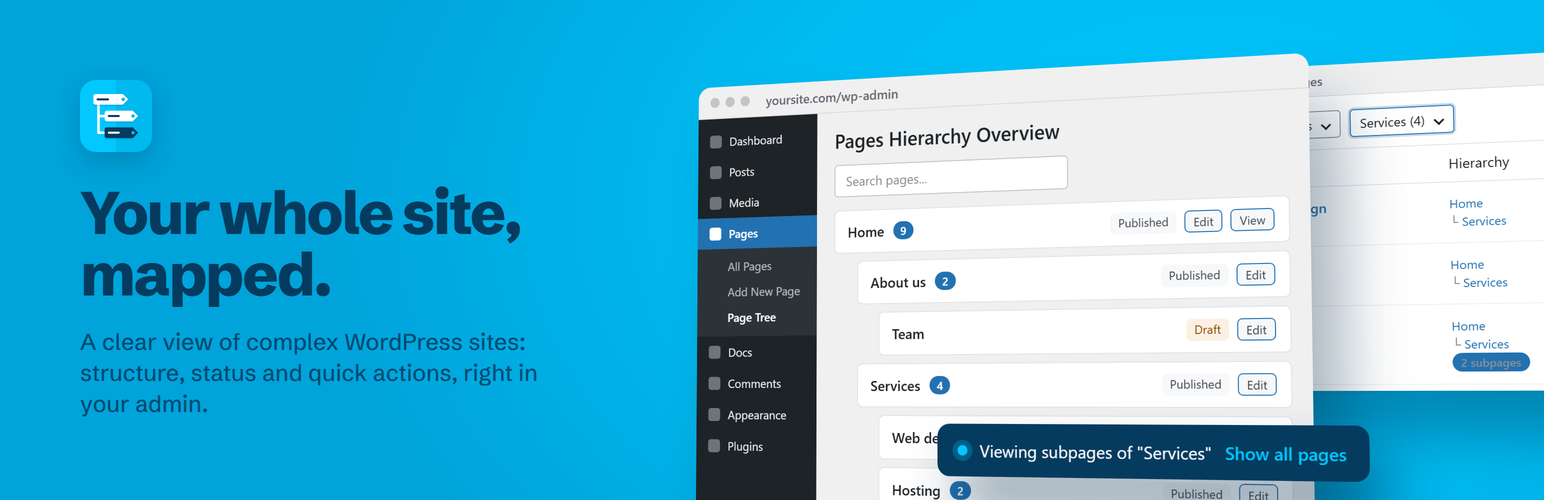
Your whole site, mapped. A clear view of complex WordPress sites: structure, status and quick actions for pages and custom post types.
- 正在使用
- 30+
- 评分
- 暂无
- 累计下载
- 3,847
- 最近更新
- 2026年10月5日
需要 WordPress 4.6+已测试到 7.2PHP 7.4+
贡献者
 Marco Milesi
截图
Your whole site, mapped.
Easy Hierarchy is made for people who manage large, complex WordPress sites: hundreds of pages, deep hierarchies, many editors and custom post types.
Over time, the structure gets hard to follow. Pages end up in the wrong place, drafts and scheduled content are forgotten, and finding things means scrolling through flat lists. Easy Hierarchy gives you a clear view of your content, so you can see how the site is organized, check what needs attention and reach any item in one click.
Who is it for
- Public administrations and schools
- Universities and large organizations
- Agencies managing client sites
- Documentation sites, knowledge bases and intranets
See the structure
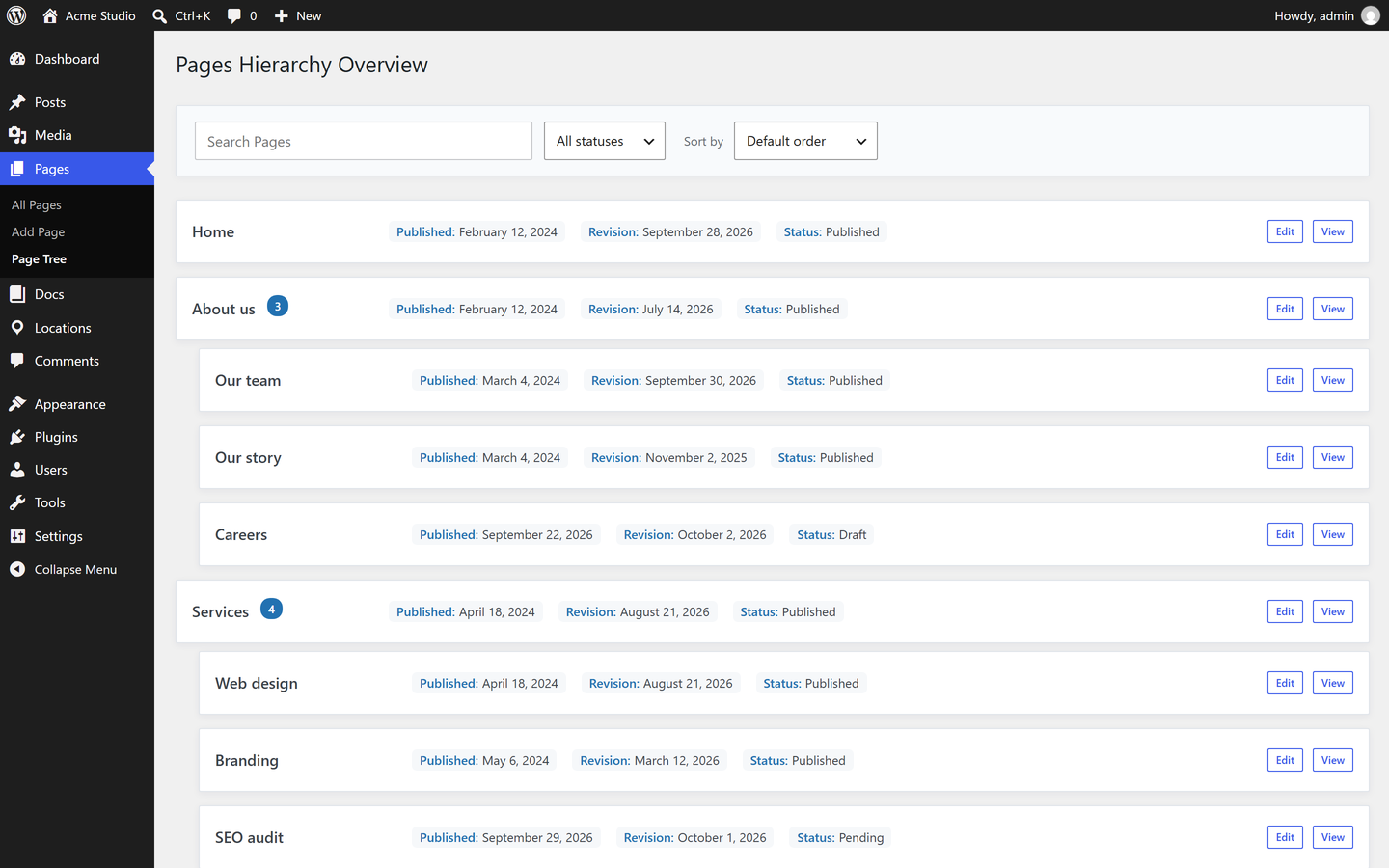
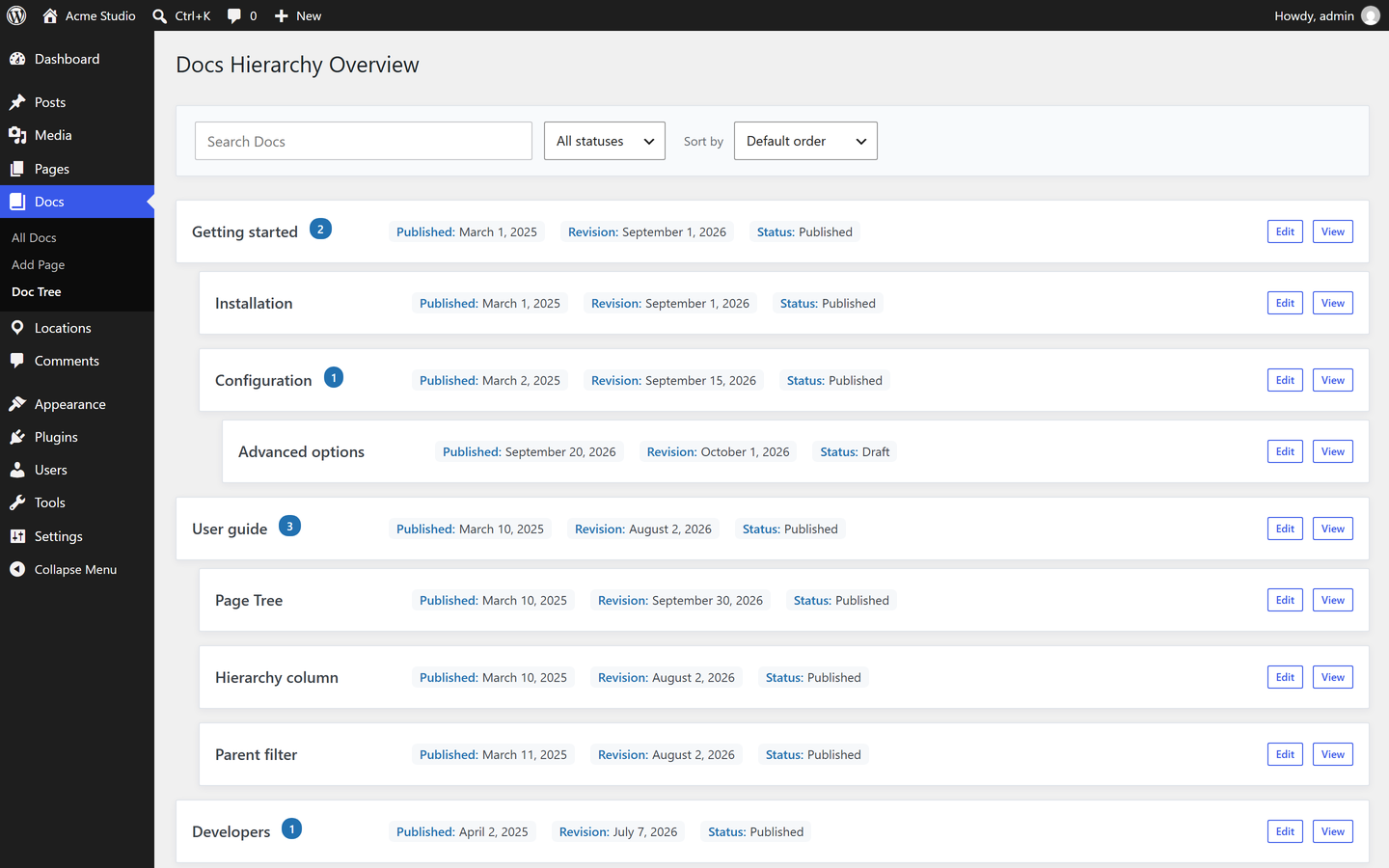
- A tree view for Pages and every hierarchical post type (for example Pages > Page Tree).
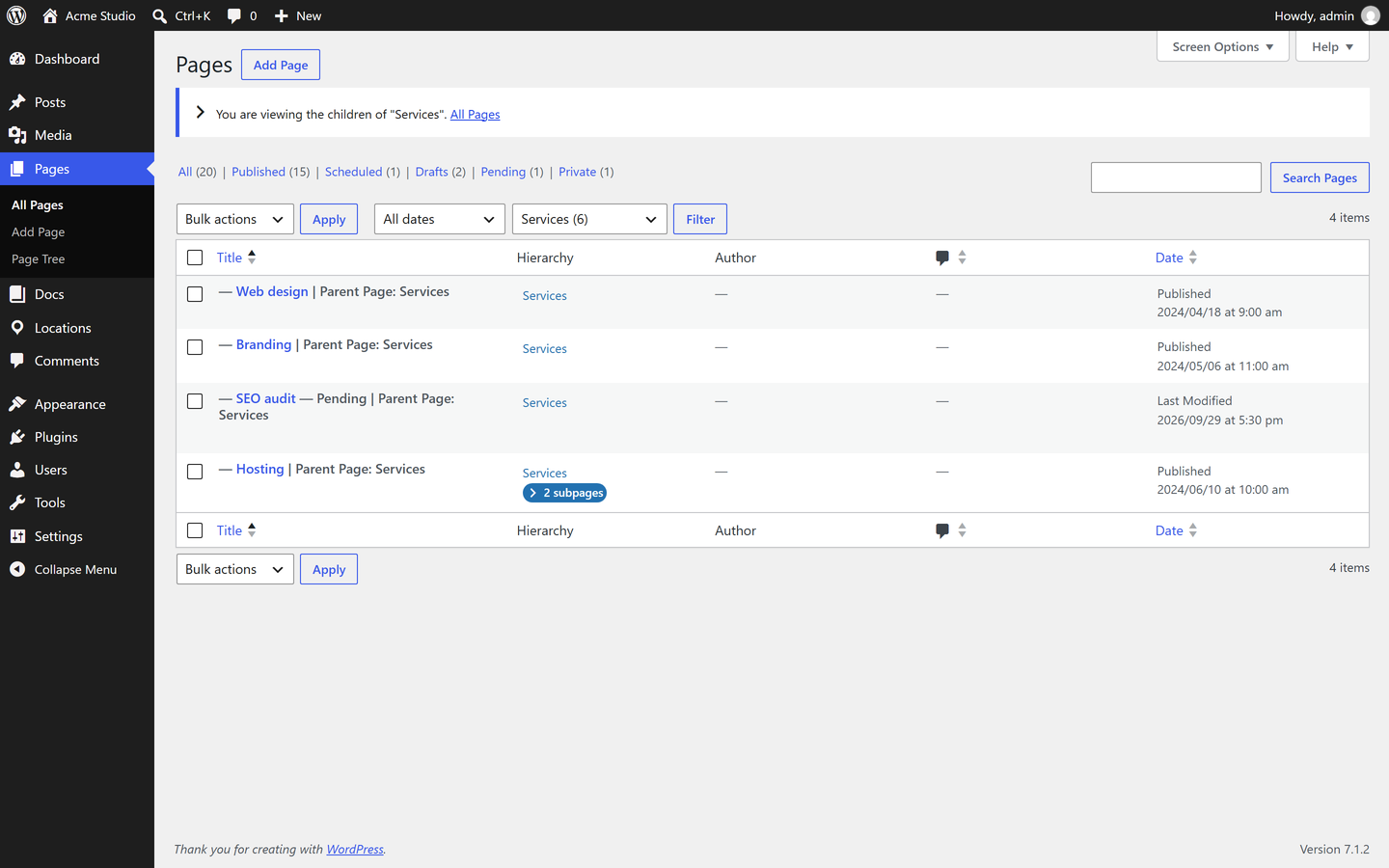
- A Hierarchy column in the list screen, with the full parent path of each item.
- The number of children of each item, in the tree and in the list.
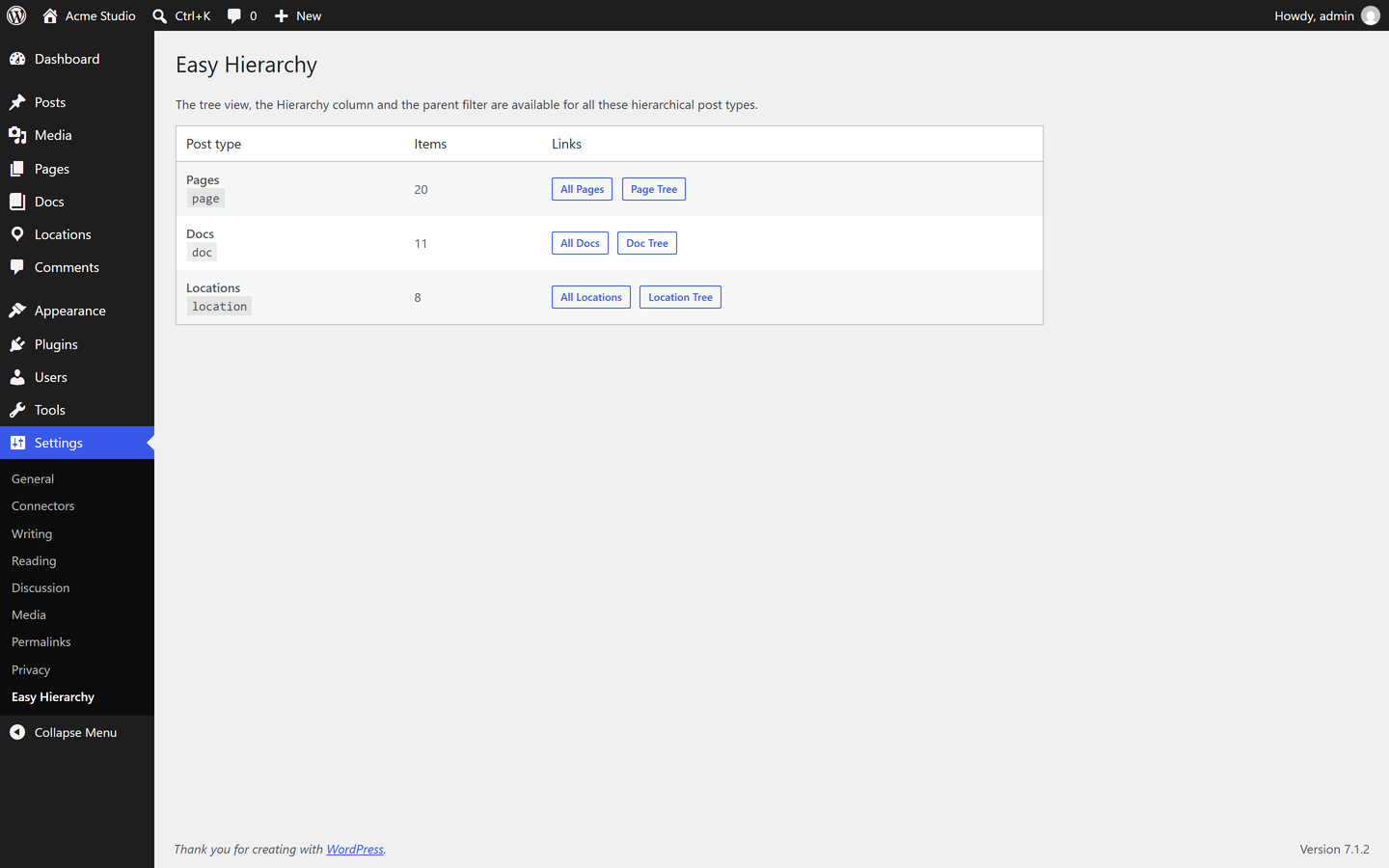
- Settings > Easy Hierarchy lists all hierarchical post types, with links to their list and tree.
Monitor what needs attention
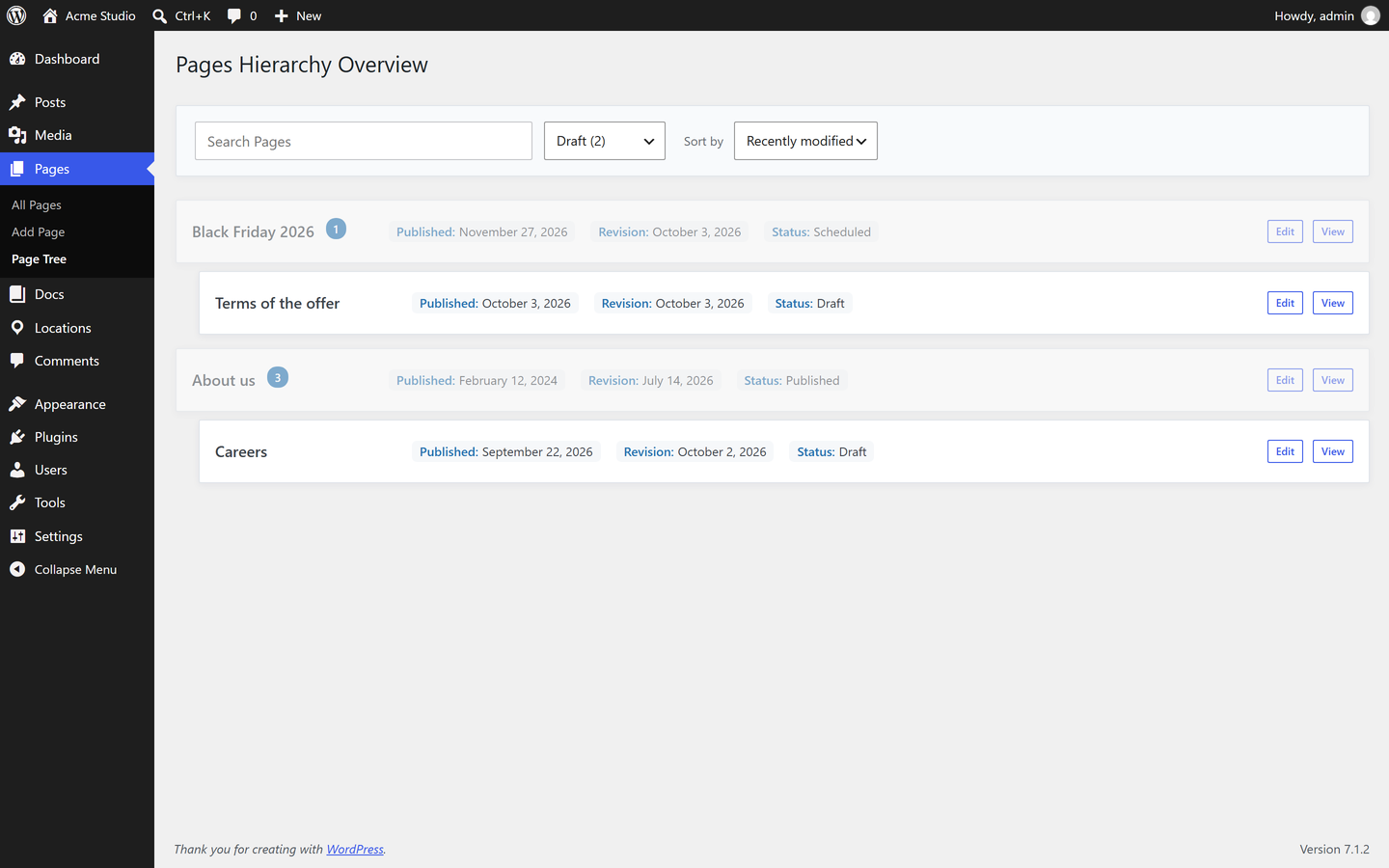
- Drafts, pending, private and scheduled items are shown in the tree.
- Filter the tree by status, keeping the parents visible for context.
- Sort by title, newest, oldest or recently modified, without losing the hierarchy.
- Publish date, last revision and status for each item.
Navigate and act
- Search the tree by title.
- Filter the list by parent, with every item that has children at any level.
- Edit and View links for each item.
- Fast on large sites, fully integrated with the WordPress admin.