Easy Hide Admin Menu Items
v1.4.1campusboy · 2024年2月1日 上架
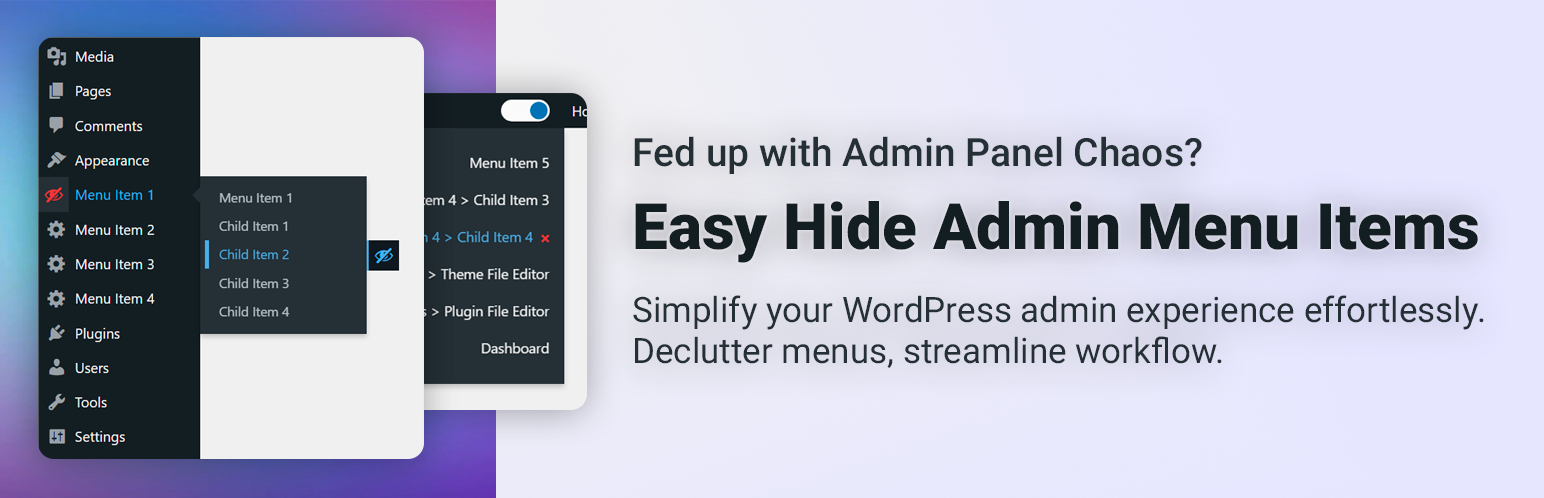
Simplify your WordPress admin experience effortlessly. Declutter menus, streamline workflow.
- 正在使用
- 1,000+
- 评分
- 5.0 / 5
- 累计下载
- 1.2 万
- 最近更新
- 2026年11月15日
 campusboy
 Dan Zakirov
 Timur Kamaev
截图


Easy Hide Admin Menu Items is a plugin designed for the convenience of using the WordPress admin panel by hiding unnecessary menu items. On some websites, the admin panel can become cluttered with various menus and settings, and Easy Hide Admin Menu Items is intended to help users easily customize their administrative space.
Why is it convenient?
On some websites with numerous plugins and extensions, the admin panel can become confusing due to an excess of menus. Easy Hide Admin Menu Items allows you to easily hide the items you don’t need, providing cleanliness and convenience in usage.
Plugin Settings
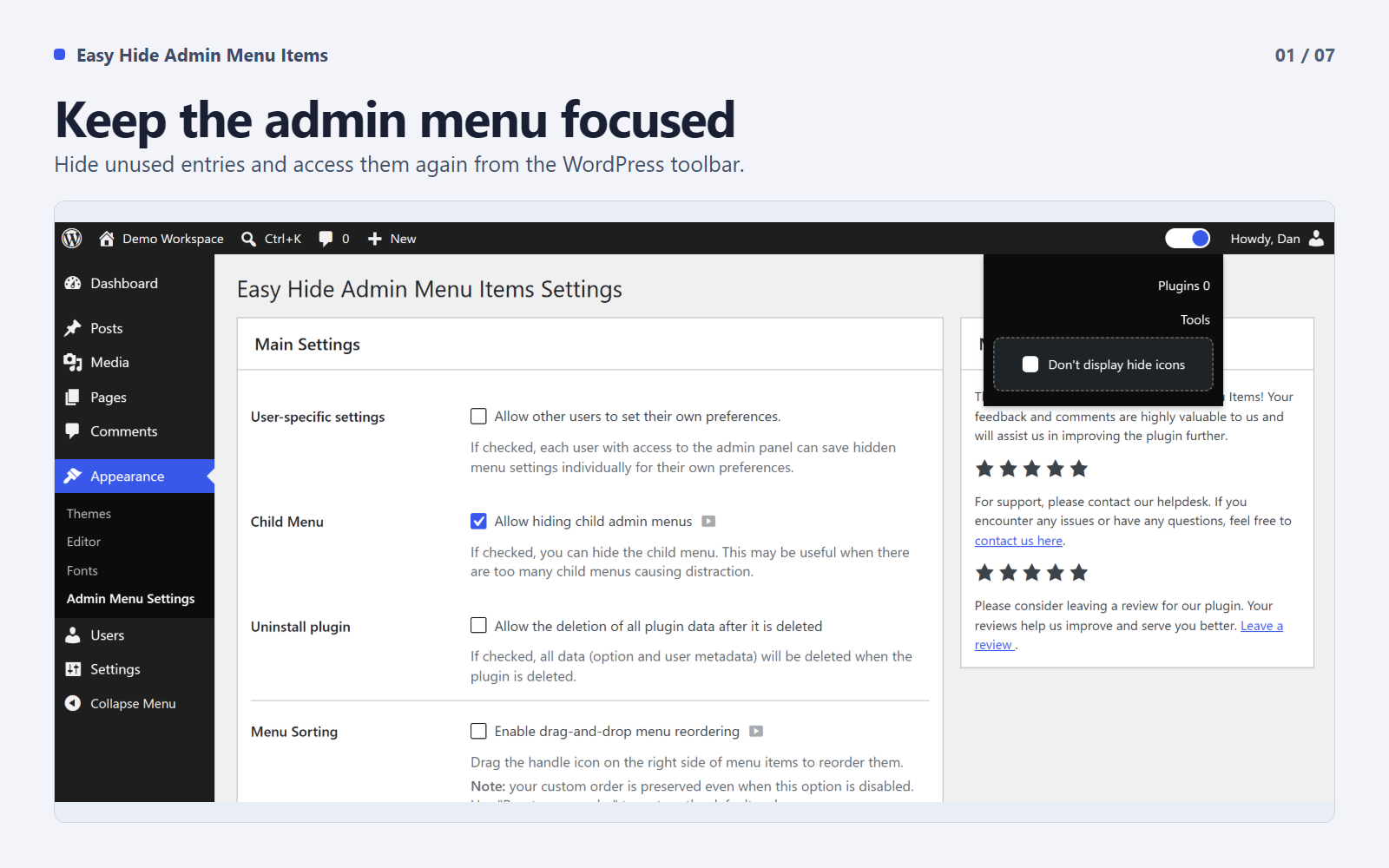
In our plugin, you can locate the settings within the following menu:
Appearance Admin Menu Settings
Within this menu, you’ll find the settings for our plugin.
Additional Description
Easy Hide Admin Menu Items offers a seamless solution for customizing your WordPress admin panel to suit your preferences. With the settings conveniently located under Appearance Admin Menu Settings, you have the power to tailor your admin experience effortlessly.
Key Features:
- Instant Menu Concealment: Upon activation, the plugin allows you to immediately hide menus, ensuring instant application of your customization choices.
- Child Menu Hiding: Enable the option to hide child menus, providing a cleaner and more focused navigation experience.
- Global or User-Specific Settings: Choose between global settings for all users or empower each user to personalize their admin menu visibility.
- Global Settings: Changes apply to everyone. If the admin hides a menu, it’s hidden for all users.
- User-Specific Settings: Each user can customize their menu visibility individually.
Enhance your WordPress admin panel experience by effortlessly managing menu items and optimizing the interface according to your specific needs. Experience a clutter-free and user-friendly environment with Easy Hide Admin Menu Items.
Experimental Features in 1.4.0
These features are available under Appearance Admin Menu Settings. They are marked as experimental and your feedback is welcome.
- Menu Sorting: Drag-and-drop reordering of admin menu items. A handle icon appears on hover — grab it to move items up or down. Your custom order is saved per user or globally depending on your settings. Disabling this option preserves your saved order.
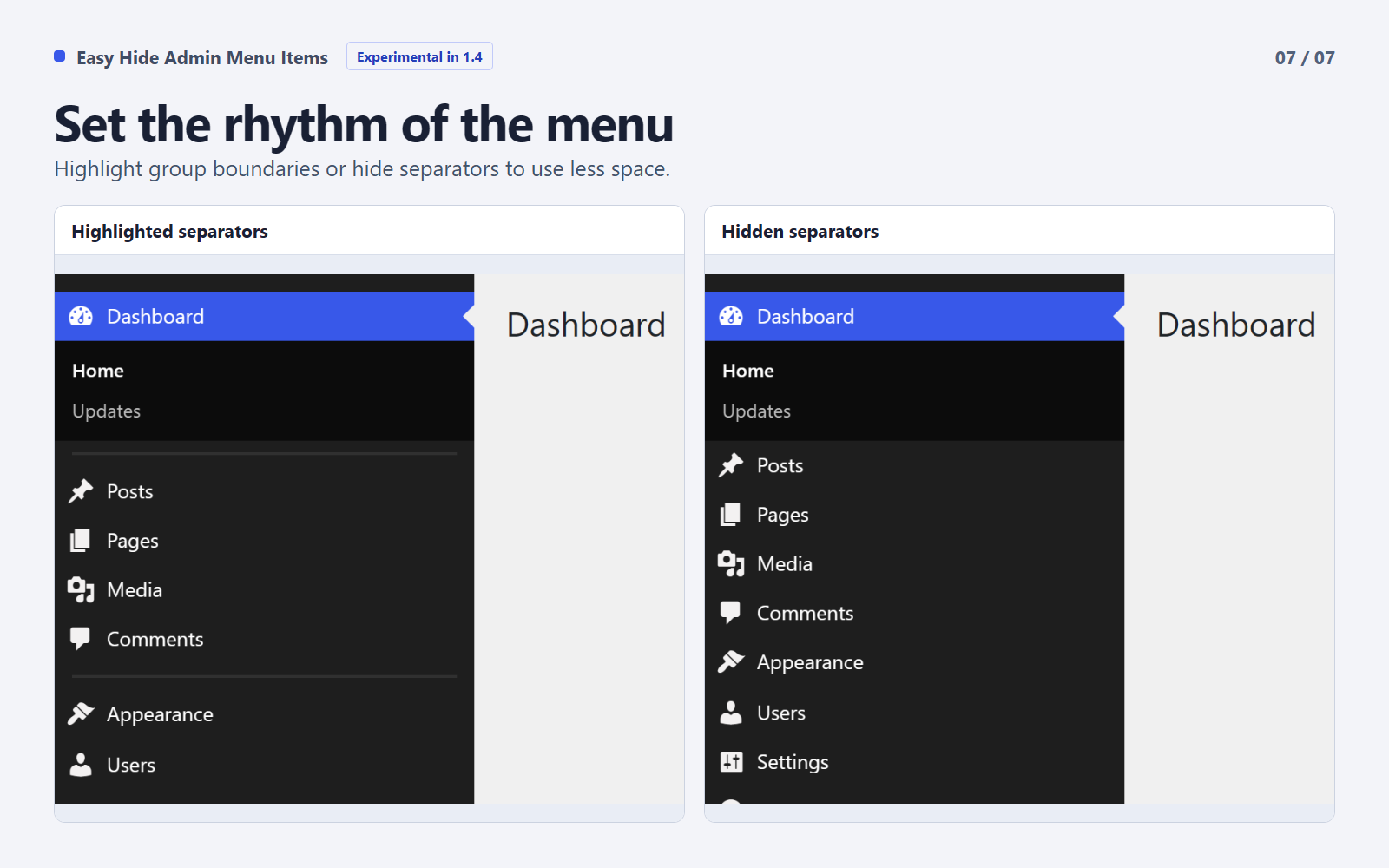
- Menu Separators: Control the visibility of separator lines between menu groups. Choose to hide them completely or highlight them for better visual separation.
- Sidebar Width: Resize the expanded desktop menu by dragging its edge or using the width slider. The standard folded and mobile layouts are preserved.