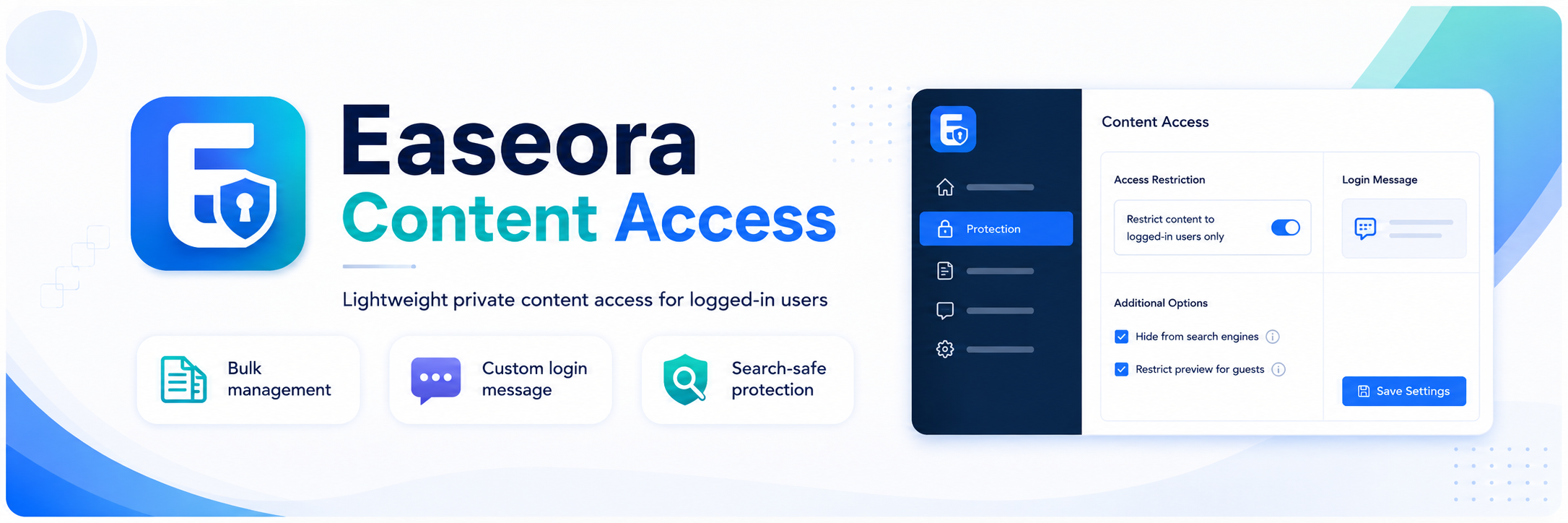

Easeora Content Access
v1.4.2rifathasanbd · 2026年8月1日 上架
Restrict selected pages and posts to logged-in users with a lightweight central manager, custom login message, and search-safe protection.
- 正在使用
- 10 以下
- 评分
- 暂无
- 累计下载
- 339
- 最近更新
- 2026年8月1日
贡献者
 rifathasanbd
Easeora Content Access provides focused access control for WordPress websites that need selected pages or posts to be available only to logged-in users.
It adds a simple checkbox to each page and post editor, plus a central management screen for applying or removing restrictions in bulk. Logged-out visitors see a configurable message and can be returned to the requested page after signing in.
Core features
- Restrict individual pages and posts with one checkbox.
- Manage restrictions centrally with search, filters, pagination, bulk controls, and alphabetical ordering.
- Customise the restriction title and message with the WordPress editor.
- Display an optional WordPress login form.
- Return users to the requested page after login.
- Exclude restricted content from public search, archives, feeds, comments, REST collections, and supported XML sitemaps.
- Add search-engine privacy directives to restricted URLs for logged-out visitors.
- Use native WordPress post metadata without custom database tables.
- Run without frontend JavaScript, external API calls, cron jobs, or bundled third-party libraries.
- Import page and post restrictions from the older Page Restrict plugin when its data is available.
- Choose whether the plugin appears as a main dashboard menu or under Settings > Easeora Content Access.
Default visitor message
You are required to login to view this page.
The login link uses the standard WordPress login screen and returns the user to the original page after successful authentication.
Supported placeholders
%login_url%– the login URL for the requested page.%login%– a complete clickable login link.%title%– the original page or post title.
Privacy
Easeora Content Access does not contact external services, set tracking cookies, collect analytics, or transmit personal data. WordPress handles authentication and the optional login form.