

EaseAccess Lite
v1.0.0EaseAccess · 2026年6月28日 上架
Free accessibility widget with text resize, contrast modes, reading guides, big cursor, dictionary lookup, and an accessibility statement generator.
- 正在使用
- 10+
- 评分
- 暂无
- 累计下载
- 315
- 最近更新
- 2026年6月28日
贡献者
 EaseAccess
截图
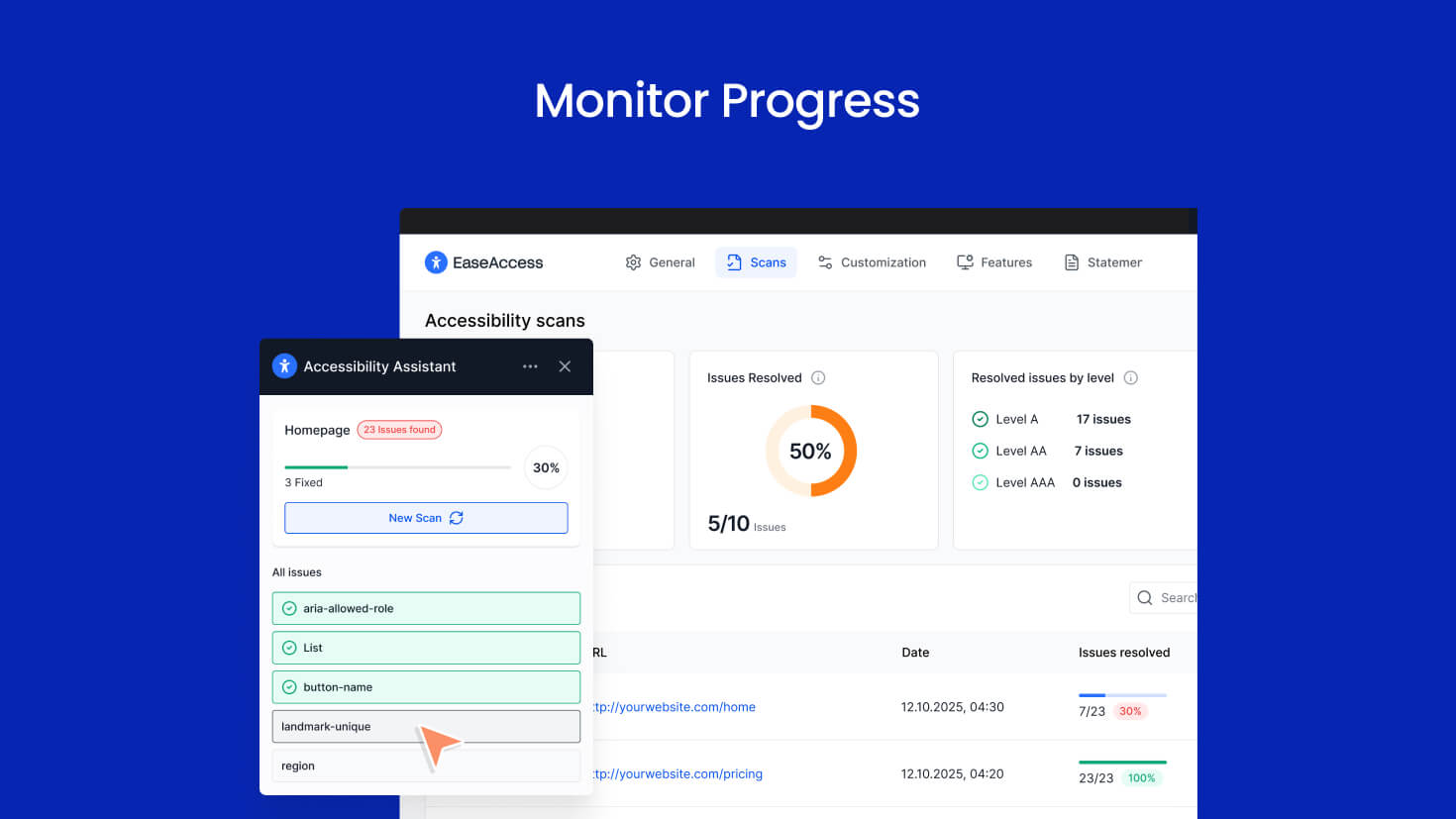
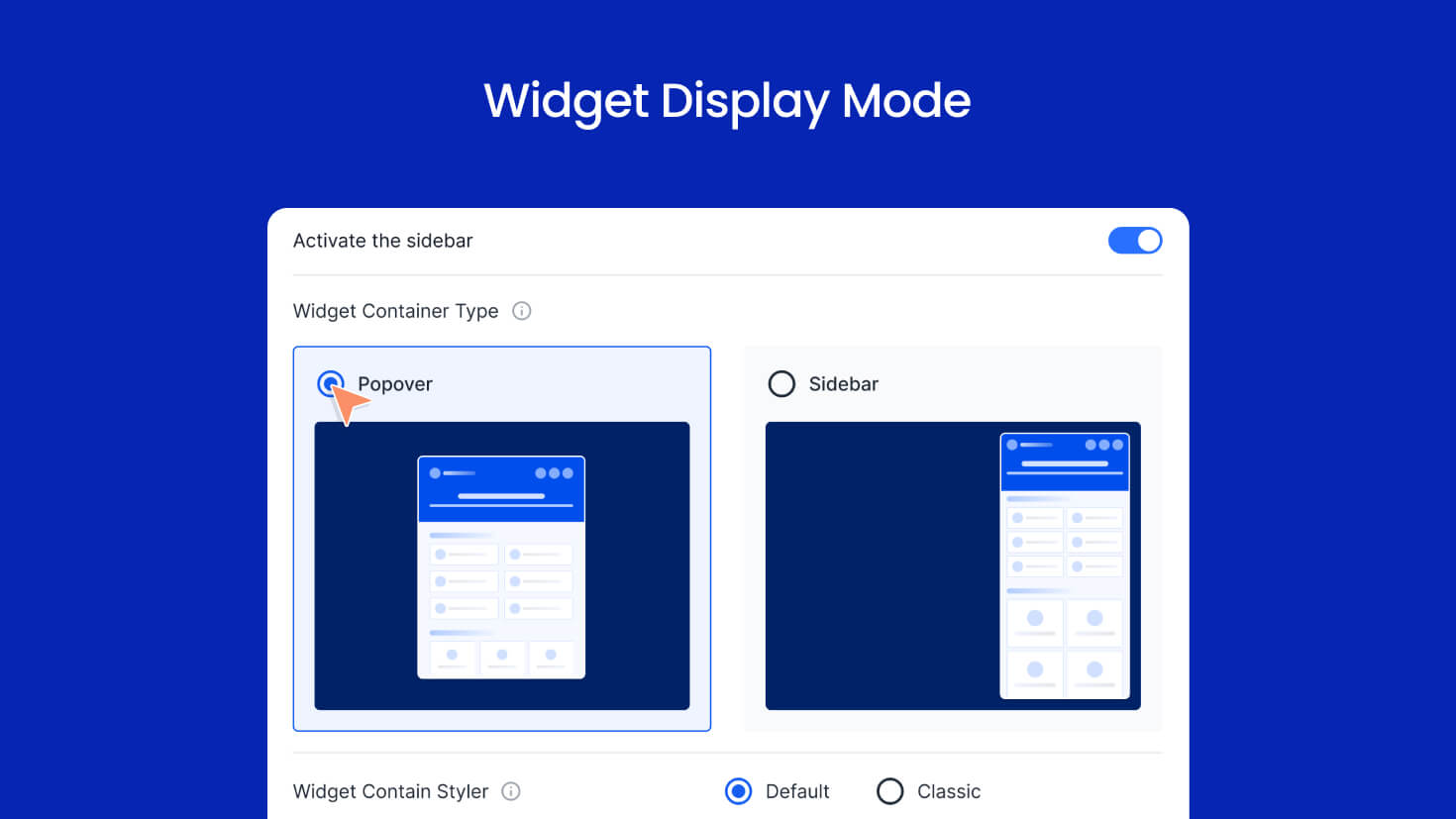
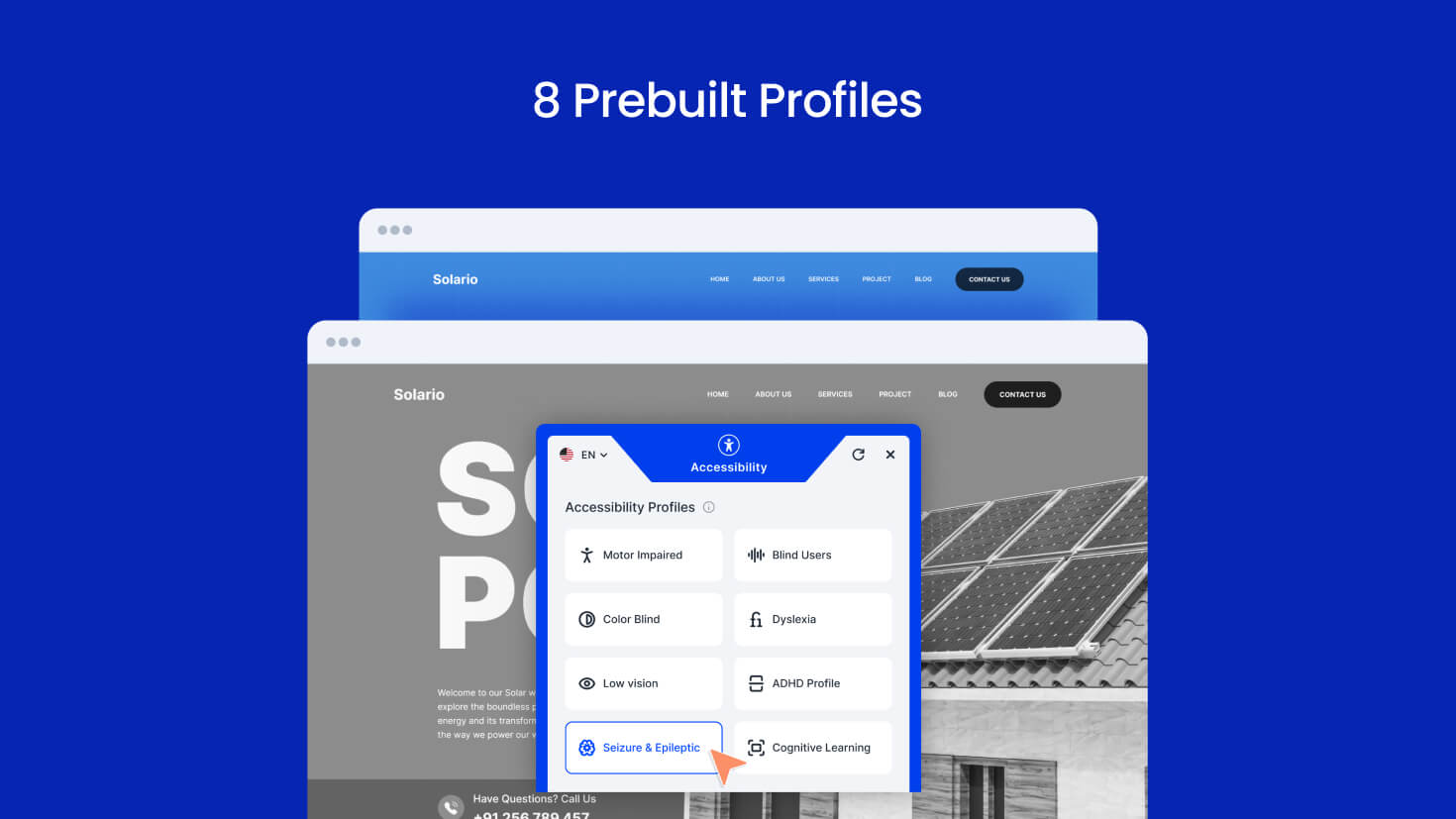
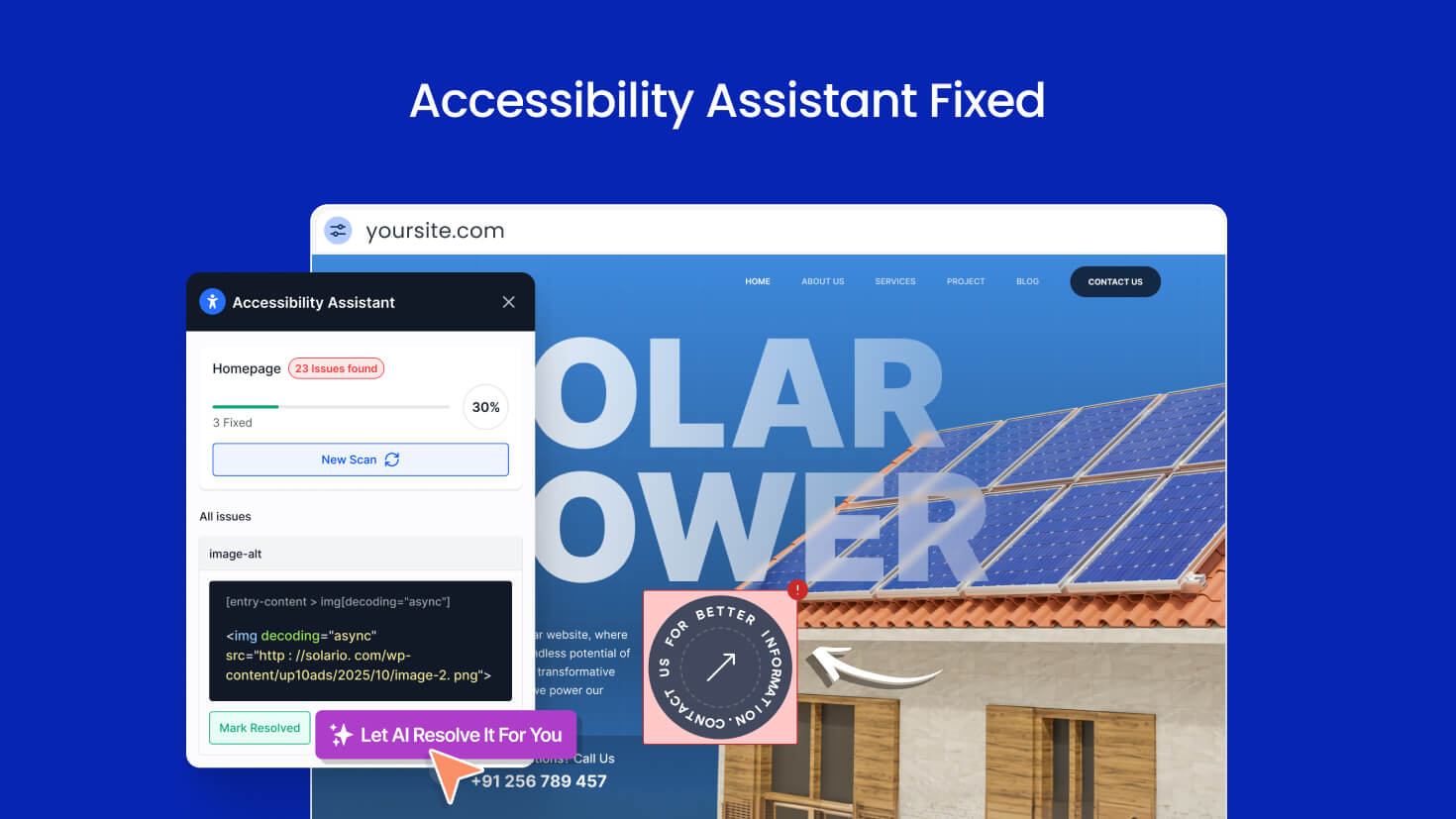
EaseAccess Lite is a free, lightweight accessibility plugin that helps WordPress site owners make their websites more inclusive and WCAG-friendly. It adds a customizable accessibility widget to the front of your site, giving visitors a set of tools to adjust the page to their needs.
Key features
- Text adjustments — increase / decrease font size, adjust line height and letter spacing
- Contrast modes — high contrast, dark mode, light mode, monochrome, low saturation
- Reading aids — reading guide, reading mask, highlight links, highlight headings, big cursor
- Content controls — pause animations, hide images, readable font
- Dictionary lookup — look up word definitions on demand
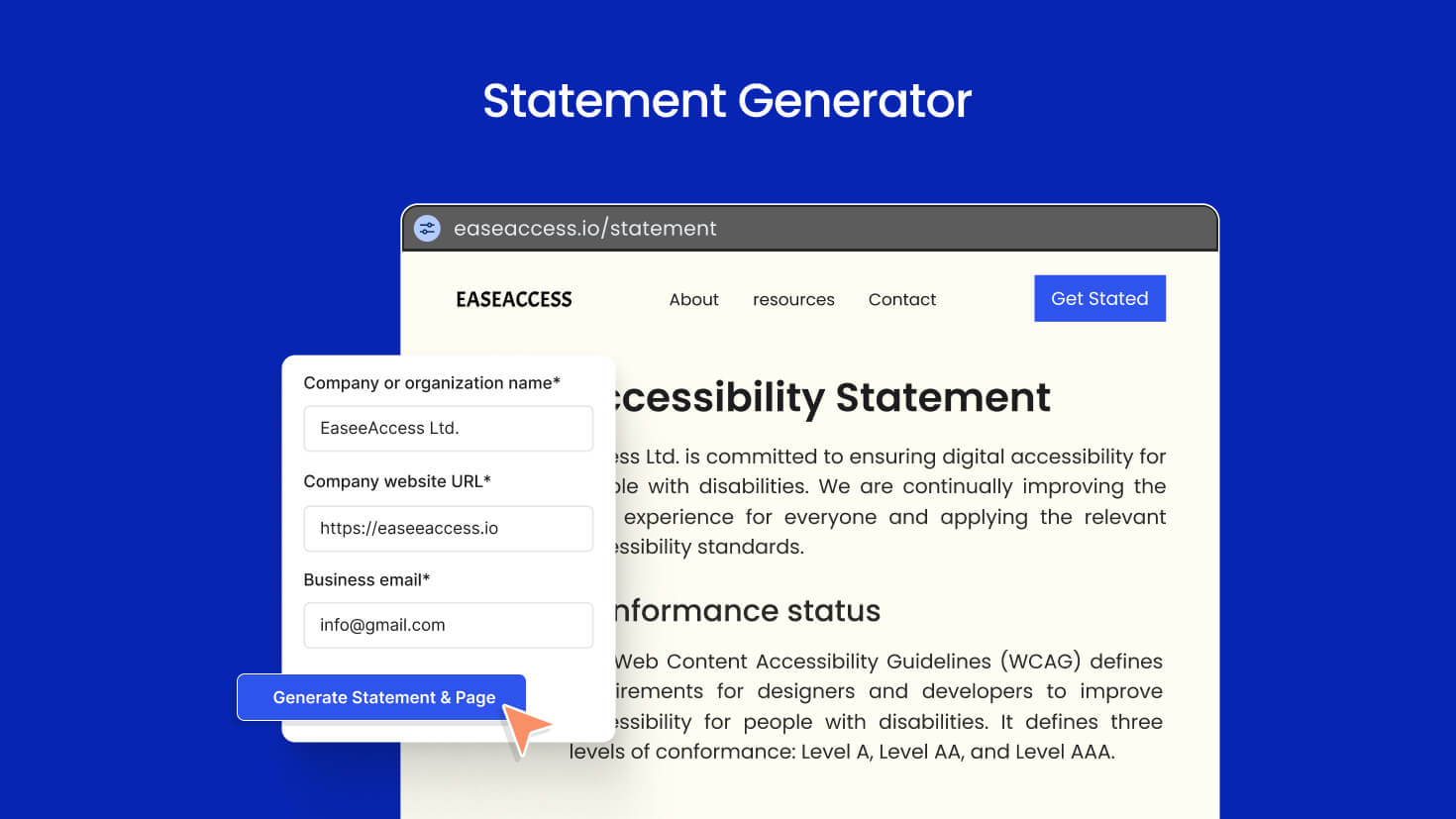
- Accessibility statement generator — create a WCAG-style accessibility statement page in seconds
- Smart display rules — show the widget everywhere, only on selected post types, or exclude specific ones
- Page builder aware — automatically skips Elementor, Divi, Beaver Builder, Oxygen, and Bricks editor sessions
- Nav menu integration — optionally render the widget as a menu item
- Customizable button — color, position, size, shape
- Translation ready — full i18n support, ships with
.potfile - Clean uninstall —
uninstall.phpremoves every option this plugin creates
External services
This plugin connects to one external service to provide an optional feature. The service is only contacted when a visitor explicitly triggers the corresponding action in the accessibility widget — nothing is sent automatically on page load.
Dictionary API (api.dictionaryapi.dev)
- What it does: Looks up the English definition of a single word.
- When it is contacted: Only when a site visitor uses the Dictionary feature inside the accessibility widget and submits a word.
- What data is sent: A single sanitized word (letters A–Z only). No personal data, no IP forwarding from the plugin, no cookies. The request is proxied through your own site’s REST API (
/wp-json/easeaccess-lite/v1/dictionary/{word}), and your server then makes the outbound request tohttps://api.dictionaryapi.dev/api/v2/entries/en/{word}. - Why it is needed: To return the definition back to the visitor.
- Service provider: Dictionary API — a free, open dictionary service.
- Terms of service: https://dictionaryapi.dev/
- Privacy policy: https://dictionaryapi.dev/
If you do not want this service used, you can disable the Dictionary feature in the EaseAccess Lite admin settings, in which case no requests are ever made.
Development
EaseAccess Lite is open source. Full source code, build tooling and contribution guide:
https://github.com/easeaccess/easeaccess-lite
Build steps:
1. npm install
2. npm run build
3. The compiled assets land in /build/.
Third-party assets:
* Country flag icons are bundled from the flag-icons project (MIT license) — https://github.com/lipis/flag-icons