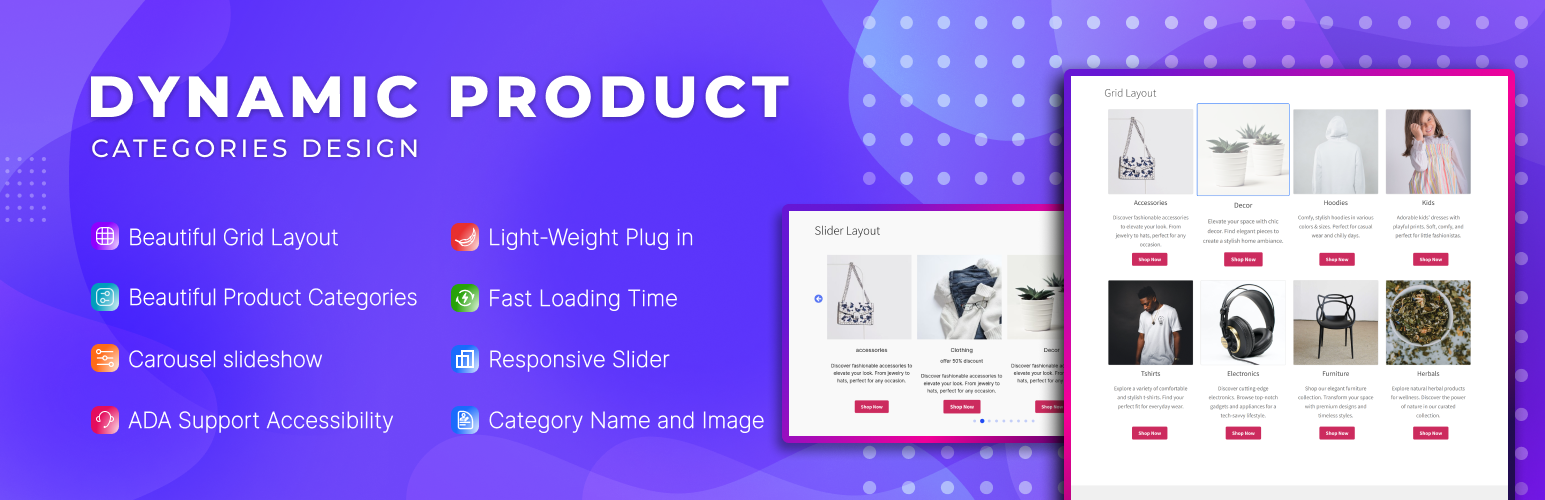

Dynamic Product Category Slider & Grid for WooCommerce
v1.1.18Maidul · 2022年12月13日 上架
Show WooCommerce product categories as a slider or grid with image, name, product count and a Shop Now button. Shortcode builder and Elementor widget.
- 正在使用
- 200+
- 评分
- 5.0 / 5
- 累计下载
- 8,107
- 最近更新
- 2026年11月21日
贡献者
 Maidul
截图



Dynamic Product Category Slider & Grid for WooCommerce shows your store’s product categories as a slider or a grid, so visitors can see what you sell and click straight into a category. Use it on the home page, a landing page or the shop page.
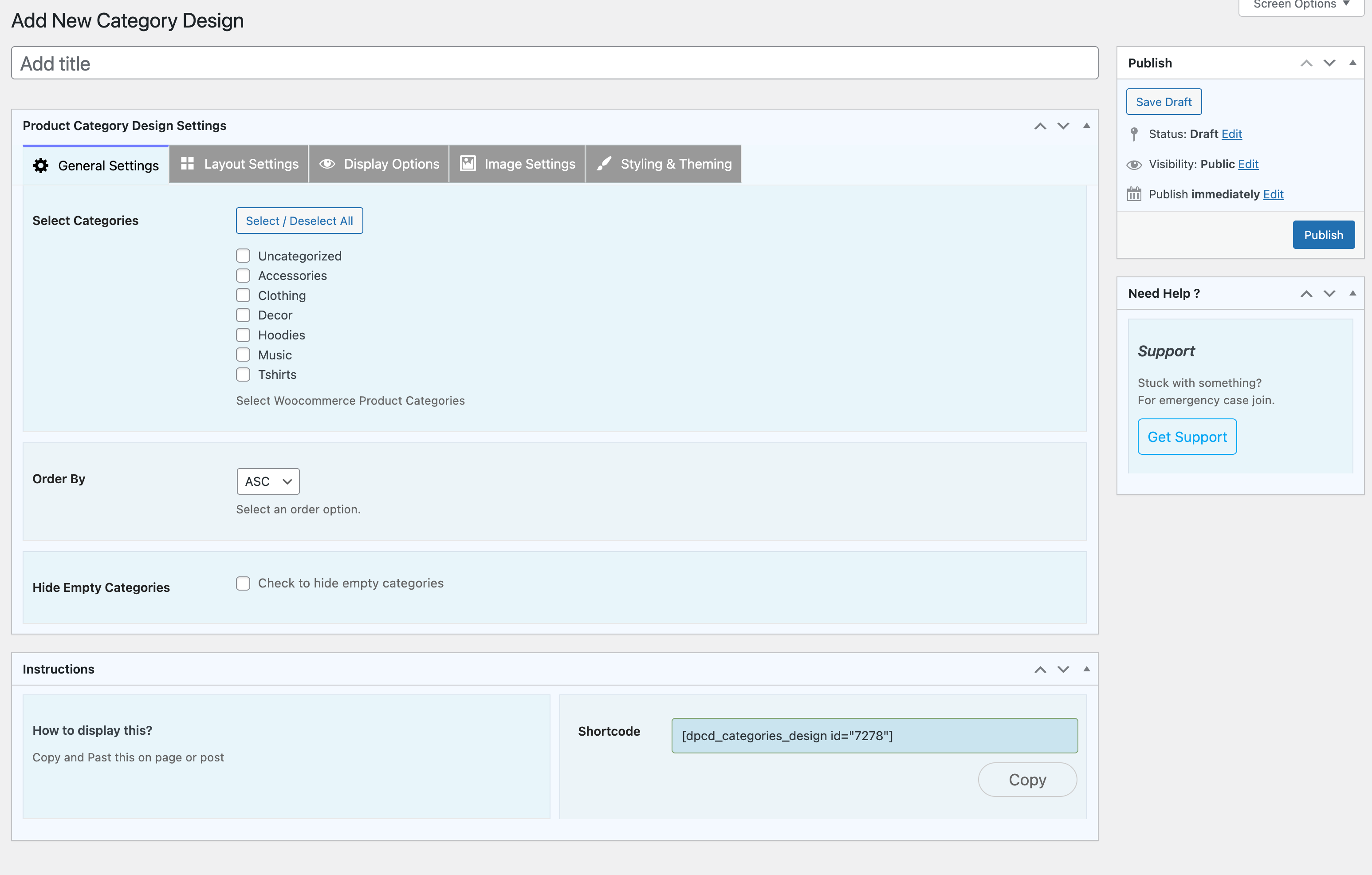
You build each display once under Category Design Builder: pick the categories, choose a layout and style, then paste the shortcode wherever you want it. Prefer a page builder? The Elementor widget gives you 7 grid layouts and 3 slider layouts.
How to show categories
- Make sure WooCommerce is active.
- Go to Category Design Builder > Add New, choose a slider or grid, select the categories and style it.
- Publish, copy the shortcode
[dpcd_categories_design id="123"](use the ID shown for your design) and paste it into a page or post.
What each category card can show
- Category image
- Category name
- Number of products in the category
- Category description
- Child categories
- A “Shop Now” button
Features
- Category slider with autoplay, arrows and dots.
- Category grid with several layouts.
- Create as many designs as you like and show different categories in each.
- Choose which categories to show.
- Elementor widget with 7 grid layouts and 3 slider layouts and style controls.
- Developer hooks to change the markup.
Requires WooCommerce. Elementor is optional.
External services
This plugin includes the Freemius SDK (initialised in the main plugin file). It does not contact any other outside service.
Freemius
Freemius provides the plugin’s account and update services. If you opt in on the Freemius screen, Freemius receives basic site and plugin information (such as your site URL, WordPress and PHP versions and the plugin version) and your admin email address. If you skip the opt-in, no usage data is sent. Service: https://freemius.com. Terms: https://freemius.com/terms/. Privacy: https://freemius.com/privacy/.