
Quick Copy – Duplicate & Clone Posts & Pages
v1.3.7Iqbal Hossain · 2024年9月28日 上架
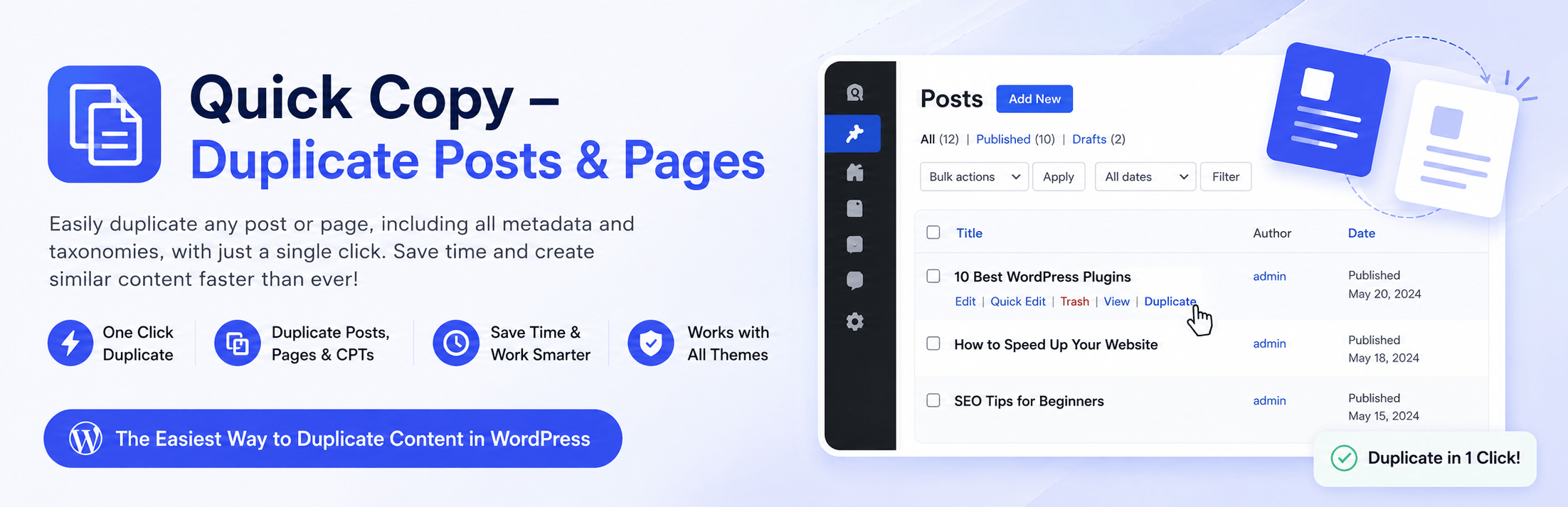
Easily duplicate or clone any post or page, including all metadata and taxonomies, with just one click.
- 正在使用
- 1,000+
- 评分
- 5.0 / 5
- 累计下载
- 3.1 万
- 最近更新
- 2026年11月21日
贡献者
 Iqbal Hossain
截图


Quick Copy – Duplicate Posts & Pages is a simple yet powerful WordPress plugin that allows you to easily duplicate any post or page, including all associated metadata and taxonomies, with just a single click. This tool is ideal for users who frequently need to clone existing content, making it quicker to create similar posts or pages without the hassle of manually copying and pasting content.
Whether you’re managing a blog, running a website, or developing for clients, the Duplicator Post Page plugin simplifies content duplication, saving you time and ensuring all relevant data is retained.
🚀 Key Benefits
- Duplicate Posts and Pages: Create an exact copy of any post or page with just one click.
- Retain Metadata: All custom fields and metadata from the original post or page are duplicated to the new version.
- Retain Taxonomies: Categories, tags, and custom taxonomies are also copied along with the content.
- Quick Access: Easily accessible “Duplicate” link available in the post and page action links within the WordPress admin interface.
- Draft Status: The duplicated post or page is saved as a draft, allowing you to make further changes before publishing.
- Clone Post & Clone Page: Clone any post or page in one click and reuse it as a template for new content.
- Post Duplicator & Page Duplicator: A simple WP duplicator for posts and pages, with no settings to configure.
- Featured Image & Custom Fields: The featured image, excerpt, custom fields and page builder data are copied too.
- Keeps Page Structure: Page parent, menu order, comment status and ping status are carried over to the copy.
- Page Builder Friendly: Clone pages built with Elementor, Gutenberg, Divi, Beaver Builder, Bricks and more.
- AI Agent Ready: Supports the WordPress Abilities API, so AI agents can duplicate posts and pages (WordPress 6.9+).
- Lightweight: No extra database tables, no bloat, and no impact on your site’s front end.
📋 How to Duplicate a Post or Page
- Go to Posts > All Posts or Pages > All Pages.
- Hover over the post or page you want to copy.
- Click Duplicate.
- A new draft named “Your Title (Copy)” is created. Edit it and publish when ready.
💡 Popular Uses
- Duplicate post – copy a blog post to use as a starting template for a new article.
- Duplicate page – copy a landing page, sales page or service page layout.
- Clone page – reuse an Elementor or block editor design without rebuilding it.
- Clone post – create several similar posts (products, events, reviews) quickly.
- Post page duplicate – keep a safe backup copy of a post or page before making big edits.
Whether you’re managing a large content library or building websites for clients, Quick Copy makes duplication simple, efficient, and reliable.
📺 Watch how it works:
https://www.youtube.com/watch?v=GzBJW-NE1l8
🌟 You May Also Like
Looking to build stunning websites faster with Feed?
Ohara – Feed Builder For YouTube
Compatibility
Quick Copy – Duplicate Posts & Pages is designed to work seamlessly with most modern WordPress plugins, themes, and page builders. When duplicating content, the plugin preserves post content, custom fields, metadata, and taxonomies, helping maintain compatibility across your website.
Popular Page Builders
- Elementor
- Gutenberg (Block Editor)
- Spectra – WordPress Gutenberg Blocks
- Essential Addons for Elementor
- Beaver Builder
- Divi Builder
- WPBakery Page Builder
- Bricks Builder
- Oxygen Builder
- Breakdance Builder
- Gutenberg Essential Blocks
License
This plugin is licensed under the GPLv2 or later.
See the License URI for more information.