

Duplicate PP
v4.0.1Binsaifullah · 2019年9月2日 上架
Duplicate PP is a simple plugin which allows you to duplicate any POST,PAGE and Custom POST TYPE Easily.
- 正在使用
- 1 万+
- 评分
- 4.4 / 5
- 累计下载
- 22 万
- 最近更新
- 2026年11月2日
贡献者
 Binsaifullah
截图
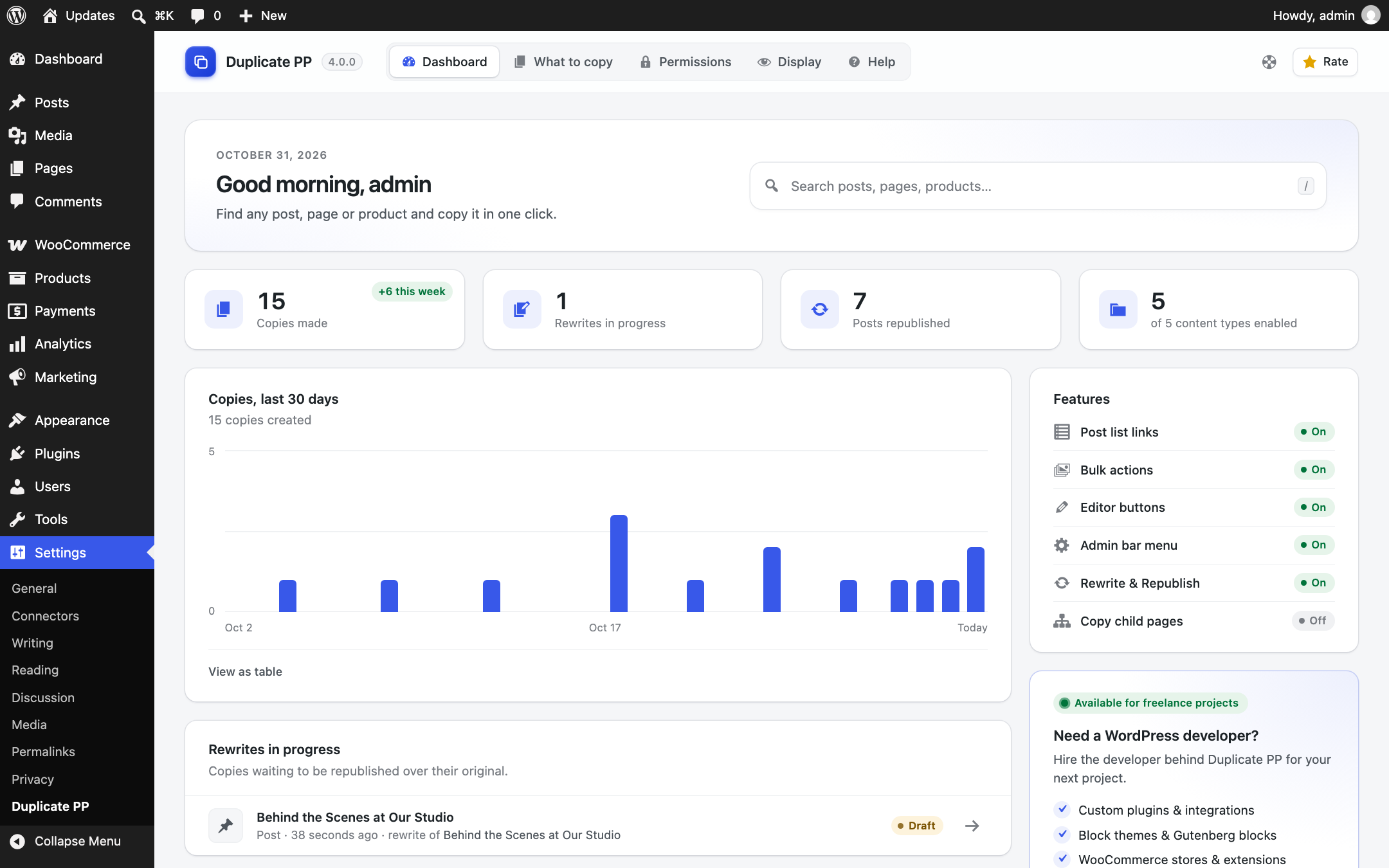
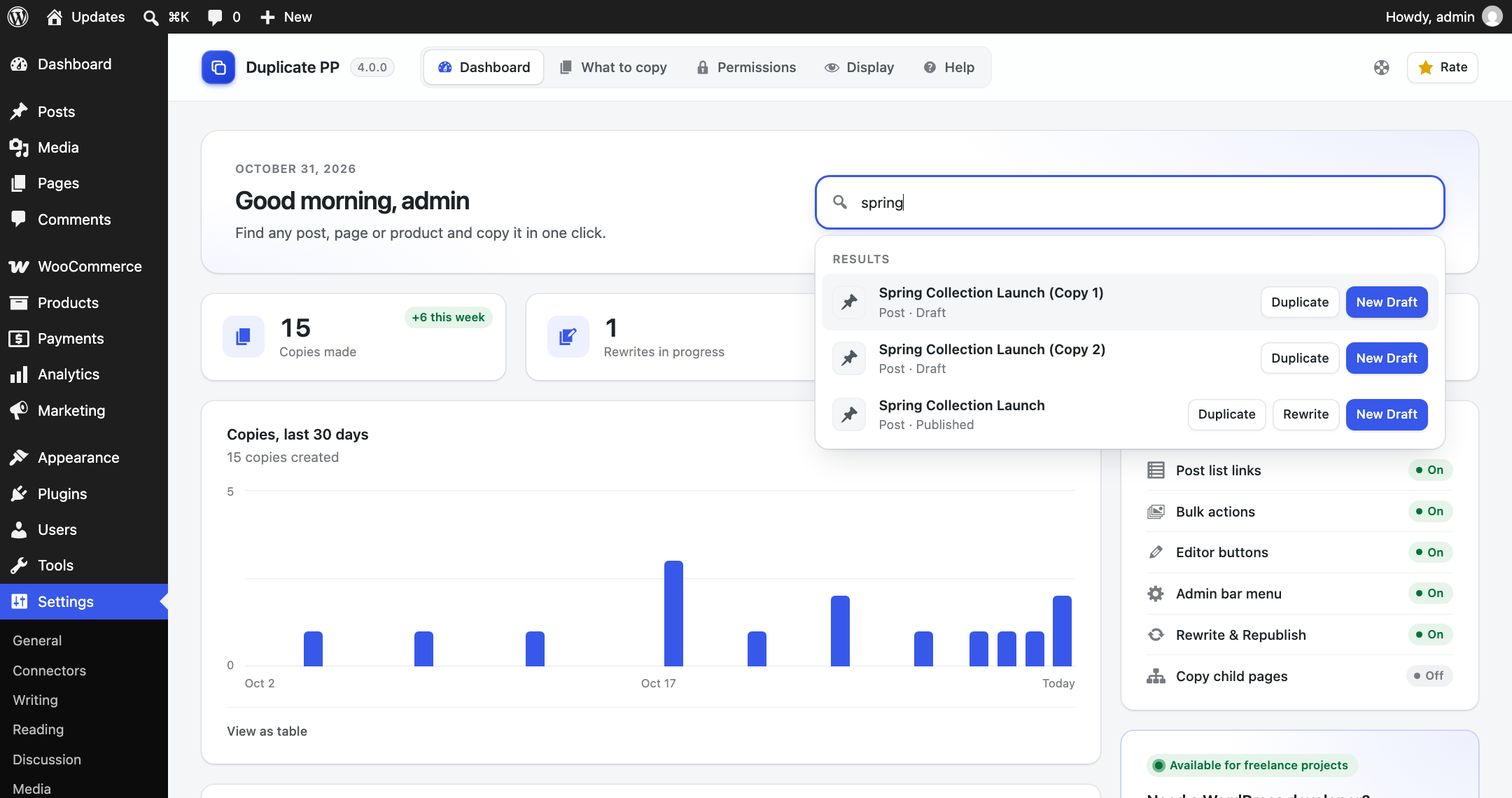
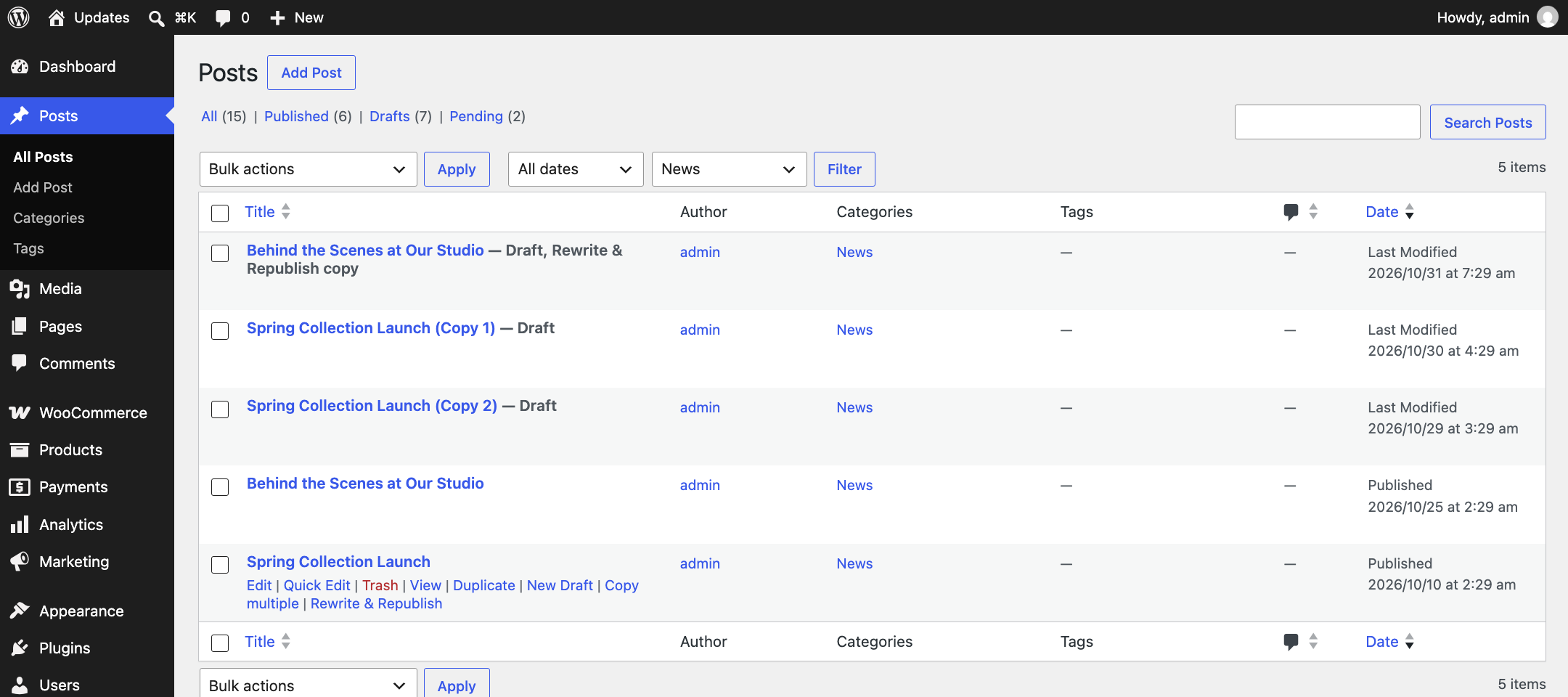


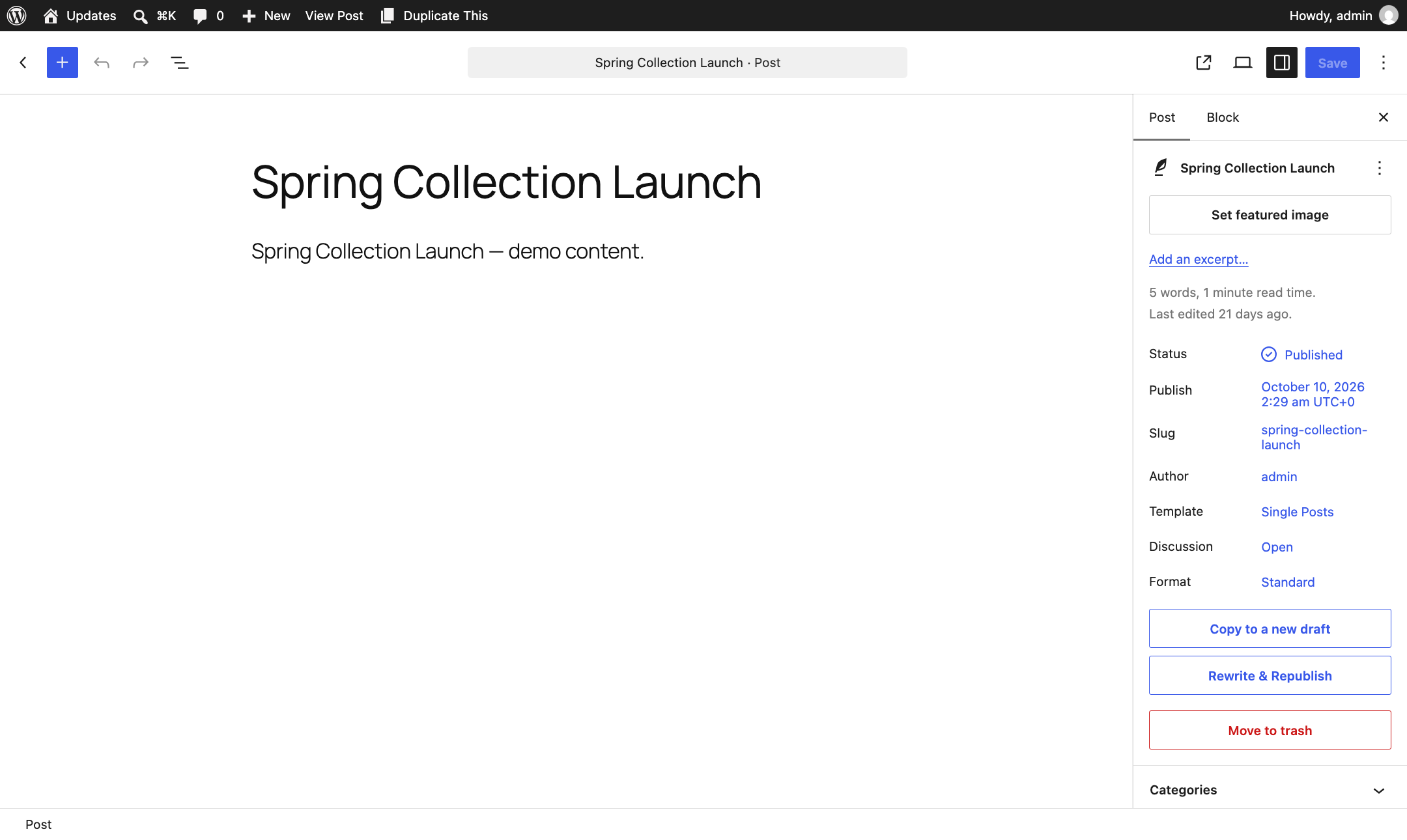

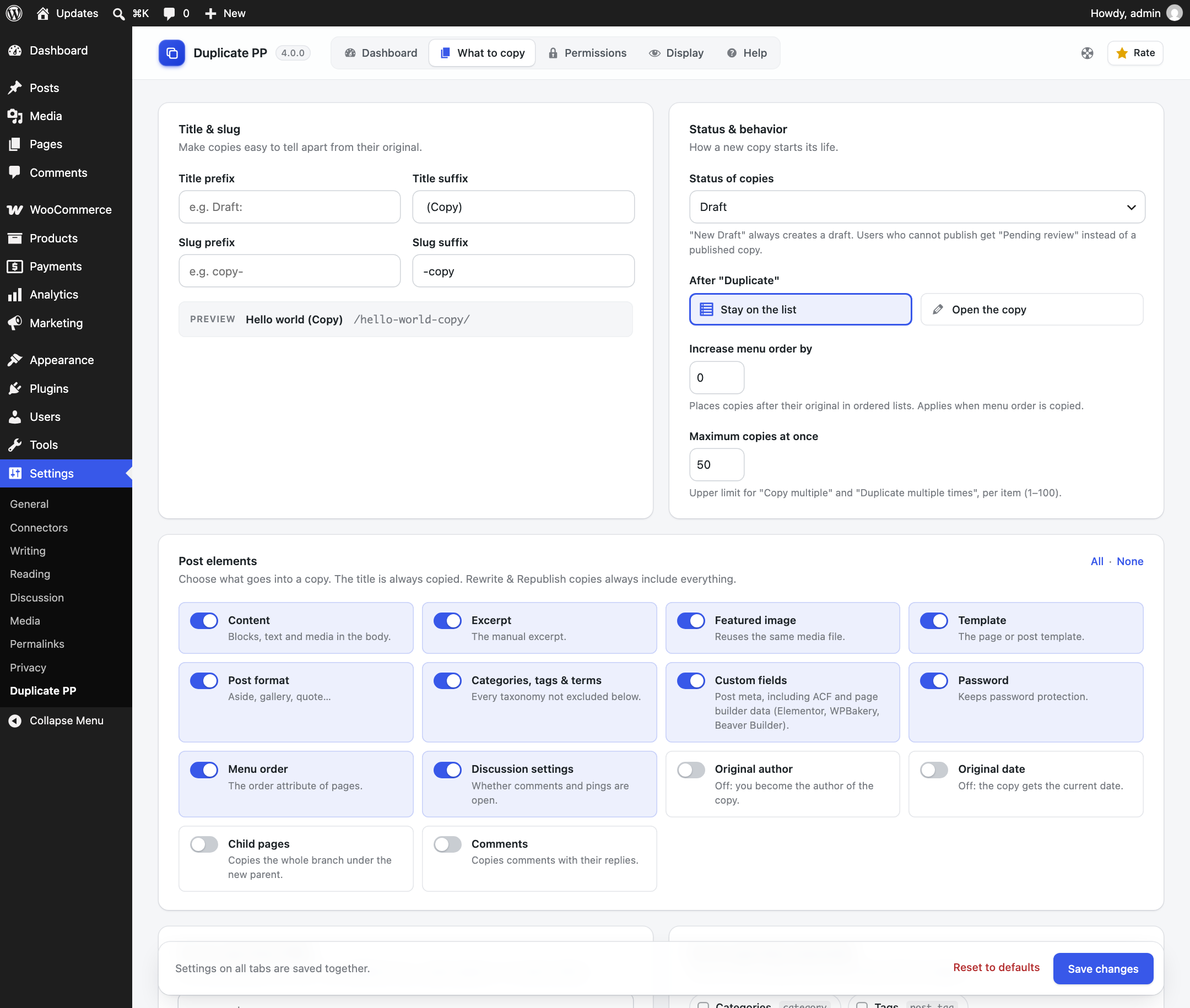
Duplicate PP copies any post, page, WooCommerce product or custom post type in one click — with its custom fields, categories, tags and page builder layouts.
Ways to copy
- Duplicate – one click under any title in the list; you stay on the list.
- New Draft – copy to a fresh draft and open it in the editor straight away.
- Rewrite & Republish – rework a published post in a hidden copy, then republish it over the original. Same URL, same ID, no downtime. Schedule it to go live later.
- Copy multiple – make 2, 5, 10… copies of an item in one go, with optional numbered titles (“Copy 1”, “Copy 2″…). Works for one item or many through Bulk actions.
- Bulk Duplicate / Bulk Rewrite & Republish – from the Bulk actions menu.
- From the list table, the block editor, the classic editor and the admin bar (front end and back end).
Full control
- What to copy: content, excerpt, featured image, template, post format, terms, custom fields, password, menu order, discussion settings, original author, original date, child pages and comments.
- Title & slug prefix/suffix with a live preview, status of copies (draft, pending, private, published or same as original), menu order increment.
- Exclude custom fields (with
*wildcards) and taxonomies. - Permissions: choose the post types and user roles that can copy.
- Display: choose where the links appear, and show the original in the editor, a list column or as a post label.
- A dashboard with usage numbers, recent copies and rewrites in progress.
Page builders
Elementor (with fresh element IDs), WPBakery, Beaver Builder, ACF and Codestar Framework data are copied.
For developers
Filters dpp_can_copy, dpp_can_rewrite, dpp_max_copies, dpp_duplicate_post_args, dpp_excluded_meta_keys, dpp_available_post_types, dpp_settings; actions dpp_before_duplicate, dpp_after_duplicate, dpp_before_republish, dpp_after_republish.
From the same team
Cartlet – share, save and track WooCommerce carts. Shoppers send their cart as a link, QR code or WhatsApp message, and can save it for later.