
Dropbox Photo Sideloader
v0.6Samuel Wood (Otto) · 2012年6月23日 上架
Adds a new tab to the Add media screen, allowing you to pull images from Dropbox into WordPress.
- 正在使用
- 100+
- 评分
- 4.3 / 5
- 累计下载
- 2.2 万
- 最近更新
- 2014年9月9日
 Audrey Capital
 Samuel Wood (Otto)
截图
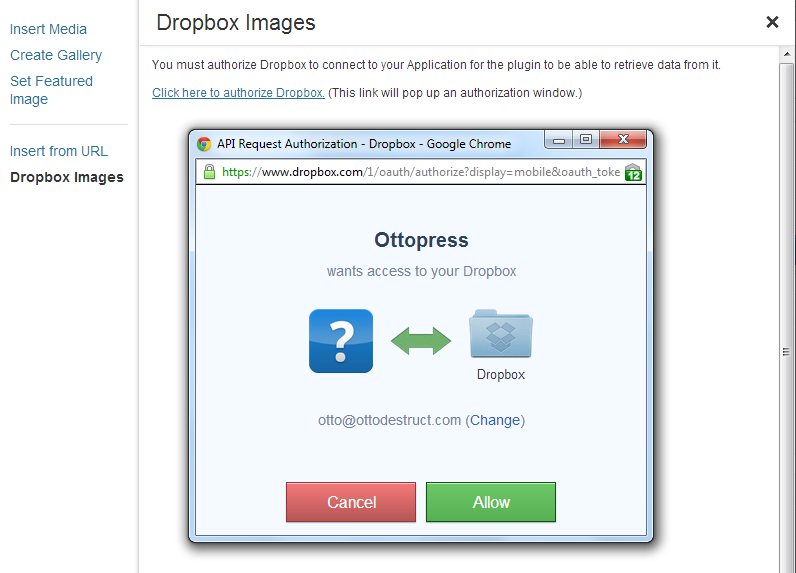
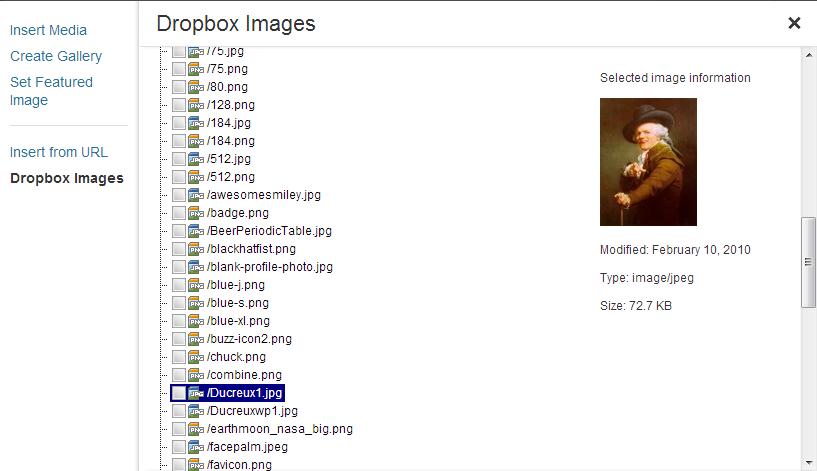
Adds a new tab to the Add media screen, allowing you to pull images from Dropbox into WordPress.
“Sideloading” is a term given to differeniate from “uploading” or “downloading”. When you sideload an image, you’re copying it directly from Dropbox to WordPress. So if you keep your images in Dropbox, this plugin allows you to easily copy those images into WordPress.
After sideloading an image into WordPress, you’ll find it in the Media Library and available for use in Galleries, or as images in the Post, or just whatever you like. It’s just as if you uploaded them manually.
Note that sideloading many images at once may take more time than your webserver will allow. If this happens, just sideload them in smaller groups.
Credits:
- This plugin uses the Dropbox PHP code (albeit modified slightly) from https://github.com/Dropbox-PHP/dropbox-php.
- This plugin uses the jsTree Javascript library from http://www.jstree.com/.
- The three image icons come from the Lullacon Pack 1: http://www.lullabot.com/articles/free-gpl-icons-lullacons-pack-1