
Drag and Drop Multiple File Upload for WooCommerce
v1.1.8Glen Don Mongaya · 2020年7月11日 上架
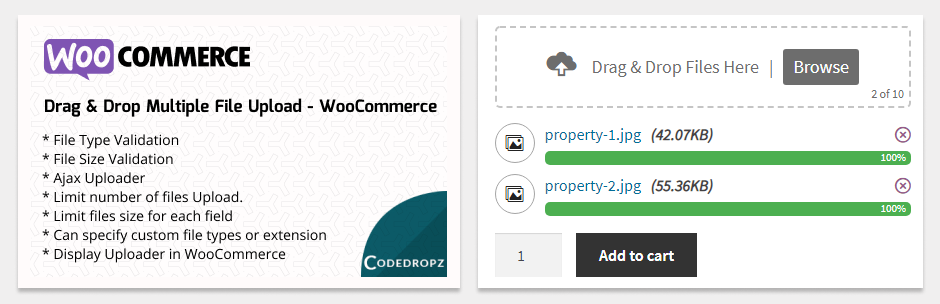
Drag and Drop Multiple File Uploader is a simple, straightforward WordPress plugin extension for WooCommerce.
- 正在使用
- 5,000+
- 评分
- 4.9 / 5
- 累计下载
- 9.1 万
- 最近更新
- 2026年7月23日
贡献者
 Glen Don Mongaya
截图


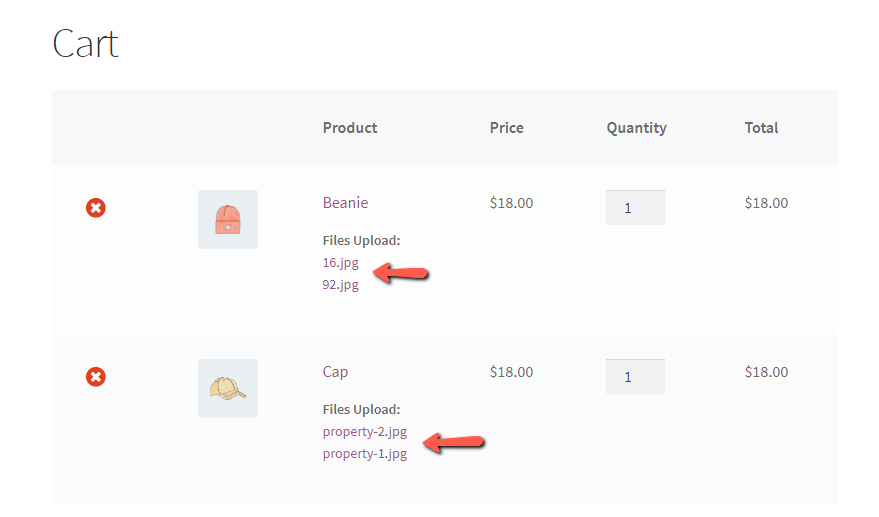
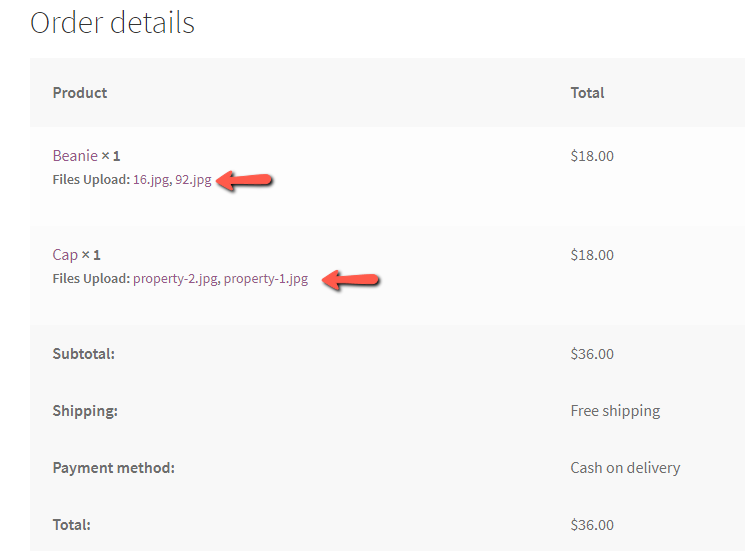
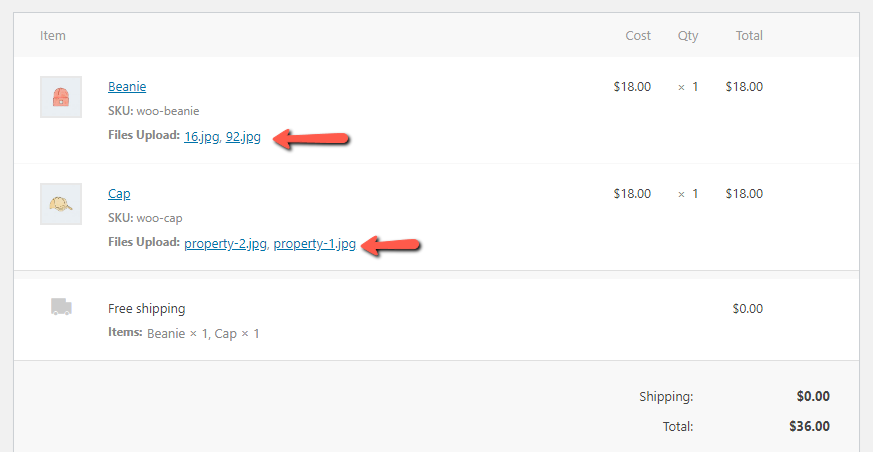
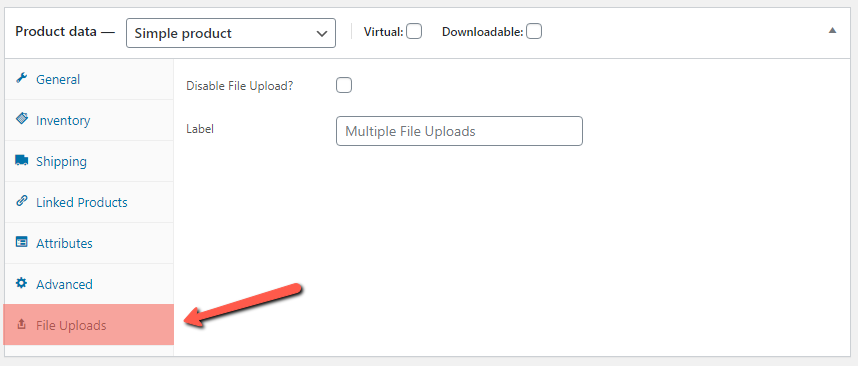
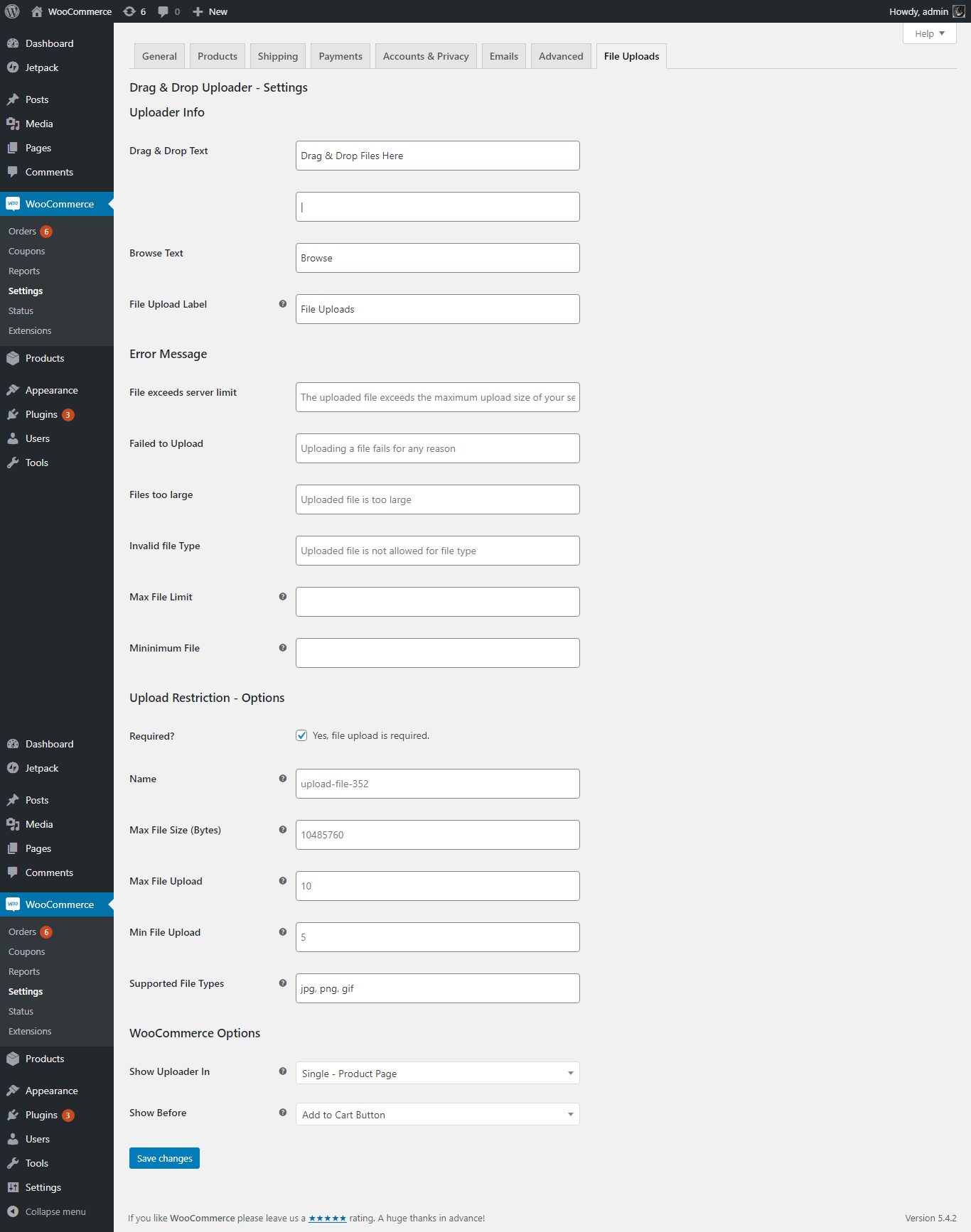
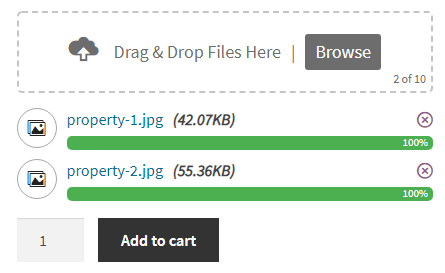
Drag and Drop Multiple File Uploader is a simple, straightforward WordPress plugin extension for WooCommerce that transforms your standard upload interface into a visually appealing file uploader. it allows users to upload multiple files using either the drag-and-drop feature or the common file browsing option on your product page.
Plugin requires at least v3.5.0 of WooCommerce.
Here’s a little DEMO.
Features
- File Type Validation
- File Size Validation
- Ajax Uploader
- Limit number of files Upload.
- Limit files size for each field
- Can specify custom file types or extension
- Manage Text and Error message in admin settings
- Drag & Drop or Browse File – Multiple Upload
- Display Uploader in WooCommerce – Single Product Page
- Option to display in “Add to Cart Form”, “Variations Form”, “Add To Cart Button”, “Single Variation”.
- Able to delete uploaded file before adding to cart
- Support multiple languages
- Mobile Responsive
- Compatible with any browser
⭐ Premium Features
🚀 Upgrade to Pro for larger file uploads, image previews, custom folders, uploader visibility controls, zip downloads, cloud storage, and advanced features designed to enhance your upload experience.
- Upload Large File – Supports uploading large files.
- Image Preview – Displays thumbnails for images.
- Text & Style – Color options, borders, uploader icon, and more.
- Parallel Upload – Limit simultaneous uploads to optimize server performance.
- Custom Filename – Define custom filename patterns: (Filename, Username, User ID, IP Address, Random, etc)
- Change Upload Directory – Customize the default WordPress upload directory.
- Upload Folder – 📂 Choose a custom folder to store files:
✅ Order No – Customer Order Number
✅ Random – Auto-generated Numbers
✅ Date – Date formmat (e.g., 04-31-2020)
✅ Time – Timestamp
✅ Name – Users customer Firstname
✅ Customer ID – Users customer ID - Custom Fees – Basic conditional fees.
✅ Charge the user based on the no. of files (e.g., 20 files ≥ 2 add $20).
✅ Charge the user based on PDF pages (e.g., 20 pages ≥ 10 multiply $2). - Remove/Reject Files – Able to remove or delete files in admin orders.
- Chunked Uploads – Upload large files in smaller chunks to avoid timeouts.
- Uploader Visibility – Show based on (Categories, Products, Tags, Attributes).
- Uploader Position – Show before or after Add to Cart, Form, or Variations.
- Uploader Display – Show on either the “Checkout” or “Product” page.
- ZIP Files – Compress uploaded files into a ZIP archive
- Seamless Remote Storage Integration (New)
🔥 Supports: Google Drive, Amazon S3, Dropbox, FTP. - Attach Files to Email (New) – Include uploaded files in order confirmation emails.
📝 Note: Works only with standard storage (not compatible with remote storage). - Ajax Upload – Upload files without page reload for a seamless experience.
- Unlimited Uploads – Users can upload as many files as needed.
- Security – Ensure security with regular updates, vulnerability scans, and threat protection.
- Optimized Code & Performance – Improve speed and efficiency.
- 1 Month Premium Support – Get priority assistance for one month.
- Multilingual Support – Compatible with WPML and Polylang for translations.
Pro version DEMO.
You can get PRO Version here!
PRO VERSION – PLUGIN OVERVIEW
Other Plugin You May Like
-
Order Files for WooCommerce
An extension that attach files to existing WooCommerce orders, allowing both customers and admins to upload and manage files easily. -
Easy File Upload & Approval
A simple file management plugin that lets users effortlessly upload and submit files for review through a clean and simple drag-and-drop interface. -
Drag & Drop Multiple File Upload – Contact Form 7
Drag & Drop File Upload extension for Contact Form 7 -
Drag & Drop Multiple File Upload – WPForms
Drag & Drop File Upload extension for WPForms