Double Check — Publish Check
v1.0.0Fox Tucker · 2026年9月29日 上架
A simple pre-publish check for WordPress. Catch common omissions before your content goes live.
- 正在使用
- 20+
- 评分
- 暂无
- 累计下载
- 289
- 最近更新
- 2026年9月29日
贡献者
 Fox Tucker
截图


Check the essentials before you publish
Double Check — Publish Check is a simple pre-publish checklist for WordPress.
It helps WordPress site owners, administrators and publishers catch common omissions before a post goes live.
Use it when publishing your own content or as a consistent final check across a multi-author WordPress site. If you work with writers, guest authors or contributors, Double Check — Publish Check gives you a quick way to see whether the essentials have been covered before publishing.
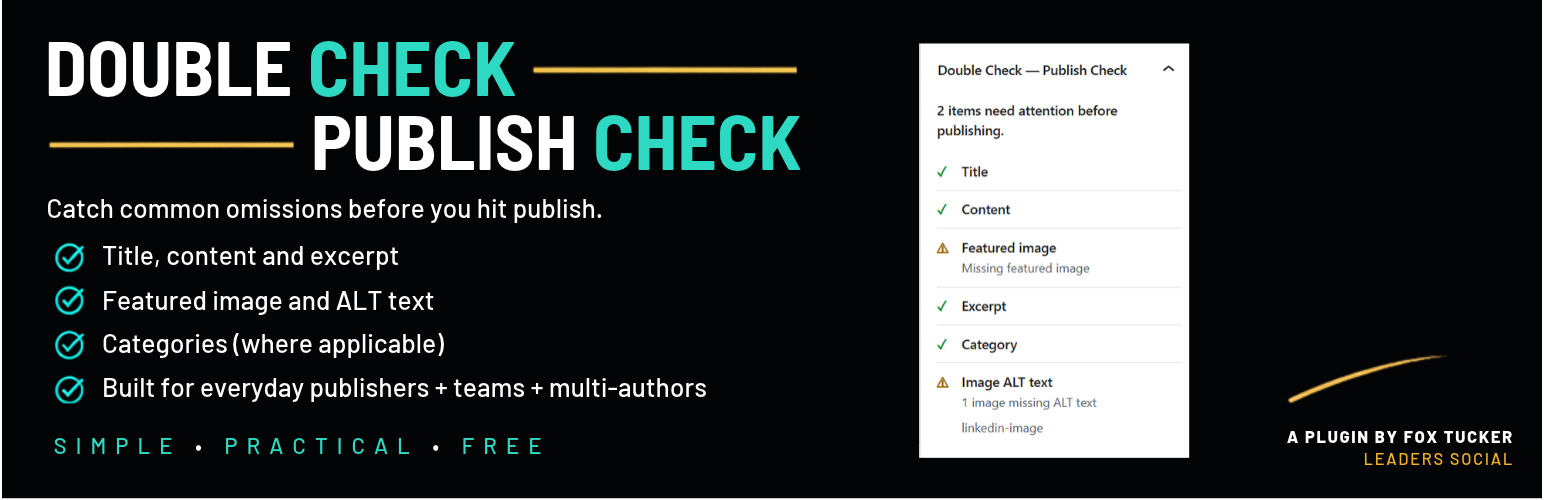
Double Check — Publish Check checks:
- Title
- Content
- Featured image
- Manual excerpt
- Category
- Image ALT text
The checklist appears in the WordPress block editor and updates while you work.
A check, not a gatekeeper
Double Check — Publish Check is advisory.
A missing featured image, excerpt or category might be a mistake. It might also be intentional.
Double Check — Publish Check highlights what may have been forgotten, but it does not disable the Publish button, change the post status or force anyone to complete the checklist.
The publishing decision remains yours.
Useful for solo and multi-author WordPress sites
If you run your WordPress site yourself, Double Check — Publish Check provides a quick final content checklist before you publish.
On a multi-author site, the same checklist can help when reviewing drafts from different writers, contributors or guest authors.
Editors and administrators can see common omissions without maintaining a separate publishing checklist or introducing a complicated editorial workflow.
What does Double Check — Publish Check look for?
- Title – Checks that a title has been entered.
- Content – Checks for meaningful visitor-facing content rather than an empty post structure.
- Featured image – Checks that a valid featured image is assigned.
- Excerpt – Checks for a manual excerpt when the current content type supports excerpts.
- Category – Checks that a category other than the site’s configured default category has been selected when categories apply.
- Image ALT text – Checks relevant images for missing ALT text.
If a check does not apply to the current content type, Double Check — Publish Check marks it as not applicable instead of showing an unnecessary warning.
Small by design
Double Check — Publish Check is deliberately small.
There is no settings screen to configure, no content score to improve and no external service or account to connect.
Double Check — Publish Check does not:
- block publishing
- change your content
- add frontend output
- create database tables
- schedule background jobs
- display advertising
- collect analytics or telemetry
- send your content to an external service
Your content stays in WordPress.