

Display a Quote
v2.4Guido · 2025年5月9日 上架
With this lightweight plugin you can display a random quote at your website.
- 正在使用
- 10+
- 评分
- 暂无
- 累计下载
- 1,673
- 最近更新
- 2026年11月18日
贡献者
 Guido
截图


About
With this lightweight plugin you can display a random quote at your website.
Main features of the plugin:
- Free and lightweight
- Support for Block Editor and Classic Editor
- Display your random quote with block, shortcode or widget
- Organize quotes with categories
- Customize your quote display via the settings page or with attributes
- Documentation at WP plugin page
- Active support from developer at WP forum
How to use
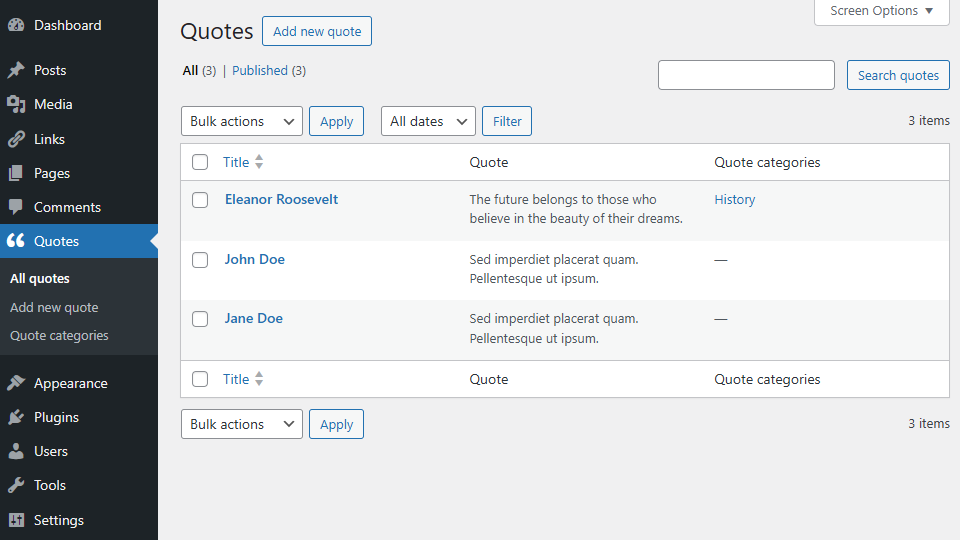
After installation go to menu item “Quotes” and create some quotes. Use title field for the quote author and content field for the quote itself.
You can organize your quotes with categories. This makes it possible to display multiple blocks, shortcodes or widgets with different kind of quotes.
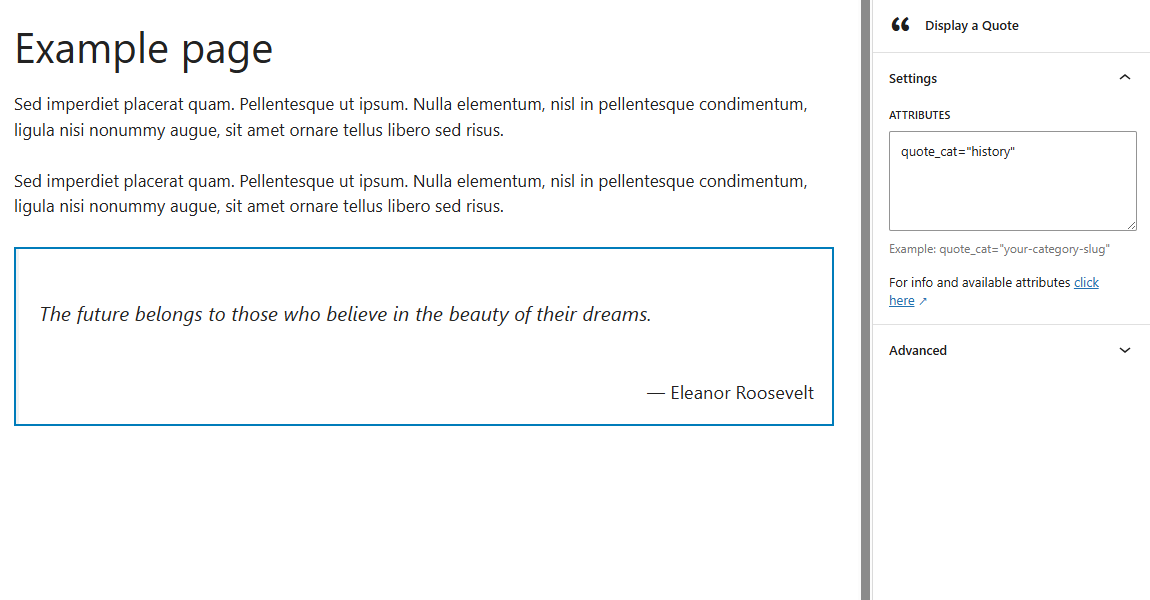
Go to the editor and add the Display a Quote block or the shortcode [daquote] to a page. This will display your random quote.
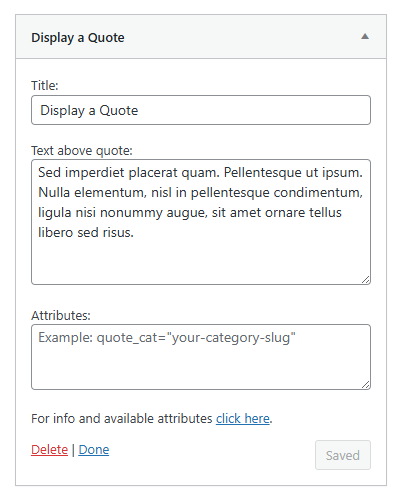
Or go to Appearance > Widgets and use the Display a Quote widget.
It’s also possible to add an image to your quote.
When using the block editor, use the Media & Text block. Or the Image block, if the image also contains the quote text.
When using the classic editor, add the image with the “Add media” button next to the quote text and align it the way you want.
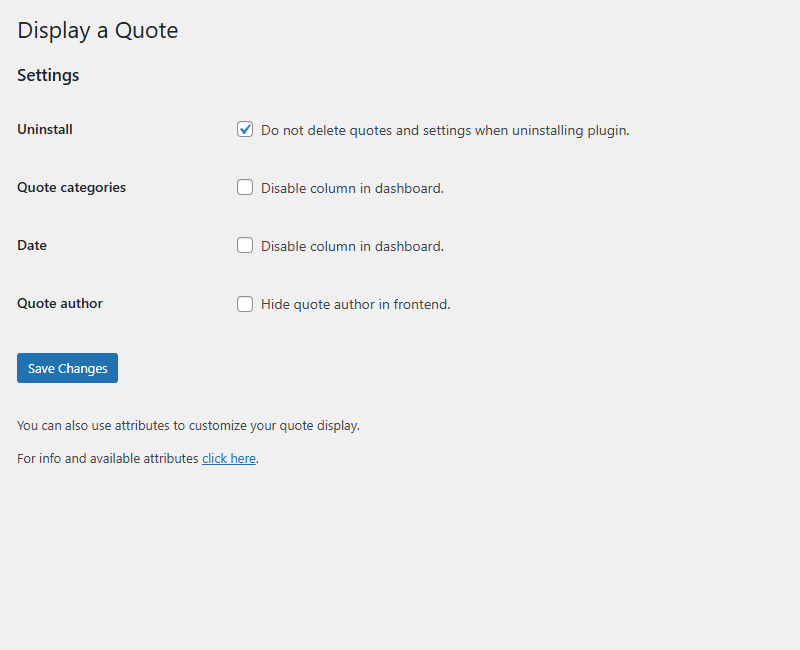
Customize your quote display via the settings page or with attributes.
Settings page
The settings page is located at Settings > Display a Quote.
Attributes
You can customize your quote display by adding attributes to the block, shortcode or widget.
- Display quotes from a certain category:
quote_cat="your-category-slug" - Display quotes from multiple categories:
quote_cat="first-category-slug, second-category-slug" - Hide quote author:
quote_author="false" - Change the “no quotes are found” text:
no_quotes_text="your text"
Example: [daquote quote_cat="your-category-slug" quote_author="false"]
When using the block or the widget, don’t add the main shortcode tag or the brackets.
Example: quote_cat="your-category-slug" quote_author="false"
The “Hide quote author” attribute will override the settings page.
Have a question?
Please take a look at the FAQ section.
Translation
Translations are not included, but the plugin supports WordPress language packs.
More translations are very welcome!
The translation folder inside this plugin is redundant, but kept for reference.
Credits
Without help and support from the WordPress community I was not able to develop this plugin, so thank you!