

Disable REST API
v1.8Dave McHale · 2014年10月3日 上架
Disable the use of the REST API on your website to site users. Now with User Role support!
- 正在使用
- 8 万+
- 评分
- 4.8 / 5
- 累计下载
- 80 万
- 最近更新
- 2023年9月14日
 Dave McHale
 Tang Rufus
截图
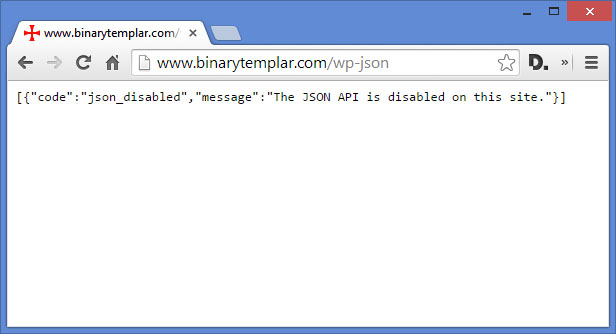
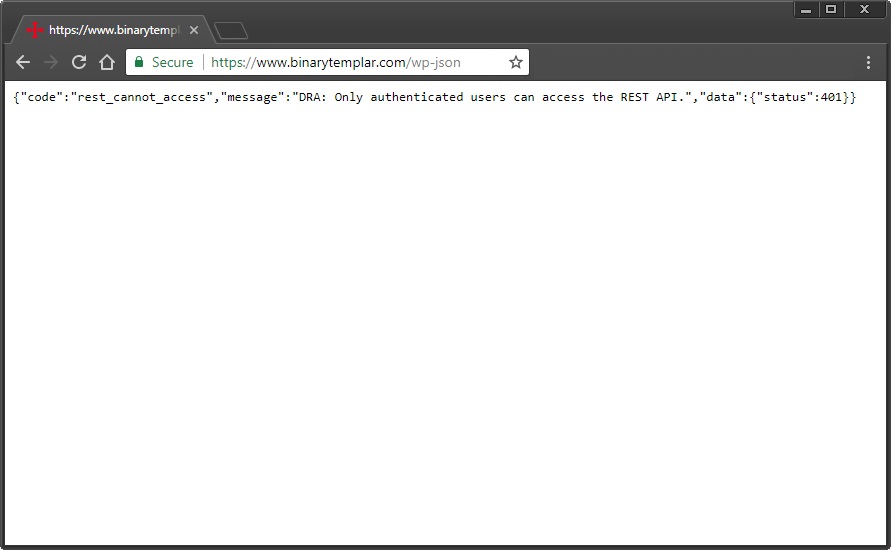

The most comprehensive plugin for controlling access to the WordPress REST API!
Works as a “set it and forget it” install. Just upload and activate, and the entire REST API will be inaccessible to your general site visitors.
But if you do need to grant access to some endpoints, you can do that too. Go to the Settings page and you can quickly whitelist individual endpoints (or entire branches of endpoints) in the REST API.
You can even do this on a per-user-role basis, so your unauthenticated users have one set of rules while WooCommerce customers have another while Subscribers and Editors and Admins all have their own. NOTE: Out of the box, all defined user roles will still be granted full access to the REST API until you choose to manage those settings.
For most versions of WordPress, this plugin will return an authentication error if a user is not allowed to access an endpoint. For legacy support, WordPress 4.4, 4.5, and 4.6 use the provided rest_enabled filter to disable the entire REST API.