
Disable Gravity Forms Fields
v1.4Ren Ventura · 2014年5月25日 上架
This is a simple plugin that lets Gravity Forms users set a form field's attribute to either disabled or readonly.
- 正在使用
- 600+
- 评分
- 5.0 / 5
- 累计下载
- 1.4 万
- 最近更新
- 2018年12月9日
11 条评价已测试到 5.0.32
贡献者
 Ren Ventura
截图
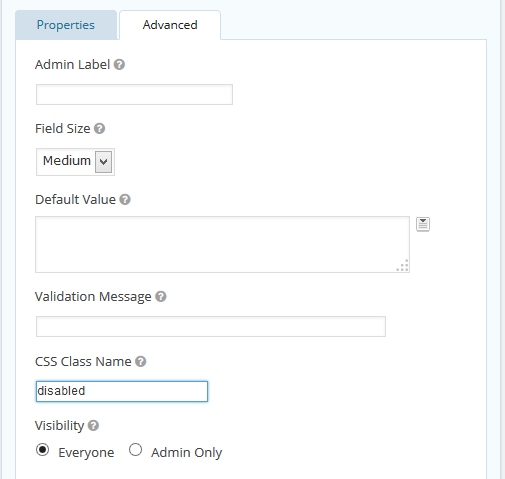
Simply install the plugin and add the appropraite CSS class to the form field you want to assign an attribute. This is done within the Form Editor under the Advanced tab of the field. The classes are “disabled” for the disabled attribute and “readonly” for the readonly attribute (don’t include the quotation marks).