

Dino Game – Embed Google Chrome Dinosaur Game in your website
v1.2.0Tahmid ul Karim · 2023年1月11日 上架
Add the dinosaur game from Google Chrome to your site using the Dino Game Gutenberg block or [dino-game] shortcode.
- 正在使用
- 200+
- 评分
- 5.0 / 5
- 累计下载
- 4.5 万
- 最近更新
- 2024年11月21日
贡献者
 Tahmid ul Karim
截图
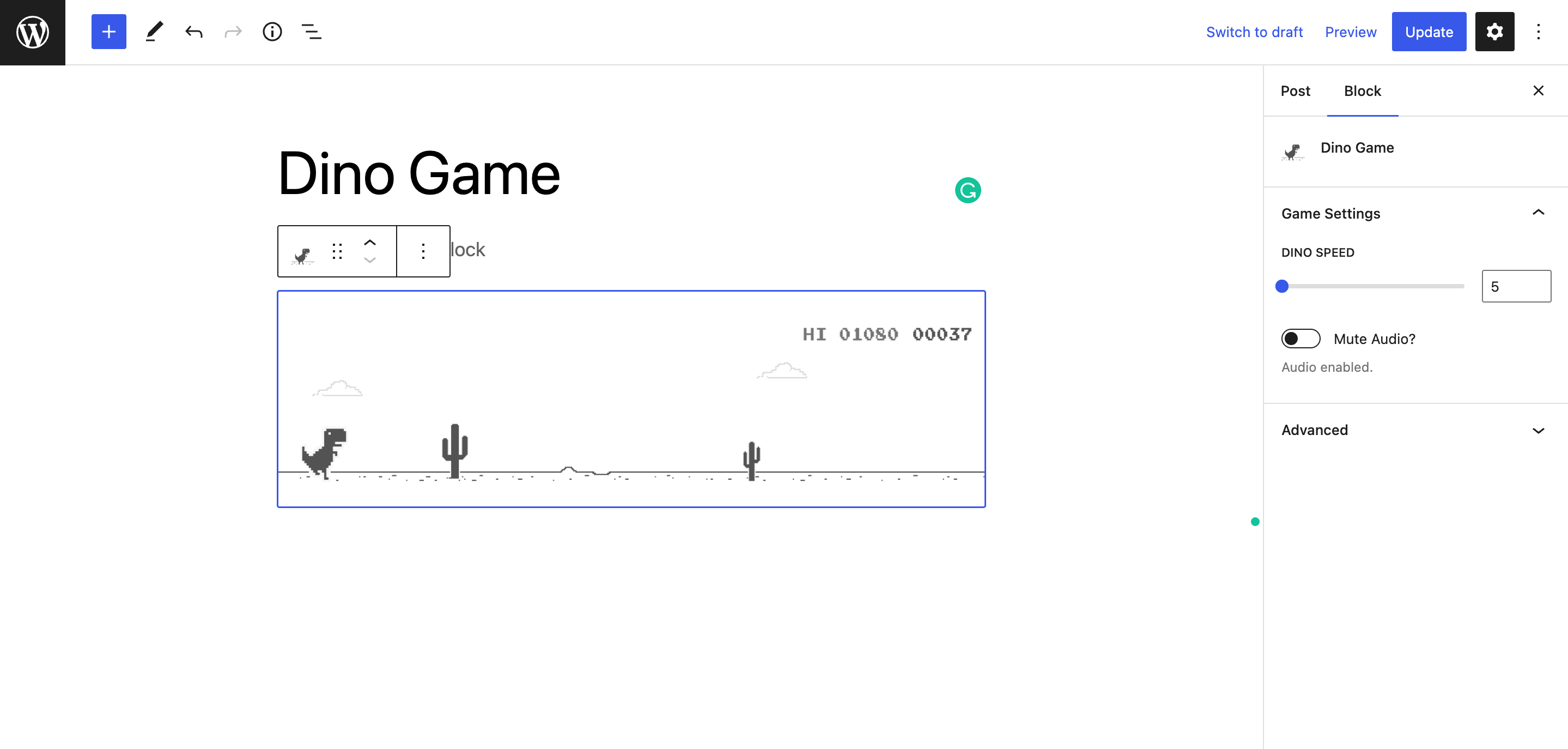


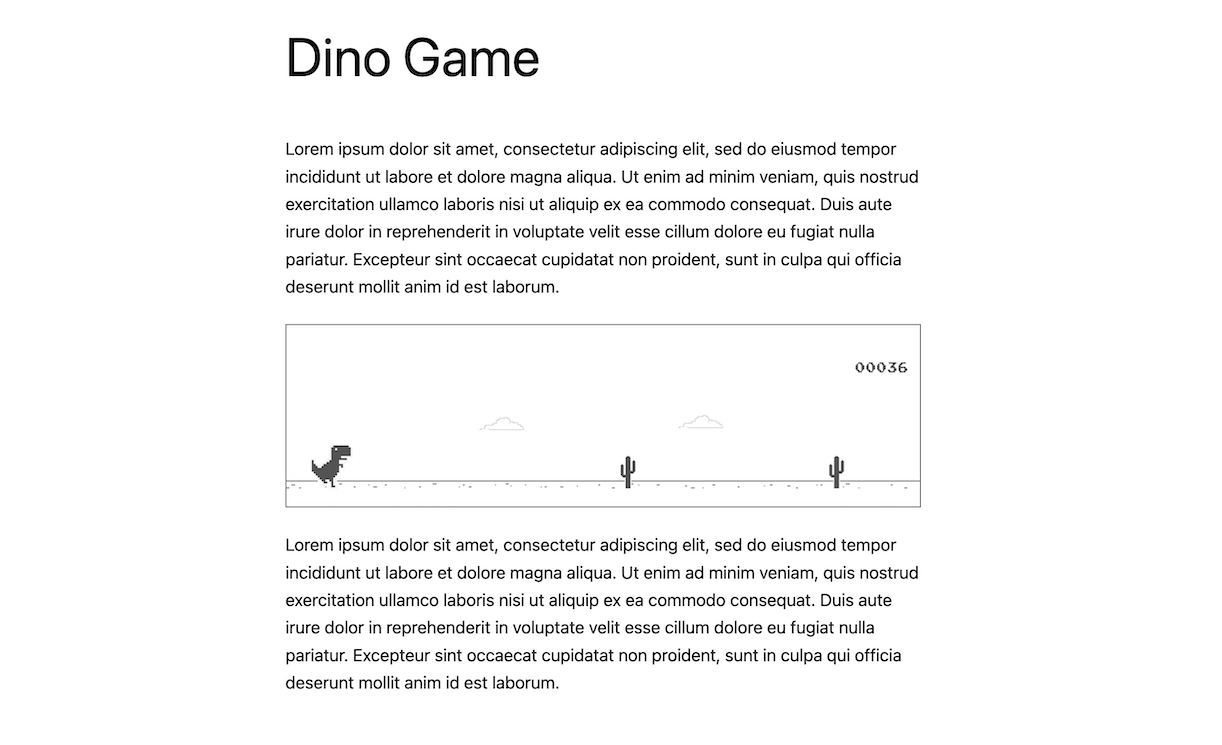
Introducing the Google Chrome Dinosaur Game plugin for WordPress! With this plugin, you can easily add the popular game to any page, post or widget of your website.
To add the game, simply use the shortcode [dino-game] anywhere on your site. Alternatively, you can use the dino game Gutenberg block to add it directly to a page or post.
With the Gutenberg block, you can easily adjust the game’s speed and sound settings (mute audio) using the block’s built-in settings. Additionally, you can also choose whether or not to save the high score.
If you prefer to use the shortcode method, you can customize the game’s speed and audio settings by including attributes in the following format: [dino-game speed="8" mute_audio='true']
How to play
- Use the space bar or up key on your keyboard to jump over the obstacles.
- The down key lets you crouch under the overhead obstacles.
- When viewing from mobile tap on the game area to jump.