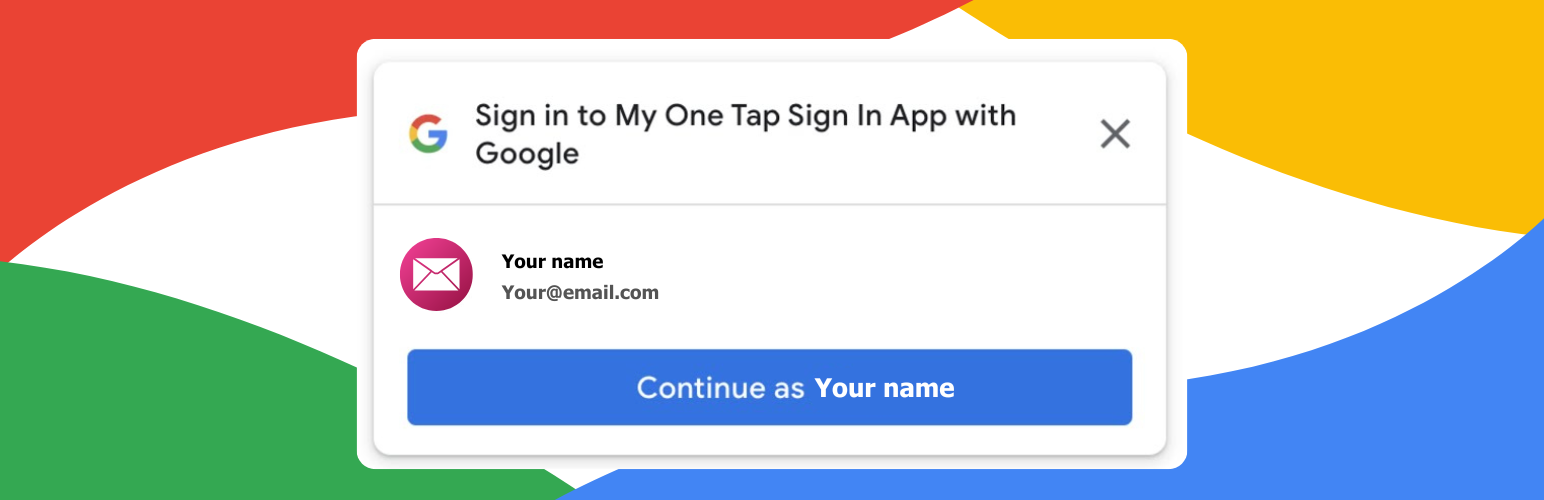

DigitaDive Login with Google One Tap
v1.1.1Digitaldive · 2026年1月19日 上架
Secure login with Google One Tap and a button for WordPress with a shortcode and site-wide prompt.
- 正在使用
- 20+
- 评分
- 暂无
- 累计下载
- 628
- 最近更新
- 2026年1月20日
贡献者
 Digitaldive
截图


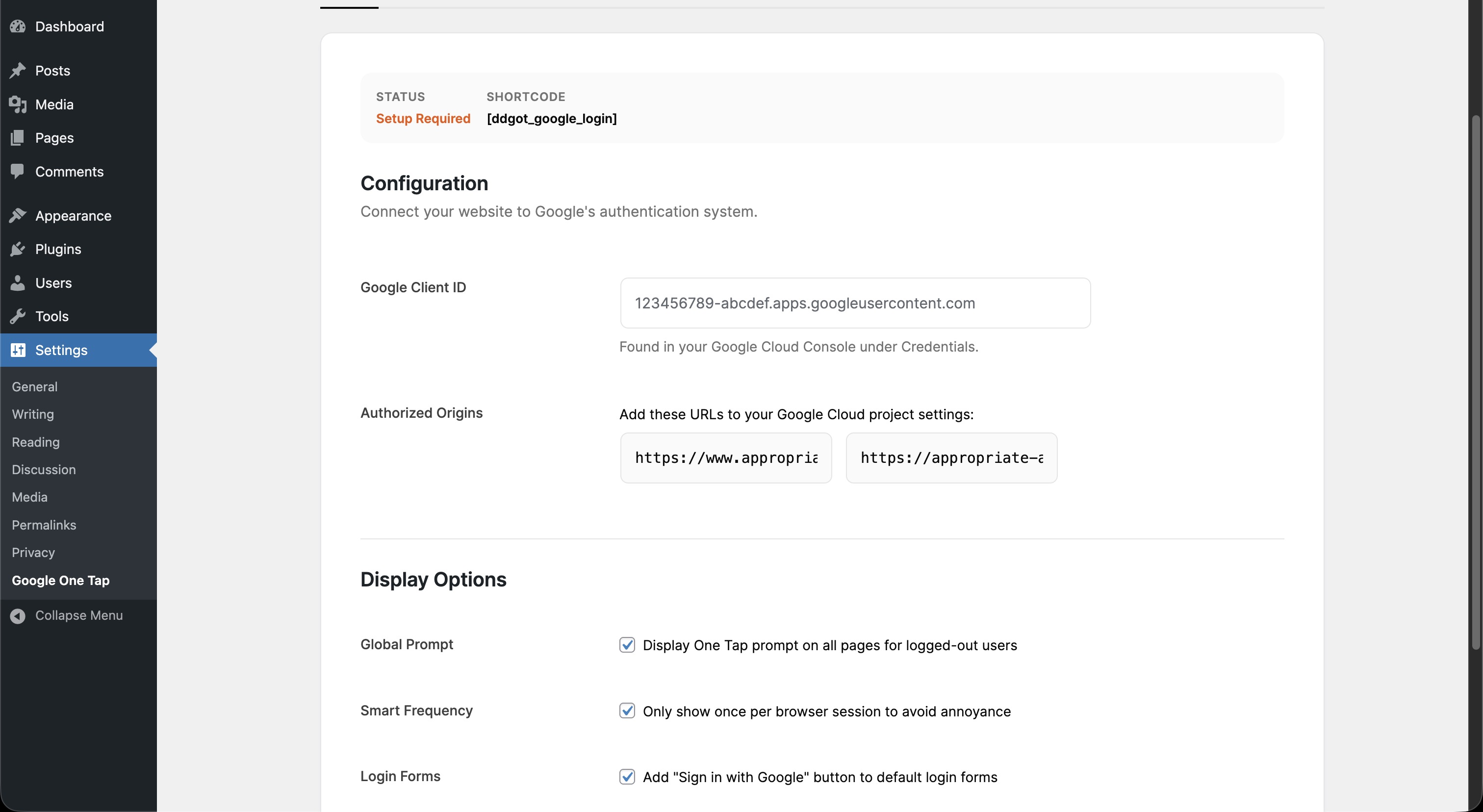
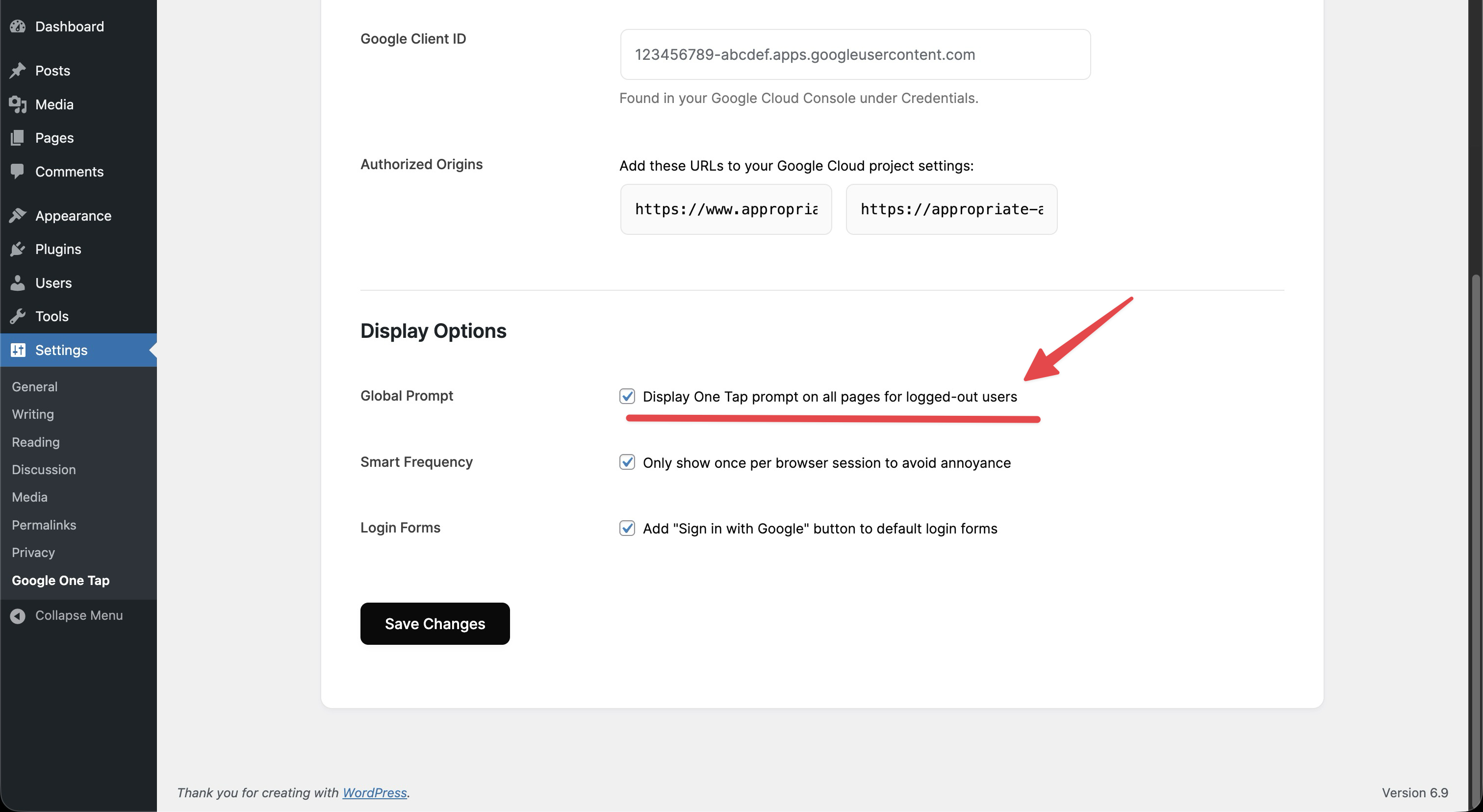
DigitaDive Login with Google One Tap adds a modern, monochrome Google sign-in experience to WordPress. It supports the One Tap prompt for logged-out visitors and a shortcode for placing the Google button anywhere.
Google is a trademark of Google LLC. This plugin is not affiliated with or endorsed by Google.
Features:
- One Tap prompt across your site (optional)
- Shortcode button:
[ddgot_google_login] - Login button on WordPress/WooCommerce login and registration forms
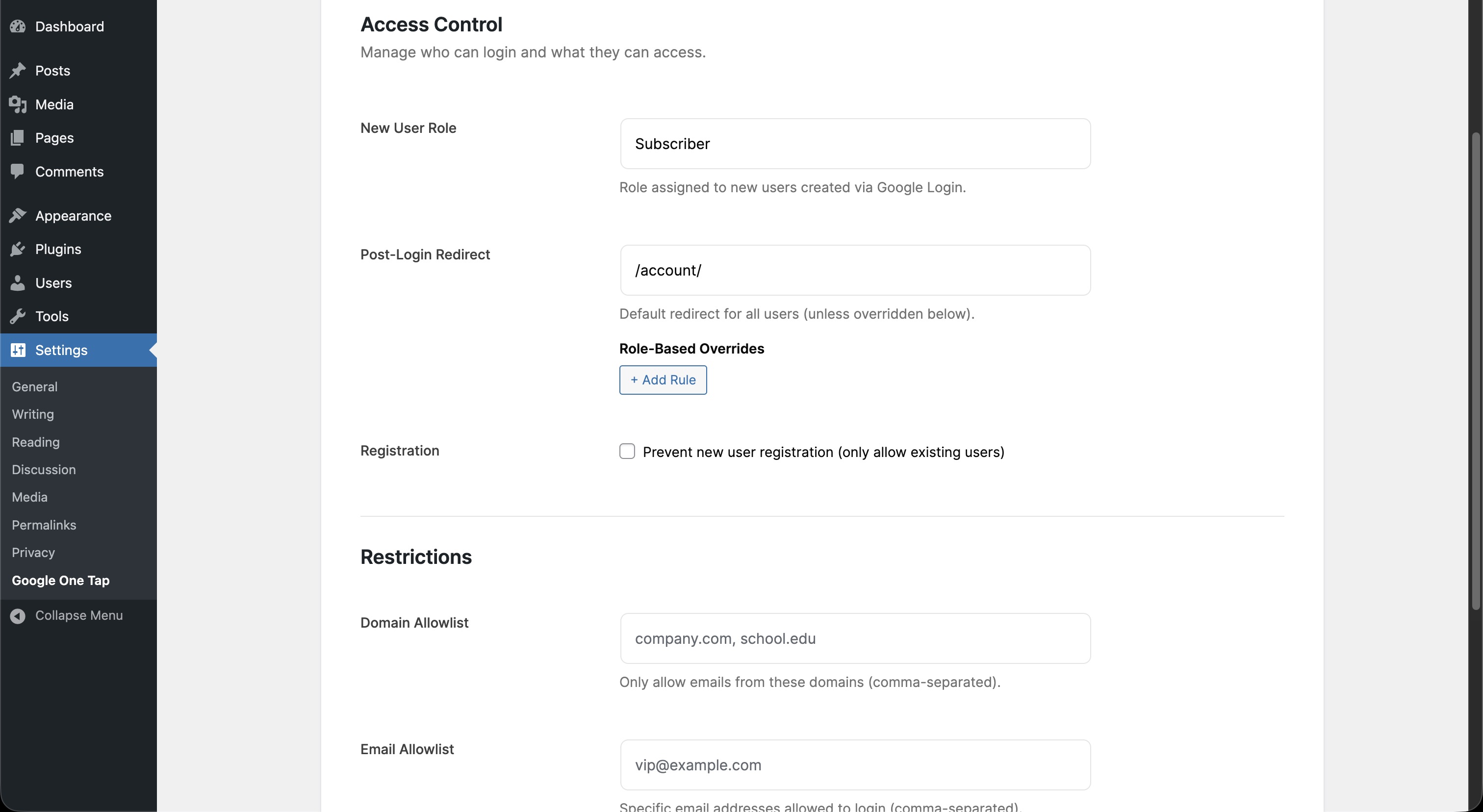
- New user creation controls and role assignment
- Admin access restrictions for non-admin users
- Google avatar support
- Optional admin bar hiding for non-admin users
- Optional email domain allowlist
- Optional email allowlist and prompt exclusions
- Optional failure logging and session-based prompt control
External Services
This plugin integrates with Google Identity Services (Google One Tap) to allow users to sign in with their Google account.
When the One Tap prompt or button is enabled, the user’s browser loads Google’s Identity Services JavaScript from https://accounts.google.com/gsi/client.
When a user signs in, the plugin sends the Google ID token to Google’s token verification endpoint at https://oauth2.googleapis.com/tokeninfo to validate the token before logging the user in.
Data sent includes the ID token and request metadata (such as IP address and user agent) required to complete these requests.
All plugin CSS/JS assets are bundled locally; the only external resources used are Google’s Identity Services script and the token verification endpoint described above.
Site owners must create a Google OAuth Client ID in Google Cloud Console to use this service, and end users need a Google account to sign in.
Terms of Service: https://developers.google.com/terms
Privacy Policy: https://policies.google.com/privacy
Privacy
This plugin does not store Google passwords. It creates or updates WordPress user accounts using the profile data returned in the ID token and stores the Google avatar URL if provided.