

Dev Highlighter
v1.2.0Dev Shujon · 2026年7月16日 上架
Highlight, style, and automatically link keywords across your WordPress site with a flexible, context-aware rules engine.
- 正在使用
- 10 以下
- 评分
- 暂无
- 累计下载
- 256
- 最近更新
- 2026年7月16日
贡献者
 Dev Shujon
截图
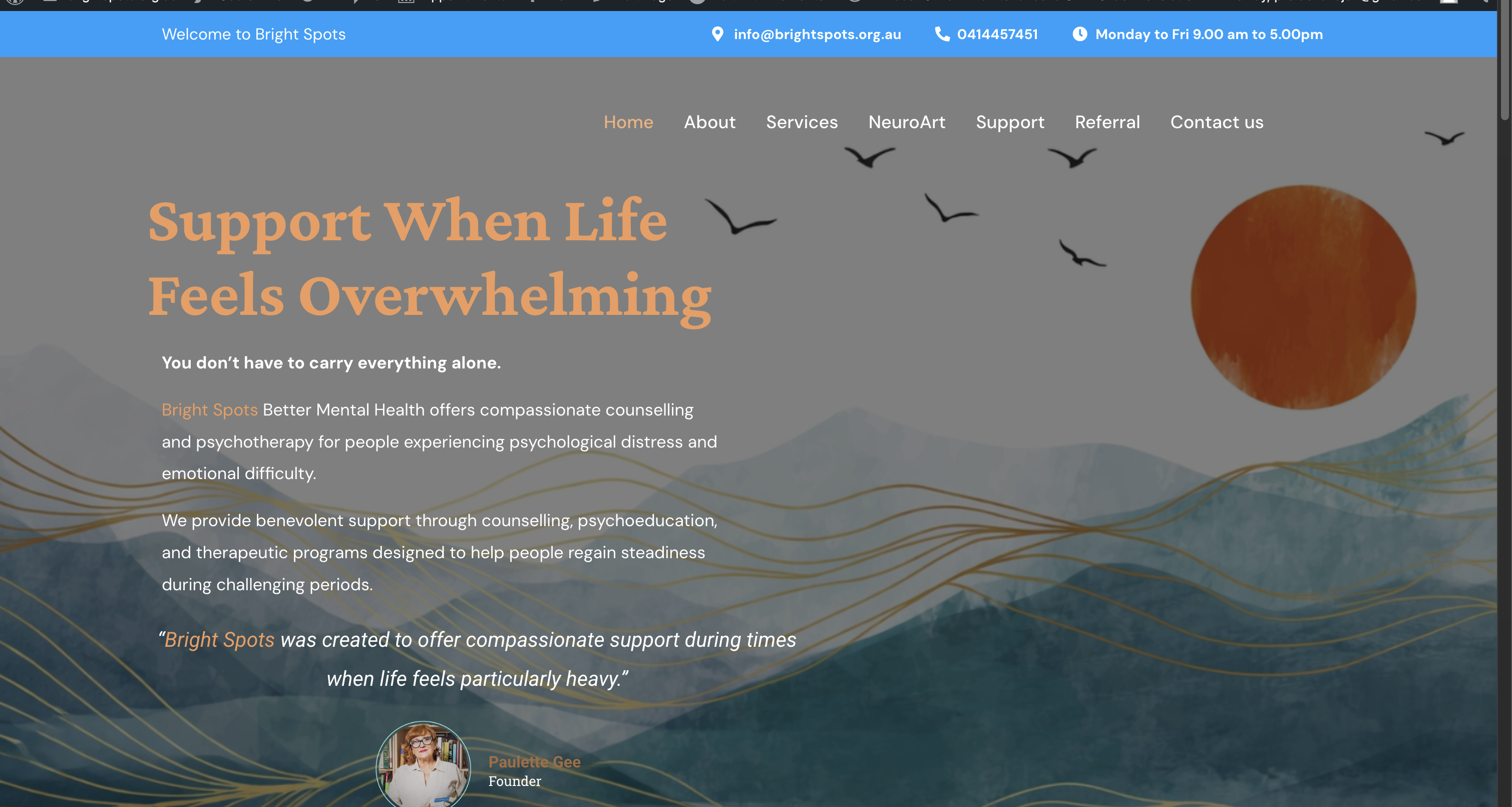
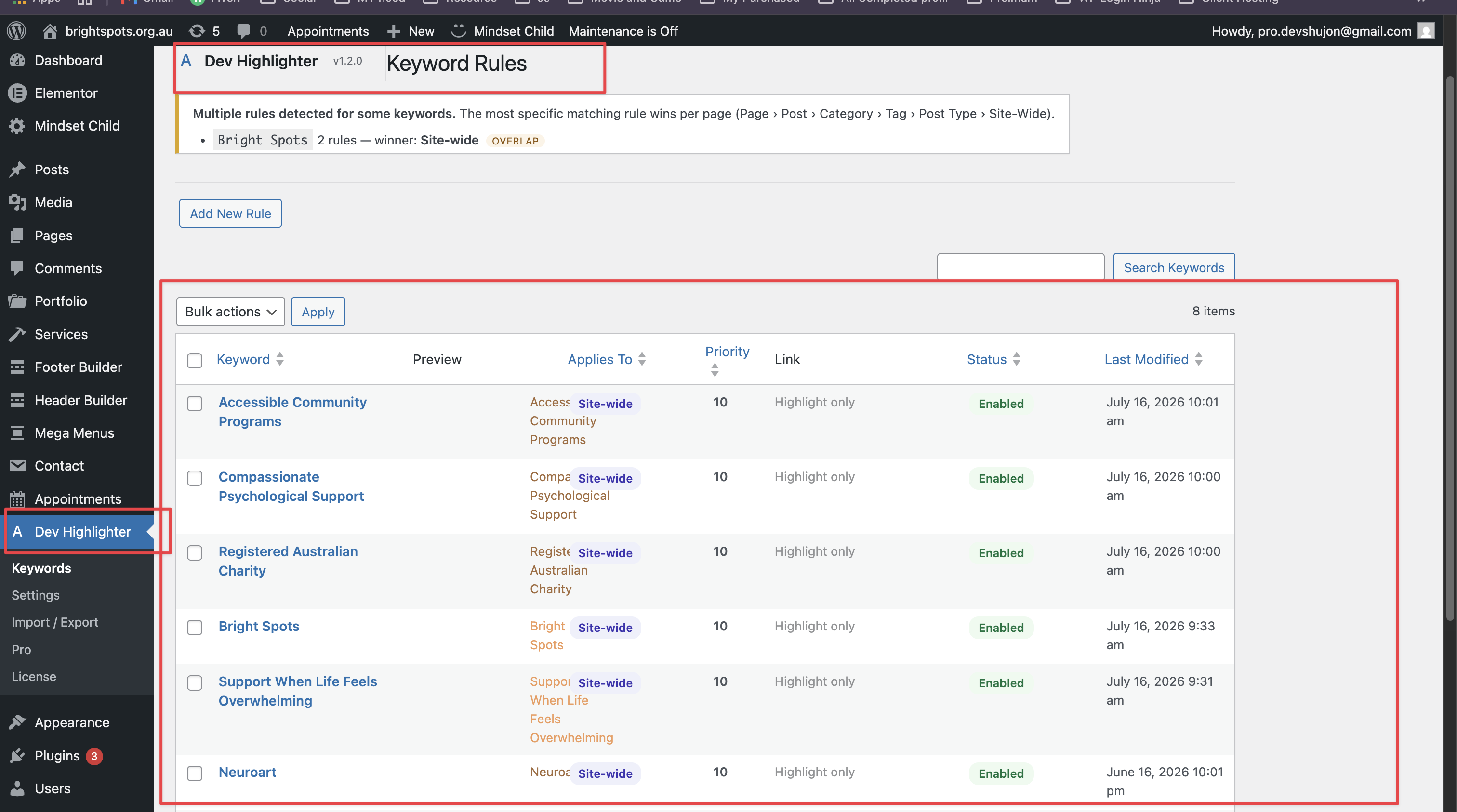
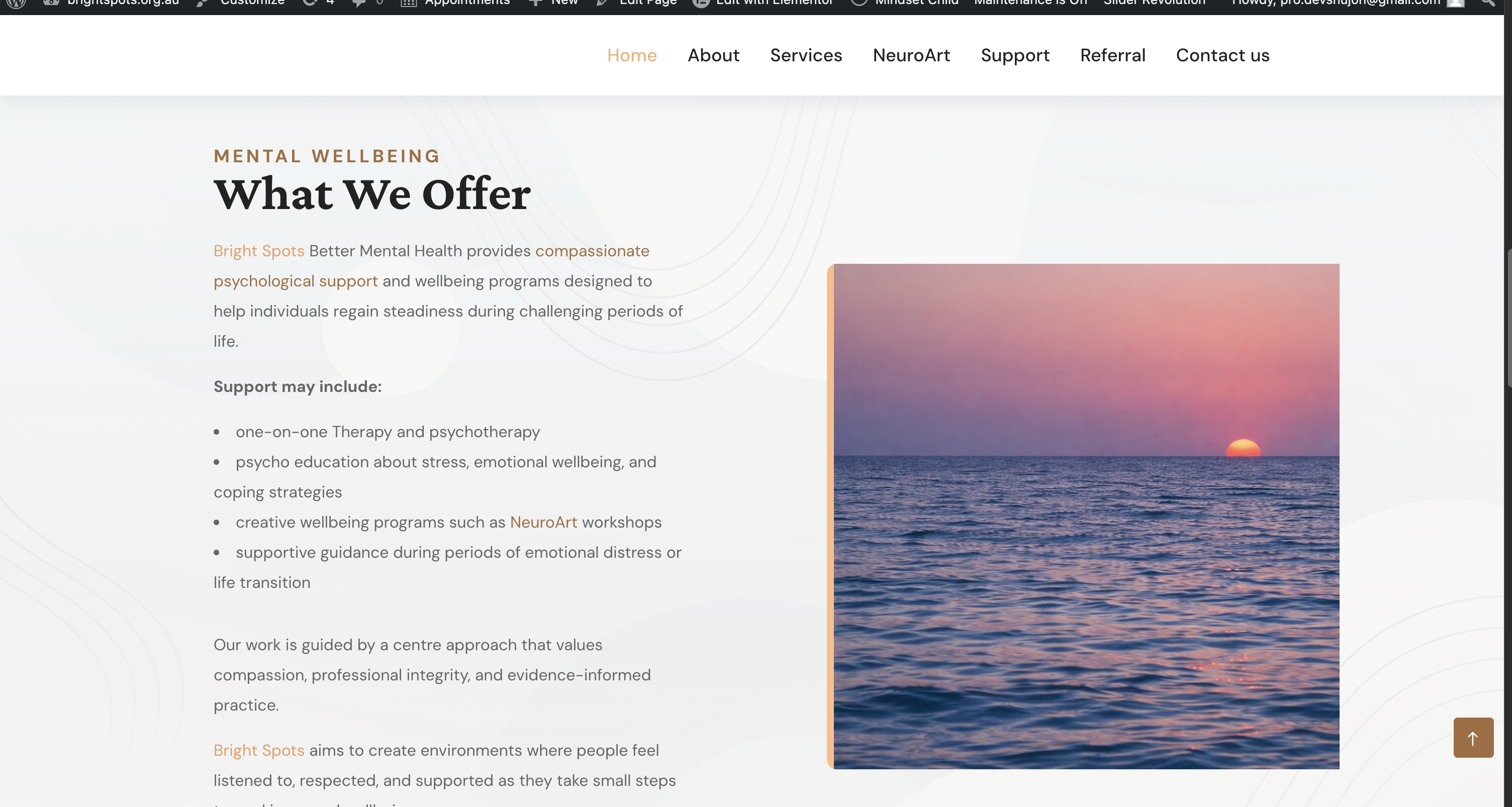
Dev Highlighter lets you turn any word or phrase into a styled, optionally-linked highlight everywhere it appears in your content — without editing a single post by hand.
Define a keyword once, choose how it should look (text colour, background colour, bold, italic, underline), optionally give it a link, and Dev Highlighter does the rest on the front end. It is built for performance: rules are compiled and cached, and content is parsed safely with DOMDocument so your markup is never mangled.
Key features
- Context-aware rules engine — one keyword can have many rules, each with its own colour, link, and target. Highlight “Mental Health” gold site-wide, green on selected pages, and blue in a category — all at once.
- Targeting — apply a rule Site-Wide, or to Selected Pages, Selected Posts, Categories, Tags, or Post Types.
- Exclusions — exclude specific posts/pages by ID, categories, or whole post types per rule.
- Priority system — when several rules match, the most specific one wins (Page › Post › Category › Tag › Post Type › Site-Wide); a per-rule priority breaks ties.
- Smart conflict detection — the admin flags keywords with multiple rules and shows which one wins.
- Future-proof architecture — a pluggable condition registry and filterable scope weights make new conditions drop-in additions.
- Unlimited keyword rules — add as many as you need.
- Styling — text colour, background colour, bold, italic, and underline per keyword.
- Auto-linking — add an optional URL to turn a keyword into a link, with optional “open in new tab” (adds
rel="noopener noreferrer"). - Smart phrase protection — longer phrases always win, so “Mental Health Program” is never broken into “Mental Health” + “Program”.
- Post type control — choose exactly where processing runs: Posts, Pages, or any public custom post type.
- Safe parsing — never touches text inside
script,style,textarea,pre,code, or existing links. - Optimised CSS — identical styles are de-duplicated into shared, generated classes; no repeated inline CSS.
- Import / Export — move your rules between sites as JSON, with merge or replace.
- Performance first — compiled rules are cached in a transient and only rebuilt when a rule changes, so sites with 500+ keywords stay fast.
- Translation ready — fully internationalised with the
dev-highlightertext domain.
Where processing runs
Dev Highlighter only filters the_content on the front end. It never runs in the admin area, feeds, REST requests, AJAX requests, or cron. It makes no external/third-party HTTP requests.
Extensible by design
Dev Highlighter exposes documented filters and actions (word_spotlight_condition_evaluators, word_spotlight_collect_conditions, word_spotlight_sanitize_extra_conditions, word_spotlight_rule_builder_fields, and the scope-weight filters) so optional add-ons can register new targeting conditions and rule-builder fields without modifying the core engine. An optional premium add-on, Dev Highlighter Pro, builds on these hooks; it is a separate plugin and is not required for any feature described above.