

Developer Sitemap
v1.0David Daniel · 2026年1月23日 上架
Lightweight XML sitemaps for posts, pages, products, taxonomies, and authors. Configurable priorities and visual exclusions.
- 正在使用
- 10 以下
- 评分
- 暂无
- 累计下载
- 566
- 最近更新
- 2026年1月23日
贡献者
 David Daniel
截图
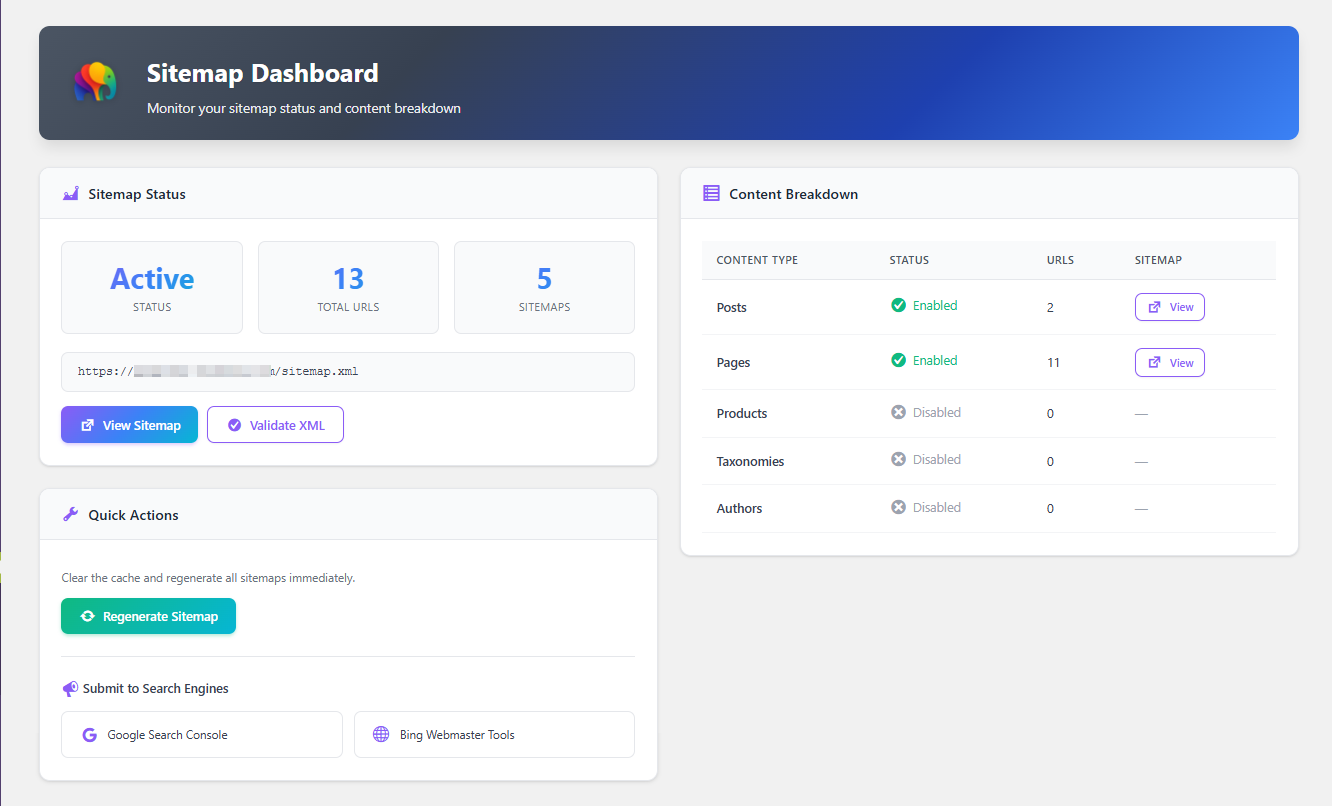
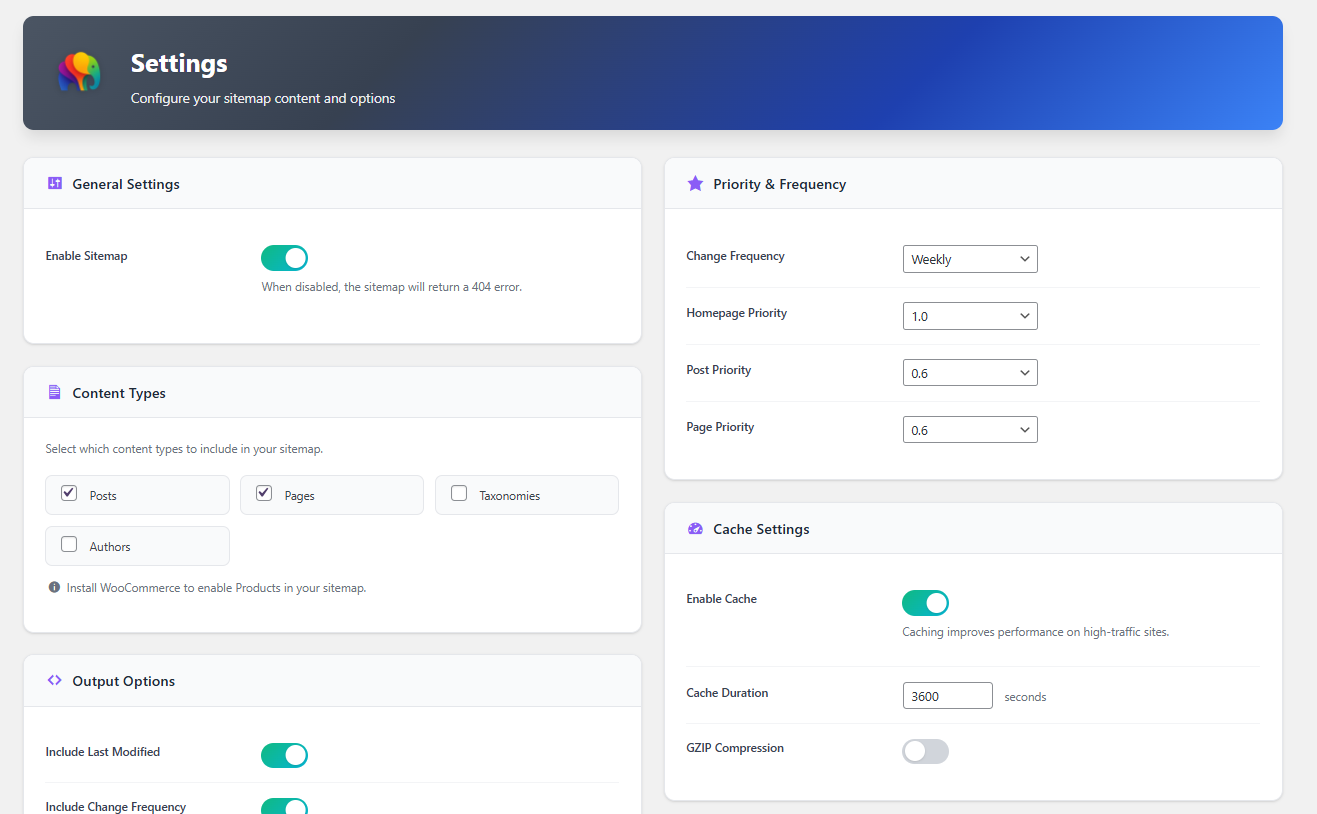
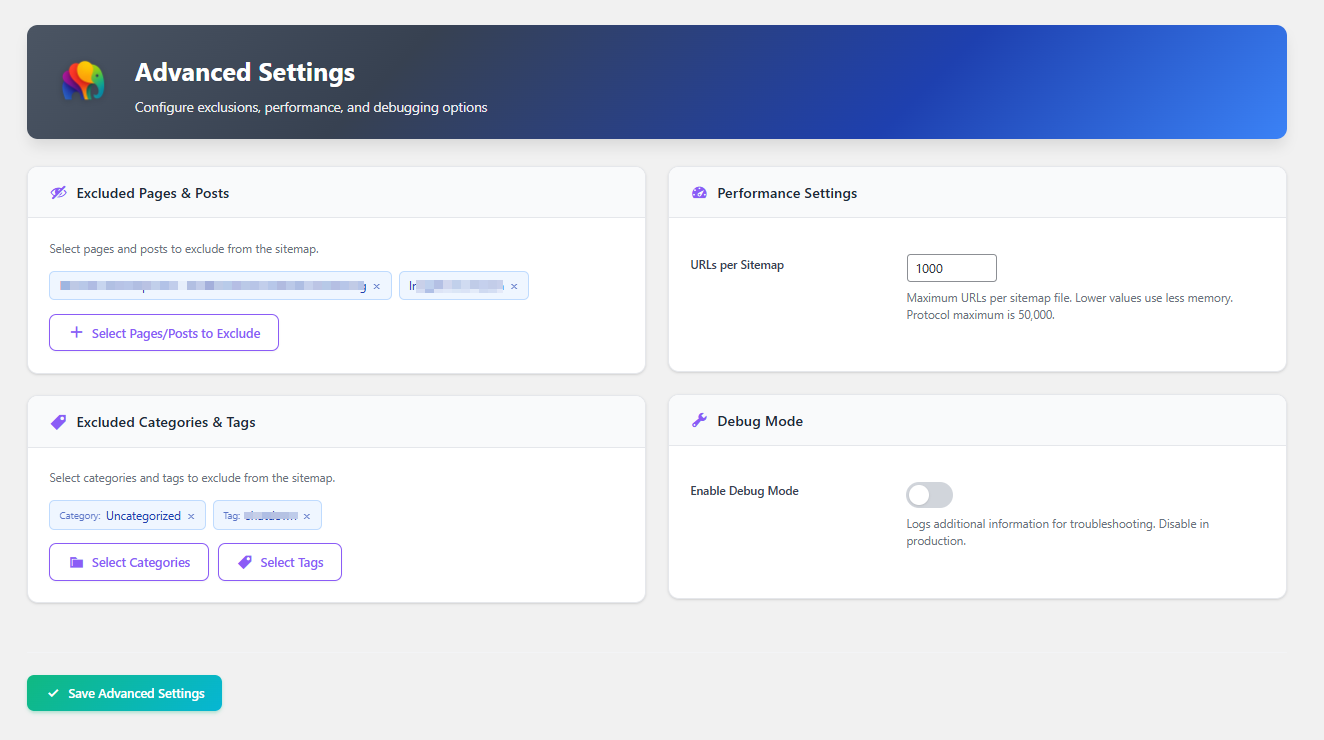
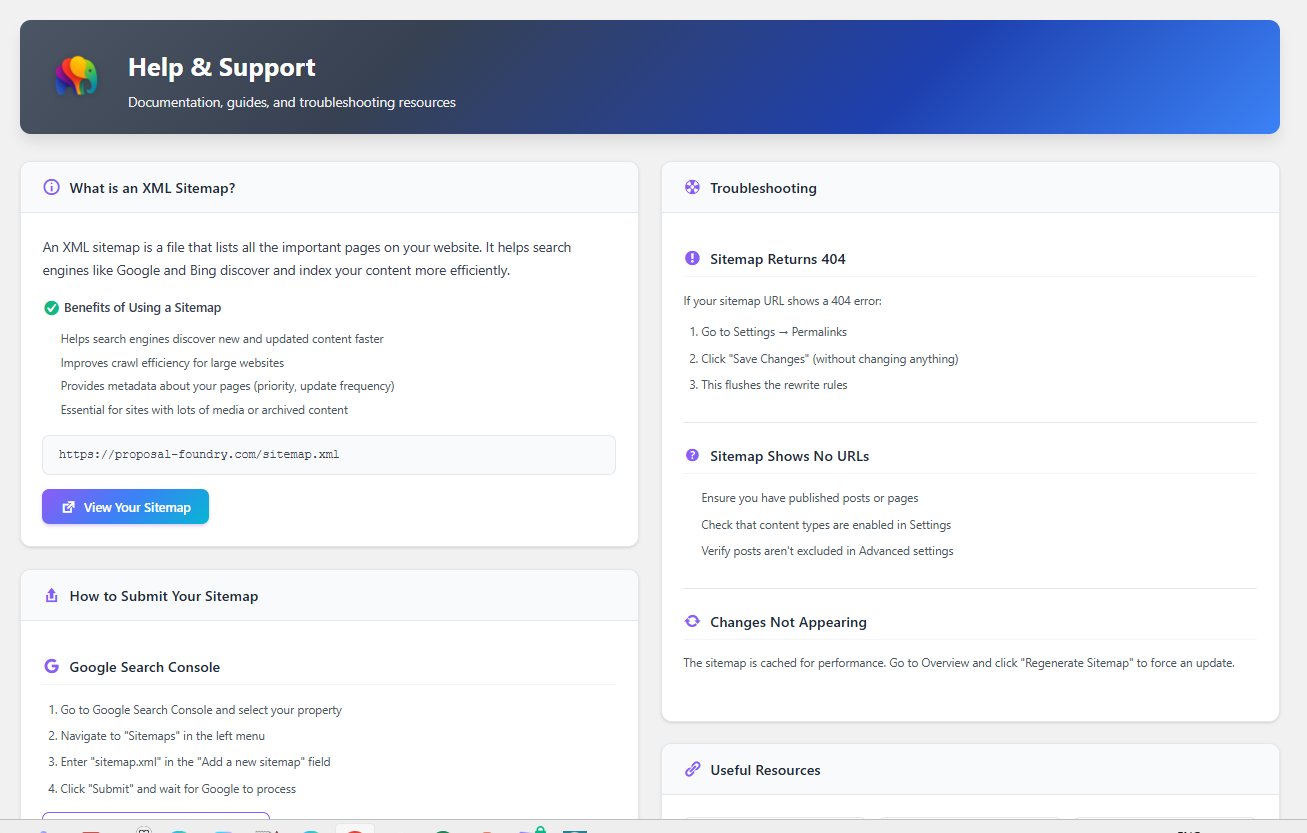
Full documentation is available at https://crucibleinsight.com/docs/.
Developer Sitemap provides a lightweight, standards-compliant XML sitemap solution for WordPress. Unlike full SEO suites, this plugin focuses solely on sitemap generation with a clean, intuitive interface.
Features
- Standards-Compliant XML – Generates valid XML sitemaps conforming to the sitemaps.org protocol
- Sitemap Index – Automatically creates a sitemap index linking to content-specific sitemaps
- Content Type Support – Include posts, pages, WooCommerce products, taxonomies, and author archives
- WooCommerce Integration – Automatic product sitemap generation when WooCommerce is active
- Human-Readable Display – Styled XML output for easy viewing in browsers (does not affect SEO)
- Configurable Priority & Change Frequency – Set default values for each content type
- Exclusion Rules – Exclude specific posts, pages, products, or terms using visual selectors
- Caching – Built-in caching for optimal performance
- GZIP Compression – Optional compression for faster delivery
- Modern Admin UI – Clean dashboard with status overview and quick actions
WooCommerce Support
When WooCommerce is installed and activated, Developer Sitemap automatically detects it and provides:
- Products checkbox in Content Types settings
- Product Priority setting to control search engine crawl priority
- Separate product sitemap at
/sitemap-product.xml - Hidden product filtering – Products with “hidden” catalog visibility are automatically excluded
- Product exclusions – Exclude specific products using the visual post selector
Why Developer Sitemap?
- Lightweight – No bloat, just sitemaps
- Privacy-Focused – No external tracking or analytics
- Compatible – Works alongside WordPress core sitemaps
- Developer-Friendly – Extensive hooks for customization
- Hosting-Safe – Designed for shared hosting environments
Sitemap URLs
Once activated, your sitemap is available at:
- Main Index:
yoursite.com/sitemap.xml - Posts:
yoursite.com/sitemap-post.xml - Pages:
yoursite.com/sitemap-page.xml - Products:
yoursite.com/sitemap-product.xml(when WooCommerce is active) - Taxonomies:
yoursite.com/sitemap-taxonomy.xml - Authors:
yoursite.com/sitemap-author.xml
Documentation
For detailed documentation, visit the https://crucibleinsight.com/docs/
Developer Documentation
Filters
developer_sitemap_url_providers
Modify the registered URL providers.
add_filter('developer_sitemap_url_providers', function($providers) {
    // Add custom provider
    $providers['custom'] = new MyCustomProvider();
    return $providers;
});
developer_sitemap_urls
Filter URLs before they are included in a sitemap.
add_filter('developer_sitemap_urls', function($urls, $type) {
    // Filter or modify URLs
    return $urls;
}, 10, 2);
developer_sitemap_entry_attributes
Modify sitemap entry attributes.
add_filter('developer_sitemap_entry_attributes', function($attrs, $url) {
    // Modify priority, changefreq, etc.
    return $attrs;
}, 10, 2);
Actions
developer_sitemap_generated
Fires after a sitemap is generated.
developer_sitemap_cache_invalidated
Fires after the sitemap cache is cleared.
Privacy Policy
Developer Sitemap does not collect, store, or transmit any personal data. The plugin generates XML files containing public URLs from your WordPress site.