

Deskhush Notice Cleaner
v0.2.16jasonmad · 2026年10月15日 上架
Calm promotional admin notices and organise menus for builders. Complements — does not replace — your other plugins.
- 正在使用
- 10 以下
- 评分
- 暂无
- 累计下载
- 247
- 最近更新
- 2026年10月31日
需要 WordPress 6.0+已测试到 7.1.5PHP 8.0+
 jasonmad
 Freemius
截图
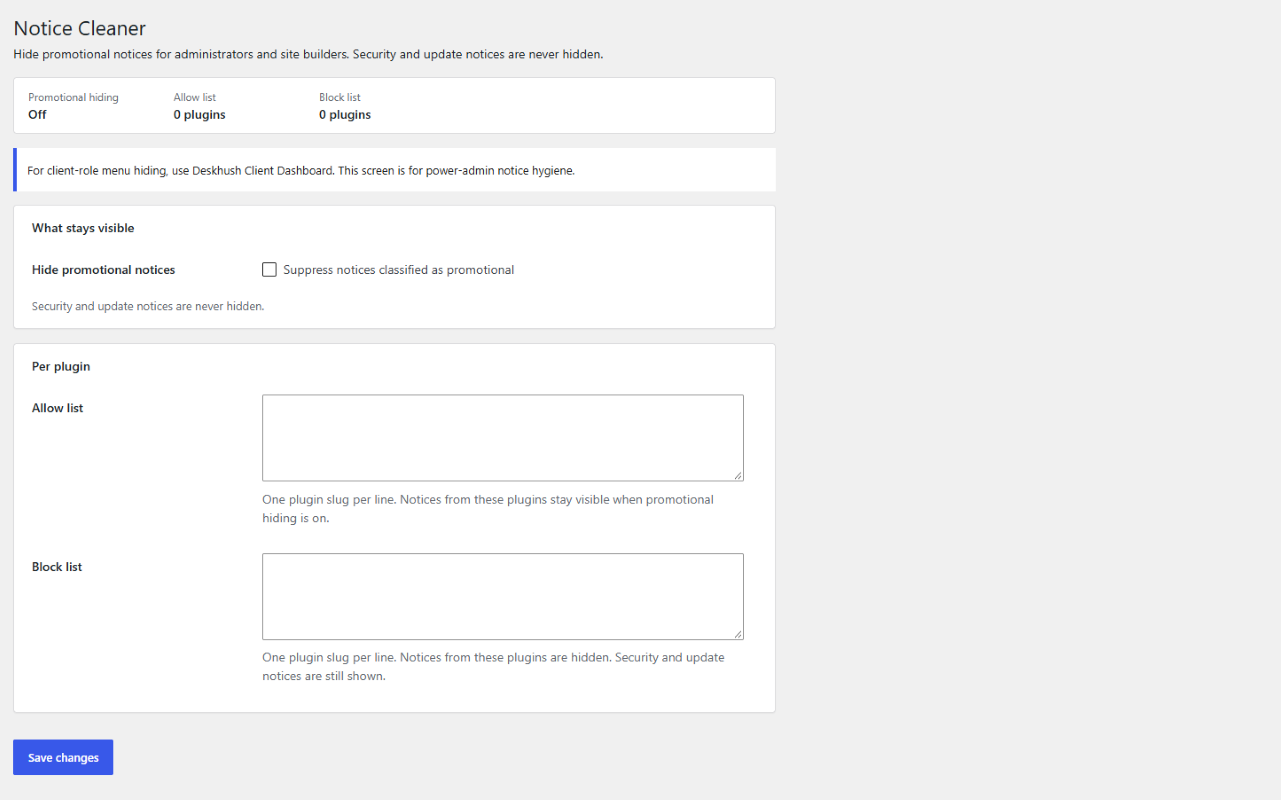
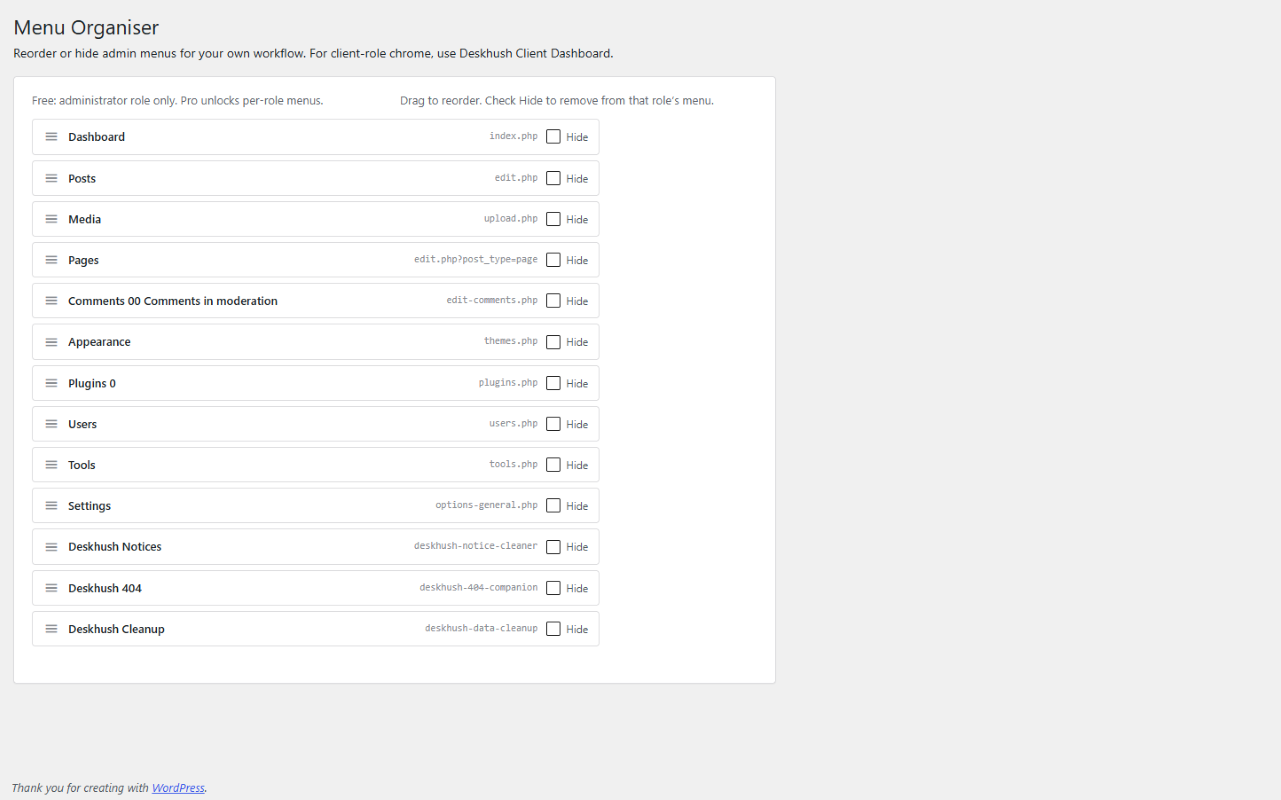
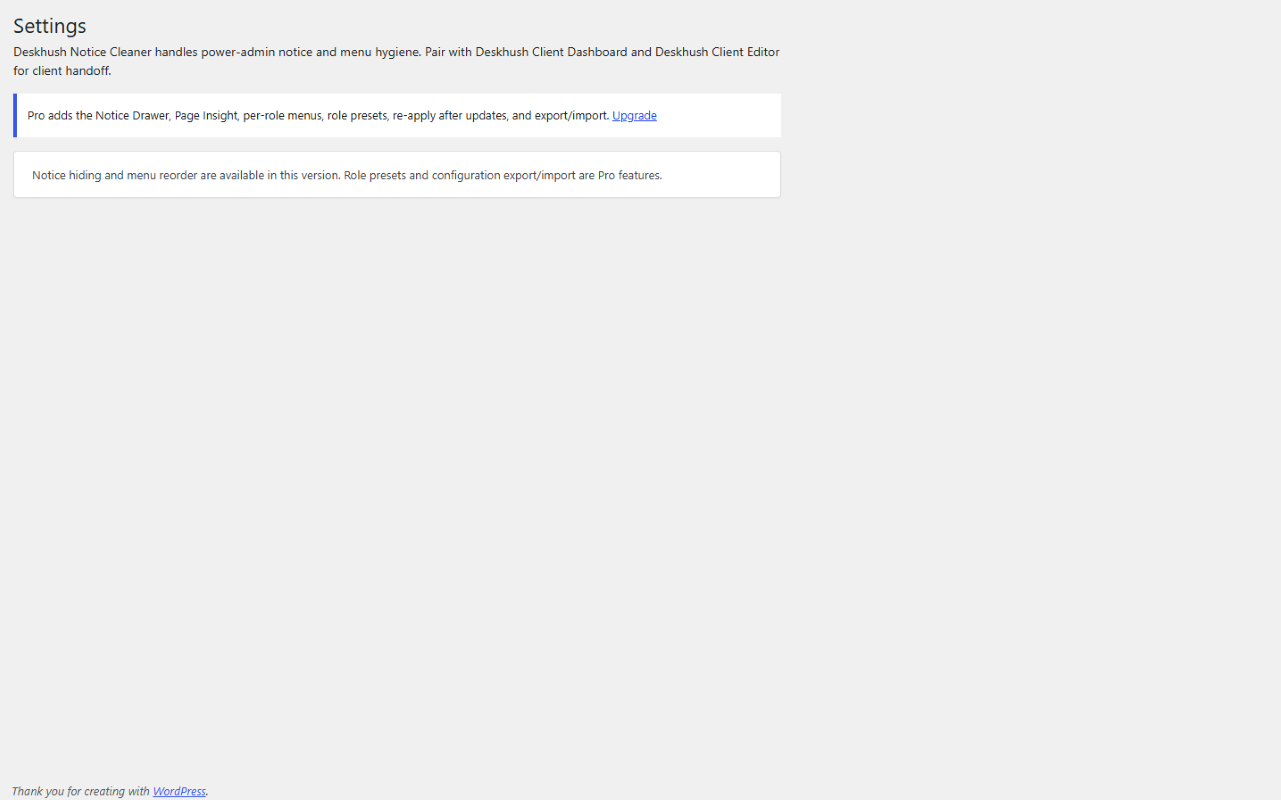
For agencies and site builders who want a quieter wp-admin for administrators — not client handoff dashboards.
How to use
- Open Deskhush Notices in the dashboard.
- Turn on promotional hiding. Security and update notices stay visible.
- Add plugin slugs to the allow list or the block list, one per line.
- Open Menu Organiser and drag menus into the order you want.
Free
- Classify notices (promotional / security / update / other)
- Hide promotional notices globally
- Per-plugin allow and block lists
- Drag-and-drop admin menu reorder and hide (administrator role)
Security and update notices are never hidden.
Pro
- Notice Drawer in the admin bar for suppressed notices
- Per-role menu layouts
- Role presets (Editor / Client / SEO)
- Re-apply saved menu order after plugin updates (single-site)
- Page Insight (which plugins run on the current admin screen)
- Export and import configuration
Pairs well with: Deskhush Client Dashboard for client-role admin chrome; Deskhush Client Editor for content-region locks.
This Free package is fully usable on its own. Pro is distributed separately via Freemius.