

Description List Block
v1.3.1Daniel Floeter · 2021年4月5日 上架
Description list (also known as definition list) block for glossaries, FAQs and specs using semantic dl, dt and dd HTML.
- 正在使用
- 400+
- 评分
- 2.3 / 5
- 累计下载
- 9,398
- 最近更新
- 2026年10月22日
贡献者
 Daniel Floeter
截图
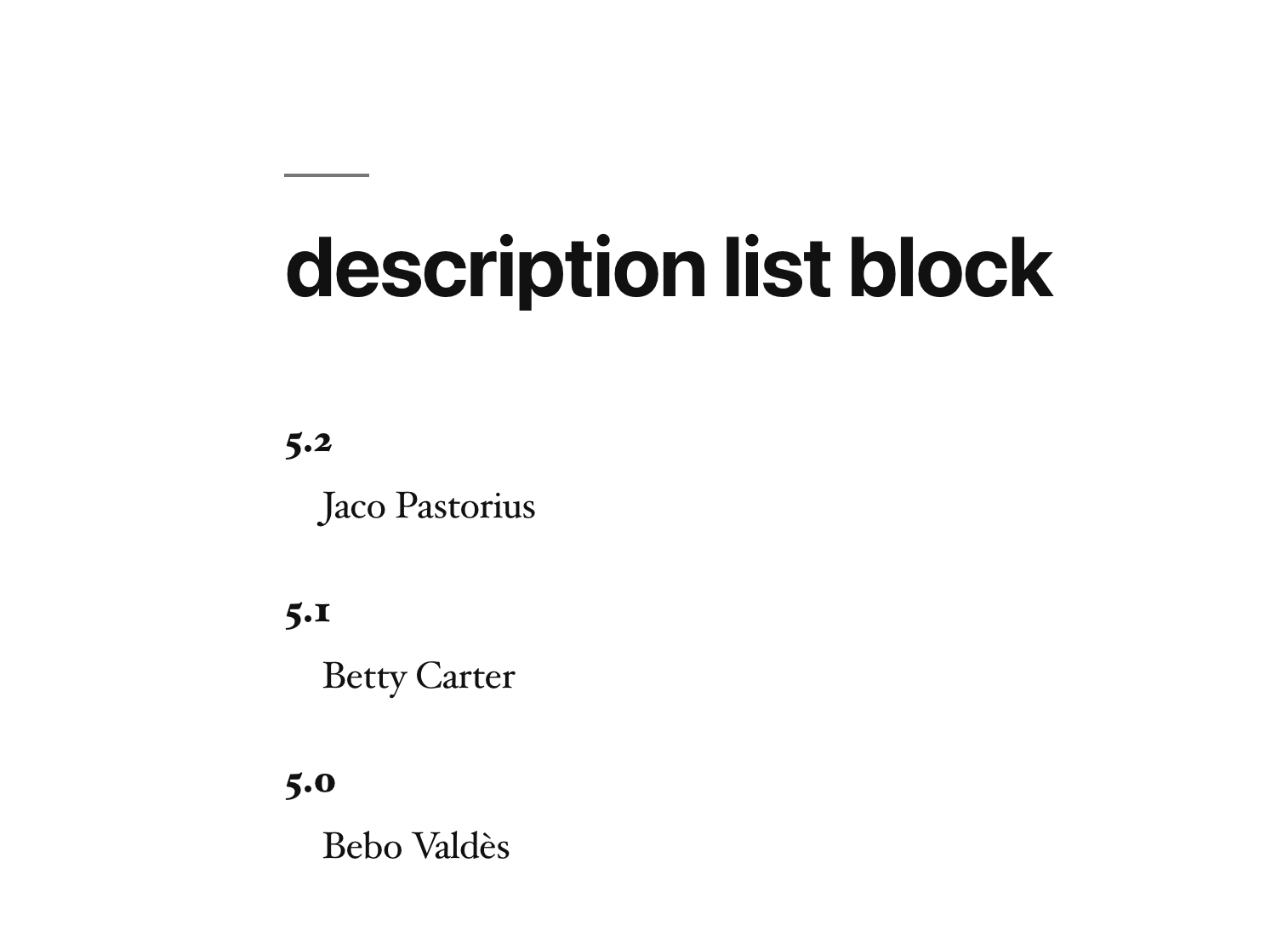
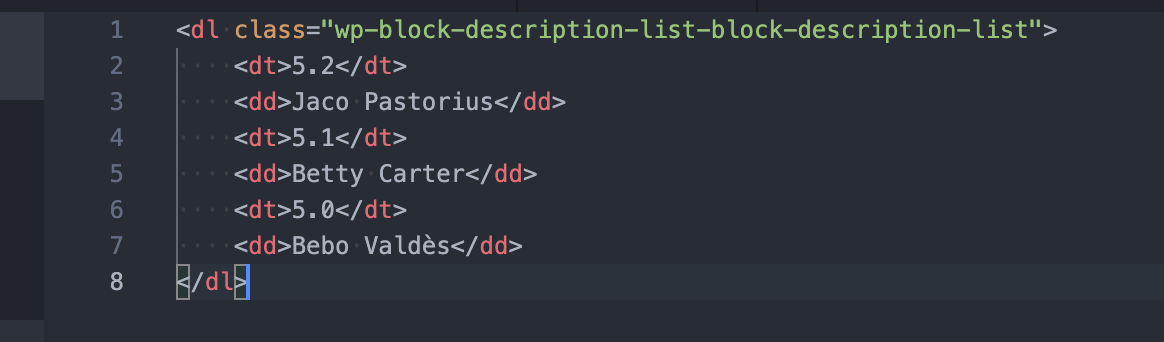

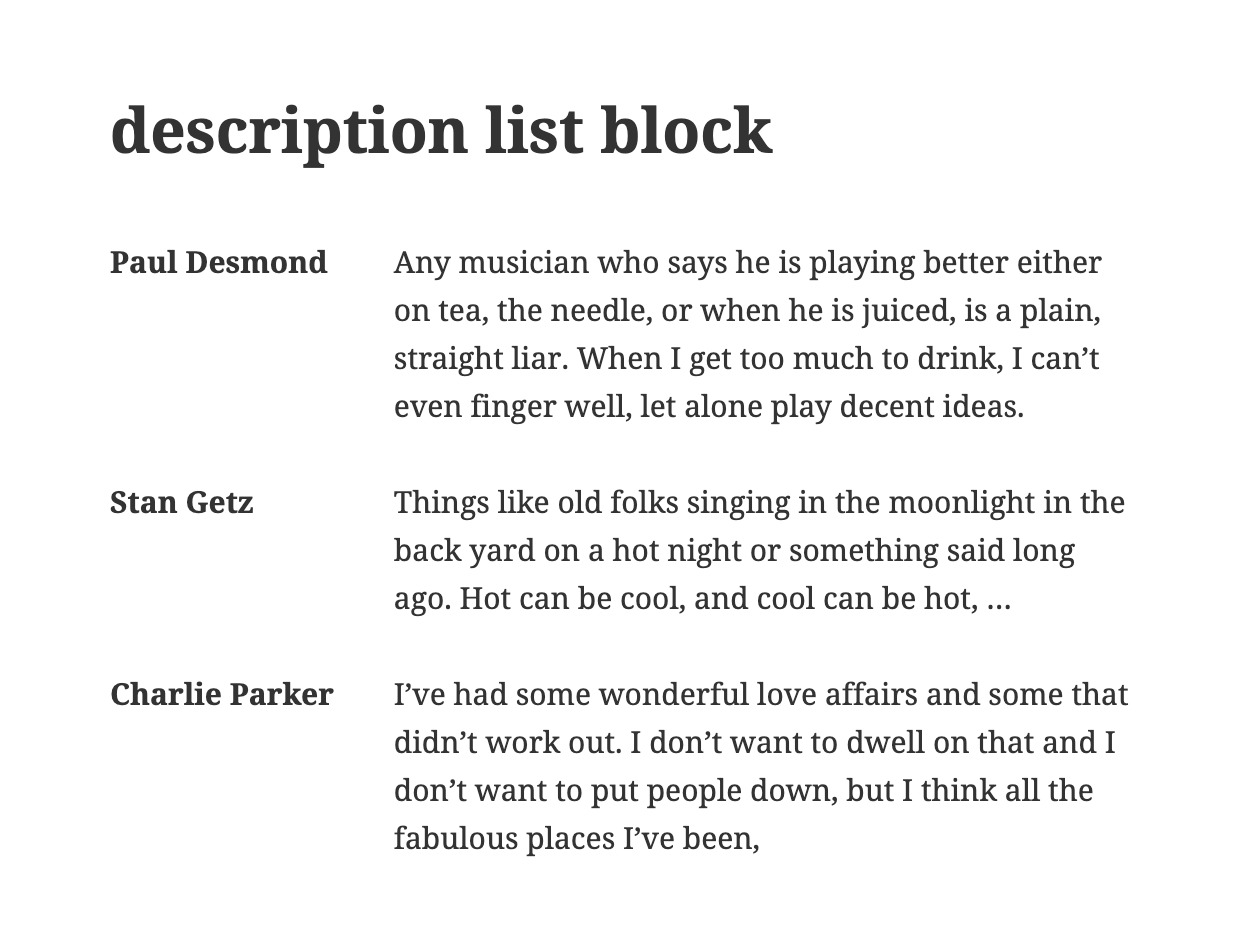
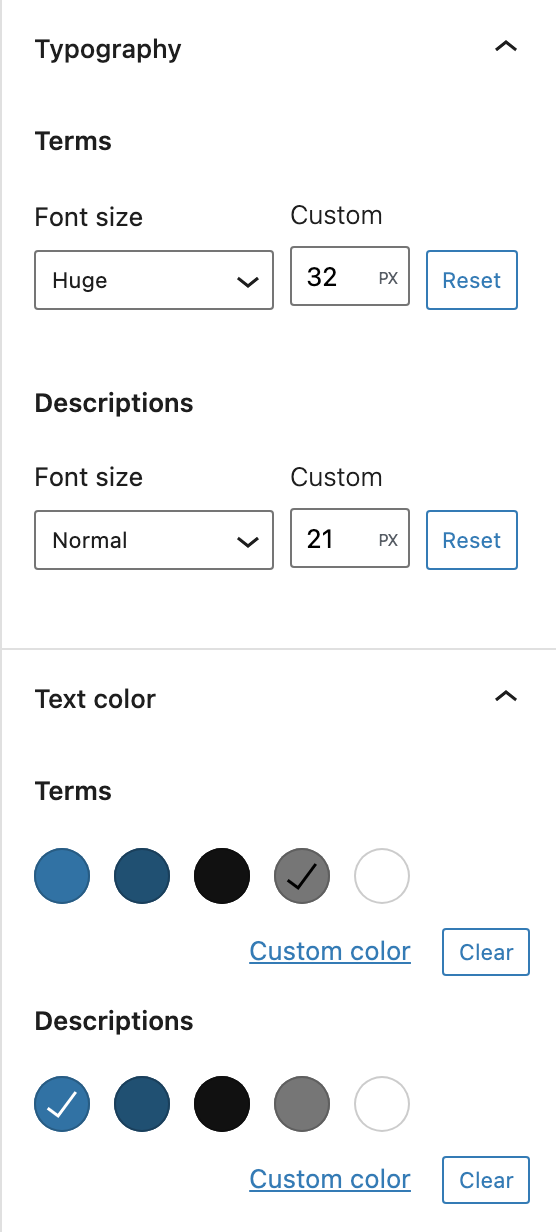
Build glossaries, FAQs, product specs and other term–description lists in the WordPress block editor (Gutenberg). The Description List Block outputs a semantic HTML definition list: a <dl> element with term (<dt>) and description (<dd>) pairs, the markup made for exactly this kind of content and understood by browsers, screen readers and search engines.
Add, insert and delete term and description pairs right in the editor, choose an indent or grid layout and style terms and descriptions separately. Already have a list, a few paragraphs or <dl> HTML? Transform it into a description list with one click, or simply paste the markup.
Tip Top Press
We’re Tip Top Press and create Gutenberg blocks for WordPress. If you want to know what we’re working on and are interested in the background, you can read all news stories on our blog.
Features
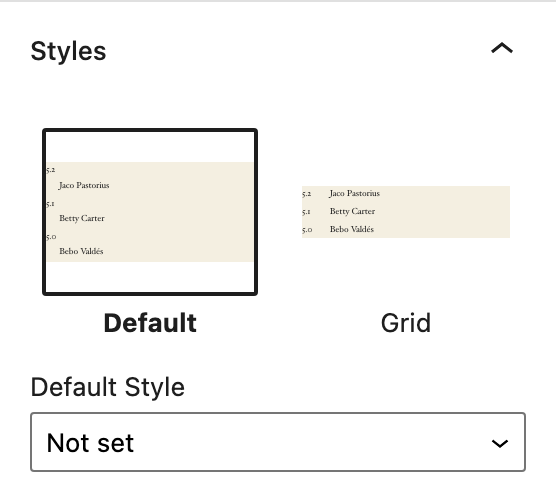
- Indent-, Grid and Disable Block CSS Block Styles
- Indent or spacing settings
- Color, spacing, indent, horizontal whitespace, font-size, font-style and font-weight settings for both element tags
- Create a description list with n-elements
- Insert a new term (
<dt>) and description (<dd>) before selection - Insert a new term (
<dt>) and description (<dd>) after selection - Delete the selected term (
<dt>) and description (<dd>) pair - Transform a Custom HTML block, a list or paragraphs into a description list and back
- Paste description list markup as a description list
Contribute
If you find a bug or a conflict while using this plugin, please submit an issue on GitHub (if possible with a pull request).