
Democracy Poll
v6.5.1Timur Kamaev · 2015年2月2日 上架
WordPress polls plugin with multiple-choice, custom answers, cache compatibility, widgets, and shortcodes. Documentation
- 正在使用
- 6,000+
- 评分
- 4.6 / 5
- 累计下载
- 22 万
- 最近更新
- 2026年10月3日
贡献者
 Timur Kamaev
截图
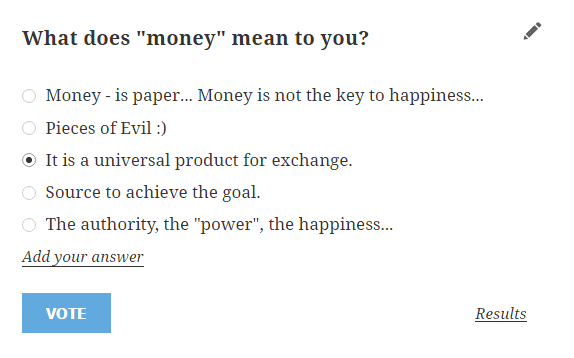
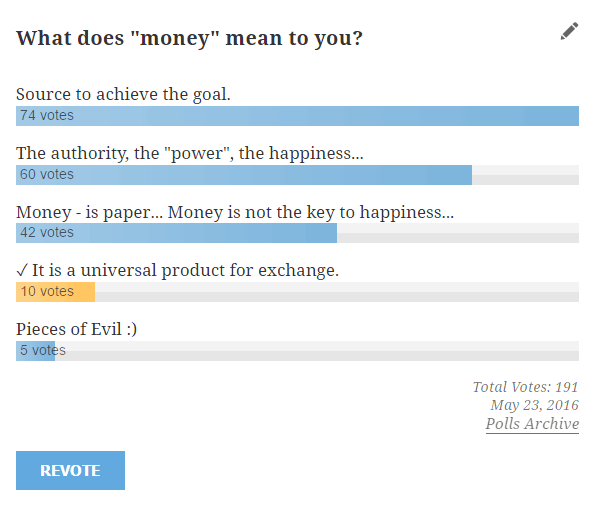
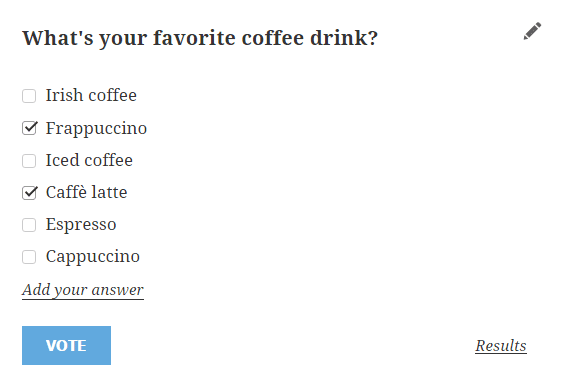
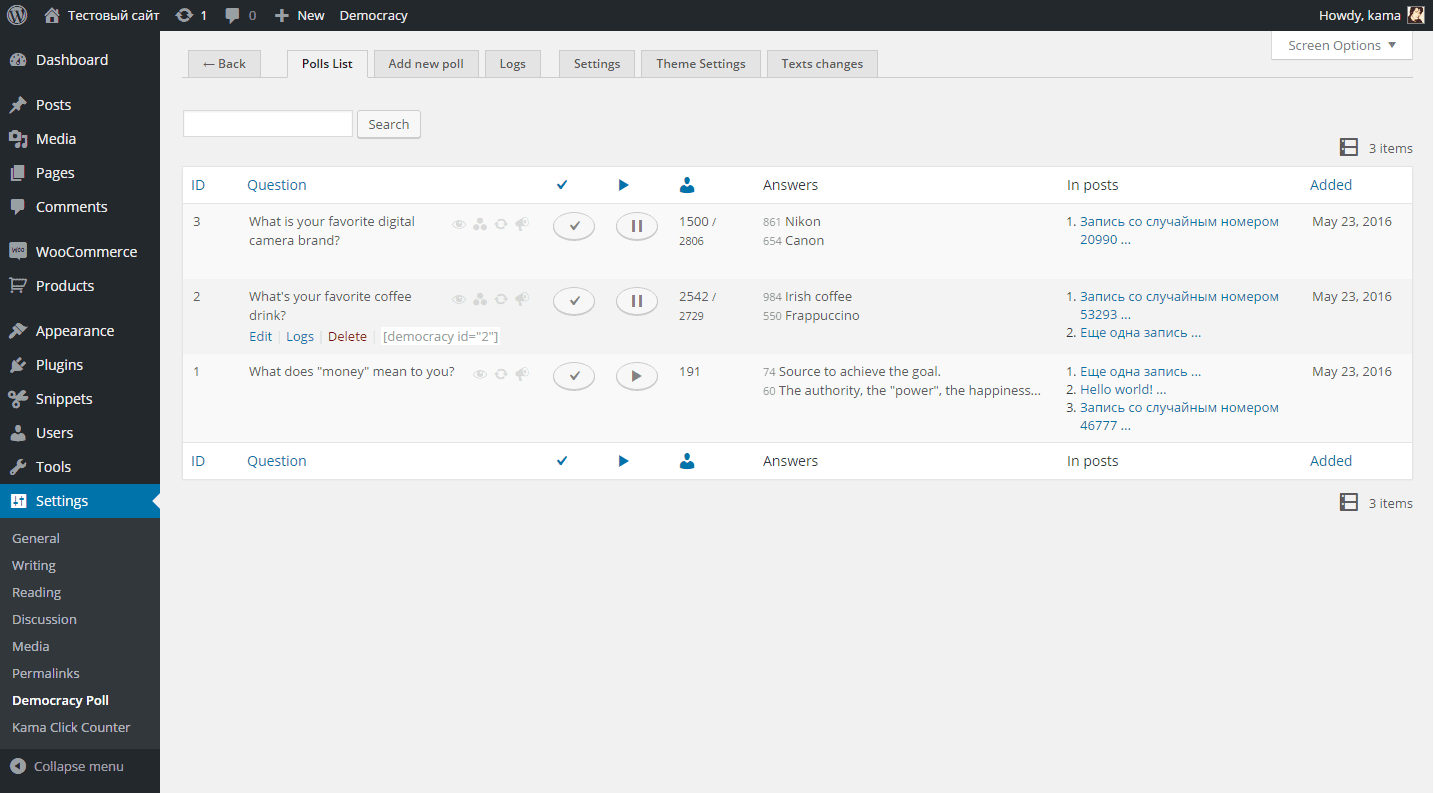
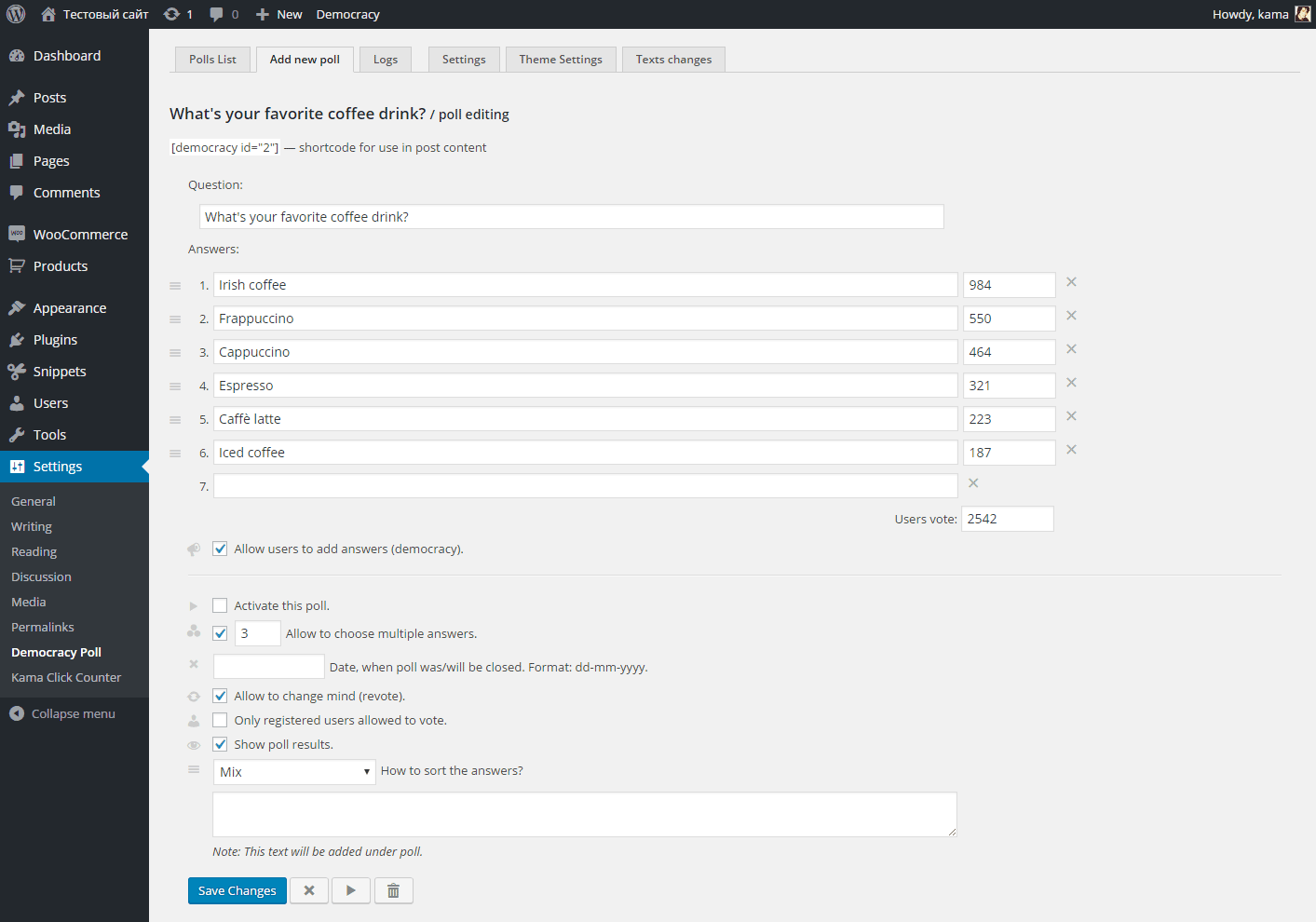
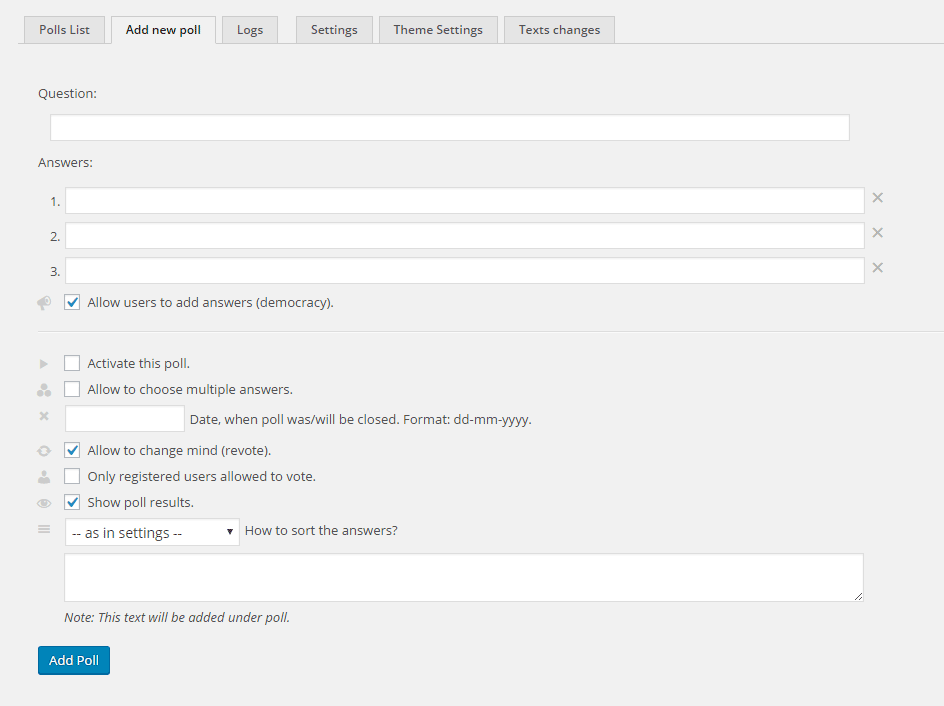
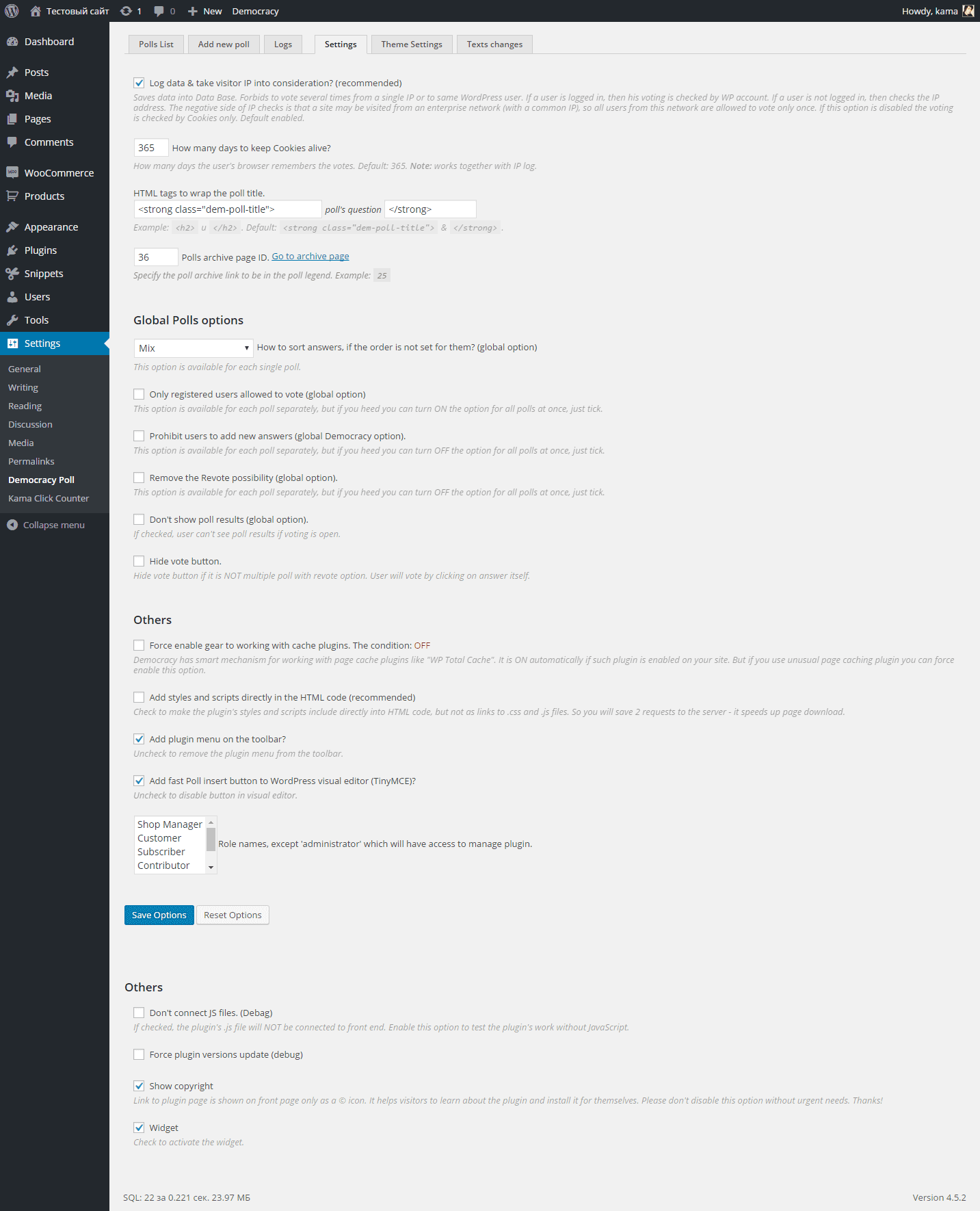
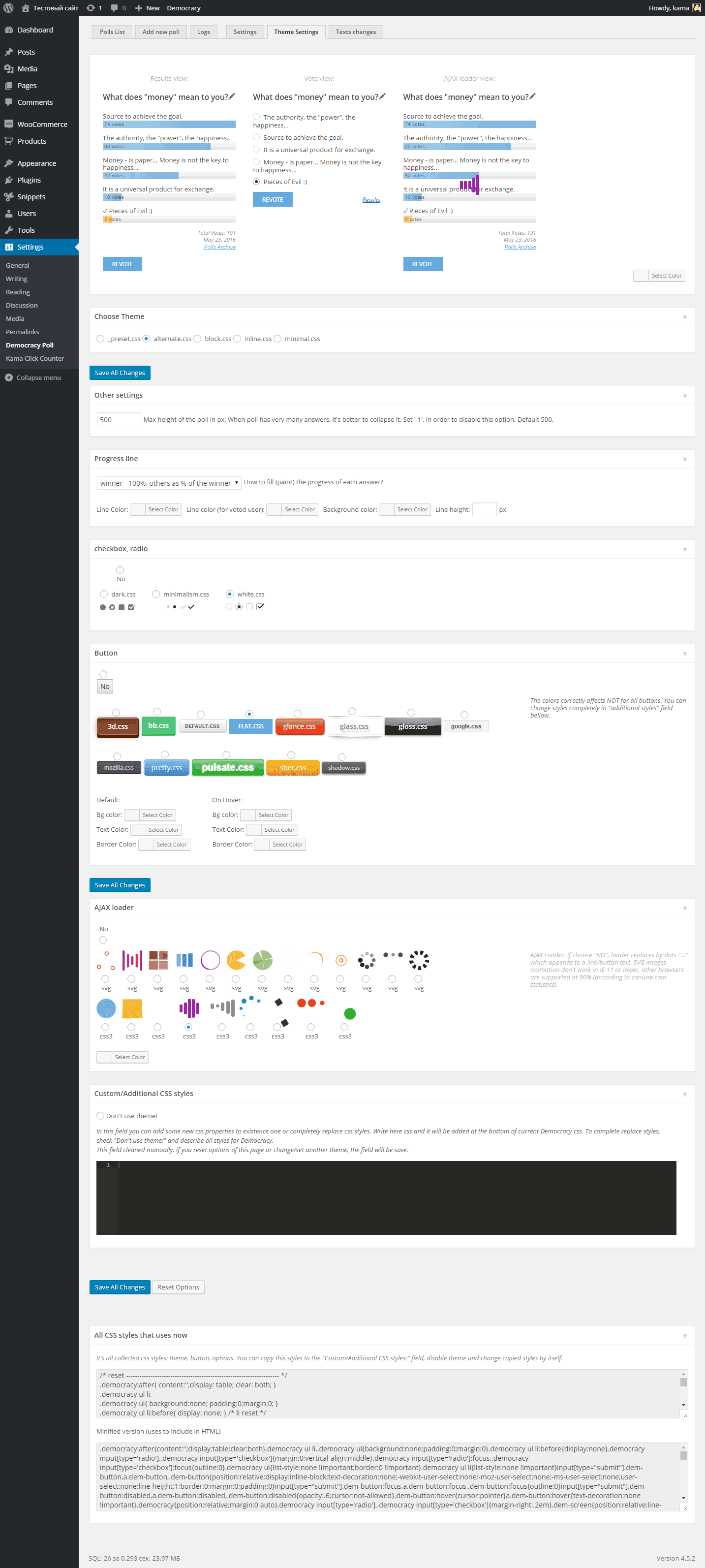
This plugin provides an intuitive and powerful system for creating polls, with features such as:
- Customizable single-choice and multiple-choice voting
- Optional custom answers submitted by visitors
- Poll end dates
- Optional restriction of voting to registered users
- Multiple poll designs
- And more — see the changelog for details
Democracy Poll is compatible with major cache plugins, including W3 Total Cache, WP Super Cache, Wordfence, Quick Cache, and others.
Designed for ease of use and performance, it offers:
- A “Quick Edit” button for admins, shown directly above a poll
- A plugin menu in the admin toolbar
- Inline poll CSS
- Conditional JavaScript loading only when a poll is rendered
- And more — check the changelog for details
More Info
Democracy Poll is a modern version of the original, well-regarded plugin by the same name. Andrew Sutherland introduced the original plugin in 2006, including the innovative ability for visitors to add their own answers. This version retains the name and core idea but has been completely rewritten.
Key features:
- Create new polls
- Cache plugin compatibility (e.g. W3 Total Cache, WP Super Cache)
- Allow visitors to add their own answers
- Multiple-choice voting support
- Automatic poll closing after a specified end date
- Display random polls
- Restrict voting to registered users (optional)
- Quick poll editing for administrators
- Edit vote counts
- Allow users to change their votes
- Voter tracking via IP address, cookies, or WordPress user ID, with optional vote clearing
- Embed polls in posts via
[democracy]shortcode (visual editor button available) - Widget support (optional)
- Admin bar menu for easy access (optional)
- Load front-end assets only when a poll is rendered
- Add custom notes under polls
- Customize designs via CSS themes
Multisite support has been available since version 5.2.4.
Documentation
See the complete Democracy Poll documentation for setup instructions, user guides, shortcode reference, and developer integration points.
Usage
Widget
- Go to
WP Admin → Appearance → Widgetsand add theDemocracy Pollwidget - Place it in a sidebar
- Configure settings
- Done
Template Code
In your theme file (e.g. sidebar.php), add:
<?php if ( function_exists( 'democracy_poll' ) ) { ?>
    <div class="sidebar-section">
        <h2>Polls</h2>
        <div class="my-poll">
            <?php democracy_poll(); ?>
        </div>
    </div>
<?php } ?>
- To show a specific poll:
<?php democracy_poll( 3 ); ?>(replace3with your poll ID) - To embed a specific poll in a post, use
[democracy id="2"]shortcode. - To embed a random poll in a post, use
[democracy]shortcode.
Poll Archive
To show the poll archive:
<?php democracy_archives( [ 'title_markup' => '<h2>{question}</h2>' ] ); ?>