

Demfilz Flipbook
v1.1.0demfilz · 2026年10月26日 上架
Turn any PDF into a page-flip book with a two-page spread, zoom, fullscreen and download, hosted on your own site. No third-party service.
- 正在使用
- 10 以下
- 评分
- 暂无
- 累计下载
- 169
- 最近更新
- 2026年10月27日
贡献者
 demfilz
截图
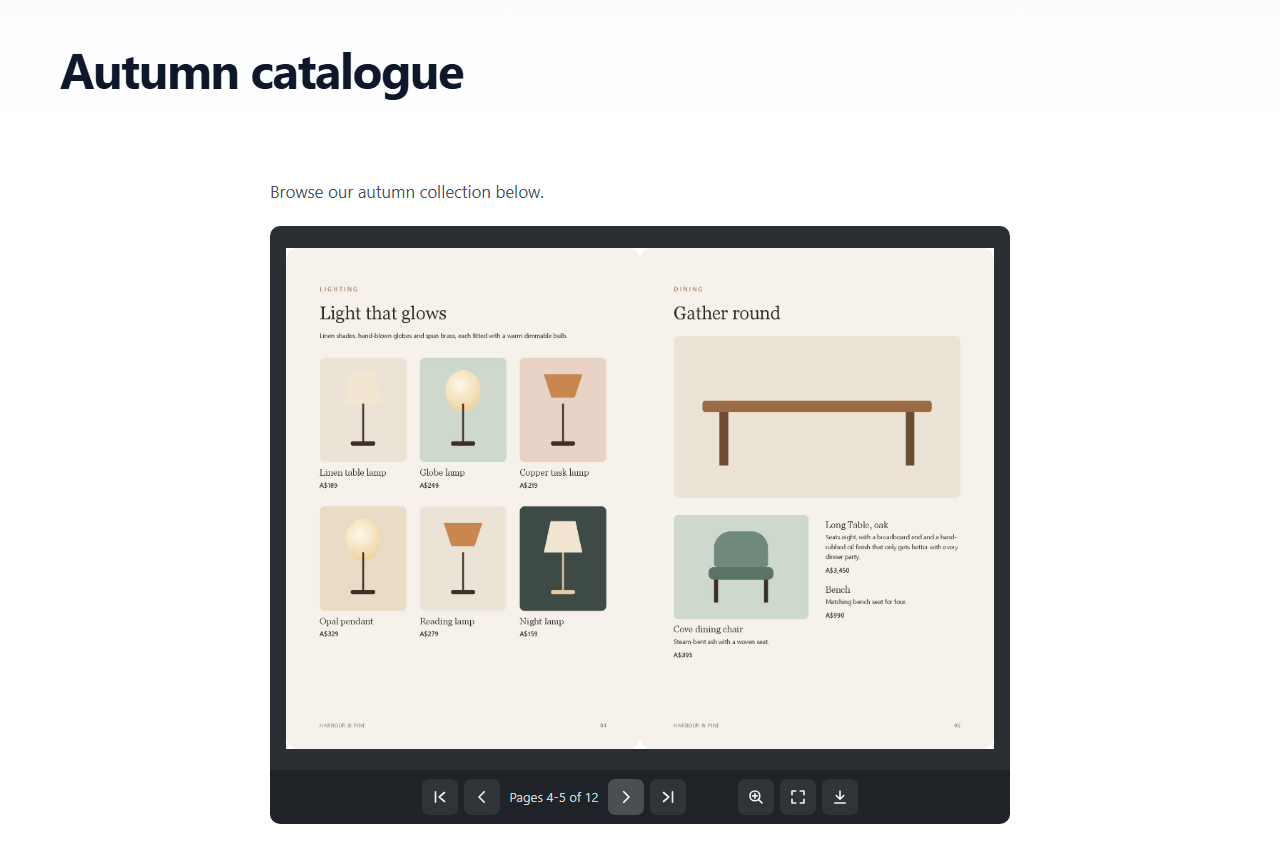
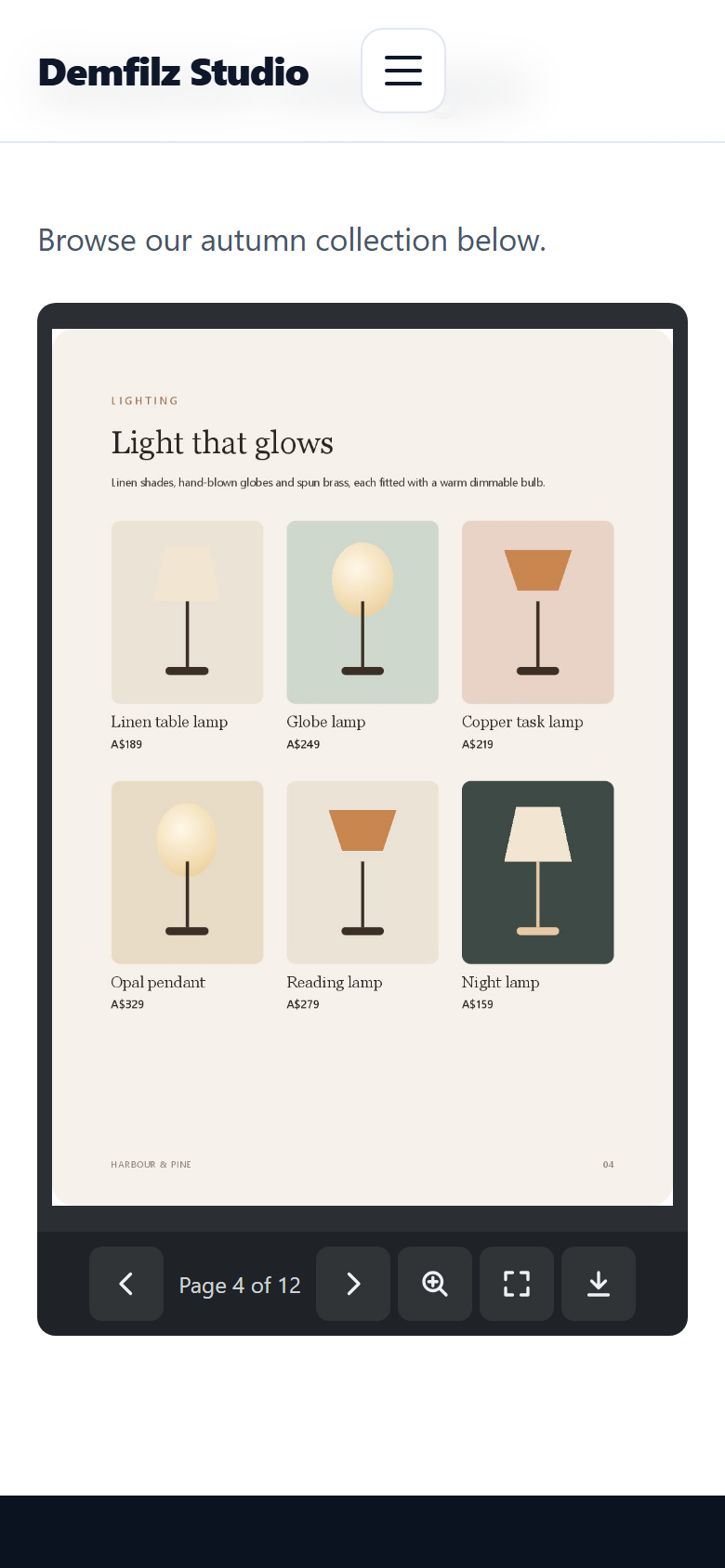
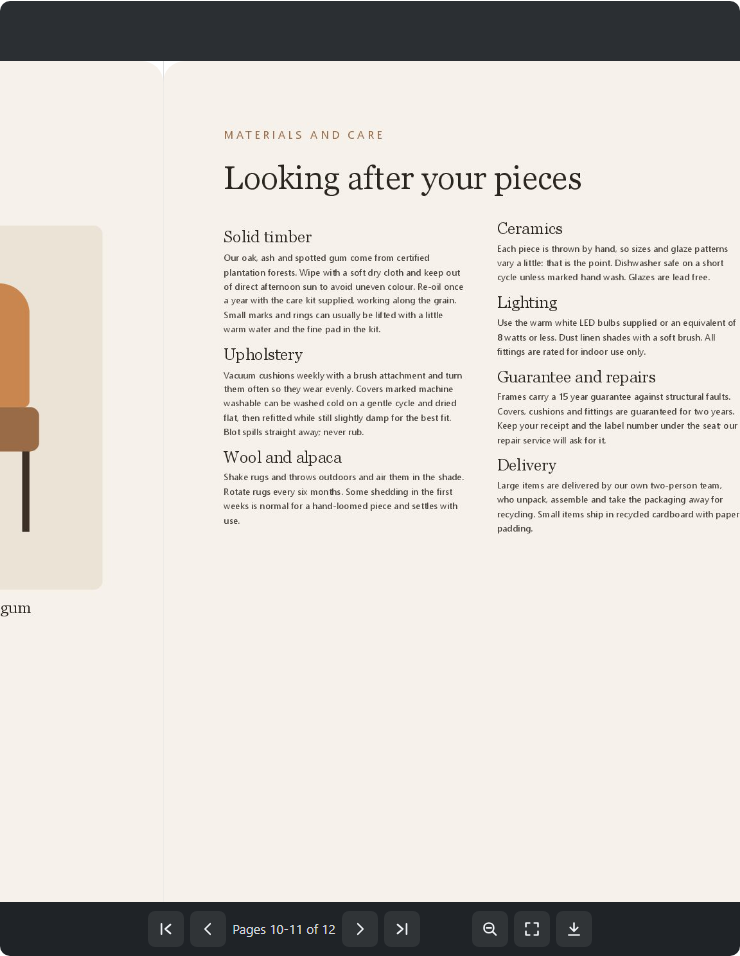
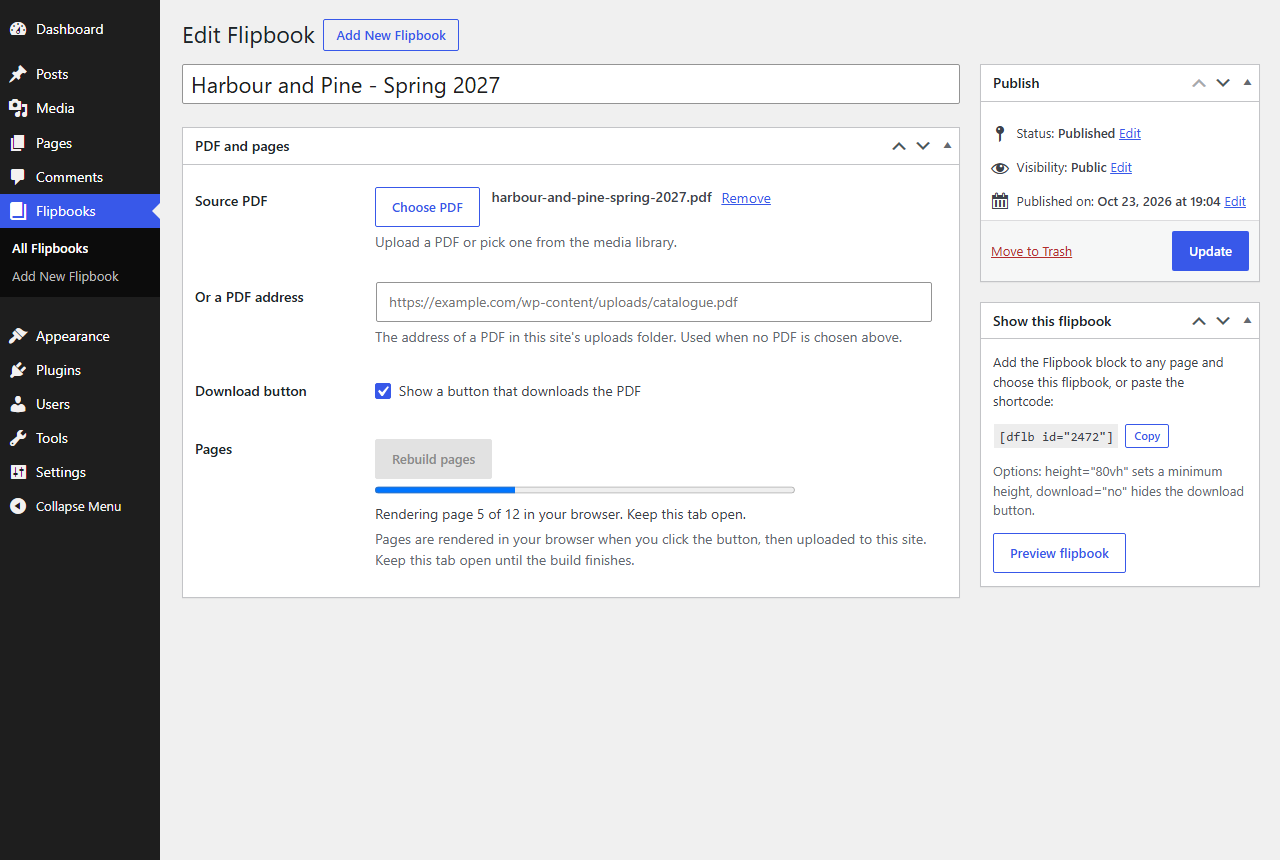

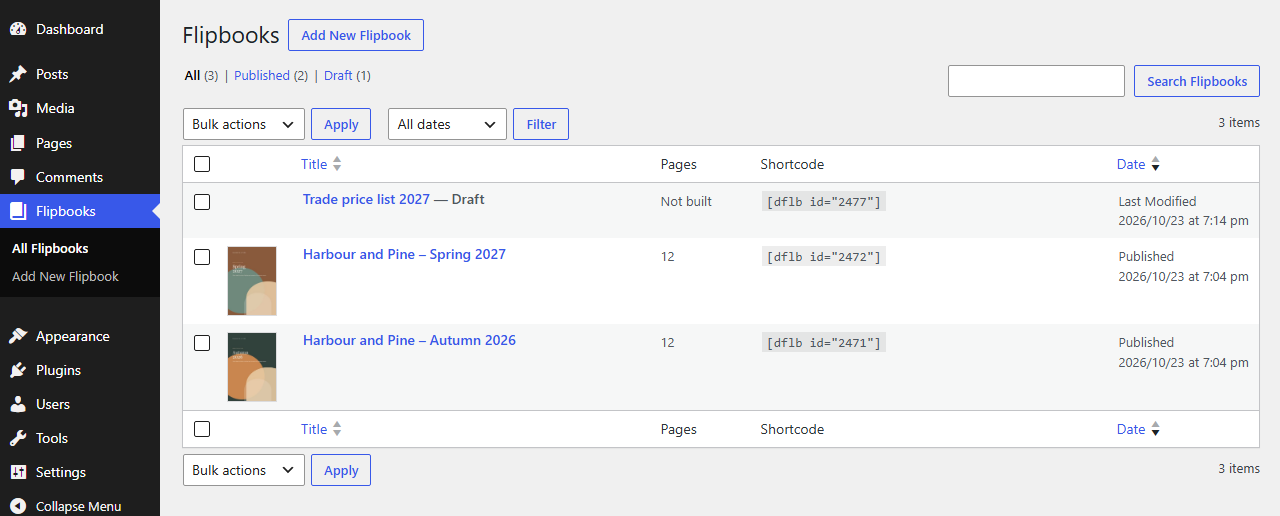
Catalogues, brochures, magazines, menus and annual reports read better as a book. Demfilz Flipbook turns a PDF from your media library into a realistic page-flip viewer that you place on any page with a block or a shortcode. Everything is served from your own site: no account, no monthly fee, no embedded iframe from somebody else’s server, and no tracking.
How it works
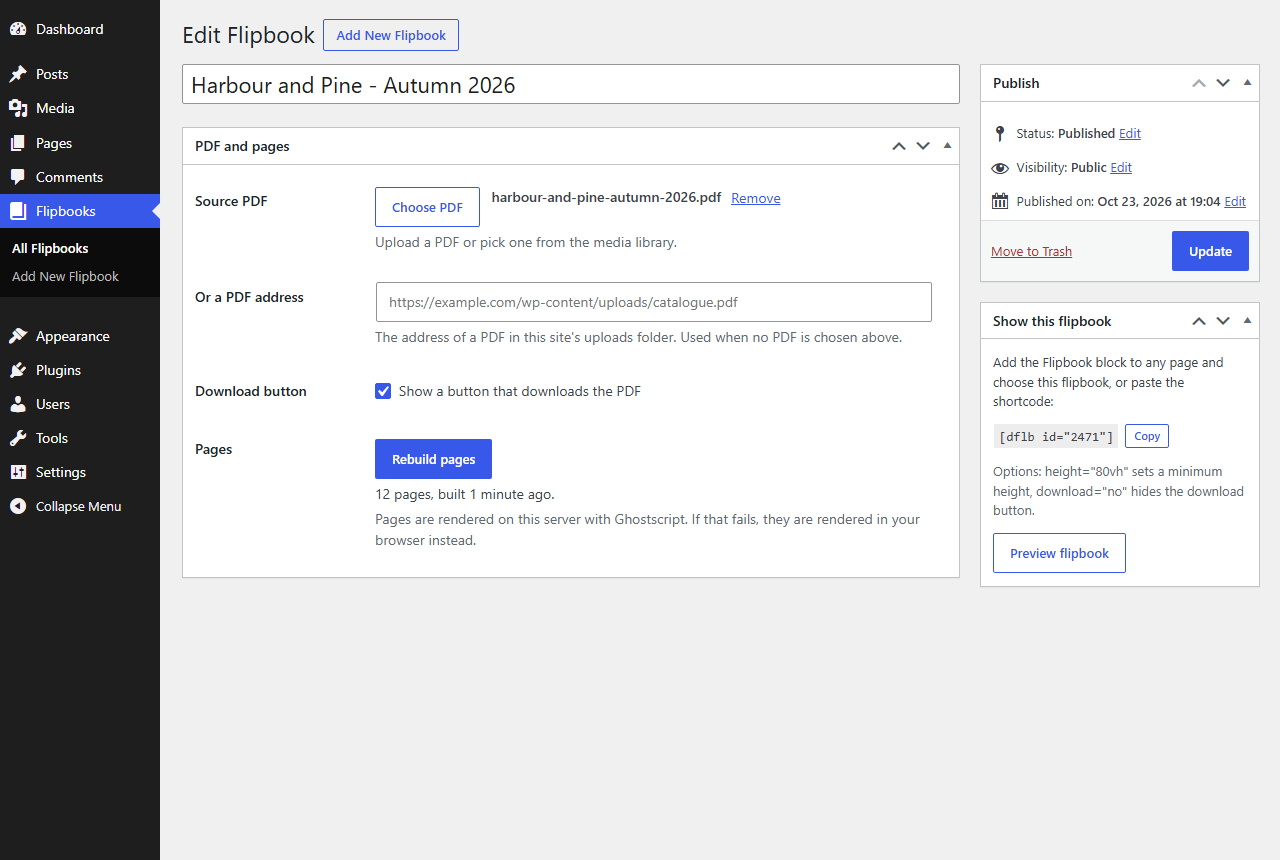
- Go to Flipbooks > Add New Flipbook, give it a title and choose a PDF.
- Click “Build pages”. Each PDF page becomes a web-sized image in your uploads folder.
- Add the Flipbook block to a page, or paste the shortcode
[dflb id="123"].
The viewer
- A two-page spread on desktop and a single page with swipe on phones.
- Realistic page turns: drag a corner, click, swipe, or use the arrow keys.
- Toolbar with first, previous, next and last page, a page counter, zoom with drag to pan, fullscreen and an optional download button.
- Page images load a few pages ahead of the reader, so a 200 page catalogue does not download all at once.
- Keyboard and screen reader friendly: labelled buttons, a live page counter, and focusable pages that answer to the arrow keys, Home and End.
Works on any host
Pages are rendered once, when you build the flipbook, so visitors only download images. If your server has Ghostscript or the Imagick PHP extension, the pages are rendered on the server. If it has neither, which is common on shared hosting, the pages are rendered in your own browser with the bundled PDF.js library and uploaded to your site one at a time. Large PDFs are built in small steps, so there are no time-outs.
A rebuild writes into a separate folder and only replaces the live pages when every page is ready, so a flipbook never shows half a catalogue.
Also included
- A Flipbook block with a flipbook picker, cover preview, wide and full width alignment, a minimum height and a download setting.
- Shortcode options:
height="80vh"anddownload="no". - An editor-only preview page for each flipbook.
- A notice when the source PDF has changed since the last build.
- WP-CLI commands for servers with Ghostscript or Imagick:
wp dflb create,wp dflb buildandwp dflb build-all.
Third-party libraries
The plugin bundles two open source libraries. Their licences are compatible with the GPL and included in the plugin folder.
- StPageFlip 2.0.7 by Nodlik, MIT licence. The page-flip viewer. Source: https://github.com/Nodlik/StPageFlip
- PDF.js 6.4.299 by Mozilla, Apache License 2.0. Renders PDF pages in the browser on hosts without a server-side renderer. Source: https://github.com/mozilla/pdf.js (the files in assets/lib/pdfjs are the unmodified legacy build, character maps and image decoders from the pdfjs-dist package; pdf.min.mjs and pdf.worker.min.mjs are renamed to .js so every web server sends them with a JavaScript content type).
- The WebAssembly image decoders that come with PDF.js: OpenJPEG (BSD 2-Clause), the JBIG2 decoder from PDFium (BSD 3-Clause) and qcms (MIT). Their licence files are in assets/lib/pdfjs/wasm/.