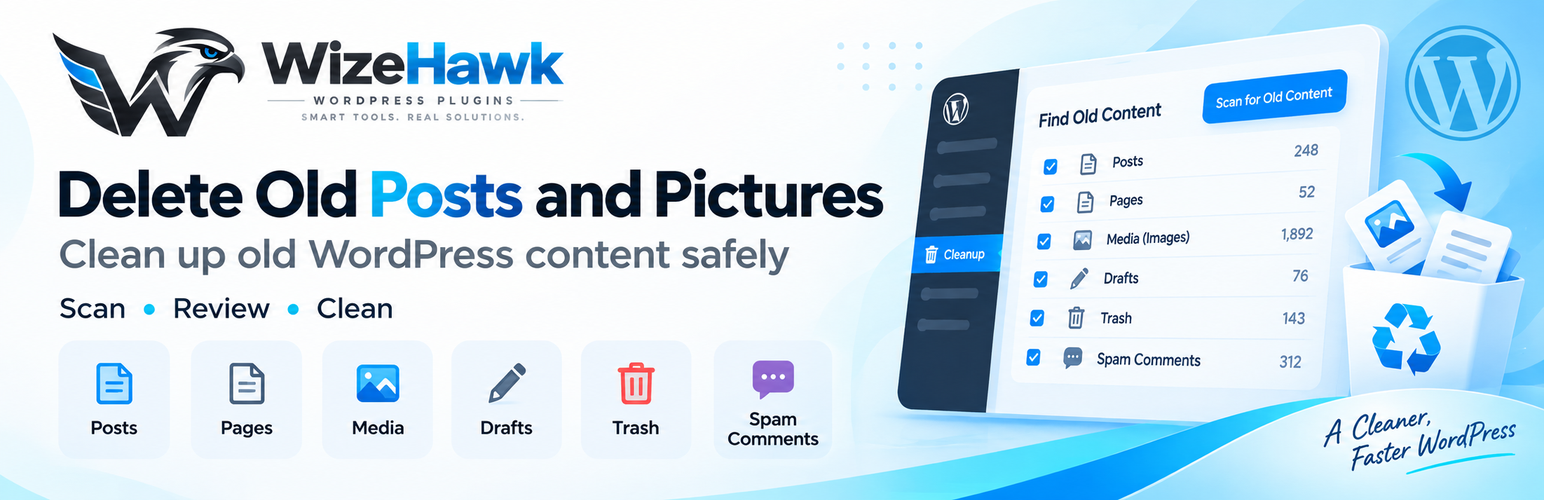

Delete Old Posts and Pictures – Content Cleanup by Wizehawk
v3.2.6Wizehawk · 2023年8月12日 上架
Safely find and clean old WordPress posts, pages, media, drafts, trash, and spam comments with a simple Scan -> Review -> Clean workflow.
- 正在使用
- 10+
- 评分
- 暂无
- 累计下载
- 6,400
- 最近更新
- 2026年9月24日
贡献者
 Wizehawk
截图


Delete Old Posts and Pictures helps you clean up old WordPress content without guessing what is safe to remove.
Instead of bulk-deleting blindly, the plugin gives you a simple workflow:
Scan -> Review -> Clean
Run a scan, inspect what WordPress found, and choose exactly what you want to clean.
Clean up old WordPress content
- Scan posts, pages, and other admin-visible post types by age.
- Filter results by status.
- Preview up to 100 of the oldest matches before taking action.
- Move selected content to Trash by default.
- Permanently delete content only when you explicitly choose to do so.
Find old media before deleting it
- Scan image attachments by age.
- See image previews, filenames, dates, and original file sizes.
- Identify common protected references such as site icons, custom logos, featured images, WooCommerce product galleries, and filenames referenced in post content.
- Flag attached images for review instead of treating them as obviously unused.
- Permanently delete selected attachments through WordPress so generated image sizes are cleaned up too.
- Re-check protected references immediately before deletion.
Quick Cleanup
Quick Cleanup gives you a faster way to deal with common WordPress clutter:
- Old drafts.
- Content already in Trash.
- Spam comments.
- Trashed comments.
Cleanup runs in batches of up to 100 items to reduce the chance of timeouts on larger sites.
Built for safer cleanup
Deleting old content can cause real damage if a cleanup tool guesses wrong. This plugin is designed to keep you in control.
- Administrator-only access.
- Scan-first workflow.
- Read-only scans.
- Explicit confirmation before destructive actions.
- Media protection checks.
- Cleanup history for the last 50 actions.
- WordPress-native deletion functions for posts and attachments.
- No direct SQL DELETE statements against posts or attachments.
Good uses for the plugin
- Cleaning old or neglected WordPress sites.
- Removing stale drafts and trashed content.
- Reviewing old image libraries.
- Tidying development and staging sites before launch.
- Reducing clutter before a site migration or redesign.
- Routine WordPress housekeeping.
Important: No automated cleanup tool can understand every theme, page builder, plugin, custom field, CSS reference, or external media connection. Review questionable media before deleting it and keep a current backup before permanent cleanup.